
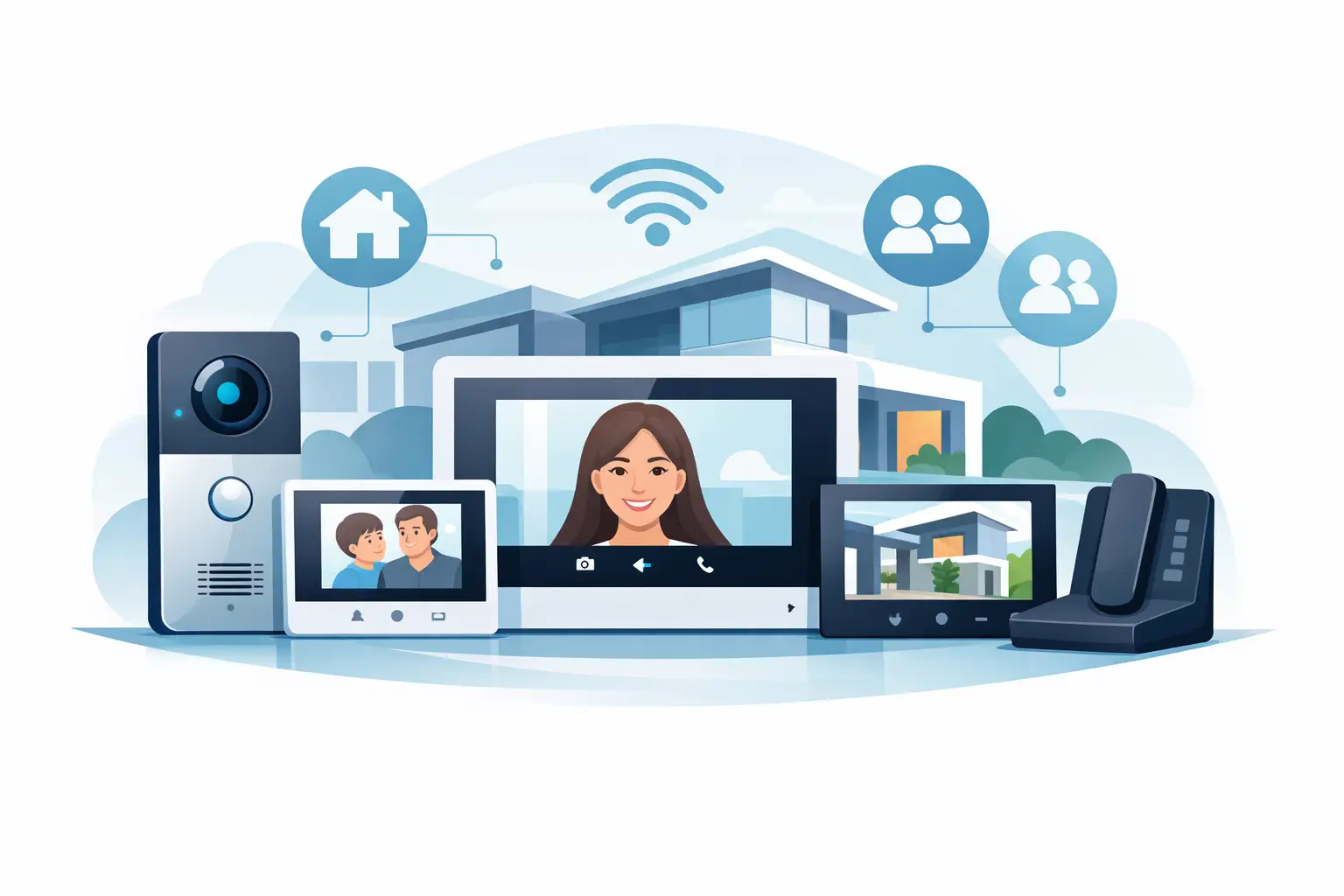
When a property needs more than a single front-door screen, the zdl 10 multi-station home video intercom system becomes a practical category to look at. This type of setup is built for sites where visitor communication has to reach multiple indoor stations, not just one monitor by the entry. That matters in larger homes, multi-level residences, small offices, mixed-use properties, and light commercial spaces where access decisions are made from more than one location.
The real buying question is not whether video intercom is useful. It is whether a multi-station layout fits the way the building actually operates. For some properties, one master monitor and one door station are enough. For others, that approach creates missed calls, delayed entry, and too much dependence on a single person being near one screen at the right moment.
Where a zdl 10 multi-station home video intercom system makes sense
A multi-station system is usually the right fit when daily traffic, building size, or staffing patterns make single-point answering unreliable. In a large residence, that may mean a front gate, a main door, and indoor monitors on different floors. In a small business, it may mean a front entrance that can be answered by reception, a manager’s office, or a back-office station depending on who is present.
This is also a common fit for owner-occupied two-flat properties, private schools, side-entry office spaces, and workshop environments where people move around during the day. If visitor calls can only be answered from one station, the system becomes less useful the moment that station is unattended.
There is a trade-off, though. More stations improve coverage and convenience, but they also increase planning requirements. Cable runs, power distribution, monitor placement, door release wiring, and user permissions all matter more once the system expands beyond a basic one-door, one-monitor setup.
What buyers usually mean by “multi-station”
Not every buyer uses the same definition. Sometimes multi-station means one door station with several indoor monitors. Sometimes it means several entry points and several indoor stations. In other cases, the buyer expects internal communication between stations in addition to visitor video and door release.
That difference matters because system architecture changes the equipment list. A property that only needs shared answering at one front door is simpler than a site that wants front and rear entry, gate communication, and selective station-to-station calling. Before comparing models, it helps to define whether the system is expected to handle only visitor screening or also support broader communication and access-control functions.
Core components in a ZDL 10 multi-station home video intercom system
Most systems in this category are built around a door station with camera, one or more indoor monitors, a power source, and the wiring or network path that ties them together. If door release is part of the project, then the lock type and power requirements need to be addressed at the same time.
That is where many installations get underspecified. Buyers focus on the monitor and camera, then realize later that the electric strike, maglock, relay output, power supply, and exit hardware were not planned as part of the same system. A good intercom layout is not just about seeing and speaking to visitors. It is about controlling entry in a way that is electrically correct and operationally consistent.
For example, if the opening uses a fail-secure electric strike, the release setup will differ from a maglock on a gate or vestibule door. If the property needs timed unlock, request-to-exit devices, or code compliance considerations, the intercom should be chosen with those requirements in mind rather than added after the fact.
Planning the layout before you buy
The fastest way to avoid installation delays is to map the property first. Count every door station, every indoor station, and every place where a user may need to answer a call. Then review cable distance, mounting height, weather exposure, and lock hardware at each opening.
A practical plan starts with a few direct questions. How many entrances need video? Who needs to answer them? Does every station need door release, or only selected stations? Is the site a residence, an office, or a mixed-use property with different access patterns during the day?
Distance is especially important. Some multi-station systems are forgiving on cable length, while others are more limited or need specific wire gauges and topologies. If the building has long runs to a detached gate, a garage entrance, or a secondary office area, that can affect system selection immediately.
Power planning deserves the same attention. Shared power across monitors and locks may look simple on paper, but field conditions often make separate power supplies or protected circuits the better choice. Clean planning at this stage saves troubleshooting later.
Installation considerations that affect reliability
The best zdl 10 multi-station home video intercom system on paper can still perform poorly if the installation is rushed. Monitor placement should support normal use, not just wall space availability. If a screen is mounted where staff rarely stand or where residents cannot hear it clearly, missed calls will continue even with good equipment.
Door station location matters just as much. Camera angle, backlighting, rain exposure, and visitor reach all affect day-to-day performance. A door station mounted too low, too high, or too close to direct glare can reduce image usefulness even if the camera specification looks good.
Wiring discipline is another factor. Running intercom cable beside noisy power circuits, using the wrong conductor size, or improvising splices in inaccessible areas can create intermittent problems that are hard to diagnose. Installers usually know this, but end users planning a retrofit often underestimate how much the cable path affects long-term reliability.
If the project is a retrofit, check the existing wall box sizes, conduit condition, and available power early. Reusing infrastructure can save time, but only if it actually matches the new system’s requirements.
How to evaluate fit for residential and light commercial use
A home installation usually prioritizes ease of use, clear video, and enough indoor stations to cover the way people move through the house. A light commercial installation often adds more emphasis on controlled entry, staff coverage, and compatibility with release hardware.
That difference changes the buying decision. In a residence, the owner may want simple touch operation and room-to-room convenience. In a small office or managed property, the priority may be call handling from multiple stations, durable entry hardware, and predictable release performance throughout the day.
This is why product selection should follow use case, not just screen size or price. A lower-cost system may be fine for a single-family retrofit with modest traffic. A busier site with multiple users, scheduled deliveries, and regular access requests usually benefits from a more structured setup and better expansion support.
Common mistakes when specifying a multi-station system
One common mistake is undercounting stations. Buyers often start with the minimum number of monitors, then add more after installation begins. That can create compatibility issues, power limitations, or unnecessary labor if the original design did not account for expansion.
Another mistake is treating the intercom as separate from the door hardware. If the property needs secure visitor entry, the lock, closer, exit device, and release method should be reviewed at the same time. Otherwise, the intercom may work perfectly while the opening itself remains inconsistent or difficult to control.
A third issue is assuming every site needs the same level of complexity. Sometimes a large property still functions well with one main answering point and one secondary station. Other times a smaller building needs broader station coverage because staff are mobile and the front area is frequently unattended. It depends on traffic flow, staffing, and the physical layout.
Support matters as much as the equipment
For professional buyers and serious property owners, product support is part of the system value. A multi-station video intercom is not a casual electronics purchase. It has to match the application, the door hardware, and the installation method.
That is why experienced distributors remain valuable on these projects. A showroom-based and technically oriented supplier such as UnikCCTV can help buyers sort through compatibility questions before hardware is ordered, especially when the project involves multiple stations, door release, or site-specific constraints.
If you are comparing options in the zdl 10 multi-station home video intercom system category, the smartest next step is to define the building layout and the entry-control goal with precision. Once those two pieces are clear, the right system usually becomes obvious – and the installation goes a lot smoother.
 No products in the cart.