
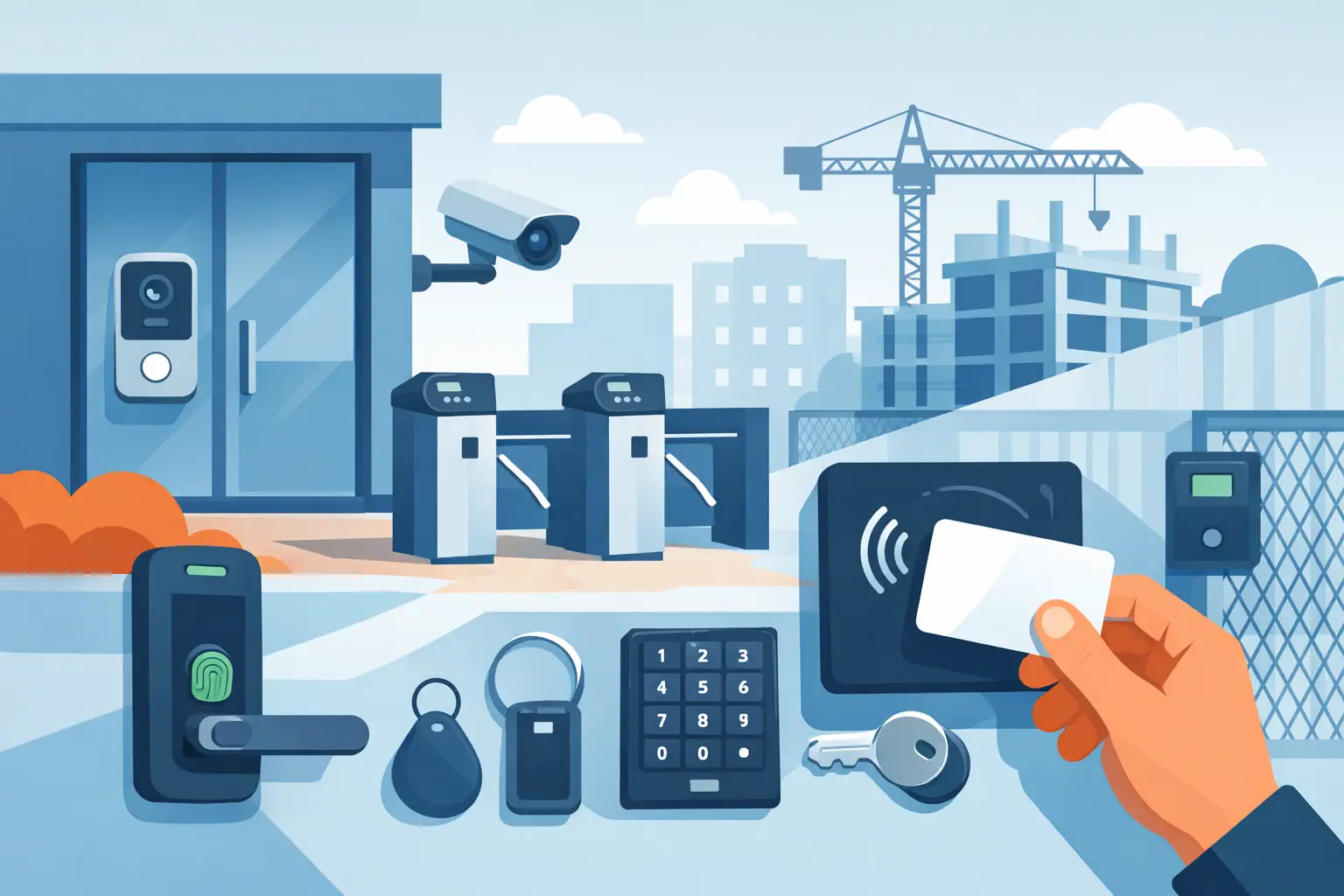
A door that looks simple on a floor plan can become the weak point of an entire property. The opening may need to handle deliveries, staff shift changes, residents, visitors, emergency egress, weather exposure, and constant use – often with a mix of old and new hardware. This guide to building access hardware helps property teams, installers, and decision-makers specify equipment around the actual opening and operating requirements, not just a lock model or reader style.
Start With the Door and Its Daily Use
Access control hardware is never selected in isolation. The door construction, frame condition, swing direction, occupancy type, traffic level, and fire rating all affect what can be installed. A hollow metal commercial door may accept an electric strike or maglock solution differently than a narrow-stile aluminum storefront door, a wood apartment entry door, or an exterior gate.
Begin by documenting each opening. Confirm whether it is a single door, pair of doors, glass storefront, rolling gate, pedestrian gate, or an interior controlled opening. Record the handing and swing, frame depth, latch type, available mounting space, and whether the opening is rated. For exterior doors, identify rain, direct sun, temperature variation, and corrosion exposure. These details prevent a common and expensive problem: ordering access equipment that cannot physically fit or perform reliably at the site.
Daily operation matters just as much. A back-office door used 20 times a day has different requirements than a school entrance used by hundreds of people during arrival and dismissal. High-cycle openings benefit from commercial-grade locks, properly sized power supplies, and request-to-exit devices designed for repeated use. For a managed apartment building, the system may also need visitor communication and remote release, not only credential access.
The Core Parts of Building Access Hardware
A controlled opening usually combines mechanical door hardware, an electrified locking device, a method of credentialing or requesting entry, power, and a controller or relay. A failure in any one of these components can leave the opening insecure or unusable.
Locking Devices: Electric Strikes, Maglocks, and Electrified Locks
An electric strike replaces or works with the strike area of a door frame, allowing an existing mechanical latch to release when authorized. It is often a practical choice when the door already has compatible cylindrical or mortise lock hardware. Electric strikes can be a good fit for offices, apartment entries, and many commercial doors, but frame preparation, latch geometry, and alignment must be verified before ordering.
Magnetic locks hold the door closed with an electromagnetic force. They are common on glass storefronts, aluminum doors, gates, and openings where strike installation is difficult. A maglock requires proper mounting brackets, a compatible armature plate, a release method, and life-safety coordination. Because it relies on continuous power to stay locked, it is typically fail safe: power loss releases the door.
Electrified mortise locks, cylindrical locks, and exit devices provide another approach. They can offer a cleaner installation and preserve mechanical key override where required, but hardware prep and compatibility become more specific. On a high-traffic commercial opening, an electrified panic device may be the right choice when code-compliant egress and controlled exterior entry must work together.
The choice is not simply electric strike versus maglock. It depends on the door, code requirements, security level, expected traffic, and whether the opening must remain locked or unlocked during a power failure. That decision must be made with the authority having jurisdiction and applicable fire and life-safety requirements in mind.
Credentials and Entry Devices
Keypads, proximity readers, card readers, fobs, mobile credentials, and biometric readers all control who can request entry. The right method depends on how people use the property and how access needs to be managed.
For a small office or storage area, a standalone keypad may be sufficient. It keeps access simple and avoids issuing physical keys to every user, although code sharing can weaken accountability. A multi-door office, school, warehouse, or apartment property generally benefits from card or fob credentials tied to a controller. Lost credentials can be removed without rekeying doors, and access can be limited by door, schedule, or user role.
Intercom and video intercom systems add a visitor-management layer. At a front entrance, a tenant, receptionist, guard station, or mobile user can identify a visitor and release the door remotely. For multi-unit buildings, make sure the selected intercom supports the needed number of units, desired call method, wiring path, door-release relay, and indoor or mobile answering devices.
Controllers, Relays, and Software
The controller is the decision point of a networked access system. It receives a credential request, checks permissions, activates the lock relay, monitors door status, and may record activity. One-door systems can be appropriate for a limited application, while larger facilities may require multi-door panels with expansion capacity.
Do not size a controller only for the number of doors currently in service. Consider future tenant buildouts, secondary entrances, elevator control, gates, and storage areas. Adding a few spare doors at the design stage can be more economical than replacing panels and rerouting wiring later.
For networked systems, confirm how the controller communicates with management software and whether the customer needs local management, cloud administration, event reporting, or integration with cameras and intercoms. Integration can be useful, but it should serve an operating need. A property manager who needs to review a door event alongside video has a different requirement than a small business that only needs reliable entry for ten employees.
Plan Power, Wiring, and Door Monitoring Early
Many access issues are power and wiring issues disguised as lock problems. Every lock, reader, controller, intercom, request-to-exit device, and accessory needs compatible voltage, current capacity, and cable routing. Calculate the power draw for normal operation and peak events, then allow appropriate headroom. A power supply at its limit may work during testing and fail under a real load.
Separate power requirements also need attention. A maglock, for example, can draw power continuously, while an electric strike may draw power only during release. Battery backup requirements depend on the application, local code, and security plan. A door that releases during a short outage may be acceptable at one location and unacceptable at another, provided life-safety rules are met.
Door position switches and request-to-exit devices should not be treated as optional accessories. A door contact allows the system to know whether the opening is actually closed. This supports forced-door and held-open alerts. Request-to-exit hardware provides a proper means of releasing the lock from the secure side, particularly where free egress is required. For some applications, motion sensors, push buttons, touchless switches, or exit devices may be appropriate, but the selected method must match the door use and code requirements.
Cable transitions, electrified hinges, and door loops also deserve careful planning. Running wire from the frame to a moving door without the correct transition hardware is a frequent source of broken conductors and intermittent service calls.
Build Around Life Safety, Not Around a Shortcut
Access control must never interfere with safe egress. Doors in a means of egress may require listed hardware, fire-alarm interface, emergency release, signage, or specific release timing. Requirements vary by occupancy, jurisdiction, door location, and hardware type.
A fail-safe lock unlocks when power is removed. A fail-secure lock stays locked when power is removed but can typically be opened from the inside through normal mechanical egress hardware. Neither is universally better. A server room may prioritize continued security, while a controlled front entrance may need to release on loss of power or alarm activation. The correct selection comes from the full opening design, not a general preference.
Fire-rated doors create additional constraints. Hardware modifications can affect the door assembly rating, and the lock, exit device, closer, and frame condition may all matter. Before modifying a rated opening, verify the listed components and obtain the appropriate approval. This is one area where a low-cost workaround can create a serious compliance and liability issue.
Match the System to the Property Type
An apartment building often needs unit calling, tenant credentials, lobby release, package-area control, and easy replacement of lost fobs. An office may prioritize scheduled access, audit trails, and integration with a reception intercom. Schools commonly need a controlled main entry, visitor screening, lockdown procedures, and dependable egress at occupied doors. Warehouses and factories may need access at personnel doors, gates, equipment rooms, and restricted production areas, with hardware built for dust, weather, and shift-based traffic.
The system does not need every available feature. More equipment can increase cost, training needs, and service complexity. The best design is the one that gives the site clear control over entry, preserves safe exit, and can be maintained by the people responsible for it.
Specify the Opening Before Buying the Hardware
Before requesting a quote or placing an order, provide the door type, photos of the door and frame, lock and latch measurements, desired credential method, number of users, power availability, and any fire-rating or egress information. For an existing system, include model numbers and a description of the problem. This gives an equipment supplier or installer the information needed to identify compatible hardware rather than making assumptions from a general door description.
UnikCCTV works with installers, property teams, and end users who need that application-focused approach, from replacement access components to complete entry and communication systems. A few accurate details at the start can prevent mismatched hardware, repeat labor, and doors that do not operate as intended. Treat every opening as its own application, and the final system will be easier to install, safer to operate, and simpler to support over time.



 No products in the cart.