
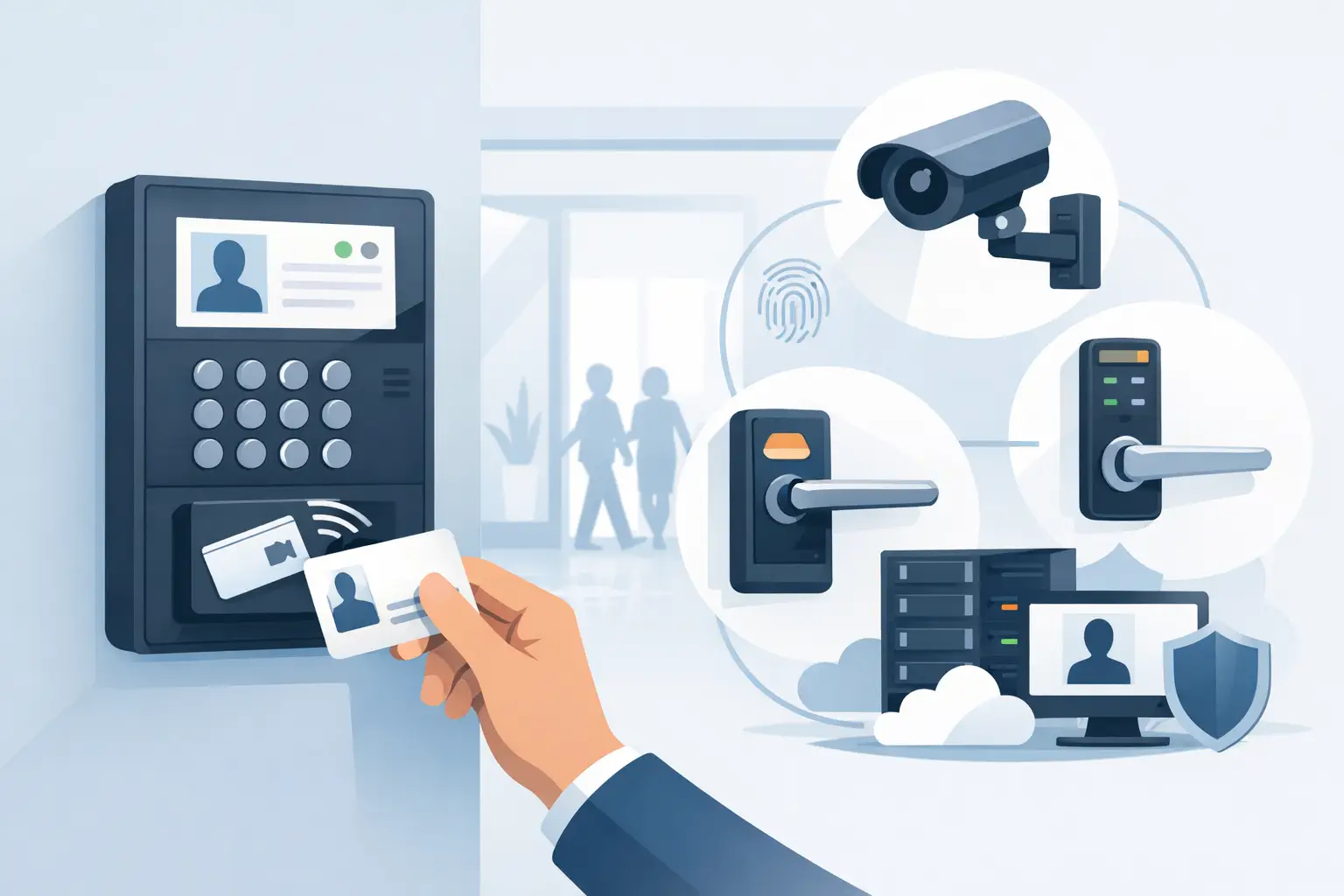
A door reader may be the part users see, but the access control panel is where the actual decision happens. If you are asking, what is an access control panel, it is the system component that receives credential and door-status information, applies the programmed rules, and tells an electric lock whether to release or remain secure.
For a single office door, a basic panel may sit above a ceiling or in a nearby telecom closet. In an apartment property, school, warehouse, or multi-building site, several panels may work together under centralized management. The panel is not just a connection point for wires. It is the operational control center for each protected opening.
What Is an Access Control Panel?
An access control panel, also called an access control controller, is an electronic board or enclosed controller that manages entry through one or more doors. It connects to readers, keypads, request-to-exit devices, door contacts, electric strikes, magnetic locks, and often fire alarm or intrusion alarm interfaces.
When someone presents a card, fob, mobile credential, PIN, or biometric identifier, the reader sends the credential data to the panel. The panel checks whether that credential is valid for that door at that time. If it is authorized, the panel energizes or releases the locking hardware for a programmed period, such as five or 10 seconds. It can also log the event for later review.
That sequence sounds simple, but the panel handles the rules that make an access system useful in a working building. It can distinguish between an employee allowed into a warehouse at 7:00 a.m. and a visitor whose credential only works at a front entrance during business hours.
What an Access Control Panel Connects To
The exact connections depend on the panel and system architecture, but a typical controlled door has several field devices. The card reader or keypad collects an entry request. A door position switch, often called a door contact, reports whether the door is open or closed. A request-to-exit device allows authorized egress from the secure side. The panel operates the lock through a relay output or supervised lock circuit.
The panel also needs a suitable power source. Electric strikes, maglocks, electrified panic hardware, and electric latch retraction devices can have different voltage and current requirements. A panel may be powered from a dedicated access control power supply, while the locking hardware uses separate fused outputs. Proper power design matters because an undersized or poorly distributed supply can cause intermittent unlocks, reader resets, or doors that do not release reliably.
Many installations also connect the panel to a network. This allows system administrators to add users, change schedules, review events, and monitor door conditions from access control software. Network connectivity is valuable, but it should not be confused with the panel itself. The panel is still the on-site device making door-control decisions.
How the Panel Makes an Access Decision
A properly configured panel uses several inputs to decide what should happen at a door. First, it identifies the credential presented at the reader. Next, it checks the credential against permissions stored locally or received through the system software. It may evaluate the assigned door, time schedule, access level, holiday schedule, anti-passback rule, and other site-specific conditions.
For example, a property manager may issue maintenance staff credentials that work at common-area doors and mechanical rooms from 6:00 a.m. to 8:00 p.m. Those same cards may be denied at tenant-only areas, leasing offices after hours, or restricted storage rooms. The panel applies those decisions consistently without requiring someone to physically unlock each door.
A good controller also monitors the result. If the panel grants access but the door remains open too long, it can create a door-held-open event. If a door opens without a valid credential, a request-to-exit signal, or a scheduled unlock command, it can report a forced-door condition. Depending on the system, those events can trigger local alarms, notifications, camera recording rules, or monitoring workflows.
Panel Capacity: Doors, Readers, and Expansion
Access control panels are commonly selected by door capacity. A single-door controller may be practical for a small office, gate, telecom room, or standalone equipment enclosure. Two-door and four-door panels are common choices where multiple nearby openings need to be managed. Larger systems use multiple networked panels to expand across floors, buildings, or an entire campus.
Door capacity needs to be reviewed carefully because terminology can vary. Some panels are described by reader capacity rather than door capacity. A door with entry and exit readers may consume two reader inputs, even though it is one opening. A panel that supports four readers may therefore control four doors with entry-only readers or two doors with readers on both sides.
Expansion should be considered before hardware is purchased. A system installed for two exterior doors may later need to include a delivery entrance, server room, parking gate, or shared amenity space. Selecting a platform with compatible expansion boards and centralized management can avoid a costly replacement when the property grows.
Networked vs. Standalone Access Control Panels
A standalone controller is generally programmed at the door or through local software and is best suited to smaller applications with limited user management needs. It can be a sensible choice for a storage room, small office, or single gate when event reporting and enterprise-level administration are not required.
A networked panel connects to access control software through Ethernet, Wi-Fi where supported, or another communication method. This approach is better for sites that need multiple doors, user groups, schedules, audit trails, remote administration, or integration with video surveillance and intercom systems. For apartment buildings, schools, commercial facilities, and multi-tenant properties, central management usually provides a clearer operational advantage.
The trade-off is that networked systems require more planning. The installer must account for network configuration, cybersecurity practices, controller addressing, software licensing where applicable, and the customer’s ability to administer the system after turnover. A capable panel does not solve a poorly defined access policy.
Fail Safe, Fail Secure, and Life Safety Considerations
The panel’s lock output must be matched to the locking hardware and the door’s code requirements. This is especially important when choosing between fail-safe and fail-secure operation.
Fail-safe hardware unlocks when power is removed. Magnetic locks are commonly fail-safe, allowing the door to release during a power loss or fire alarm condition. Fail-secure hardware remains locked when power is removed, although free egress must still be provided by the mechanical hardware or approved exit method. Electric strikes are often configured as fail-secure, but available functions vary by model.
These choices affect more than convenience. Fire alarm interfaces, emergency release devices, local building codes, occupancy type, and the door’s existing panic hardware all influence the correct design. A controlled opening should be evaluated as a complete assembly, not as a reader and lock selected independently.
Choosing the Right Access Control Panel
Start with the opening itself. Identify the door material and frame, lock type, expected traffic, whether users enter from one or both sides, and how the door must behave during a power failure or alarm event. Then determine how many doors need control now and what expansion is likely over the next few years.
Credential choice also matters. Proximity cards and fobs remain common and cost-effective. Keypad access can support PIN-based entry or dual authentication. Mobile credentials can reduce the need to issue physical cards, while biometric readers may be appropriate for higher-security areas. The panel and reader technology must be compatible, including the communication protocol used between them.
For managed properties, reporting requirements deserve equal attention. If the customer needs to know who entered a room, when a loading door was held open, or whether a staff credential was used after hours, choose a panel and software platform that records the right events and makes them practical to retrieve.
Installation Details That Affect Reliability
Reliable access control depends on more than the controller specification. Use the correct cable type and conductor count for readers, locks, contacts, and request-to-exit devices. Keep low-voltage wiring organized, labeled, and protected. Verify voltage at the lock under load, not only at the power supply. Confirm that the door closes and latches consistently before expecting electronic access hardware to perform well.
Commissioning should include testing valid and invalid credentials, scheduled unlock periods, request-to-exit operation, door-held-open timing, forced-door reporting, power-loss behavior, and any fire alarm release sequence. Document panel locations, door names, wiring paths, IP settings, and administrator credentials for the customer or facilities team.
An access control panel is most effective when it is selected around the door, the people using it, and the property’s operating rules. Whether the job involves one controlled entrance or a multi-door facility, getting the controller, locking hardware, power, and programming aligned at the start produces a system that is easier to service and more dependable over time.



 No products in the cart.