
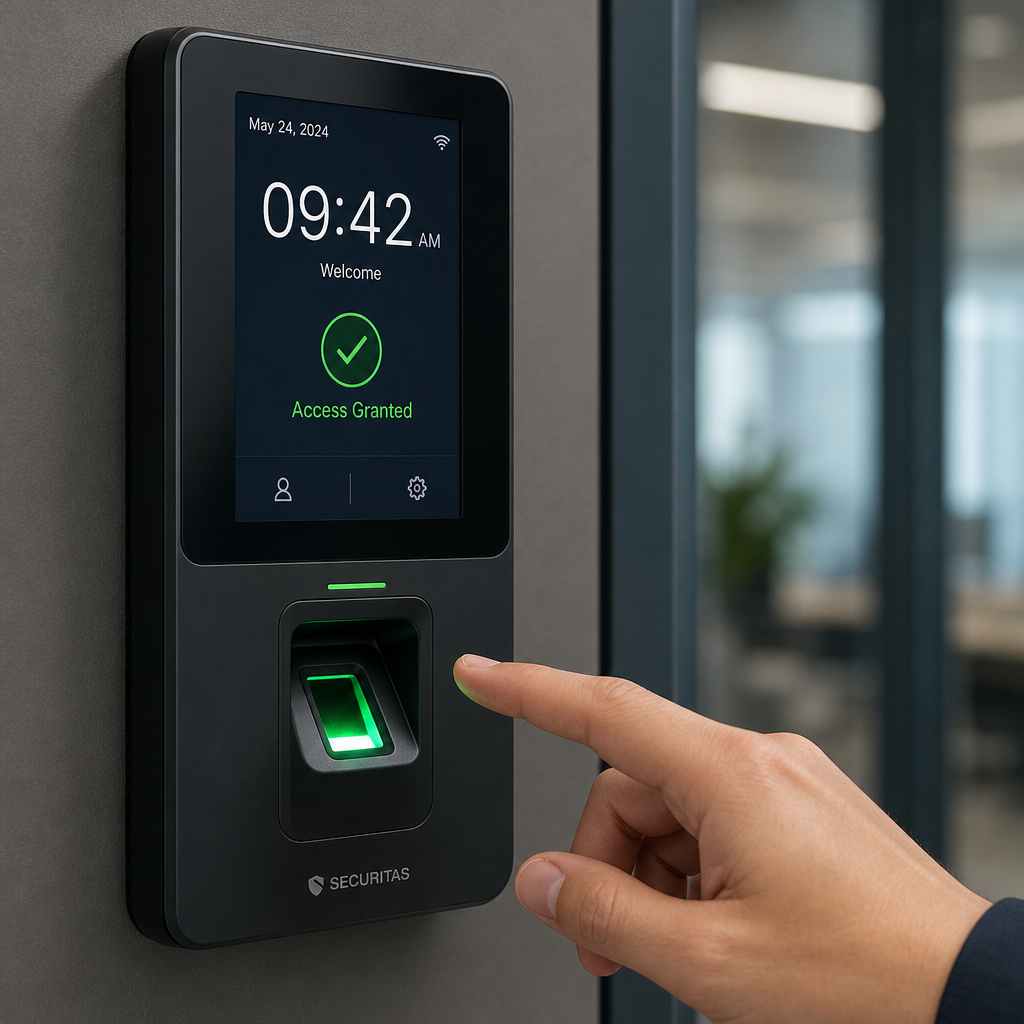
Most property managers and business owners treat their time attendance clock and their access control system as two separate investments sitting in two separate software dashboards. That separation is costing them money. According to the American Payroll Association, buddy punching and time theft cost U.S. employers an estimated 2.2 percent of gross payroll annually. For a business with 50 employees earning an average wage, that figure adds up fast. The good news is that integrating a time attendance clock directly with your access control infrastructure eliminates the majority of that loss while adding a layer of physical security that neither system provides on its own.
Table of Contents
- Quick Takeaways
- Why Running Separate Systems Fails
- How Time Attendance and Access Control Integration Works
- Hardware Options: Biometric, Card-Based, and Facial Recognition
- Workforce Management Security Benefits You Actually Measure
- Comparison: Three Integration Approaches for Different Property Types
- Step-by-Step Implementation for Property Managers and Business Owners
- Common Mistakes That Undermine the Integration
- Frequently Asked Questions
- References
Quick Takeaways
| Key Insight | Explanation |
|---|---|
| One credential eliminates buddy punching | When the same biometric or card credential unlocks the door AND records attendance, a second employee cannot swipe in on behalf of an absent coworker. |
| Real-time presence data improves emergency response | Integrated systems generate an accurate headcount of who is physically on-site at any moment, which is critical during evacuations or lockdowns. |
| Facial recognition locks outperform PIN-only systems for accuracy | PIN codes can be shared; facial recognition cannot. Pairing facial recognition locks with time attendance software produces auditable, individual-level records. |
| Access logs double as payroll proof | Door-entry timestamps serve as a secondary audit trail when employees dispute hours, reducing HR arbitration time significantly. |
| Wireless transmitters allow retrofits without major construction | Existing buildings without conduit runs can still achieve full integration by using wireless transmitters to connect readers to the central controller. |
| Shift-based access rules prevent unauthorized overtime | Access control schedules can be programmed to deny entry outside assigned shift windows, automatically preventing unclaimed overtime hours. |
| Integration reduces software licensing costs | Unified platforms eliminate the need to pay separately for standalone time and attendance software and a standalone access management platform. |
Why Running Separate Systems Fails
The core problem with standalone employee time attendance solutions is that they record what an employee claims about their arrival, not what physically happened at the door. A traditional punch clock has no relationship with your gate access control or door entry system. An employee can badge into the building at 8:47 a.m. but punch the clock at 8:30 a.m., and your system has no way to catch the discrepancy.
Separate systems also create administrative overhead that compounds daily. HR staff manually cross-reference two data sets to investigate anomalies. Payroll runs longer. Disputes sit unresolved because neither system is authoritative on its own. In practice, facilities that run access control and time attendance as independent tools spend significantly more time on payroll reconciliation every pay period than those using an integrated platform.
The data consistently shows that the longer two systems remain siloed, the more each one degrades in accuracy. Credentials go unrevoked in the access system after termination. Clock-in habits drift. Both problems carry real security and compliance risk.
How Time Attendance and Access Control Integration Works
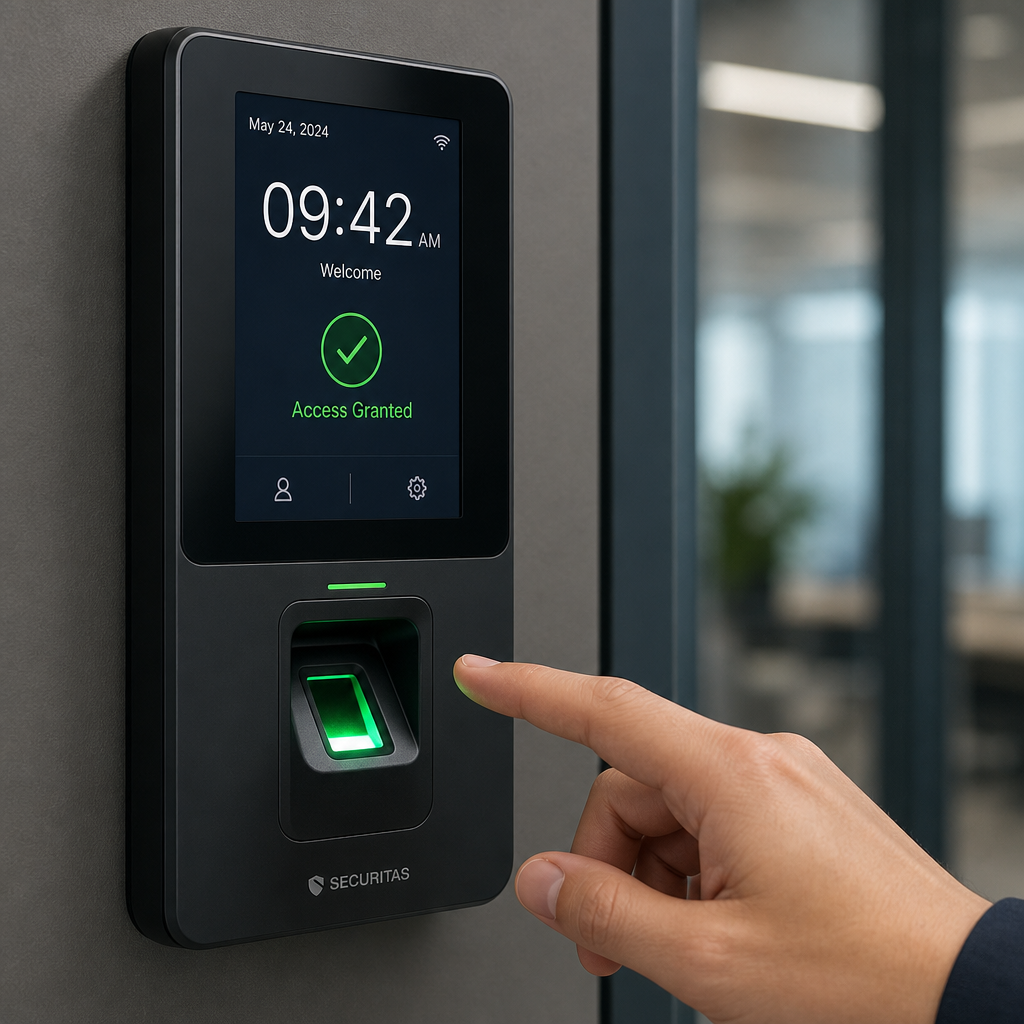
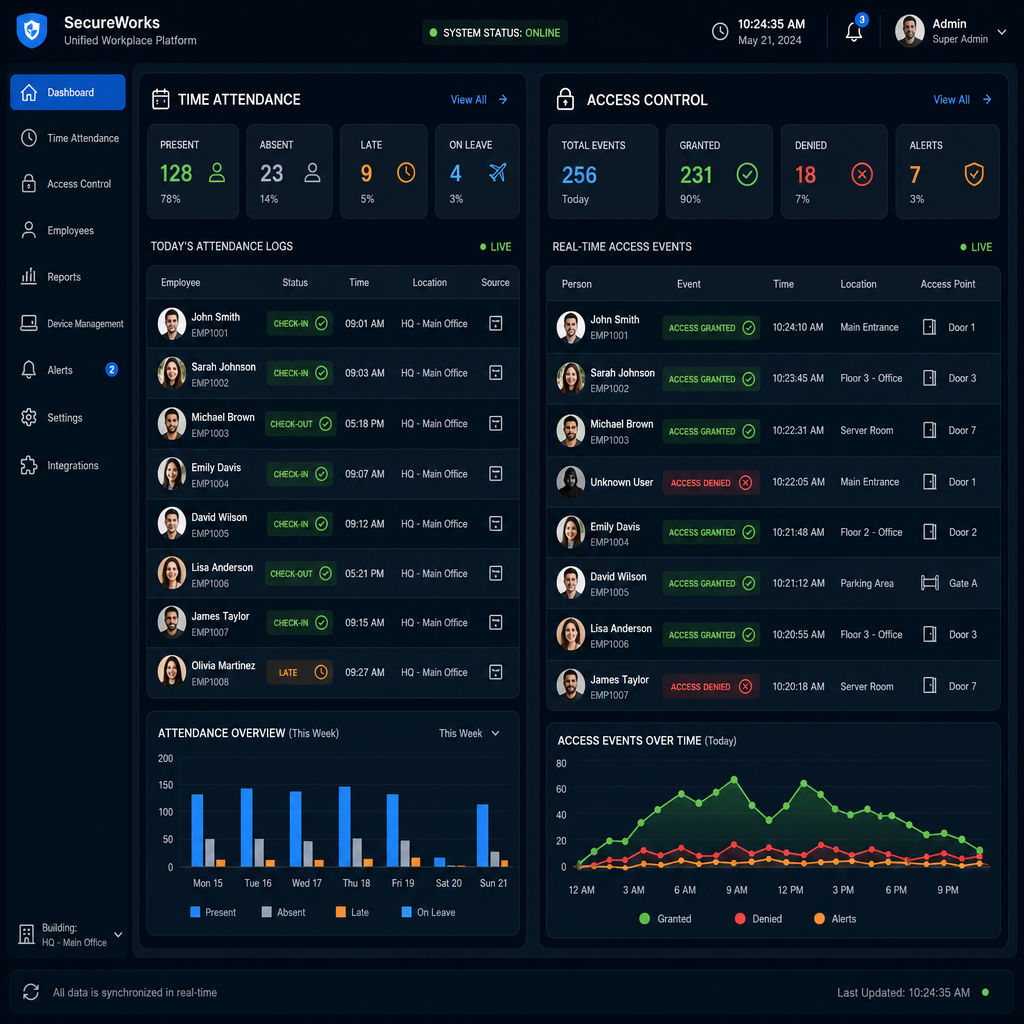
At the technical level, integration means that the same credential event that triggers a door strike or gate release simultaneously writes a timestamped record to the attendance database. The two systems share a common middleware layer, which is typically either a proprietary unified platform or an API bridge between separate hardware controllers and attendance software.
The Three Components That Must Communicate
A functioning integrated setup requires three components to exchange data in real time. First, the credential reader at the door or gate captures the identity event. Second, the access controller evaluates whether that credential has permission to open that specific door at that specific time. Third, the attendance management software receives the event and logs it against the employee profile.
When these three talk to each other through a common protocol, typically Wiegand for legacy hardware or OSDP for newer installations, the door event IS the clock-in event. There is no separate action required from the employee, which is exactly what removes the opportunity for manipulation.
Cloud-Based vs. On-Premise Integration
Cloud-based platforms push door events to a hosted database accessible from any device, which suits multi-site property managers who need to monitor attendance across several locations from a single interface. On-premise systems keep all data within the local network, which some regulated industries and government facilities require for compliance reasons. Both architectures support the same core integration logic. The choice comes down to connectivity reliability, IT infrastructure, and data sovereignty requirements specific to your operation.
Pro tip: If you manage more than one property, always choose a cloud-hosted platform that supports multi-site rollups. Logging into separate local interfaces for each building defeats the efficiency gains that integration is supposed to deliver.
Hardware Options: Biometric, Card-Based, and Facial Recognition
The type of credential reader you install determines both the security strength of your access control and the accuracy of your attendance records. Not all readers are created equal, and choosing the wrong one for your environment is one of the most common and expensive mistakes facility operators make.
Biometric Fingerprint Readers
Biometric access systems are the most widely deployed integrated solution in commercial buildings. A fingerprint cannot be handed to a coworker, which directly eliminates buddy punching. They work well in office environments where employees are not wearing gloves and where cleanliness standards are reasonably maintained. In manufacturing or food production environments, fingerprint readers can struggle with dirty, oily, or damaged fingertips, producing false rejections that slow down ingress during shift changes.
Facial Recognition Locks
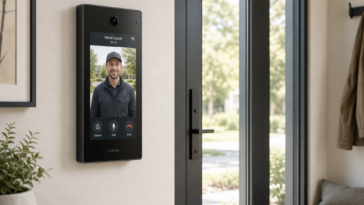
Facial recognition locks have become the preferred solution for high-traffic entry points and environments where hands-free access is necessary. Modern units achieve false acceptance rates below 0.001 percent according to NIST face recognition vendor testing. For attendance purposes, the face is both the key and the identity proof simultaneously, which creates the cleanest audit record of any credential type. UnikCCTV carries facial recognition systems specifically suited for both commercial office doors and residential apartment building entry points, where touchless operation also reduces maintenance concerns.
Card and Fob Readers
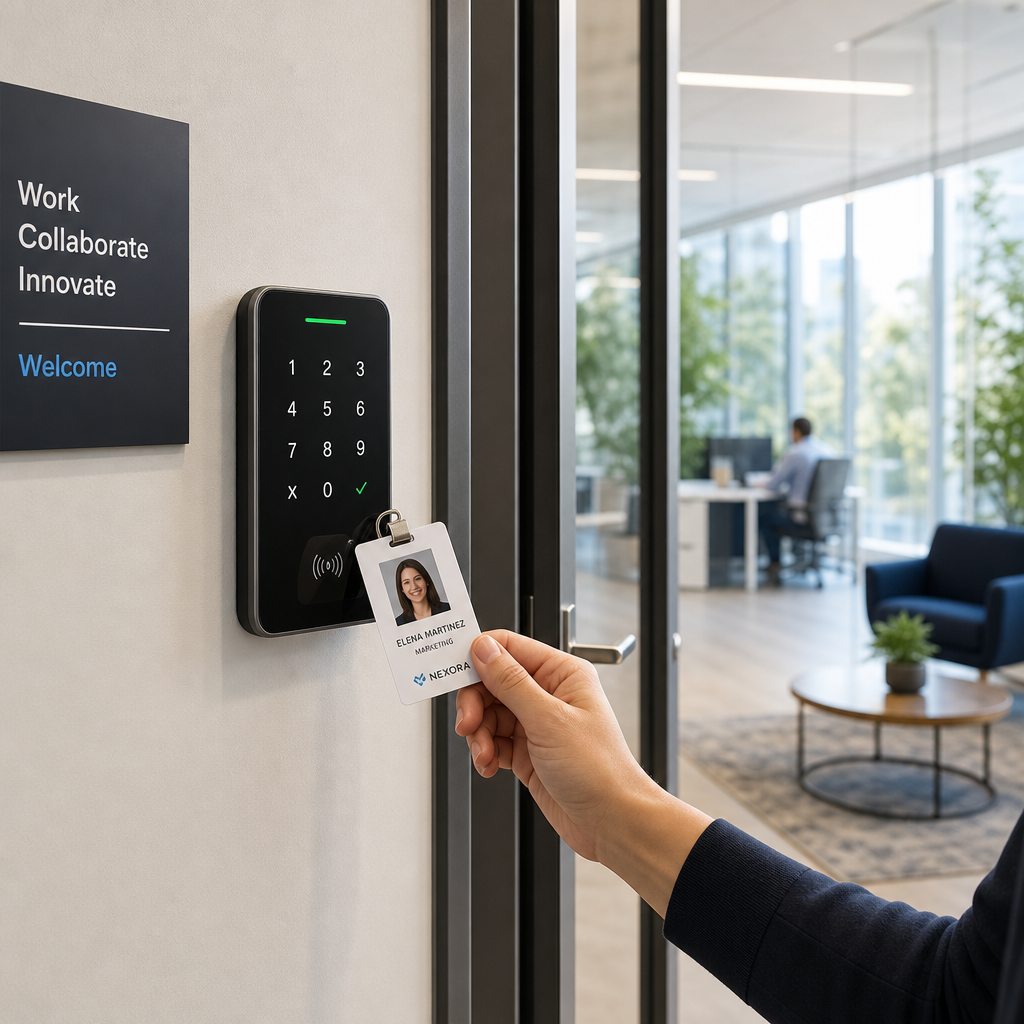
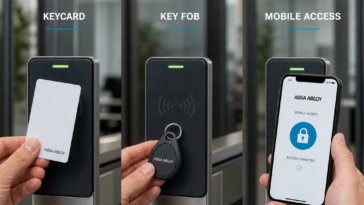
Proximity cards remain the most cost-effective option for large workforces where per-unit credential cost matters. The tradeoff is that cards can be shared. If workforce management security is the primary driver, cards should be paired with a PIN requirement or camera verification at high-sensitivity doors rather than used alone. For general office access where time theft is a lower risk than for hourly-wage environments, card-based systems integrated with attendance software still deliver a measurable improvement over standalone punch clocks.
Workforce Management Security Benefits You Actually Measure
Integration between a time attendance clock and access control produces benefits that show up in specific, trackable metrics. The clearest gains appear in four areas that property managers and business owners can measure within the first 90 days of deployment.
Payroll Accuracy
When door events drive attendance records, rounding errors and manual entry mistakes disappear from payroll. The Society for Human Resource Management notes that payroll errors affect approximately 49 percent of employees at some point in their tenure and erode trust when they occur. Integrated systems eliminate the manual data transfer step entirely, and with it, the transcription errors that generate those disputes.
Unauthorized Access Reduction
Access control schedules can be synchronized with shift schedules pulled from the attendance platform. An employee whose shift ends at 4:00 p.m. can be automatically denied access to restricted areas after 4:15 p.m. without any manual credential update. This is not theoretical. In practice, businesses that enable shift-synchronized access rules report measurably fewer incidents of employees accessing facilities outside their authorized windows.
Audit Trail Depth
Regulatory environments including healthcare, financial services, and government contracting often require demonstrable records of who was physically present in a secure area and when. Integrated systems produce an immutable log that satisfies most compliance requirements without additional documentation effort. The access event itself is the attendance record, and both live in the same auditable database.
Pro tip: Export attendance reports monthly and store them in a secondary location. Even cloud platforms can have data retention policies that delete records older than 12 months on entry-level subscription tiers. Having an independent archive prevents compliance gaps during audits.
Comparison: Three Integration Approaches for Different Property Types
The right integration architecture depends heavily on your property type, workforce size, and existing infrastructure. The following comparison addresses the three most common scenarios that UnikCCTV serves across residential, small commercial, and large facility deployments.
| Integration Approach | Best Fit | Key Tradeoffs |
|---|---|---|
| Unified biometric platform (fingerprint reader + integrated attendance software) | Small to mid-size businesses with 10-200 employees, single or dual entry points | High accuracy, no buddy punching. Higher per-unit cost than card readers. Requires clean hand conditions. |
| Facial recognition lock + cloud attendance dashboard | Multi-tenant office buildings, apartment complexes, healthcare facilities needing touchless access | Hands-free and highly accurate. Best uptime in hygiene-sensitive environments. Requires adequate lighting at entry points for consistent reads. |
| Card reader + PIN + API-linked attendance software | Large facilities with 200+ staff where per-credential cost matters and full biometric rollout is not feasible | Lower hardware cost per door. Cards can be shared unless combined with PIN. API bridge requires periodic maintenance to stay synchronized. |
Step-by-Step Implementation for Property Managers and Business Owners
Getting the integration right requires a sequenced approach. Jumping straight to hardware installation without mapping your data flow is where most failed deployments begin.
Step 1: Map Every Entry Point That Needs Dual-Function Coverage
Not every door needs to be an attendance checkpoint. Identify the specific entry points where employees clock in, typically main entrances, shift-specific gates, or department-level access points. Focusing the integration on those locations reduces hardware cost without compromising attendance data accuracy. Secondary interior doors can remain access-only without a time attendance function.
Step 2: Audit Your Existing Infrastructure Before Buying Hardware
Assess whether existing wiring, conduit, and power supply infrastructure can support the readers you want. Older buildings frequently lack the conduit runs needed for hardwired installations. This is where wireless transmitters become essential. Wireless transmitter systems from UnikCCTV allow credential readers to communicate with the access controller without new cable runs, which makes retrofitting viable in buildings where cutting into walls would be cost-prohibitive or disruptive to tenants.
Step 3: Configure Shift-Based Access Rules Before Go-Live
Before the system goes live, program access time windows that match your shift schedule. This step is skipped far more often than it should be. Without time-based access rules, you gain attendance data but lose the physical enforcement layer that prevents unauthorized after-hours access. Setting these rules at launch, rather than as a future add-on, ensures you get full workforce management security value from day one.
Step 4: Train Supervisors on the Attendance Dashboard Before Training Employees
Supervisors need to understand how to read attendance reports, identify anomalies, and generate payroll exports before employees encounter the new system. A common mistake is to train the workforce first and then discover that supervisors cannot answer questions about the data. Inverting that order eliminates a major source of implementation friction.
“The biggest ROI from integrated access and attendance systems comes not from the hardware itself but from the workflow changes that the real-time data enables.” – SHRM Workplace Technology Report
Common Mistakes That Undermine the Integration
A poorly executed integration is worse than no integration at all because it creates a false sense of control while producing unreliable data. These are the errors that consistently appear in failed deployments.
Failing to Revoke Access When Employees Are Terminated
The most dangerous single gap in access control and attendance management is the failure to immediately deactivate a credential upon termination. When access and attendance share the same database, disabling the employee profile in one system should disable it in both. If your integration does not include automatic credential revocation on HR status changes, you have a critical security gap that no amount of attendance accuracy can compensate for.
Using Attendance Timestamps from a System Clock Instead of the Door Event
Some lower-cost integrations record the time the door event reaches the server rather than the time the credential was presented at the reader. Network latency and server processing delays can introduce discrepancies of several minutes, which creates payroll inaccuracies and complicates dispute resolution. Always verify that the system you purchase timestamps events at the reader level, not at the server level.
Ignoring Mobile Credential Compatibility
More facilities are moving toward smartphone-based credentials for door access. If your time attendance clock integration cannot accommodate mobile credentials as an identity source, you will face a costly platform migration within three to five years as mobile access becomes the standard. Choosing hardware and software that already supports mobile credential inputs future-proofs the investment.
For property managers exploring the full range of compatible hardware, UnikCCTV’s catalog covers intercom systems, smart locks, gate access controls, and biometric readers that are designed to work within integrated workforce management architectures. The combination of door entry systems and time attendance clocks from a single supplier also simplifies support and reduces integration compatibility risk.
Frequently Asked Questions
What is the difference between a standalone time attendance clock and an integrated system?
A standalone time attendance clock records when an employee manually checks in, typically by swiping a card, entering a PIN, or using a fingerprint reader that is not connected to the access control system. An integrated system uses the same credential event that opens the door to simultaneously record the attendance entry, eliminating the need for a separate action and removing the possibility of clocking in without physically being present at the access point.
Can I integrate a time attendance clock with an existing access control system I already have installed?
In most cases, yes. The feasibility depends on whether your existing access controller supports an open API or a standard protocol like Wiegand or OSDP that the attendance software can communicate with. Many legacy systems can be bridged to modern attendance platforms without replacing the entire access control infrastructure. A site assessment from a qualified provider will identify whether your current hardware supports integration or requires a controller upgrade.
Is facial recognition accurate enough to use as the sole attendance credential?
Modern commercial-grade facial recognition systems achieve false acceptance rates below 0.001 percent under controlled lighting conditions, which is more than sufficient for attendance purposes. The main practical limitation is lighting variability at outdoor entry points and entry areas with backlit windows. In those environments, supplementary infrared sensors or lux-controlled reader positioning solve the accuracy issue. For most indoor commercial and residential building lobbies, facial recognition alone provides reliable attendance records without a secondary credential requirement.
How do shift-based access rules interact with overtime authorization?
Most integrated platforms allow supervisors to grant temporary access extensions for specific employees who are authorized to work overtime on a given day. The system generates an exception log for those override events, which creates an auditable record connecting overtime access grants to the corresponding payroll entries. This means unauthorized overtime becomes visible as an anomaly in the access log, while authorized overtime is documented with a supervisor approval trail. That combination satisfies most HR audit requirements.
What happens to attendance data if the network goes down?
Quality integrated systems store credential events locally in the access controller’s onboard memory during network outages and upload the buffered records to the attendance platform once connectivity is restored. The capacity of that local buffer varies by hardware, with most commercial-grade controllers storing several thousand events. For facilities with unreliable internet connectivity, verifying the offline buffer capacity before purchase is a non-negotiable specification requirement.
Does integrating time attendance with access control require replacing all existing door hardware?
Not necessarily. In many retrofit scenarios, only the credential reader at designated attendance entry points needs to be upgraded. Existing door strikes, electromagnetic locks, and wiring can often remain in place. Wireless transmitters address cases where running new signal cable is impractical. The most common hardware replacement is the reader itself, particularly when moving from a card-only reader to a biometric or facial recognition unit, since those have different physical form factors and power requirements.
Have you deployed a time attendance clock alongside your access control system? Share what worked, what did not, and any integration challenges specific to your property type in the comments below.
References
- Society for Human Resource Management, workforce technology and payroll accuracy research
- National Institute of Standards and Technology, face recognition vendor testing and biometric accuracy data
- Statista, global access control and workforce management market size statistics
- Forbes, business security technology and smart building investment analysis
- McKinsey and Company, digital operations and workforce management efficiency research
 No products in the cart.