
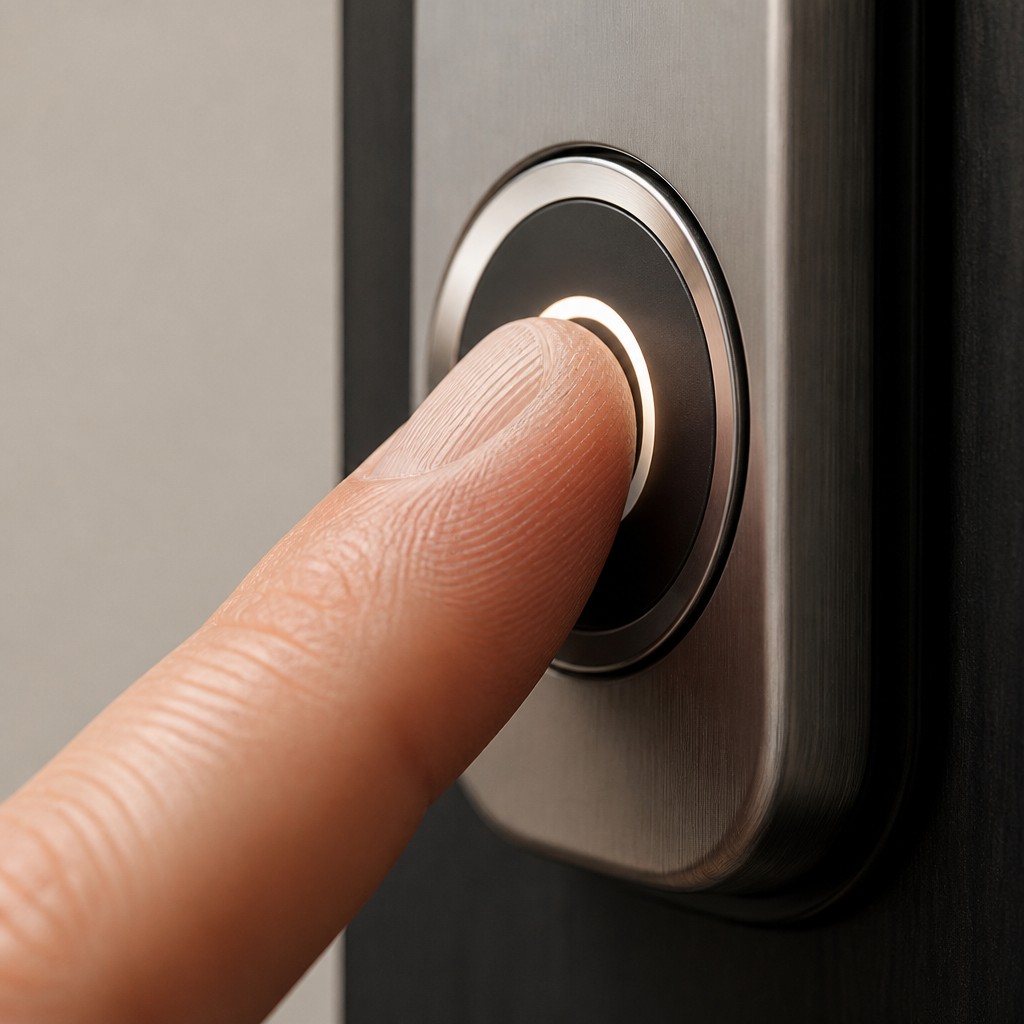
Lost keys cause more than inconvenience. For a property manager overseeing 50 units, a single rekeying job can cost hundreds of dollars and hours of coordination. For a homeowner, a misplaced key means either calling a locksmith or leaving a spare under the mat. A fingerprint door lock eliminates both problems at the source. Biometric door locks have moved well past novelty status. Today they sit at the center of a genuine shift in how homes, apartment buildings, and commercial spaces control access, and understanding how they actually work is the first step to choosing the right one.
Table of Contents
- Quick Takeaways
- How Fingerprint Door Locks Actually Work
- Types of Biometric Sensors: Capacitive vs. Optical vs. Multispectral
- Smart Lock App Integration and Remote Access
- Fingerprint Solutions for Sliding Doors
- Biometric vs. Traditional vs. Keypad: A Direct Comparison
- Installation and Practical Considerations
- What Property Managers and Facility Operators Need to Know
- Frequently Asked Questions
- References
Quick Takeaways
| Key Insight | Explanation |
|---|---|
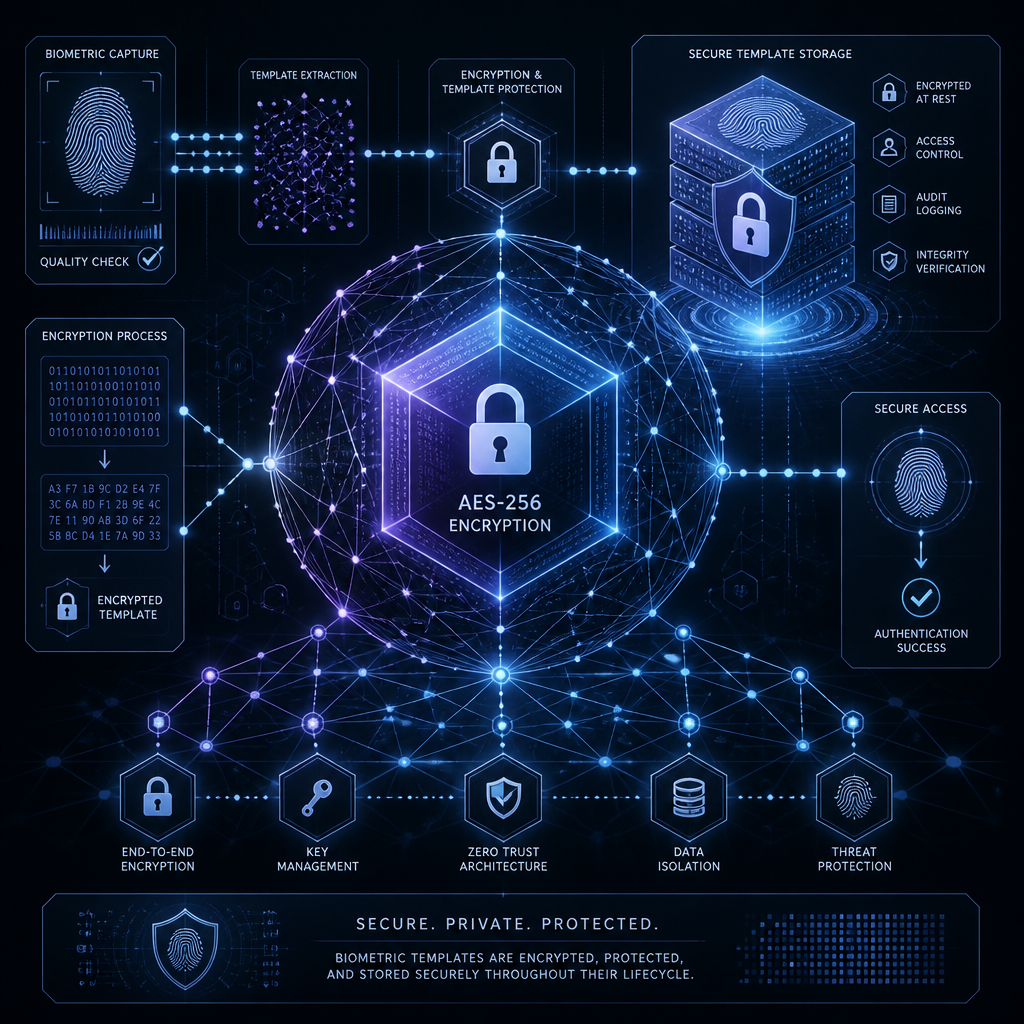
| Fingerprint locks store a digital template, not an image | Most reputable locks encrypt and store a mathematical map of ridge patterns locally on the device. No actual fingerprint photo is kept or transmitted. |
| Sensor type defines real-world security | Capacitive and multispectral sensors are substantially harder to spoof than basic optical sensors. Do not judge a biometric lock by price alone. |
| Always insist on backup access methods | Power cuts, wet fingers, and worn skin all affect sensor reads. A quality lock offers at least one backup: PIN keypad, key card, mechanical key, or smart lock app control. |
| Sliding door locks require dedicated hardware | Standard deadbolt-style biometric locks do not fit sliding door frames. Dedicated sliding door lock models with a different latch mechanism are required. |
| False Acceptance Rate is the key performance metric | A well-rated biometric door lock publishes its FAR (False Acceptance Rate). A FAR of 0.001% means roughly 1 wrong entry per 100,000 attempts. Demand this figure from any supplier. |
| Remote management changes the game for multi-unit properties | Wi-Fi-enabled fingerprint locks let managers revoke access, audit entry logs, and issue temporary credentials without visiting the property in person. |
| Battery life and maintenance are underrated concerns | Most biometric locks run on AA or AAA batteries. High-traffic doors drain batteries faster. Budget for replacements and set up low-battery alerts through the smart lock app. |
How Fingerprint Door Locks Actually Work
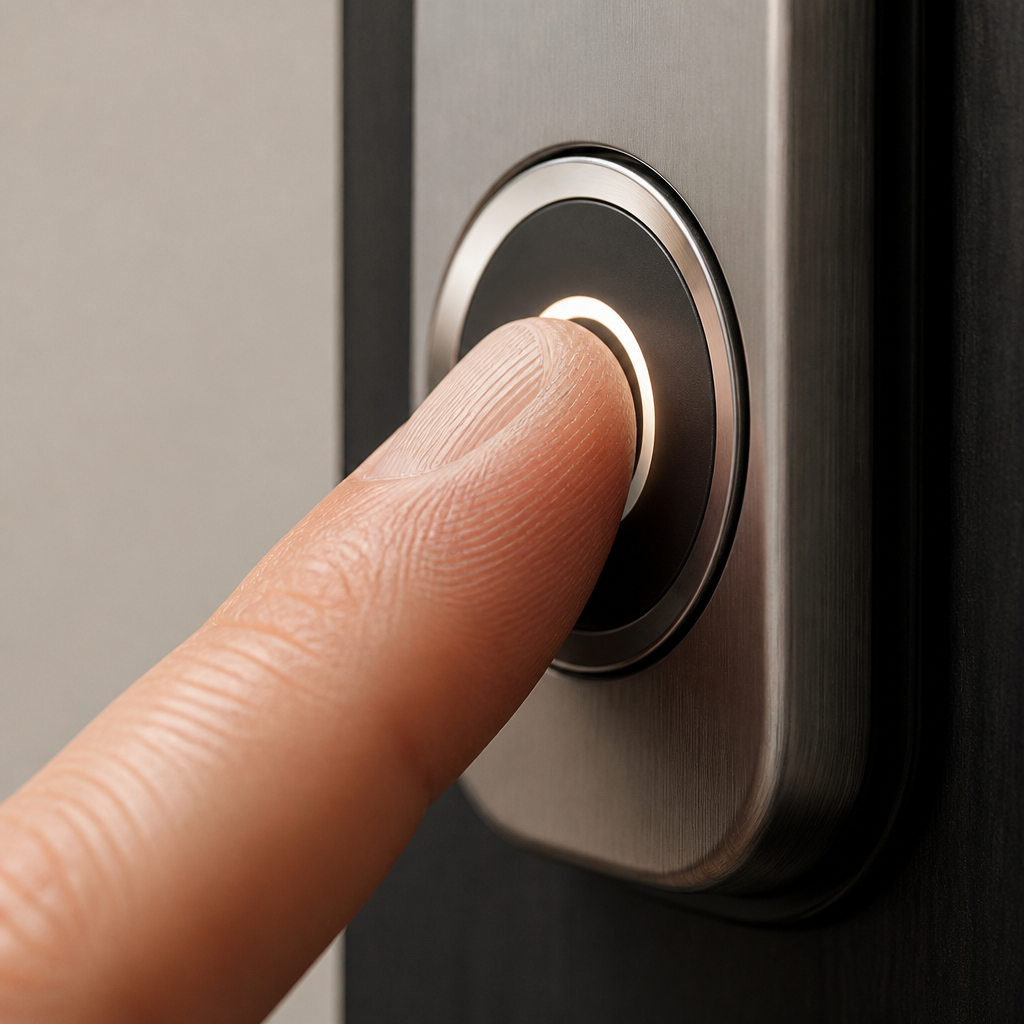
Every fingerprint door lock follows the same basic sequence: capture, extract, match, respond. When you press your finger to the sensor, the reader captures the unique ridge-and-valley pattern of your fingerprint. The lock’s onboard processor then extracts a digital template from that scan and compares it against stored templates enrolled in its memory. If the match score clears a set threshold, the lock releases the bolt.
What the lock does not store is a photograph of your fingerprint. Reputable manufacturers store only the extracted mathematical template, encrypted on the device itself. This matters from a privacy standpoint: even if someone physically accessed the lock’s memory, they could not reconstruct a usable fingerprint image from the stored data.
The entire process, from press to unlock, takes roughly half a second to one second on a quality device. Slower reads usually point to a dirty sensor, a worn fingertip, or a processor struggling with a large enrolled-user database.
Types of Biometric Sensors: Capacitive vs. Optical vs. Multispectral
Sensor technology is where most buyers go wrong. Not all fingerprint scanners are equal, and the difference between types is not cosmetic.
Optical Sensors
Optical sensors use light to capture a 2D image of the fingerprint surface. They are the least expensive to manufacture, which is why they dominate budget-range locks. The trade-off is that they can be fooled by a high-quality photograph or a silicone replica of a fingerprint. For a residential interior door, the risk level may be acceptable. For a front door, gate, or any access point that faces the outside world, optical sensors alone are a weak choice.
Capacitive Sensors
Capacitive sensors work by measuring the electrical charge difference between the ridges and valleys of a fingerprint. Because they rely on the actual electrical properties of living skin, they are significantly harder to spoof with a fake or a printed image. This is why capacitive technology dominates mid-range and premium residential biometric locks. A silicone dummy finger will fail on a well-implemented capacitive sensor because it lacks the charge characteristics of real tissue.
Multispectral Sensors
Multispectral sensors go deeper still, reading fingerprint data from both the surface and the sub-surface layers of skin using multiple light wavelengths. This makes them highly resistant to spoofing and more reliable on fingers that are wet, dirty, or worn from manual labor. They are the standard choice for outdoor access points and high-security commercial environments. They cost more, but for a gate or building entrance that faces weather and heavy use, the investment is justified.
Pro tip: Ask any supplier to share the published FAR (False Acceptance Rate) and FRR (False Rejection Rate) figures for any biometric door lock you are considering. A trustworthy manufacturer publishes these on their spec sheets. If those numbers are not available, treat that lock as unverified regardless of marketing claims.
Smart Lock App Integration and Remote Access
A standalone fingerprint lock that only works on-site is useful, but a Wi-Fi-enabled lock connected to a smart lock app is a fundamentally different tool for managing access. The app layer transforms a physical lock into a connected device that can be monitored, adjusted, and reported on from anywhere.
What a Smart Lock App Actually Enables
Through a paired app, a property owner or manager can lock and unlock a door remotely, add or remove fingerprint users, set auto-lock timers, and review a timestamped activity log of every entry. For a homeowner, that means knowing exactly when a child arrived home from school. For a rental property operator, it means issuing a temporary access code to a cleaner and automatically expiring it after one use.
Most current Wi-Fi-enabled biometric locks also support voice assistant integration with platforms such as Amazon Alexa and Google Assistant, allowing hands-free locking commands. Smart home platform compatibility, including Apple HomeKit and Matter, is increasingly standard in the mid-to-premium price range.
Bluetooth vs. Wi-Fi Connectivity
A critical distinction that many buyers overlook: some “app-controlled” locks use Bluetooth only, which means remote access requires you to be physically within Bluetooth range (typically 10 meters) or requires a separate gateway hub to extend reach over the internet. True remote management requires a Wi-Fi-connected lock or a Bluetooth lock paired with a gateway. If remote access matters to you, confirm whether the Wi-Fi module is built in or sold separately before purchasing.
Pro tip: Set up low-battery push notifications in your smart lock app immediately after installation. A biometric door lock with a dead battery on a front door is an emergency waiting to happen. Most app platforms support this alert at no extra cost.
Fingerprint Solutions for Sliding Doors
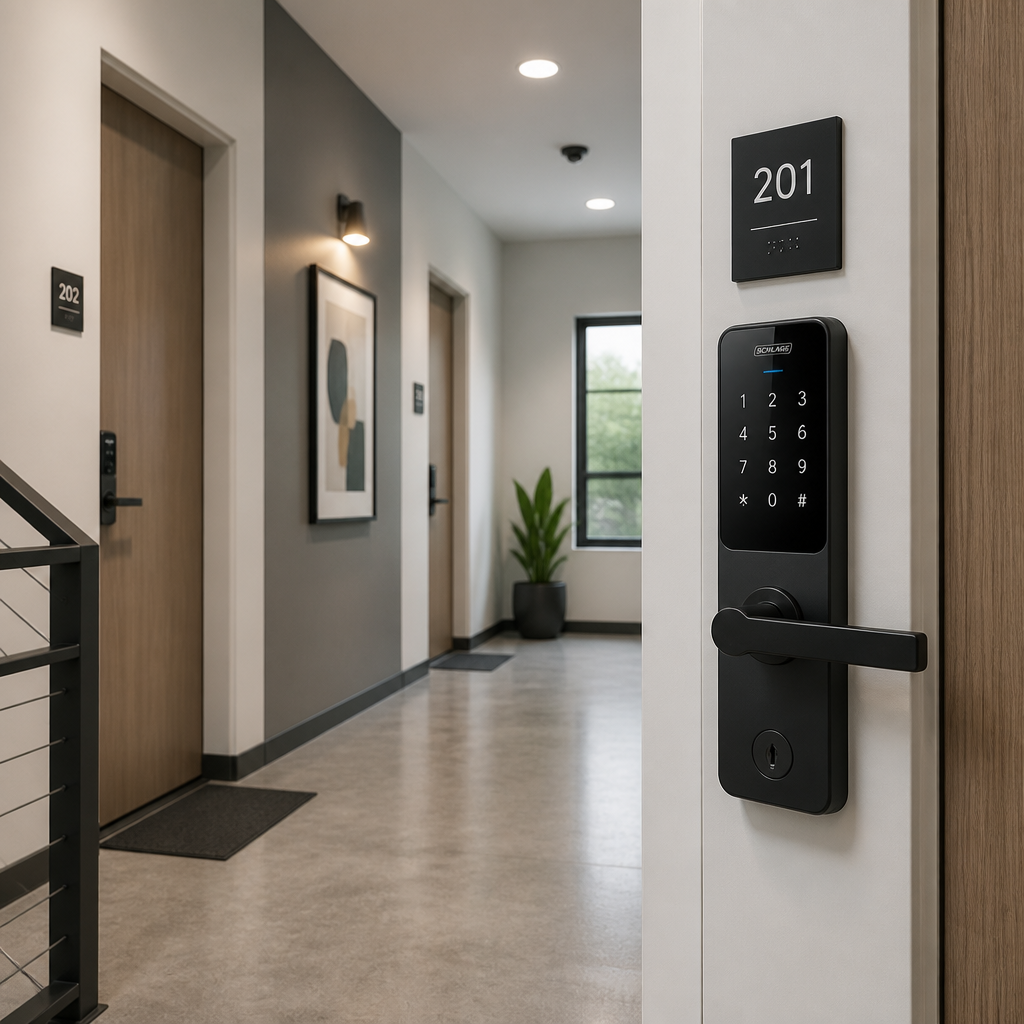
One of the most common oversights buyers make is assuming that any fingerprint lock will work on any door. A standard biometric deadbolt is designed for a hinged door with a door frame that accommodates a standard bolt throw. A sliding door lock operates on a completely different mechanical principle.
Sliding doors move along a track rather than swinging on hinges, and the locking mechanism must engage with the track or frame in a way that resists lateral force, not just outward push. Biometric sliding door locks use a hook-bolt or hook-latch design that locks into the door frame rail, combined with a fingerprint reader on the handle or panel. Some designs integrate the sensor directly into the handle pull, making the installation cleaner and the access point more intuitive.
Where Sliding Door Biometric Locks Are Most Commonly Needed
Patio doors in residential homes are the most common use case, but sliding biometric locks also appear in commercial settings: partition doors in offices, glass entry doors in retail, and interior room dividers in hospitality properties. In apartment buildings and multi-use facilities, sliding glass balcony doors with fingerprint access provide resident convenience without the security compromise of a basic latch.
If you are sourcing a biometric sliding door solution, confirm the door thickness and track type before ordering. Most sliding door biometric locks are available for doors between 35mm and 55mm thick. Installing a lock designed for a different thickness range will compromise both the fit and the security of the installation.
Biometric vs. Traditional vs. Keypad: A Direct Comparison
Choosing between lock types is not purely a technology decision. It comes down to use case, the number of users, the level of audit trail required, and whether remote management matters. The table below addresses those practical dimensions directly.
| Feature | Biometric Door Lock (Fingerprint) | Traditional Key Lock | Keypad/PIN Lock |
|---|---|---|---|
| Credential type | Unique to each user’s biometric data | Physical key (shareable, copyable) | PIN code (shareable, forgettable) |
| Rekeying cost | Delete the user’s fingerprint in the app or on the device | Replace the lock cylinder or rekey the barrel | Change the PIN code |
| Access audit trail | Yes, with Wi-Fi-enabled models and a smart lock app | None | Limited, and shared PINs make audit trails unreliable |
| Spoofing risk | Low (capacitive/multispectral) to moderate (optical) | High (lock picking, key duplication) | Moderate (PIN can be observed or shared) |
| Multi-user management | Typically 50 to 100+ users per lock | Impractical beyond a few key holders | Manageable, but shared codes reduce individual accountability |
| Power dependency | Battery-powered with low-battery alerts | None | Battery-powered with low-battery alerts |
| Ideal use case | Residential front doors, apartment buildings, gated facilities | Secondary or interior doors where high security is not required | Shared workspaces, temporary access scenarios |
Installation and Practical Considerations
Most residential-grade fingerprint door locks are designed for DIY installation on a standard door prep (the 2-1/8 inch bore hole common in North American doors). The setup process typically involves mounting the exterior and interior assemblies, running the wiring or battery pack through the door, and downloading the companion app to enroll fingerprints and configure settings. For a homeowner comfortable with basic tools, this is a one-to-two hour project.
Where installation becomes professional-grade work is at the integration level. Connecting a biometric lock to an existing access control panel, integrating it with an intercom system, or wiring it into a building management system requires a technician who understands both the lock’s communication protocol and the broader system architecture. Getting this wrong does not just inconvenience users; it can create security gaps that undermine the entire installation.
Environmental Factors That Affect Performance
Outdoor-facing sensors face conditions that indoor sensors never encounter: direct sunlight affecting optical reads, rain and humidity affecting capacitive sensitivity, and extreme temperatures affecting battery performance. A biometric lock intended for a front door or gate should carry an IP65 or higher weatherproofing rating. IP65 means the sensor is protected against dust ingress and low-pressure water jets from any direction. Anything below IP54 on an exterior installation is an eventual maintenance headache.
Fingerprint Enrollment Best Practices
A common mistake during setup is enrolling only one fingerprint per user. In practice, fingers get cut, bandaged, or damaged. Enroll at least two fingers per regular user, ideally the index finger and the middle finger of the dominant hand. For elderly users or anyone who does manual work, also enroll a backup finger from the non-dominant hand. This single step eliminates the majority of day-to-day false rejection frustrations.
The quality of a biometric lock is only as good as the enrollment process behind it. A high-end sensor with poorly enrolled templates will perform worse than a mid-range sensor with carefully captured, clean enrollments.
What Property Managers and Facility Operators Need to Know
For anyone managing access across multiple units or doors, the calculus on fingerprint door locks is different from a single-household decision. The upfront cost per door is higher than a standard lock, but the ongoing operational savings in rekeying, lockout response calls, and lost-key replacement can make biometric systems cost-effective within a few years of deployment.
The critical factor for multi-unit deployment is centralized management capability. A Wi-Fi-connected biometric lock with a cloud dashboard allows a facility manager to add a new resident’s fingerprint, revoke access for a departing tenant, and review the entry log for any specific door, all without setting foot in the building. This is the operational advantage that traditional locks and basic keypad locks simply cannot match.
Integrating Biometric Locks with Intercom and CCTV Systems
A fingerprint door lock does not operate in isolation in a well-designed building security system. The most effective setups pair biometric entry with a video intercom at the main entrance and CCTV coverage of all access points. When an access attempt fails or an alarm triggers at the lock, the security footage from that access point provides immediate context. This layered approach is what separates a thoughtful access control installation from a collection of disconnected devices.
For apartment buildings and gated communities specifically, pairing a biometric access point at the gate or lobby with an intercom system that routes to residents’ smartphones creates a complete access management loop. Residents can verify a visitor visually through the intercom before granting one-time access, while the biometric system handles the day-to-day entry of known, enrolled users without any manual intervention.
Pro tip: When specifying a biometric lock system for a multi-unit building, confirm that the lock supports role-based access levels. A property manager should have master access to all doors; a maintenance technician may need access to utility rooms only between certain hours. Locks that support time-scheduled access windows and door-specific permissions significantly reduce security exposure compared to locks that grant uniform access to all enrolled users.
Frequently Asked Questions
Can a fingerprint door lock be fooled by a fake fingerprint?
It depends entirely on the sensor technology. Optical sensors are more vulnerable to spoofing using high-quality silicone replicas or printed images. Capacitive sensors are significantly harder to defeat because they measure the electrical properties of real skin. Multispectral sensors, which read both surface and sub-surface fingerprint data, are the most resistant to spoofing of all three types. For any exterior or high-security application, choose capacitive or multispectral technology.
What happens to a fingerprint door lock during a power outage?
Almost all residential and commercial biometric locks are battery-powered rather than relying on mains electricity, so a power outage to the building does not affect the lock’s operation. The main risk is battery depletion. Quality locks include a low-battery warning and, on many models, a USB-C or 9V terminal on the exterior that allows a portable power bank or battery to temporarily power the lock for emergency entry.
How many users can a fingerprint door lock store?
This varies by model. Entry-level residential locks typically store between 20 and 50 fingerprints. Mid-range locks commonly accommodate 50 to 100 users. Commercial-grade biometric access control units can store several hundred or even thousands of enrolled templates. For a property with more than 30 regular users, verify the lock’s specific user capacity before purchasing.
Do fingerprint door locks work on sliding doors?
Yes, but not with standard deadbolt-style hardware. Dedicated sliding door biometric locks use a hook-bolt or hook-latch mechanism suited to the track-based movement of a sliding door. The fingerprint sensor is typically integrated into the door handle or a surface-mounted panel. Before purchasing, confirm the lock is specified for sliding door installation and matches your door’s thickness and track configuration.
Is my fingerprint data safe on a biometric door lock?
On reputable devices, yes. Quality manufacturers store only an encrypted mathematical template derived from the fingerprint, not a photograph, and that data is stored locally on the lock itself rather than uploaded to a cloud server. However, it is worth verifying this with the specific manufacturer, particularly for lower-cost products where data handling practices may be less transparent.
Can I manage a fingerprint lock remotely without being at home?
Yes, provided the lock has built-in Wi-Fi or is connected to a gateway hub. Wi-Fi-enabled biometric locks paired with a smart lock app allow remote locking, unlocking, user management, and access log review from any location with an internet connection. Bluetooth-only models require you to be within range or use a separate gateway device to enable true remote access.
How does a fingerprint door lock fit into a wider security setup?
A biometric lock is most effective as one layer in a broader system. Paired with a video intercom at entry points, CCTV cameras covering access areas, and a centralized access control platform, fingerprint locks contribute to a complete security architecture. For homes, apartments, and commercial buildings, this layered approach provides both physical security and the audit trail needed to understand how and when access occurs.
If you are currently evaluating fingerprint door locks or biometric access systems for your property, share what has been the biggest challenge in your decision process. Your experience helps others make a better-informed choice.
References
- Fingerprint door lock technology guide covering sensor types, FAR, FRR, and biometric accuracy metrics
- Motorola Solutions overview of biometric access control sensor technologies and security applications
- Practical pros and cons of biometric door locks including backup access and lifespan considerations
- Kwikset Halo Touch fingerprint door lock specifications including user capacity and smart lock app features
- Eufy fingerprint smart lock collection with details on local biometric data storage and sensor technology



 No products in the cart.