
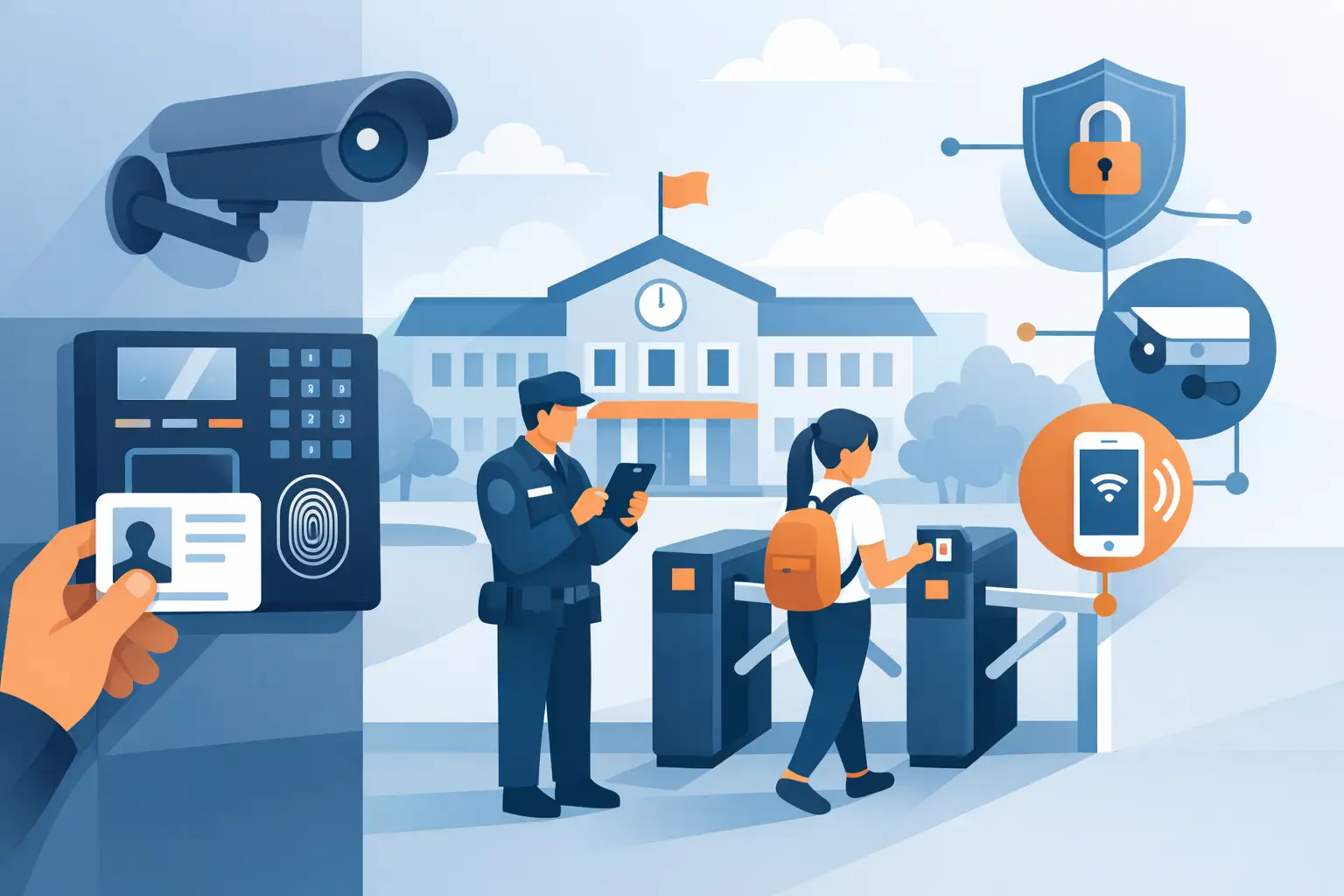
A school access control system is tested most in the ordinary moments – first-period arrivals, late parent check-ins, staff moving between buildings, and after-hours activities that keep doors active long past dismissal. If the system slows traffic, creates confusion at the office, or leaves too many exceptions for staff to manage manually, it becomes a daily problem instead of a security asset.
Schools are not single-purpose buildings. They function as classrooms, offices, event venues, athletic facilities, and community spaces, often all in the same day. That makes access control a planning issue as much as a hardware decision. The right setup has to secure entry points, support life safety requirements, and still allow the building to operate without constant workarounds.
What a school access control system really needs to do
At a basic level, a school access control system regulates who can enter, when they can enter, and which doors they can use. In practice, schools usually need more than that. They need controlled visitor entry at the main office, managed staff access by schedule, audit trails for key openings, and lockdown-capable door hardware that works with the rest of the site.
That means the conversation should not start with credentials alone. Cards, fobs, PINs, and mobile credentials all matter, but they are only one layer. The stronger question is how the system handles the actual school day. Can it unlock perimeter doors during approved arrival windows and secure them automatically afterward? Can office staff release the front door after visual or audio verification? Can certain interior doors remain restricted to administration, IT, records, or nurse areas?
For K-12 campuses, that operational fit matters more than feature count. A system that offers every software option but does not match traffic flow or staffing patterns will be harder to manage than a simpler, properly configured design.
Start with doors, not software
One of the most common mistakes in school access control planning is choosing a platform before evaluating the openings. Every door has its own conditions: aluminum storefront, hollow metal frame, wood door, glass entry, panic hardware, electrified trim, maglock application, gate access, or interior office door with a cylindrical lockset. The hardware and life safety requirements shape the solution.
A front vestibule may call for an intercom, electric strike, door position switch, request-to-exit device, and credentialed staff access. A stairwell door may need fail-safe or fail-secure hardware depending on code requirements and emergency egress design. An exterior pair with panic bars may be better served by electrified exit hardware than a retrofit strike.
This is where experienced distributors and installers add real value. Product compatibility is not a side detail. Reader boards, controllers, power supplies, relays, door hardware, and credentials all have to work together in the field, not just on a spec sheet. For schools updating older buildings, retrofit limitations can affect wiring paths, door prep, and lock choice from the start.
Credentials, visitors, and daily traffic
Most schools use a mix of managed credentials for staff and controlled release for visitors. That sounds straightforward, but traffic patterns create the real design challenge. A single front office entrance may be fine for an elementary school. A high school with multiple early programs, athletics, and staff parking areas often needs a more segmented approach.
Cards and fobs remain common because they are simple to issue and easy to disable when lost. PIN credentials can work at selected doors, but they are usually best limited to controlled staff use rather than broad circulation. Mobile credentials can reduce physical card handling, though they depend on device policy, user adoption, and software support. For many schools, the best answer is not replacing cards entirely but combining methods based on role.
Visitor control deserves separate planning. The front entry should support verification before release, usually through an intercom and camera-assisted screening process. Schools that rely on an unlocked vestibule and manual office response may still have a gap if the second layer is poorly controlled or hard to monitor during busy hours. Access control works best when visitor screening and door release are built into a clear front-office workflow.
Why integration matters in a school access control system
A school access control system should not operate as an isolated product category. It has to interact with video, intercoms, alarms, and door hardware in a way that supports staff response. If a front desk receives a visitor call, the ability to verify visually, communicate clearly, and release the correct door from one position can save time and reduce mistakes.
Video integration is especially useful for reviewing events tied to a credential, forced door alarm, or propped-open condition. Intercom integration helps schools manage deliveries, parent arrivals, and late entry without sending personnel to the door unnecessarily. Lockdown interfaces may also be part of the design, though those functions need careful planning around authority levels, local code, and emergency procedures.
This is also where buyers need to think past the initial purchase. A lower-cost controller package may look acceptable until the site needs more doors, multiple buildings, event scheduling, or better reporting. Expansion capacity matters in schools because security needs rarely stay static.
Cloud, on-premise, or hybrid
There is no single right architecture for every campus. Cloud-managed systems appeal to many schools because updates, remote administration, and credential management can be simpler across multiple sites. They can also reduce dependence on a single workstation in the main office.
On-premise systems still make sense where IT policy, network segmentation, or local control preferences drive the decision. Some districts are more comfortable keeping management inside their own environment, especially when they already maintain structured security infrastructure.
Hybrid models can be practical when schools want some remote visibility without giving up local control. The trade-off usually comes down to IT resources, cybersecurity policy, ongoing licensing, and who will manage the system day to day. The best technical option is the one the school can support consistently.
Planning for lockdown without creating daily friction
Lockdown capability is often the first topic stakeholders raise, but it should not be the only lens used to design the system. Schools need emergency functions, yet they also need doors that behave correctly every day. Overcomplicating normal operation in the name of emergency readiness can produce bad habits, such as doors being left open or staff bypassing procedures to save time.
A better approach is layered planning. Exterior entry should be controlled and monitored. High-priority interior areas should be restricted appropriately. Hardware should support emergency egress and code compliance. Lockdown triggers, whether local or system-wide, should be defined by actual response protocols rather than broad assumptions.
That planning should include who can initiate actions, what doors change state, how staff are notified, and how the system returns to normal operation afterward. A feature is only useful if the people responsible for it understand exactly how it works under pressure.
Installation and support are part of the buying decision
For schools, access control is not a commodity purchase. Even when the equipment list looks familiar, the project depends on fit, wiring, opening condition, and long-term serviceability. That is why product selection should account for replacement parts, power requirements, enclosure choices, reader compatibility, and the availability of technical support after installation.
Installers and facility teams usually benefit from working with a supplier that understands complete door packages, not just individual devices. A reader without the right lock interface, or a strike chosen without regard to frame condition and latch alignment, can delay a project fast. The same goes for underpowered supplies, mismatched credentials, or software choices that do not reflect the number of buildings and operators involved.
For buyers who need practical guidance, a specialized distributor such as UnikCCTV can help narrow options based on opening type, traffic pattern, credential method, and integration goals rather than pushing a one-size-fits-all kit.
How to evaluate your current system before replacing it
If a school already has access control in place, replacement should start with a realistic review of what is failing. Sometimes the issue is not the entire platform. It may be isolated to unreliable readers, worn electrified hardware, poor door alignment, limited software rights, or an entry sequence that no longer matches building use.
Ask where staff are using keys because the system is inconvenient. Ask which doors are routinely propped. Review whether visitor screening actually works during peak traffic. Check if reports are usable and whether lost credentials can be disabled quickly. Those details reveal more than a brochure comparison ever will.
A good school access control system should reduce manual exceptions, not create new ones. It should help office staff manage the front door with confidence, give administrators better visibility, and support installers with components that are made for commercial duty. When the hardware, software, and building operation line up, the result is not just a more secure campus. It is a site that functions better every day.
The best next step is usually simple: map the doors, define how each opening should behave, and build the system around that reality instead of around marketing terms.



 No products in the cart.