
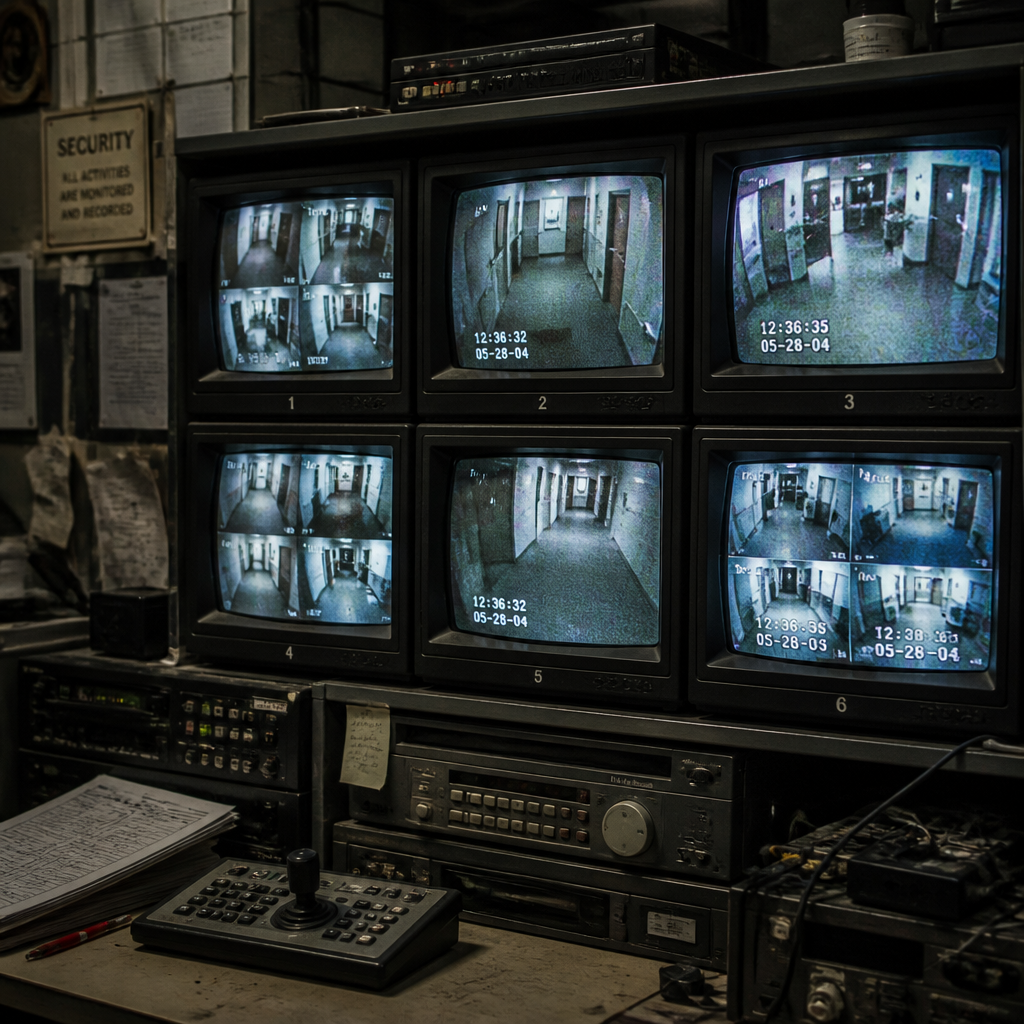
If your building’s cameras still record to a DVR with a blinking clock that nobody has reset since installation, you already have one sign. The uncomfortable truth for property managers and facility operators is that an outdated security system does not announce itself loudly. It fails quietly, a fuzzy frame here, a door reader that needs a second swipe there, until a breach or an audit forces the conversation. This guide names the ten clearest warning signs your setup has crossed from aging into genuinely dangerous, and shows you exactly how to modernize building security without ripping everything out at once.
Table of Contents
- Quick Takeaways
- Sign 1: Analog Cameras With Low-Resolution Footage
- Sign 2: Frequent System Failures and Credential Errors
- Sign 3: No Remote Access or Mobile Monitoring
- Sign 4: Worn-Out Hardware Everywhere You Look
- Sign 5: The Manufacturer No Longer Supports Your Equipment
- Sign 6: Your Intercom Cannot Talk to Anything Else
- Sign 7: No Audit Trail or Access Logs
- Sign 8: The System Cannot Scale With Your Building
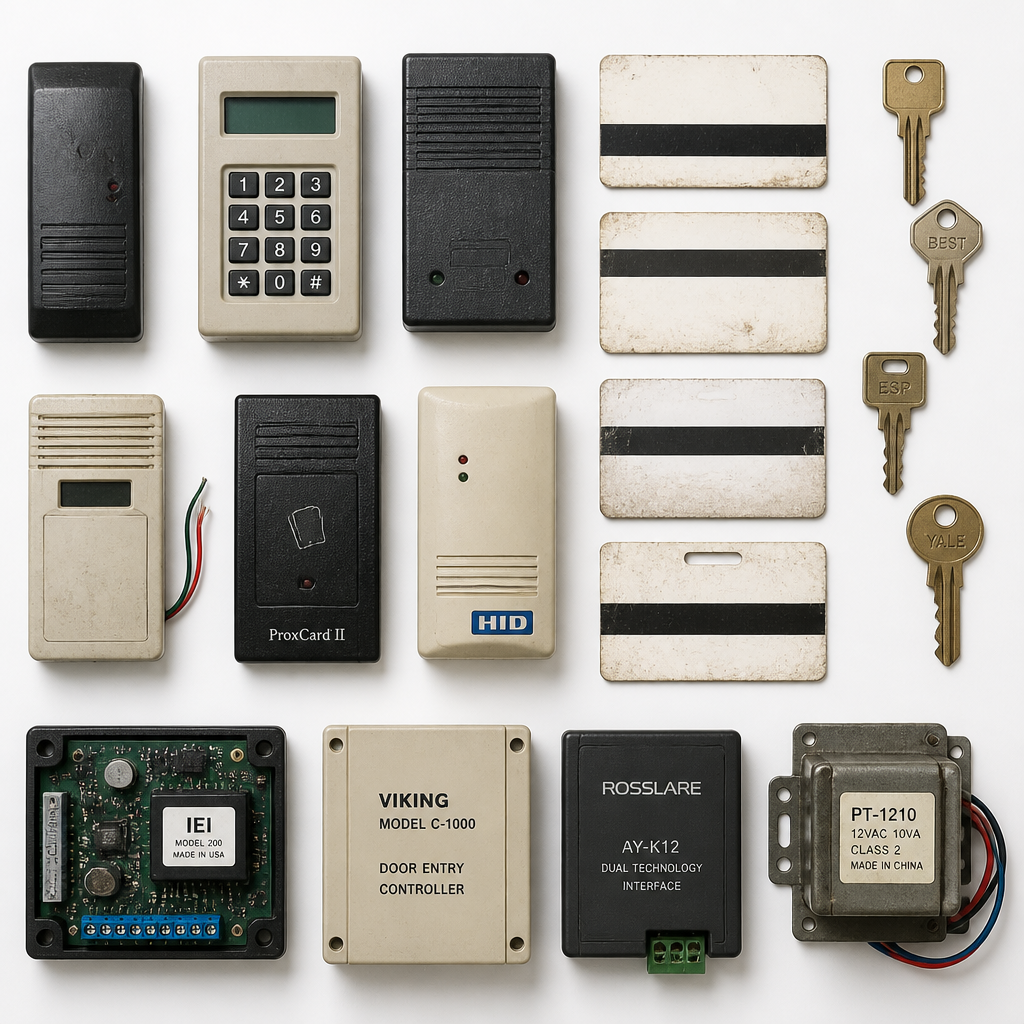
- Sign 9: Physical Keys and Magnetic Swipe Cards Are Still Your Primary Credential
- Sign 10: Your System Has No Integration With Other Building Systems
- How to Modernize Building Security: A Practical Upgrade Path
- Comparing Upgrade Approaches: Analog, Hybrid, and Full IP
- Frequently Asked Questions
- References
Quick Takeaways
| Key Insight | Explanation |
|---|---|
| Analog cameras are a liability, not just a limitation | Low-resolution footage cannot reliably identify faces or license plates, making incident investigation nearly impossible. |
| End-of-life hardware is a security gap, not just an IT problem | When a manufacturer stops issuing firmware updates, known vulnerabilities stay open indefinitely, creating an exploitable entry point. |
| Magnetic stripe and basic RFID cards are easily cloned | Legacy credentials can be duplicated with widely available equipment. Switching to smart cards, mobile credentials, or biometrics closes this gap. |
| Isolated systems create security gaps between devices | An intercom that cannot communicate with your CCTV or access control platform means your team is stitching together information manually after every incident. |
| A phased IP upgrade beats a full rip-and-replace for most buildings | Hybrid approaches allow you to keep functioning legacy hardware while progressively migrating to IP-based cameras, smart locks, and cloud management. |
| No remote access means delayed response times | Property managers who cannot check live footage or unlock a door remotely are always one step behind an unfolding event. |
| Missing access logs expose you legally and operationally | Without a timestamped audit trail, you cannot prove who entered which area and when, which matters during disputes, audits, and insurance claims. |
Sign 1: Analog Cameras With Low-Resolution Footage
If you have ever zoomed in on recorded footage and ended up with a pixelated blur, you already know this problem firsthand. Analog camera systems were engineered around resolution standards that made sense decades ago. They do not meet the demands of modern incident investigation, where being able to read a license plate or confirm a face is not optional.
IP cameras can monitor larger areas with fewer units, reducing blind spots while maintaining the image clarity needed to actually identify people and objects. For buildings managing large properties, parking structures, or multiple entry points, that improvement in coverage is the difference between usable evidence and a blurry frame that helps nobody.
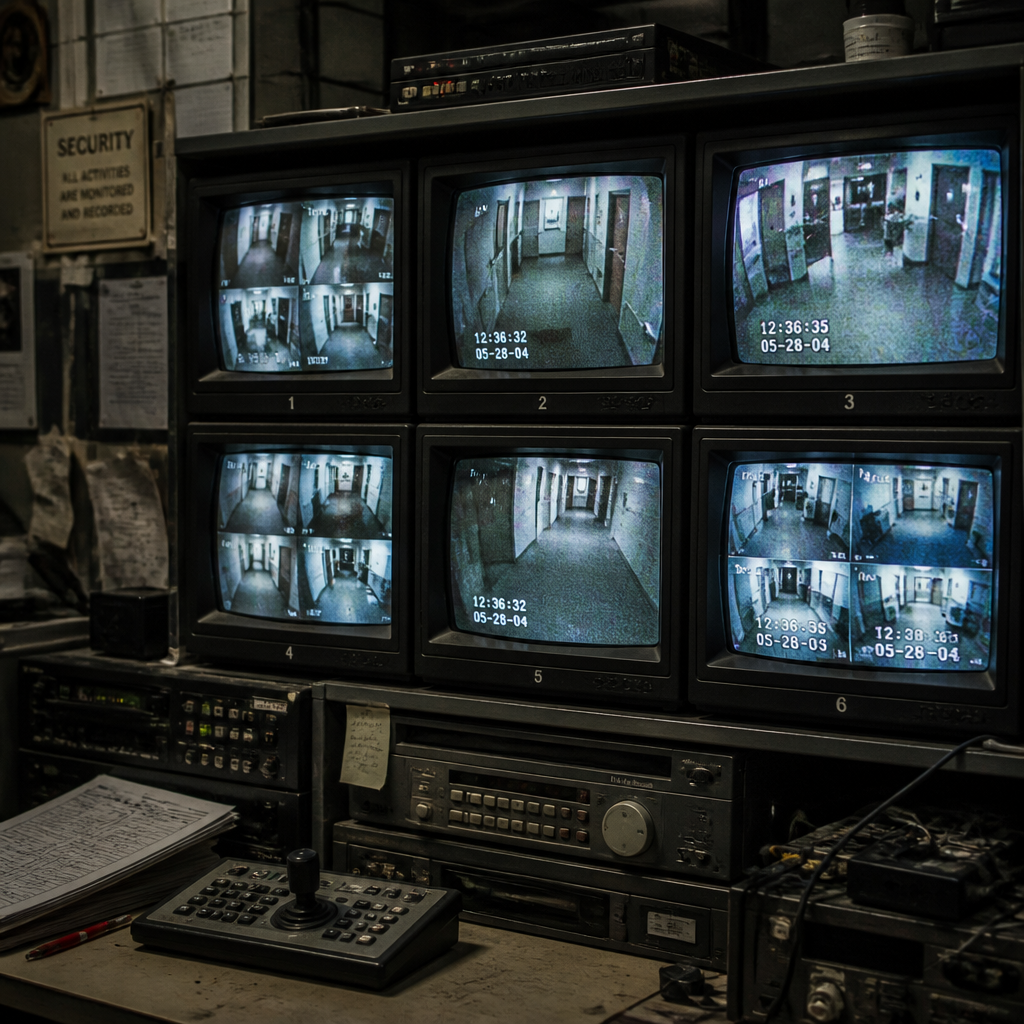
A common mistake is assuming the camera still “works” because the recording runs. Working and effective are not the same thing. An analog camera recording at low resolution is capturing data you cannot use when it counts.
Pro tip: Before committing to a full camera replacement, audit your existing cable runs. In many buildings, the existing coaxial infrastructure can serve as a bridge during a phased transition to IP cameras, reducing installation disruption significantly.
Sign 2: Frequent System Failures and Credential Errors
A door reader that needs multiple badge swipes, a control panel that reboots unexpectedly, or a keypad where half the buttons require firm pressure are not just annoyances. They are operational signals that the hardware is past its reliable service life. Locks, keypads, scanners, card readers, and automatic openers are durable, but they do not last forever.
What frequent failures actually cost you
Every service call for a malfunctioning reader or a door that will not latch is money spent maintaining something that is already degrading. Beyond repair costs, there is the downtime risk: a security system that cannot operate reliably cannot be trusted. If a door reader fails in an open state, you have an uncontrolled entry point until a technician arrives.
In practice, if your team is logging more than two or three hardware fault calls per month across a mid-sized building, that is not a maintenance backlog. That is a system telling you it needs replacing.
Sign 3: No Remote Access or Mobile Monitoring
Property managers and facility operators who cannot check live footage or manage access from a smartphone are structurally disadvantaged compared to those who can. Unlike analog systems that rely on on-site viewing equipment, modern IP-based cameras and access platforms allow authorized users to access live and recorded footage remotely through secure internet connections, from a smartphone, tablet, or computer at any time.
This is not a comfort feature. Remote access supports faster response times when incidents occur. A manager who is offsite during an after-hours event can verify what is happening and dispatch the right response without waiting for a guard to physically walk to a monitor. If your system does not offer this, you are managing reactively instead of proactively.
Pro tip: When evaluating remote access platforms, check whether the mobile app allows you to both view footage and trigger access decisions (unlocking a door, granting a visitor entry) from the same interface. Systems that separate these functions add friction at the worst possible moment.
Sign 4: Worn-Out Hardware Everywhere You Look
Faded keypads, corroded card readers, intercom panels with cracked housings, and cameras with clouded lens covers are physical signals that are easy to normalize when you walk past them every day. Visitors, tenants, and potential intruders notice them more objectively than you do.
Worn hardware signals a maintenance culture to anyone assessing your building’s entry points. Beyond appearances, corroded contacts and degraded housings compromise the reliability of the components inside. A card reader with a corroded antenna coil will produce intermittent reads, which then get logged as user errors rather than hardware failures, masking the real problem in your maintenance reports.
Sign 5: The Manufacturer No Longer Supports Your Equipment
End-of-life status from a manufacturer is a hard deadline, not a suggestion. When firmware updates stop, any newly discovered vulnerability in that hardware stays open permanently. There is no patch coming. Security researchers and bad actors both know this, and legacy hardware with known unpatched exploits is a documented category of target.
The practical problem compounds quickly: replacement parts become harder to source, lead times stretch, and specialized technicians who still know the older platform become fewer. You end up in a position where a single failed component can take a door offline for days because the part is on back-order from a secondary supplier.
The longer you wait to upgrade, the more expensive repairs and replacements become, the greater the risk of downtime when something breaks, and the more challenging it becomes to integrate with modern security systems. In many cases, replacing an aging system ultimately proves less costly over time than maintaining it.
Sign 6: Your Intercom Cannot Talk to Anything Else
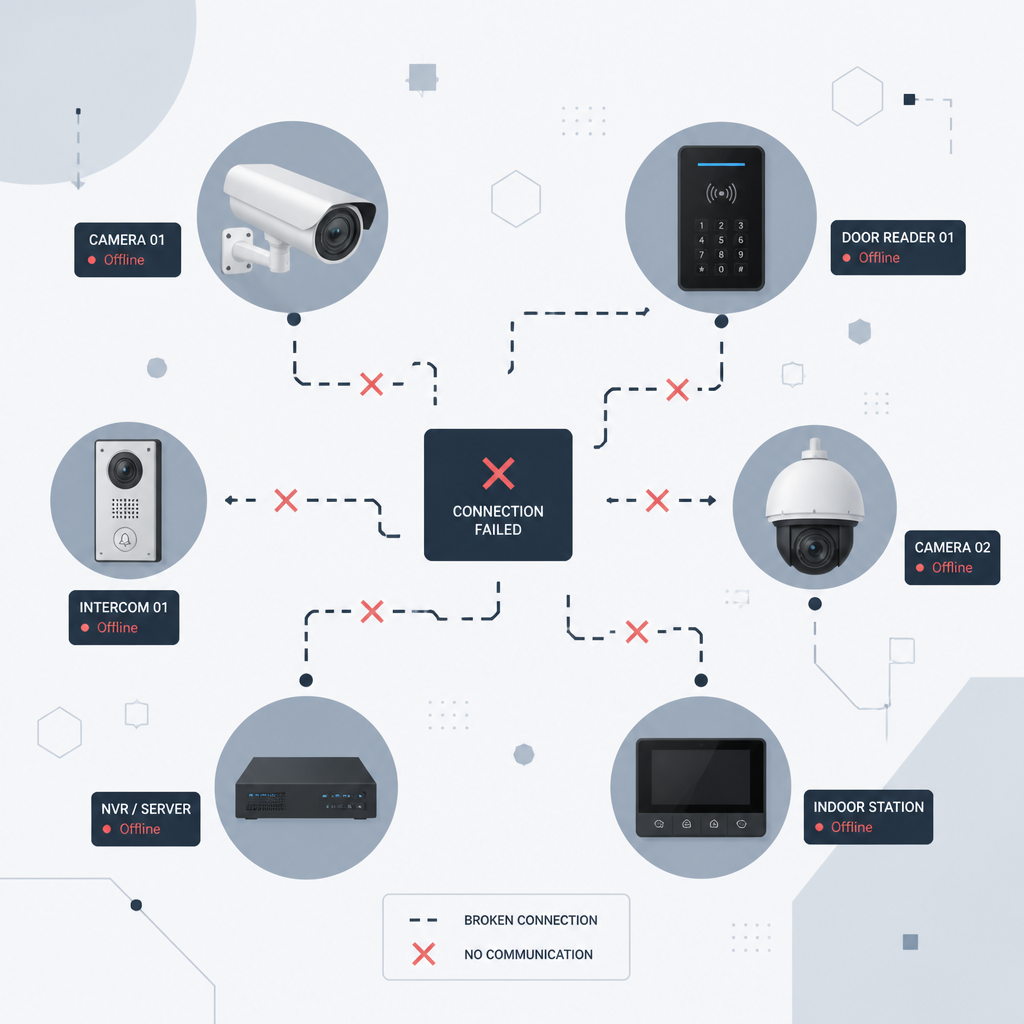
Modern buildings use multiple smart systems: security cameras, access control, and alarms. An outdated intercom that cannot integrate with these systems creates security gaps that require manual workarounds. When a visitor rings the intercom, your team should be able to simultaneously see camera footage of the entry point, verify identity, and grant or deny access from one interface. If those are three separate steps on three separate screens, your intercom system is a disconnected island.
What a modern intercom integration actually looks like
Cloud-based and IP-based intercom systems connect through your existing network infrastructure. They support mobile app access so residents or staff can communicate with visitors and grant entry from their phones, even when they are not on the premises. Cloud-based systems also offer log history and integration with access control databases, so every visitor interaction is timestamped and attributable.
For multi-tenant residential and commercial buildings, the practical gains are significant. Residents can generate temporary virtual keys for guests or service personnel. Property managers can review entry logs without pulling a separate report. These are not futuristic features. They are current, available, and widely deployed in buildings that have moved off legacy intercom hardware.
At UnikCCTV, the wireless and IP-based intercom systems are built specifically for this kind of integration, connecting directly with door entry systems and access control platforms rather than operating in isolation.
Sign 7: No Audit Trail or Access Logs
If someone asks you right now who entered the server room or the medication storage area at 11:47 PM last Tuesday, and your answer is “I would have to check the camera footage manually,” your access control system is not doing its job. Older and simpler systems may control physical access without recording it in a searchable, exportable format.
Audit trails matter for three concrete reasons: insurance claims, legal disputes, and compliance audits. Without a timestamped log tied to a specific credential, you cannot prove who was where. Modern access control platforms generate this automatically, filtering by user, door, time range, or event type. The data is there when you need it without a manual review of hours of footage.
Sign 8: The System Cannot Scale With Your Building
Adding a new floor, bringing on a new tenant group, or expanding to a second building should not require replacing your entire access control infrastructure. Legacy systems that were sized for a specific headcount or building footprint often hit hard limits: maximum user counts, a fixed number of door controllers, or proprietary hardware that only works with that vendor’s expansion modules.
Modern access control systems are designed to scale. IP-based platforms allow you to add cameras by connecting them to your existing network. Cloud-managed access control lets you add new doors, new user groups, and new locations without running new proprietary wiring or buying a new server. If your current system cannot grow without a full replacement, that is a structural limitation, not a minor inconvenience.
Sign 9: Physical Keys and Magnetic Swipe Cards Are Still Your Primary Credential
Physical keys are unmanageable at scale. When an employee leaves, a key can be copied before it is returned, and there is no way to verify it has not been. Magnetic stripe cards are not much better. The technology behind basic magnetic stripe credentials is old enough that cloning equipment is widely available and inexpensive.
The upgrade path here is clear. Smart cards with encrypted chips are substantially harder to clone than magnetic stripe. Mobile credentials, where a smartphone acts as the access credential via Bluetooth or NFC, are even more secure because they are tied to a device that requires authentication to unlock. Biometric access systems, including fingerprint readers and facial recognition locks, eliminate the credential transfer problem entirely because the credential is physically inseparable from the authorized person.
For buildings managing contractors, visitors, or large rotating staff populations, smart locks with time-limited access codes or temporary mobile credentials solve the key management problem without requiring a full access control overhaul for every new user.
Sign 10: Your System Has No Integration With Other Building Systems
A security system that operates entirely in isolation from your building management infrastructure is generating only a fraction of its potential value. When access control, CCTV, intercoms, and alarms share a common platform, you get a unified view of building activity. An alert from a motion sensor can automatically pull up the nearest camera feed. A door held open too long can trigger a notification to the right person rather than just beeping at an unmanned panel.
Legacy systems built before networked integration was the norm cannot offer this without expensive and often unreliable middleware patches. The integration gap also creates compliance risk: if your fire safety systems and your access control systems cannot communicate, a building lockdown during an emergency may not function the way your safety plan assumes.
Gate access control systems and CCTV surveillance systems from UnikCCTV are designed to operate as part of a connected security architecture, not as standalone devices that require manual coordination.
How to Modernize Building Security: A Practical Upgrade Path
The instinct to replace everything at once is understandable but usually wrong. A phased approach lets you prioritize the highest-risk gaps first, spread capital expenditure over time, and avoid the operational disruption of a full system shutdown. Here is how to structure it.
Step 1: Audit what you have and what it can do
Before buying anything, document every entry point, camera location, intercom station, and control panel. Note the manufacturer, model, approximate age, and whether each component is still supported. Check your cable infrastructure: good coaxial cabling may justify a hybrid approach rather than a full rewire. Identify the three or four components that pose the most immediate risk if they fail or are exploited.
Step 2: Address credential vulnerabilities first
Credential security is the fastest and often cheapest place to close a gap. Replacing magnetic stripe cards with smart cards or migrating to mobile credentials typically does not require replacing door hardware, only the readers. For higher-security areas, adding biometric access systems such as fingerprint readers or facial recognition locks eliminates the cloning and key-transfer risk entirely.
Step 3: Upgrade cameras to IP
IP cameras plug into your existing network, scale as your building grows, and integrate with access control and alarm systems. If you have a robust local wireless network, you can connect IP cameras wirelessly during a transition period, avoiding the cost of rewiring before you are ready. Start with entry points and high-value areas, then expand coverage to parking structures, corridors, and secondary exits.
Step 4: Replace the intercom with an integrated system
A modern intercom replacement is not simply a hardware swap. Choosing a cloud-based or IP-based intercom means connecting it to your access control database, your CCTV feed, and a mobile management app. When done correctly, you replace three separate workflows (see who is at the door, check the camera, decide whether to grant access) with one unified action. UnikCCTV’s wireless intercom systems are designed for exactly this kind of connected deployment.
Step 5: Centralize management in a single platform
The end state you are working toward is a single dashboard where you can monitor camera feeds, manage access credentials, review audit logs, and respond to alerts. Cloud-managed platforms allow you to do this from any device, which matters when you are managing multiple buildings or working outside regular hours. NVR and DVR systems from UnikCCTV support centralized recording and management for both new and transitioning installations.
Pro tip: When evaluating new platforms, ask vendors specifically about their API and third-party integration capabilities. A system that cannot share data with your building management software, HR platform, or visitor management tool will create the same siloed problem you are trying to solve, just with newer hardware.
Comparing Upgrade Approaches: Analog, Hybrid, and Full IP
| Approach | Best For | Key Limitations |
|---|---|---|
| Maintain Existing Analog | Buildings within 1-2 years of a full planned renovation where a temporary bridge is acceptable | No remote access, low resolution, no integration with modern platforms, parts increasingly scarce |
| Hybrid (Analog + IP) | Buildings with good existing coaxial infrastructure that want to phase the upgrade over 2-3 years | Requires careful compatibility planning; some legacy components still need eventual replacement; integration complexity during transition |
| Full IP Migration | New builds, buildings undergoing major renovation, or properties where the security gap is severe enough to justify immediate investment | Higher upfront cost; requires network infrastructure readiness assessment before deployment |
Frequently Asked Questions
How do I know if my access control system is truly outdated versus just aging?
The clearest test is functional: if your system cannot produce an exportable access log, cannot be managed remotely, cannot integrate with your CCTV or intercom, and relies on magnetic stripe or standard key credentials, it is functionally outdated regardless of its physical age. A system that is five years old but lacks these capabilities is more outdated than a well-maintained ten-year-old system that has been progressively upgraded.
What is the most cost-effective first step to upgrade access control and CCTV?
Start with credential security. Replacing magnetic stripe card readers with smart card or mobile credential readers is typically a low-disruption upgrade that closes the most commonly exploited vulnerability without requiring a full system replacement. Simultaneously, add IP cameras to your highest-risk entry points and connect them to a cloud-managed NVR. These two moves address the most common attack vectors without requiring a full building overhaul.
Can I keep my existing wiring when upgrading to IP cameras?
Often, yes. If your building has a robust existing network or a structured cabling infrastructure, IP cameras can connect wirelessly or over ethernet without running new coaxial cable. Where coaxial already exists, HD-over-coax adapters can serve as a cost-saving bridge during a phased transition. The right answer depends on your specific building infrastructure, which is why a site assessment before purchase is worth doing.
What makes biometric access systems better than smart cards for high-security areas?
Smart cards and mobile credentials are secure, but they can still be shared, lost, or stolen. A biometric credential, whether a fingerprint, facial recognition scan, or palm reader, is physically inseparable from the authorized person. This eliminates tailgating-by-credential, where someone hands their card to another person to gain entry. For server rooms, medication storage, financial areas, or any space where access should be strictly individual, biometric verification is the appropriate standard.
How long does a modern building security system typically last before needing another upgrade?
There is no universal answer, but cloud-managed and IP-based systems have a significantly longer effective lifespan than their analog predecessors because the software layer can be updated without touching hardware. The physical components, cameras, readers, control panels, typically have a reliable service life of seven to ten years with proper maintenance. The smarter question to ask when buying is whether the platform receives regular firmware updates and whether it supports integrations with systems you might adopt in the future.
Do smart locks and wireless intercoms work reliably in large commercial buildings?
Yes, when they are correctly specified for the environment and supported by adequate network infrastructure. The most common reliability issues come from undersized Wi-Fi bandwidth, not from the devices themselves. Before deployment, assess your building’s wireless coverage, especially in stairwells, parking structures, and basement areas. For mission-critical entry points, a wired IP connection is always preferable to wireless as a primary link, with wireless serving as a fallback.
Have you recently discovered that your building’s security system was more outdated than you realized? Share what tipped you off and what you changed first.
References
- 10 signs your access control system needs an upgrade, with detail on failure modes and integration gaps
- Analysis of how outdated access control systems create exploitable vulnerabilities over time
- The business case for upgrading from analog to IP camera systems for commercial properties
- IP camera versus analog comparison covering cost, resolution, and integration considerations
- When and why to upgrade your building intercom system, including integration with access control and CCTV



 No products in the cart.