
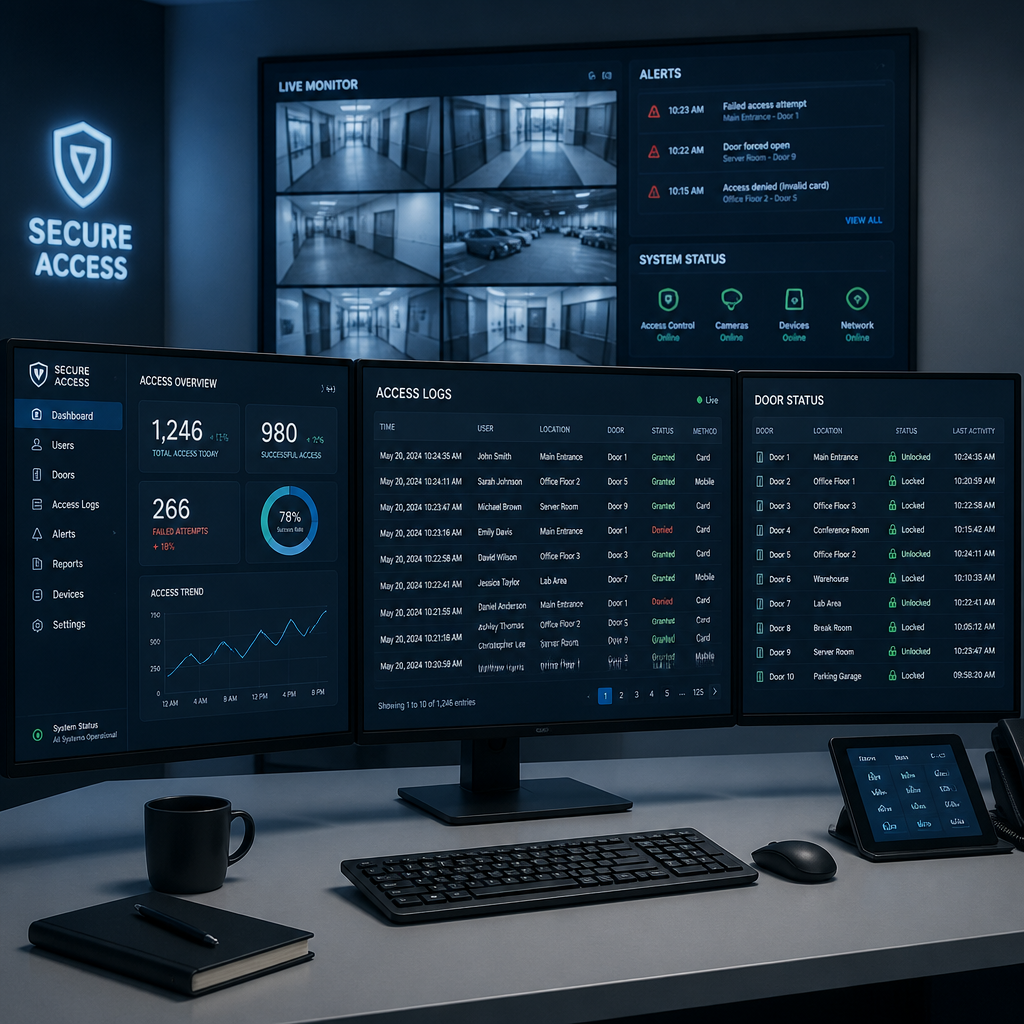
Most gate security failures happen not because of hardware malfunctions, but because the wrong system was chosen for the property in the first place. A gated community installs a basic keypad, then spends three years dealing with shared codes, no audit trail, and zero ability to revoke access when a resident moves out. A commercial facility bolts on a fob system, then discovers it cannot manage delivery vehicles or issue temporary credentials without physically being on-site. Remote control gate access solves these operational headaches, but only when the system is matched to how people actually move through your property. This guide cuts through the marketing noise and gives property managers, facility operators, and homeowners a straight path to the right setup.
Table of Contents
- What Is Remote Control Gate Access?
- Quick Takeaways
- Gate Access Credential Types: What Actually Works
- Gated Community Access Control: Specific Requirements
- App-Based Gate Entry: Capabilities and Honest Limitations
- Comparison of Gate Access Approaches
- Commercial Gate Access: Where the Requirements Differ
- Installation and Cost Realities
- Frequently Asked Questions
- References
What Is Remote Control Gate Access?
A remote control gate access system is a combination of hardware and software that verifies identity before opening a vehicle or pedestrian gate, using credentials such as mobile apps, keypads, RFID fobs, intercoms, or license plate recognition, with named entry logs, fast credential revocation, and the ability to manage permissions from anywhere without being on-site. The “remote control” part is not a bonus feature. It is the core operational requirement.
Without remote management, every credential change, temporary visitor permission, or access revocation requires a technician or property manager to visit the site. That is not a minor inconvenience. At scale, across a 200-unit apartment community or a multi-building commercial campus, it becomes a genuine operational liability.
Quick Takeaways
| Key Insight | Explanation |
|---|---|
| Cloud-based management is non-negotiable at scale | Cloud-based systems allow property teams to issue credentials, update permissions, and review entry logs remotely without on-site reprogramming. Any system requiring a technician visit for basic changes will become a bottleneck. |
| RFID fobs are reliable but create management overhead | RFID systems offer fast, reliable entry for authorized users, but managing physical devices becomes cumbersome when cards or fobs are lost or damaged. Build a replacement workflow before rollout. |
| Keypads alone are unsuitable for gated communities | Shared PIN codes provide no individual accountability, no audit trail, and no way to selectively revoke access. They are best limited to single secondary entry points, not primary gates. |
| App-based entry needs a fallback credential | Smartphone-based gate entry is highly convenient, but residents with dead batteries or no data signal still need to get in. Every app-based system should ship with a backup credential method. |
| Delivery and visitor access is where most systems fail | Systems that handle residents well but provide no structured path for delivery drivers, contractors, or guests create bottlenecks and push people toward propping gates open, defeating the entire installation. |
| Hardware cost is only part of the budget | Gate intercom hardware for one entrance can cost anywhere between $2,000 and $7,000. Add the gate operator, wiring, and ongoing software subscription, and total installed cost for a single residential entrance often lands between $5,000 and $10,000. |
| Integration with intercoms and smart locks multiplies value | A gate access system connected to a video intercom and smart locks on individual unit doors creates a layered security architecture that is significantly harder to defeat than any single-point solution. |
Gate Access Credential Types: What Actually Works
The credential type determines your day-to-day operational reality more than any other single decision. Every method has a specific place in a well-designed system, and none of them is universally superior.
RFID Cards and Fobs
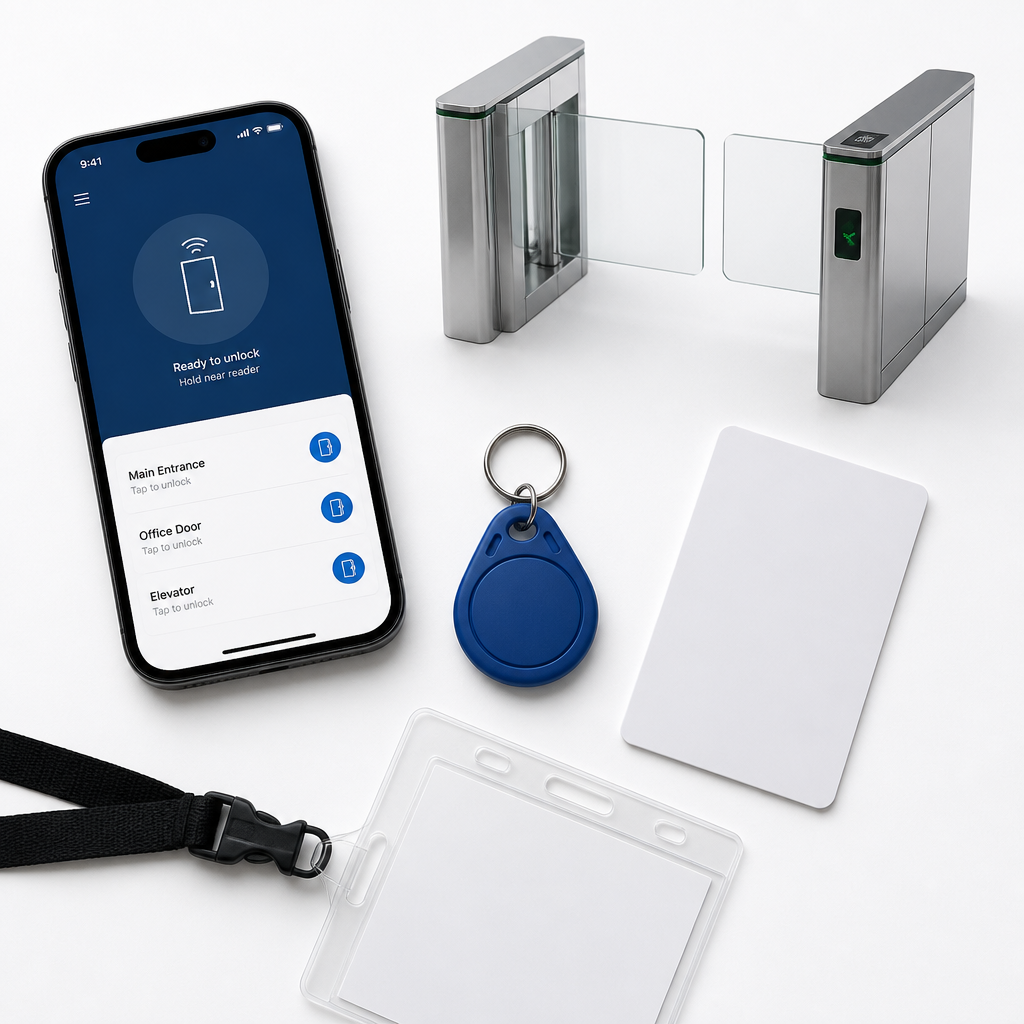
RFID systems use radio frequency identification technology to read data stored in a credential like a key card or fob. When a registered device is scanned, the system checks it against a database of authorized users and opens the gate if there is a match. The entry experience is fast, reliable, and requires no resident action beyond presenting the credential. The operational weakness is credential management. Lost fobs must be deactivated and replaced, and in a community with high turnover, that adds up to real administrative work.
Pro tip: When deploying RFID at a gated community, configure the management software to automatically disable credentials for residents who have been marked as moved-out. Do not rely on manual deactivation, because it will be skipped under pressure.
Keypads and PIN Codes
Keypads are simple and cheap to install, but they have a structural security flaw: there is no way to know who used the code. A shared PIN provides entry but leaves no named audit trail. Keypads are appropriate as a backup credential on a secondary pedestrian gate. Using them as the primary gate credential for a community of any size is a choice you will regret when a security incident requires you to review entry history.
Video Intercoms
Video intercoms bring an added layer of security by allowing residents or security personnel to see and communicate with visitors before granting access. Modern systems include wide-angle cameras that ensure a clear view of the entryway. For visitor management, this is the most defensible architecture: the visitor initiates contact, a resident or security officer reviews the video feed remotely, and gate entry is granted or denied with a full record of the interaction. At UnikCCTV, the wireless intercom product range is specifically designed to handle both residential gate entry and unit-level visitor management from a single integrated platform.
License Plate Recognition
License plate recognition (LPR) cameras automate vehicle access by reading registered plates and triggering gate opening without any driver action. This is the best experience for authorized residents who drive frequently, and it is increasingly viable at the commercial property level. The limitation is that LPR requires clean camera positioning, adequate lighting, and a well-maintained plate database. It is not a fit-and-forget system.
Gated Community Access Control: Specific Requirements
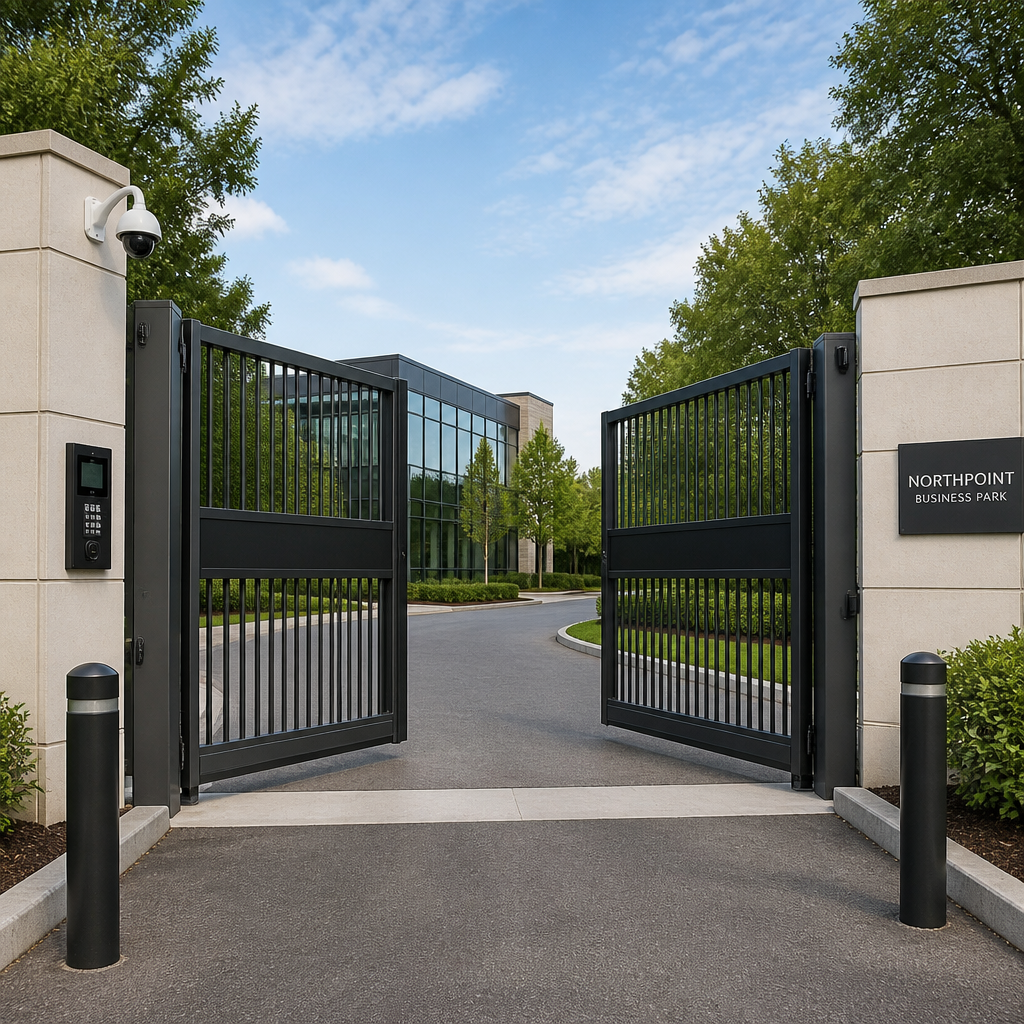
Gated community access control has requirements that differ meaningfully from standalone commercial or industrial gate applications. The resident population is mixed: you have owners, renters, long-term visitors, domestic staff, delivery services, and contractors. Each category needs a different kind of credential, and your system needs to handle all of them without creating a queue at the gate during peak entry hours.
Resident Access vs. Visitor Access
Resident access should be seamless and credential-based, either via mobile app, RFID fob, or license plate recognition. Visitor access is where most gated community systems fall short. The best setups allow residents to issue temporary, time-limited access codes or QR passes to guests from a smartphone app, so delivery drivers and visitors can enter without calling a resident or waiting for manual gate override.
A common mistake is treating visitor management as an afterthought. If your primary gate system handles residents perfectly but provides no structured visitor path, residents will prop the gate open, hand out entry codes, or buzz in anyone who calls. That eliminates the security value of the gate entirely.
HOA and Property Management Considerations
HOA communities and property management firms need audit trails more than any other user group. When a vehicle is found vandalized, when a package goes missing, or when an unauthorized person is reported on site, the ability to pull a named entry log with timestamps and credential types is the difference between a resolved incident and a liability dispute. Cloud-based management lets property teams review audit trails and revoke access remotely without needing to be on-site, which is the practical standard for any professionally managed property.
A gate without an audit trail is not access control. It is a slightly inconvenient barrier. Real security starts when you can answer “who entered, with what credential, at what time” for any entry in the past 90 days.
For gated communities exploring integrated solutions, UnikCCTV’s range of door entry systems and gate access controls are designed to work together, providing that named audit trail across both perimeter and building entry points.
Pro tip: Before purchasing any gate access system for a gated community, ask the vendor for a live demonstration of the credential revocation workflow. Time how long it takes to deactivate a former resident’s access from a mobile device. If it takes more than 60 seconds, the operational overhead will compound over time.
App-Based Gate Entry: Capabilities and Honest Limitations
A smartphone-based solution with a mobile app is widely considered the most convenient option for residents in a gated community. The app enables app-based gate entry for the resident, allows granting of temporary entry codes or one-time permissions to visitors, and gives property managers real-time access management from any device connected to the internet.
What App-Based Systems Do Well
The operational advantages of app-based gate entry go beyond simple convenience. Property managers can update resident directories, manage access permissions, and review entry logs without being on-site. Residents can issue time-limited guest passes without calling anyone. When integrated with a video intercom at the gate, residents can see and speak to visitors on their phone and open the gate remotely, regardless of whether they are home or three time zones away.
For commercial properties, role-based access control (RBAC) becomes practical through app management. Access is granted based on the user’s role within an organization, ensuring employees can reach only the areas they need. Changes to roles or terminations take effect immediately without requiring a physical credential exchange.
Where App-Based Entry Creates Problems
The failure modes of app-based entry are predictable and worth planning around before deployment. Residents with dead phone batteries, no cellular signal, or an outdated app version cannot get in without a fallback. Older residents or those without smartphones face a real usability barrier. And in vehicle lane configurations, fumbling with a phone to trigger gate opening creates friction that slows throughput at peak times.
The correct response to these limitations is not to avoid app-based entry. It is to design a hybrid credential architecture where the app is the primary method and a physical credential (RFID fob or keypad code) is available as a fallback. Every well-designed gated community access control deployment accounts for this.
Comparison of Gate Access Approaches
The table below compares three dominant approaches to remote control gate access. Each has a distinct use case, and the right choice depends on the size of the property, the resident or employee profile, and the operational capacity of the management team.
| Approach | Best Fit | Key Limitations |
|---|---|---|
| RFID Fob + Cloud Management Portal | Medium to large gated communities and apartment complexes with dedicated property management. Fast entry, reliable hardware, centralized control. Works without smartphone dependency. | Physical credential management overhead: lost fobs require deactivation and replacement. No native visitor management without adding an intercom. Per-fob cost adds up for high-turnover properties. |
| Video Intercom + Mobile App | Residential communities and businesses where visitor management is as important as resident access. Residents see and speak to visitors remotely. Full audit trail. Integrates with smart locks for layered access. | Requires smartphone for full feature set. Dependent on internet connectivity for remote unlock. Higher upfront hardware cost than keypad-only solutions. Requires structured onboarding for residents. |
| LPR (License Plate Recognition) + Fallback Credential | Commercial facilities and high-volume vehicle entry points where touchless, friction-free access is the priority. Ideal for employee parking structures and logistics hubs. | Requires precise camera installation and lighting. Plate database must be actively maintained. Visitors and delivery vehicles require a separate access path. Higher system cost and more complex setup. |
Commercial Gate Access: Where the Requirements Differ
Commercial properties have gate access requirements that go beyond what a residential-oriented system can handle. The credential population is larger, the liability stakes are higher, and the operational environment typically involves multiple categories of users: employees, contractors, delivery vehicles, and visitors, each with different permitted access windows.
Role-Based Access Schedules
In a commercial context, it is not enough to grant or deny access. The system needs to grant access to the right person at the right time and nowhere else. A vendor making deliveries at 8 AM should not have credentials that work at 11 PM. A contractor hired for a two-week project should have credentials that expire automatically at project end. Systems that handle this through manual time windows require administrative discipline that is hard to sustain. Cloud-based platforms with scheduled credential management handle this automatically.
Integration with CCTV and Wider Security Systems
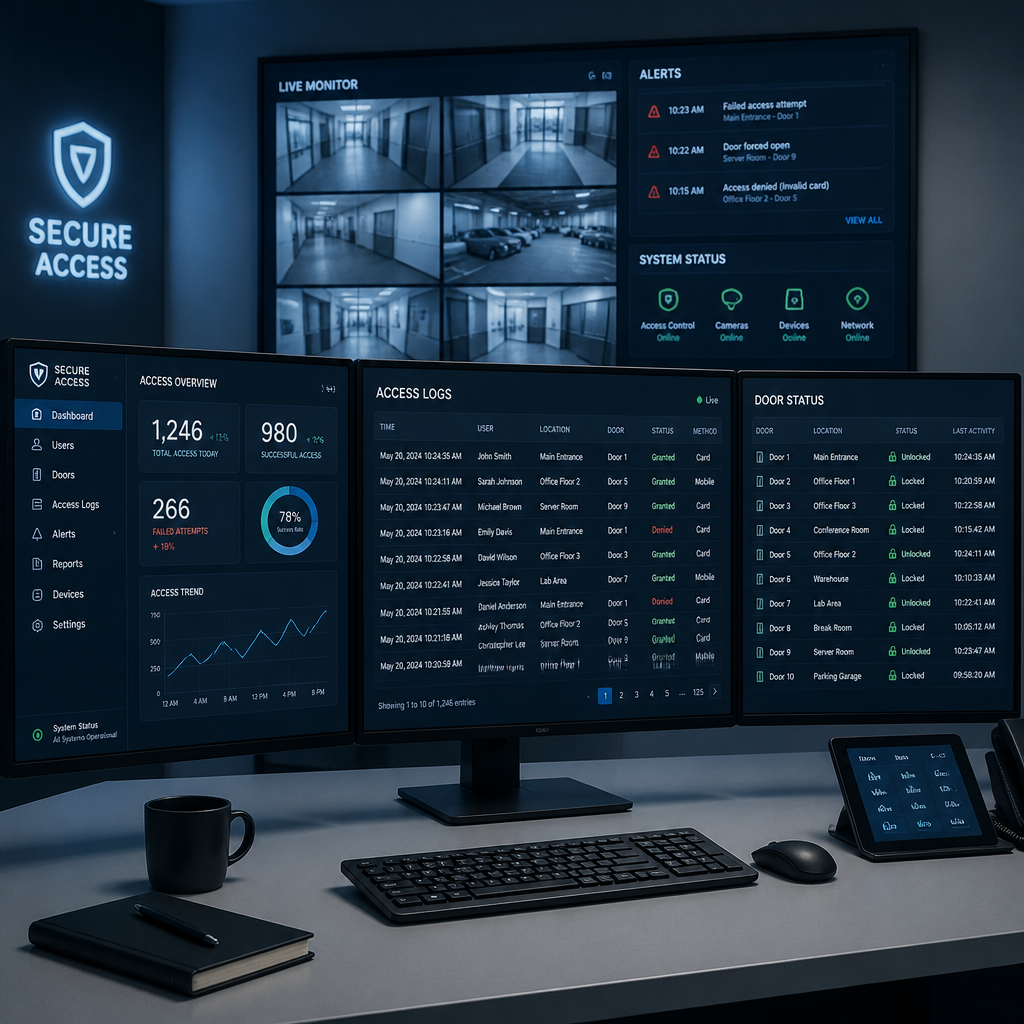
At the commercial level, gate access control does not operate in isolation. Exterior gates equipped with cameras and access readers can monitor suspicious vehicles, grant entry to authorized vehicles, and issue alerts for situations like tampering, tailgating, or a jammed gate. This integration, linking gate access events to CCTV recordings, is what makes an incident reviewable after the fact. UnikCCTV’s CCTV surveillance equipment is designed to integrate with access control infrastructure, creating a unified security record rather than isolated logs across separate systems.
Motion sensors and alarm systems can be programmed to alert security staff remotely via real-time notifications, with automated lockdowns configured to secure entry points during emergencies. For facilities managers responsible for large campuses, this is the architecture that converts a gate from a passive barrier into an active security layer.
Installation and Cost Realities
The budget conversation for remote control gate access gets avoided until it causes problems. Hardware prices are generally fixed, but installation costs vary depending on the region and the specific site conditions. Having an honest cost picture before procurement prevents the common situation where a property commits to a system it cannot fully deploy within budget.
Residential Cost Range
Most residential gate access systems fall in the range of $5,000 to $10,000. That figure includes the gate itself, the electrical system that operates the gate, and the electronic access control panels. Very basic systems can start around $3,500, while high-end setups with custom gates, video intercoms, and license plate recognition can run significantly higher. Gate intercom hardware alone for one entrance can cost between $2,000 and $7,000 depending on the type chosen, covering the intercom device, gate operator, power supply, and locks.
Ongoing Software and Subscription Costs
Cloud-based platforms that enable the remote management features carry monthly or annual subscription fees. These are not optional extras. The remote management capability, the audit trail, and the visitor management workflows all depend on the cloud platform. Budget for these as part of the total cost of ownership, not as an add-on decision made later. Choosing a system because the hardware is cheaper, then discovering that remote management requires a subscription you did not budget for, is one of the most common and entirely avoidable procurement mistakes in this category.
Pro tip: When comparing systems for a multi-entrance property, ask vendors to quote per-entrance costs and per-user costs separately. Some platforms charge per door, others per credential, and others at a flat community rate. The pricing model that looks cheapest at 50 units may be the most expensive at 200.
Wiring vs. Wireless Considerations
Wired systems offer the most reliable connectivity but require trenching cable from the gate to the power source and control panel, which adds installation cost and time, especially on large properties with long gate-to-building distances. Wireless and cellular-based systems eliminate that cable run and are the practical choice for properties without existing conduit infrastructure. Cellular-based gate systems operate on 4G LTE networks, making them viable even in locations without broadband infrastructure, which matters for rural commercial properties and remote gated communities. UnikCCTV’s range of wireless intercoms and transmitters is specifically suited to these configurations.
Frequently Asked Questions
Can I control a gate remotely without installing new wiring?
Yes. Cellular and Wi-Fi-based gate access systems can operate without new wiring runs, using 4G LTE or existing broadband infrastructure for connectivity. Wireless intercom systems and battery-powered credential readers further reduce the wiring requirement. The trade-off is that wireless systems require active network coverage at the gate location and introduce a dependency on signal reliability. For most residential and light commercial applications, this is entirely manageable with the right hardware selection.
What is the best gate access system for a gated community with 100 or more units?
For a community at this scale, the minimum viable system is a cloud-managed platform with named, individual credentials, a visitor management workflow (temporary codes or video intercom), full audit logging, and remote credential revocation. RFID fobs or mobile app access (or both) work at this scale. Shared keypad PINs do not: there is no accountability and revocation means changing the code for everyone. A video intercom at the main gate, integrated with a mobile app, is the architecture used in most professionally managed communities of this size.
How do delivery drivers get through a remotely controlled gate?
There are several workable approaches. Some systems support carrier-specific access codes that delivery services like major couriers can use during business hours. Others use virtual gate guard services where a live agent verifies the delivery driver via video before opening the gate. Video intercoms with two-way audio allow residents to view the visitor and open the gate remotely from their phone. Time-limited QR codes issued to delivery companies are another option on more advanced platforms. The important thing is to design this path deliberately: a system with no structured delivery access path will result in drivers calling residents at 7 AM or gates being propped open.
What is the difference between a gate access system and a door access system?
A gate access system controls entry at the perimeter of a property: a vehicle gate, a pedestrian gate, or a barrier arm. A door access system controls entry at individual building entry points, such as a lobby door, a unit door, or an internal corridor. Most professionally managed properties use both, and the best security architecture integrates them on a single platform so that entry logs, credentials, and remote management are handled in one place rather than across two separate systems with no shared visibility.
Do biometric readers work well at outdoor gate installations?
Fingerprint readers at outdoor gates face specific environmental challenges: moisture, temperature extremes, and dirt accumulation all degrade read accuracy over time. Facial recognition systems designed for outdoor use are more robust in this context, particularly when the camera is positioned under a protective housing. For most residential gate applications, biometric credentials are better deployed at building entry doors or individual unit locks, with RFID or mobile app credentials handling the perimeter gate. UnikCCTV’s biometric access systems and facial recognition locks are designed for both indoor and outdoor environments, but site-specific conditions should always be reviewed before specifying biometrics at an exterior gate.
How often should gate access credentials be audited?
For residential communities, a credential audit should happen at every resident turnover and at minimum quarterly for the full list. For commercial facilities, the standard is monthly, with immediate revocation required at employee departure. The practical reason is simple: orphaned credentials, credentials belonging to people who no longer have a legitimate reason to access the property, are the most common vector for unauthorized entry. A cloud-based platform makes this audit straightforward because the full credential list with last-used timestamps is visible from any browser without a site visit.
If you are currently evaluating a remote control gate access system for your property or facility, share what has worked or what has frustrated you about your current setup in the comments. Specific operational feedback helps others make better decisions before they commit to a system.
We would love your feedback and any insights you would share with others. What perspective would you add?
References
- Comprehensive guide to residential gate access control systems, types, costs, and buying considerations
- Overview of gate access control system types including RFID, keypad, mobile, and video intercom approaches
- Pelco guide to gate security access control covering smartphone apps, RFID, and cloud-based intercom systems
- Cost breakdown for residential and commercial gate access control systems including hardware and installation
- Gate intercom system cost guide with per-entrance pricing estimates and component breakdown



 No products in the cart.