
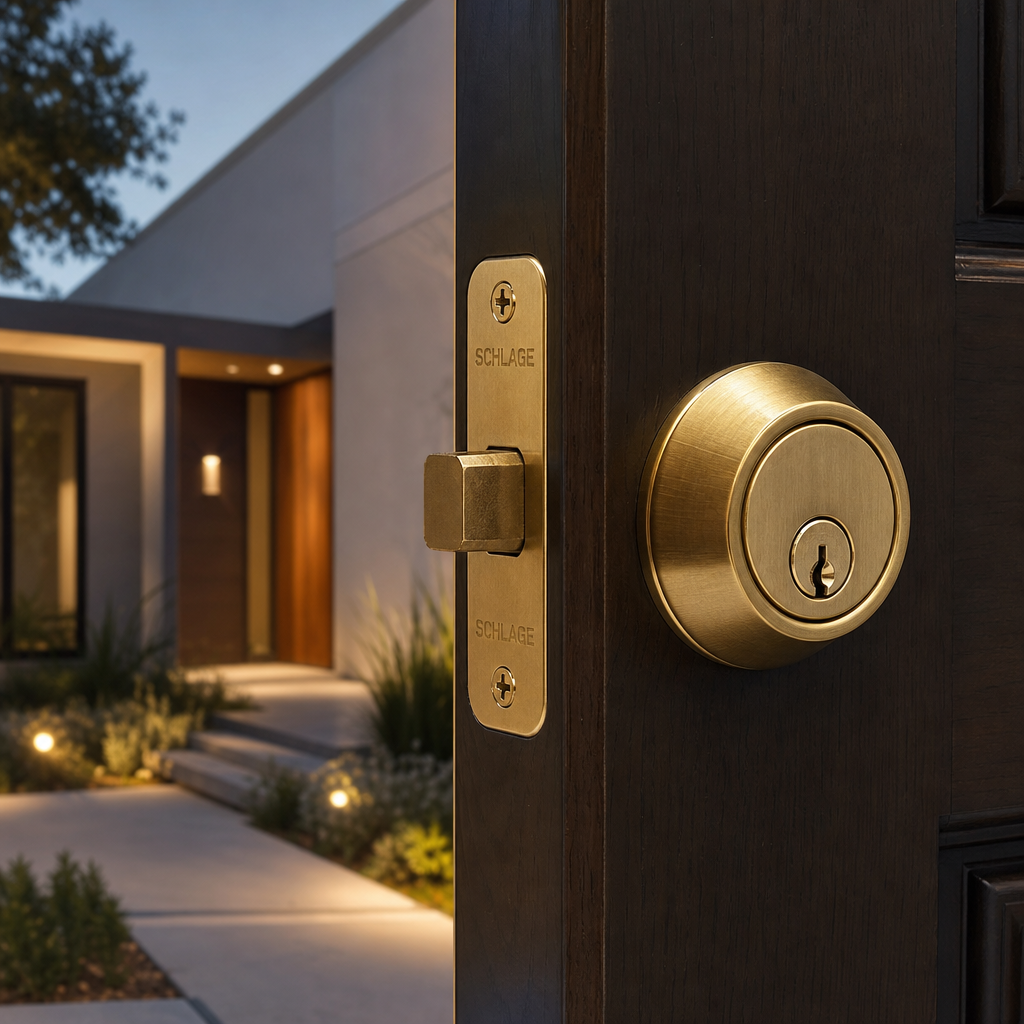
Nearly 34% of home burglars walk straight through the front door, according to the FBI’s crime statistics. That fact alone should make any property manager or homeowner rethink what is actually protecting their entry points. The debate over smart door locks versus traditional deadbolts is not just a tech conversation. It is a security decision with real consequences for your property, your tenants, and your operational costs. This guide breaks down exactly where each option performs, where it fails, and which makes the most sense depending on your specific situation.
Table of Contents
- Quick Takeaways
- How Traditional Deadbolts Work and Where They Stand Today
- What Smart Door Locks Actually Offer
- Keypad Door Locks: The Middle Ground Worth Considering
- Smart Lock vs. Deadbolt: A Real Security Comparison
- Best Fit by Property Type: Homes, Apartments, and Businesses
- Integration with Access Control and Intercom Systems
- Frequently Asked Questions
- References
Quick Takeaways
| Key Insight | Explanation |
|---|---|
| Traditional deadbolts have a physical vulnerability ceiling | Even ANSI Grade 1 deadbolts can be compromised by bump keys or lock-picking in under two minutes by an experienced intruder. |
| Smart door locks eliminate lost-key emergencies | Property managers save significant time and locksmith costs by issuing digital credentials instead of physical keys that get duplicated or lost. |
| Keypad door locks offer the best reliability trade-off | No Wi-Fi dependency, no app required, and no key to lose. Ideal for small businesses and rental properties with moderate traffic. |
| Smart locks carry a real cybersecurity risk | Bluetooth and Wi-Fi-enabled locks can be targeted by replay attacks if firmware is not regularly updated. Always choose locks with AES-128 encryption or higher. |
| Access logs are a major operational advantage | Smart locks provide timestamped entry records. For facilities managers, this is useful for audits, dispute resolution, and staff accountability. |
| Biometric locks add a layer no physical key can match | Fingerprint and facial recognition locks cannot be shared, copied, or handed off without authorization, making them ideal for restricted zones. |
| Home security locks should be paired with surveillance | A lock alone is not a security system. Combining smart locks with CCTV cameras dramatically increases deterrence and incident documentation. |
How Traditional Deadbolts Work and Where They Stand Today
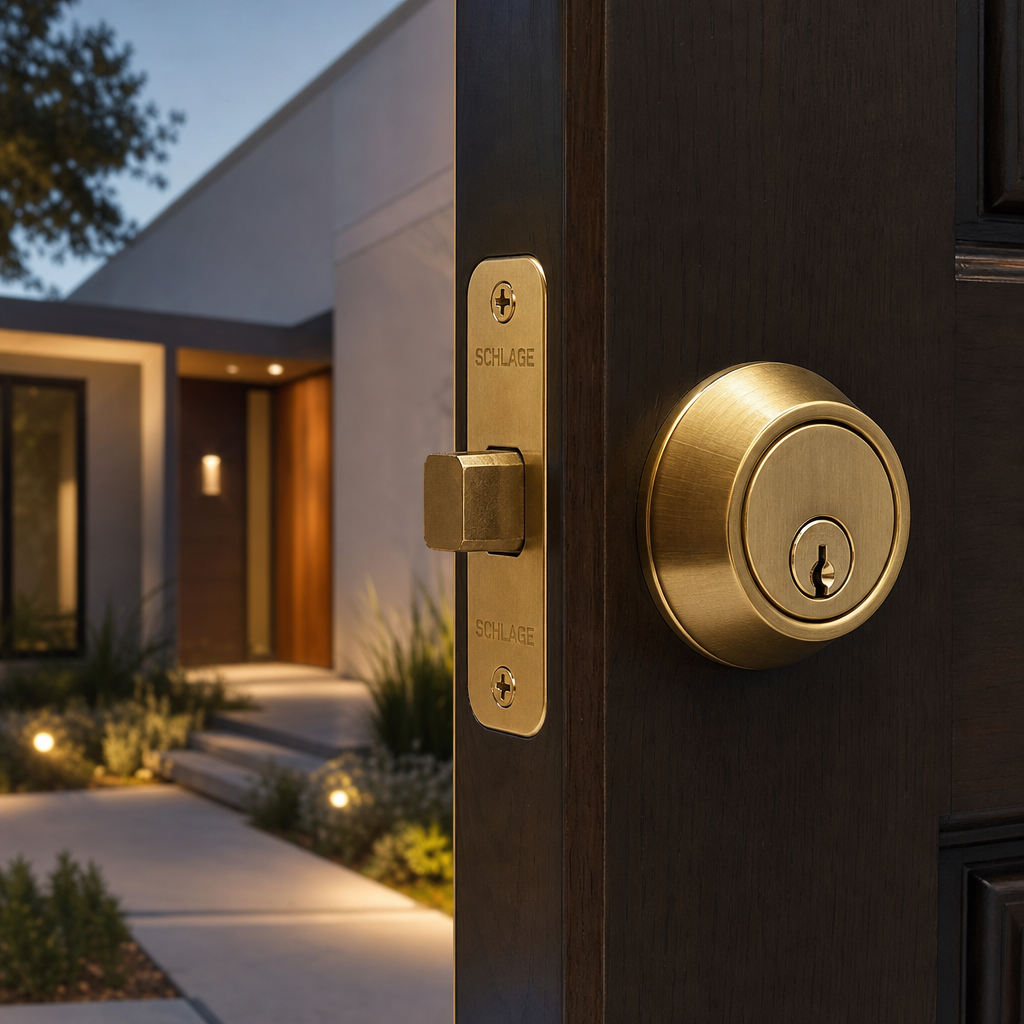
A traditional deadbolt operates on a simple mechanical principle. Turning a key or thumb turn extends a solid steel bolt into a strike plate mounted on the door frame. When installed correctly with 3-inch screws anchoring the strike plate into the stud, a deadbolt can withstand significant kick-in force. The problem is that “installed correctly” is rarer than most people assume.
In practice, most residential deadbolts are mounted with the factory-included half-inch screws, which pull out easily under force. That is a hardware failure, not a design one. But there are design failures too. ANSI Grade 2 deadbolts, which are the most common consumer-grade option sold at large retailers, offer minimal pick resistance and almost none against bump keys.
What ANSI Grades Actually Mean for Buyers
The American National Standards Institute grades deadbolts on a 1 to 3 scale. Grade 1 is commercial-grade, rated for 250,000 cycles and 10 strikes of 75 foot-pounds of force. Grade 3 is the lowest residential option and fails at half those benchmarks. When shopping for home security locks, Grade 1 is the minimum worth buying, but most homeowners end up with Grade 2 or 3 simply because that is what lines the shelves at general hardware stores.
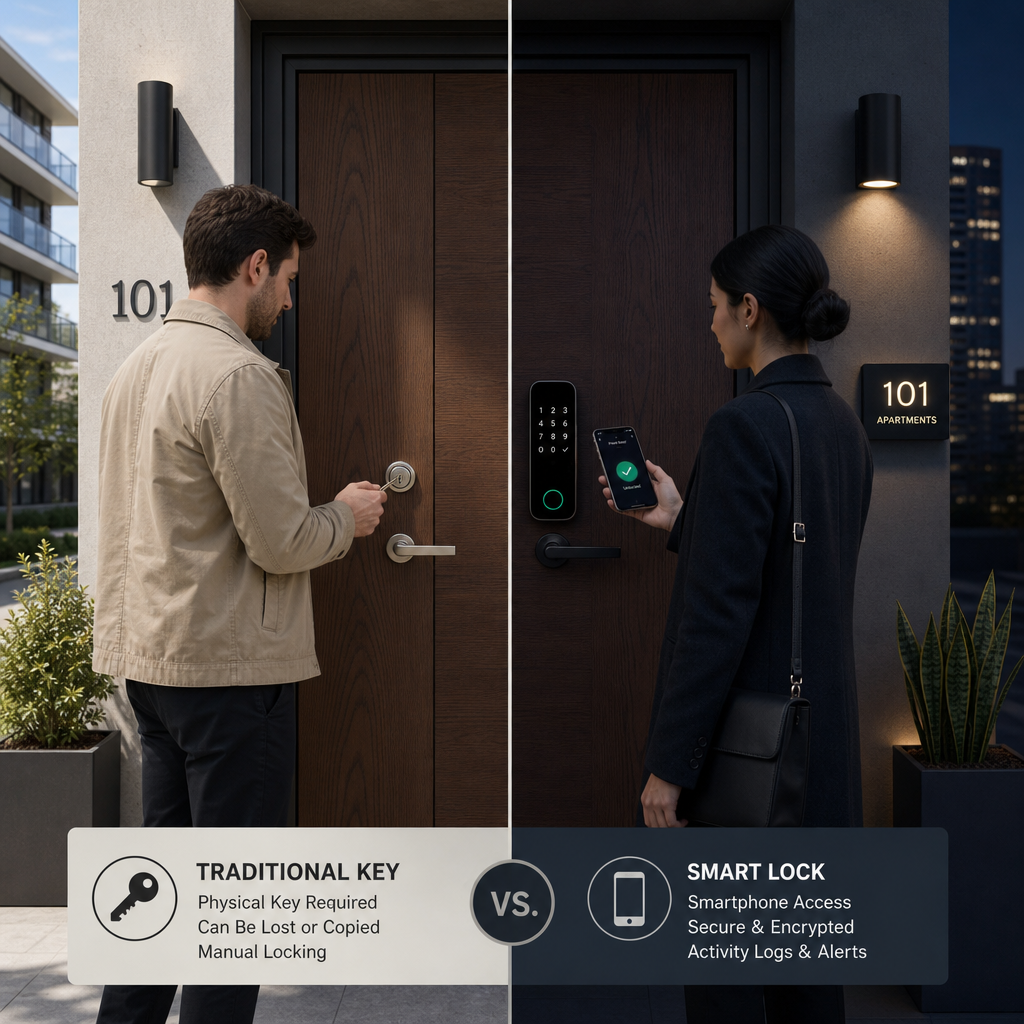
The real Achilles heel of traditional deadbolts is key control. Once a key is cut and handed to a tenant, contractor, or employee, you have lost visibility into who holds a copy. There is no audit trail, no remote revocation, and no way to know if an unauthorized duplicate exists.
Pro tip: If you are sticking with a traditional deadbolt, pair it with a high-security cylinder from a manufacturer like Medeco or Mul-T-Lock. These use patented key systems that are nearly impossible to duplicate without authorization and are significantly harder to pick than standard cylinders.
What Smart Door Locks Actually Offer
Smart door locks are electromechanical devices that can be controlled via a smartphone app, a web dashboard, a key fob, or a PIN pad. They range from simple Bluetooth-only models with a 30-foot range to full Wi-Fi-connected systems with remote access, real-time notifications, and integration into broader building management platforms.
The data consistently shows that the biggest driver of smart lock adoption is convenience, not security. A 2023 Statista survey found that 58% of smart home device buyers prioritize ease of use over raw security ratings. That is actually a problem when buyers pick locks based on app quality rather than the mechanical grade of the underlying hardware. A smart lock installed on a cheap door frame is still a cheap door frame.
Remote Access and Credential Management
The genuine operational advantage of smart locks is remote credential management. A property manager overseeing a 40-unit apartment building can issue a unique PIN to each tenant, set expiration dates for contractor access, revoke access instantly after a lease ends, and pull a full log of who entered and when. None of that is possible with a physical key system without enormous overhead.
For business owners, this translates into eliminating the rekeying cycle. The average commercial rekeying costs between $150 and $400 per lock depending on location and cylinder type. With smart locks, access revocation is a software action that costs nothing.
The Battery and Connectivity Reality
A common mistake is overlooking power dependency. Smart locks run on batteries, typically AA or AAA, and most have a 6 to 12-month battery life under normal use. When the battery dies and no one notices, the door becomes inaccessible or defaults to unlocked, depending on the model. Always choose a lock that sends low-battery alerts and has a physical key backup option for emergency entry.
Wi-Fi-connected locks also introduce a dependency on your internet connection. If your router goes down, cloud-dependent locks may fail to respond to remote commands. Locally managed locks using Z-Wave or Zigbee protocols are more resilient in this regard.
“The physical strength of a lock matters, but access control is really about managing who has permission and when. Smart credentials beat physical keys on both fronts.” — A widely cited position in access control system design literature, echoed by the Security Industry Association’s guidelines on electronic access.
Keypad Door Locks: The Middle Ground Worth Considering
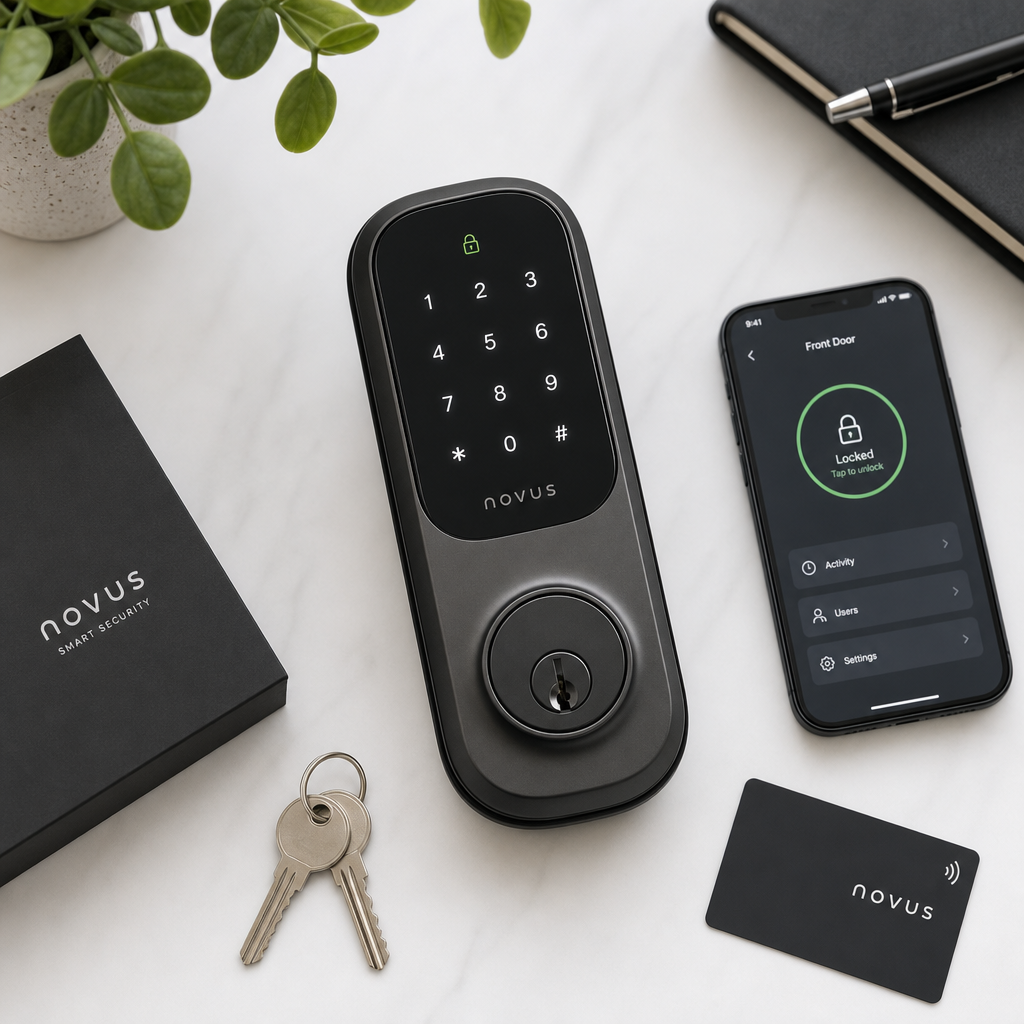
Keypad door locks are a category of smart-adjacent locks that many buyers overlook. They do not require a smartphone, a Wi-Fi connection, or a monthly subscription. You program a PIN code directly on the device, and that code unlocks the door. Higher-end models support multiple unique codes, making them practical for small businesses, rental properties, and home use where simplicity matters more than remote management.
The operational advantage over traditional deadbolts is real. You never need to rekey when a tenant leaves. You change the code. On most quality keypad locks, that takes about 30 seconds. The advantage over full smart locks is reliability. No app, no cloud, no Wi-Fi, no subscription fee.
Where Keypad Locks Fall Short
The limitation of standalone keypad locks is code sharing. A PIN is shareable, and unlike a biometric credential, you cannot verify who is actually using it. For high-security zones or locations where individual access accountability matters, keypad locks are inadequate on their own. They work best as a first layer, combined with a CCTV camera pointed at the entry point.
Code wear is also a real vulnerability. On some older models, repeated entry of the same digits causes visible wear on those keys, narrowing the guessing range for an intruder. Look for models that randomize the keypad backlight or use rotating code sequences.
Pro tip: For rental properties with multiple units, use a keypad lock that supports a master code and individual tenant codes separately. This allows you to change a single tenant’s code without affecting emergency override access.
Smart Lock vs. Deadbolt: A Real Security Comparison
The smart lock vs. deadbolt debate often generates false comparisons. People pit the convenience features of smart locks against the raw mechanical strength of deadbolts as if these are mutually exclusive categories. They are not. Many smart locks are built on Grade 1 deadbolt mechanisms with smart electronics layered on top. The right question is not which type is more secure in the abstract. It is which specific product, installed correctly, addresses your actual threat model.
| Feature | Traditional Deadbolt (Grade 1) | Smart Door Lock (Wi-Fi, AES Encrypted) |
|---|---|---|
| Pick resistance | High with high-security cylinder | Depends on underlying cylinder quality |
| Bump key vulnerability | Moderate to high on standard cylinders | Same as cylinder used; electronics do not help |
| Access logging | None | Full timestamped entry and exit log |
| Remote access revocation | Not possible without physical rekeying | Instant via app or web dashboard |
| Cybersecurity risk | None | Present if firmware is outdated or encryption is weak |
| Power dependency | None | Requires battery; connectivity for remote features |
| Cost over 5 years | Low, mostly physical key management | Higher upfront, lower rekeying and administrative cost |
| Tenant or staff management | Manual, slow, prone to unauthorized duplication | Digital, scalable, auditable |
Best Fit by Property Type: Homes, Apartments, and Businesses
The right lock depends heavily on who is using it, how often, and what level of access control accountability you need. There is no single correct answer, but there are clear patterns that emerge when you look at actual use cases.
Single-Family Homes
For homeowners, the calculus is straightforward. A smart lock with a keypad and Bluetooth or Wi-Fi connectivity delivers a meaningful upgrade over a standard deadbolt without creating operational complexity. The ability to let in a dog walker, a repair person, or a family member with a temporary PIN eliminates the need for physical key handoffs. Pairing the lock with a doorbell camera or a CCTV system provides the documentation layer that a lock alone cannot offer.
The UnikCCTV product range covers both smart lock hardware and the surveillance layer, which matters because a lock only secures the point of entry. A camera documents what happened before, during, and after that point.
Multi-Unit Apartment Buildings
For property managers, the argument for smart locks or keypad systems is almost entirely operational. Physical key management at scale is expensive and insecure. Each unit turnover requires rekeying or a new lock if there is any doubt about key return. Smart locks convert that recurring cost into a one-time hardware investment with a software management overhead that scales without additional cost per unit.
Biometric access systems are worth considering for common areas, mailrooms, and parking structures where individual accountability matters. Facial recognition locks, in particular, create an access log that is tied to a specific individual rather than a shared credential.
Commercial Offices and Facilities
Businesses face the most complex access control requirements. Staff turnover, shift-based access, restricted zones, and compliance documentation all point toward smart lock systems integrated with a broader access control platform. Standalone deadbolts are adequate for a storage closet but inadequate for server rooms, executive areas, or anywhere that requires a documented audit trail.
For larger facilities, access control systems that combine smart locks with intercoms, gate controllers, and time attendance tracking create a unified security environment that is far more manageable than a patchwork of independent products.
Integration with Access Control and Intercom Systems
This is where the smart lock vs. deadbolt conversation opens into a much larger discussion. A lock is a single point of control. An access control system is a network of points managed from a central platform. For property managers and facility operators, the single-lock mindset is the wrong frame entirely.
Wireless intercoms integrated with smart locks allow a resident or staff member to verify who is at the door before granting entry, without leaving their desk or apartment. That is a qualitatively different security posture than a deadbolt that either blocks or allows entry with no identification step in between.
Gate Access and Perimeter Control
For properties with a perimeter, whether a residential gate, a parking structure barrier, or a commercial loading dock, smart lock technology extends to gate access controllers. These systems can use the same credential types as door locks, including PINs, RFID fobs, or biometrics, and log all entry and exit events centrally. A visitor intercom at the gate feeding into a dashboard that also controls door access gives a property manager full situational awareness from a single interface.
The integration between a wireless intercom system and a smart lock is specifically what separates a professional access control setup from a consumer smart home gadget. That integration is exactly the kind of system UnikCCTV specializes in configuring for both residential and commercial clients.
CCTV as the Documentation Layer
No lock, smart or traditional, is a substitute for surveillance. The role of a lock is to create friction for unauthorized entry. The role of a CCTV system is to document everything that happens at and around that entry point. These two systems work together, not in competition. A smart lock that logs a keypad entry at 2:47 AM paired with a CCTV camera that captured the person entering at that timestamp gives you the evidence chain needed for insurance claims, police reports, or internal investigations.
Frequently Asked Questions
Are smart door locks actually more secure than traditional deadbolts?
It depends on the specific products being compared, but as a general rule, a high-quality smart lock built on a Grade 1 deadbolt mechanism is at least as physically secure as a traditional deadbolt, and significantly more secure from an access management standpoint. The smart lock wins on credential control, audit trails, and remote revocation. The traditional deadbolt has zero cybersecurity attack surface, which is an advantage in low-tech threat environments.
Can smart locks be hacked?
Yes, improperly secured smart locks can be compromised. The most common attack vectors are replay attacks on Bluetooth signals and brute-force attacks on weak PIN codes. Locks that use AES-128 encryption or higher and require rolling codes are substantially more resistant to these attacks. Always update firmware when updates are released, and never use default PIN codes.
What happens to a smart lock if the power goes out?
Most smart locks run on internal batteries and are not affected by home power outages. The risk is battery depletion, not grid failure. A quality smart lock will send low-battery alerts via its app and will typically retain a physical key cylinder as a backup entry method. For critical access points, choose a model with an external battery terminal that allows a 9-volt battery to provide emergency power to the motor.
Are keypad door locks suitable for a rental property?
Keypad door locks are an excellent fit for rental properties, especially for landlords managing a small number of units without a centralized management system. They eliminate the rekeying cost between tenants, support multiple codes for different users, and require no subscription fees or smartphone. The trade-off is that there is no remote management capability and no access log, so they are best suited for properties where those features are not required.
How do I choose between a smart lock and a biometric lock for a business?
For general office access with moderate traffic, a smart lock with PIN and app-based management is usually sufficient. For restricted areas, server rooms, pharmaceutical storage, or anywhere requiring individual accountability, biometric locks are the better choice. Fingerprint or facial recognition locks cannot be shared or transferred, which eliminates the shared-credential vulnerability that PINs and key fobs carry. UnikCCTV offers both categories, and choosing between them often comes down to the specific access control policy of the zone in question.
Do I need a professional to install a smart lock?
Most single-door smart locks are designed for DIY installation and fit standard deadbolt preparations without additional drilling. However, when integrating a smart lock into a broader access control system that includes intercoms, gate controllers, or CCTV, professional installation is strongly recommended. Incorrect wiring, improper network configuration, or poor placement of components can create security gaps that defeat the purpose of upgrading in the first place.
What is the average cost difference between smart locks and traditional deadbolts?
A quality ANSI Grade 1 traditional deadbolt with a high-security cylinder costs between $80 and $250 depending on the brand and cylinder type. A mid-range smart lock with Wi-Fi and keypad runs from $150 to $400. Enterprise-grade smart locks with biometric capabilities start around $300 and can exceed $1,000 for commercial-grade units. Over a five-year window, the rekeying and key management savings from smart locks typically offset the higher upfront cost for properties with moderate to high tenant or staff turnover.
If you are currently weighing these options for your property or facility, share your specific situation in the comments and we will help you think through which solution fits best.
We would love your feedback and any insights you would share with others. What perspective would you add?
References
- Statista research on smart home device adoption rates and consumer priorities in the United States
- Forbes coverage of smart home security technology trends and investment patterns
- NIST guidelines on physical security standards and access control system design for facilities
- U.S. Department of Energy facility security best practices for controlling physical access to sensitive areas
- National Criminal Justice Reference Service data on residential burglary entry points and prevention strategies



 No products in the cart.