
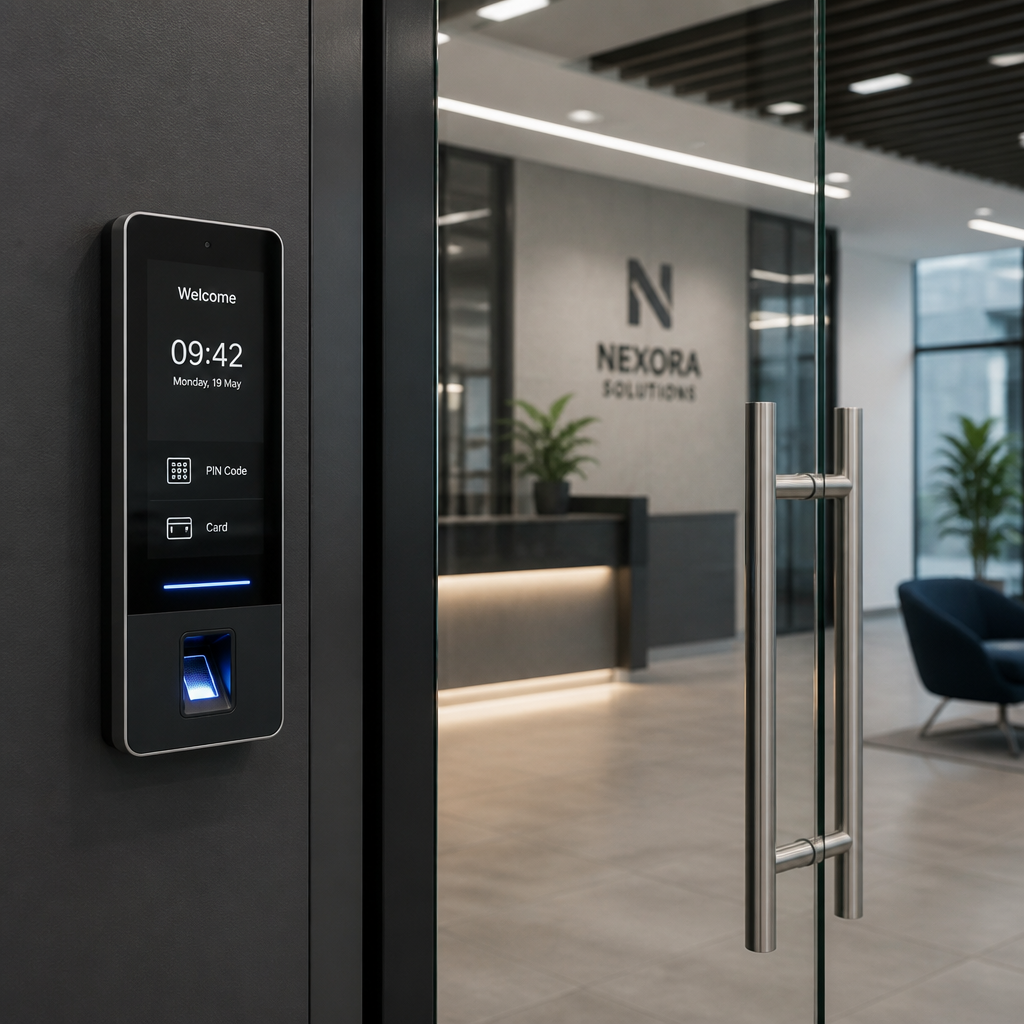
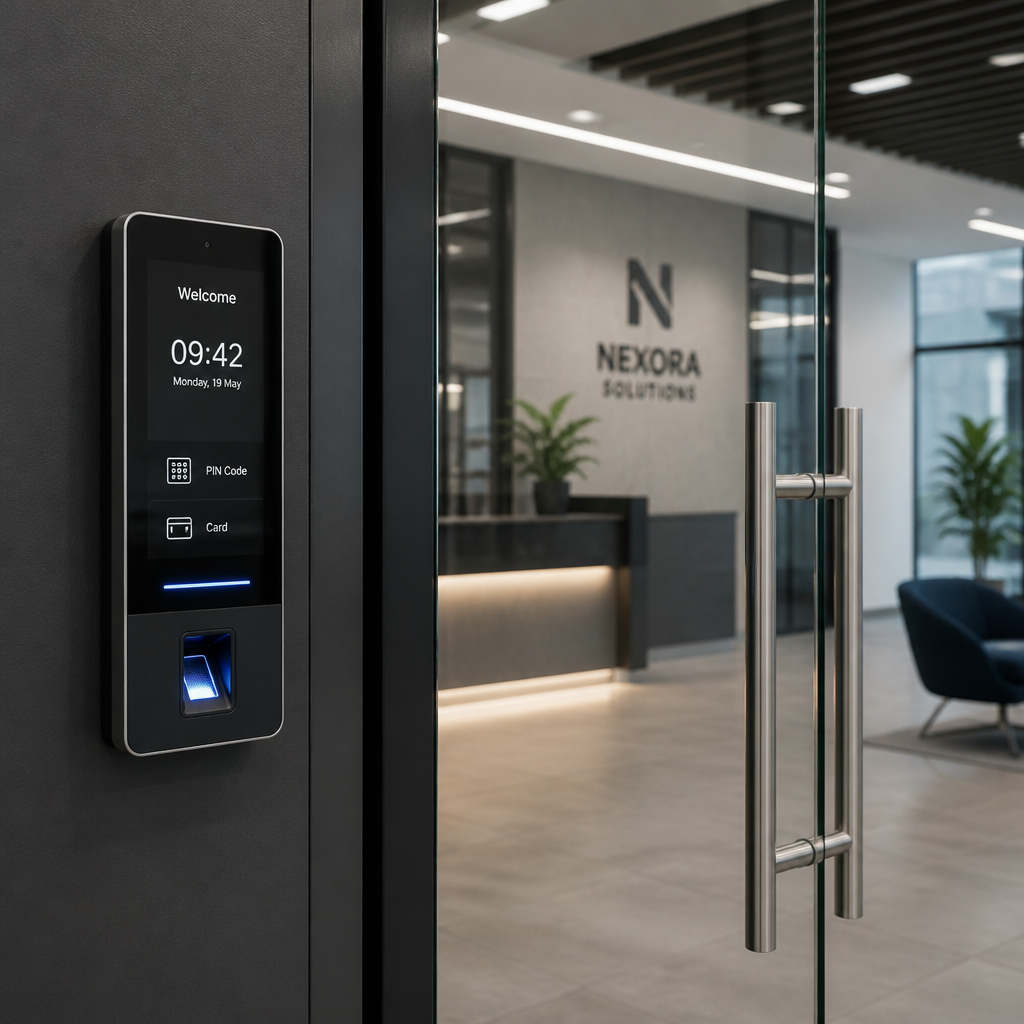
If you are still handing out metal keys to every employee, contractor, and delivery person who needs building access, you are creating a security liability that grows with every person added to your roster. A smart lock system for office environments eliminates that problem at the root. According to Statista, the global smart lock market is projected to exceed $4.5 billion by 2027, and the growth is driven almost entirely by commercial properties recognizing that traditional lock-and-key access is no longer a credible security posture. This article breaks down exactly why upgrading matters, what to look for, and how to make it work in practice.
Table of Contents
- Why Traditional Locks Fail in Office Environments
- Quick Takeaways
- Reason 1: Eliminate Lost Key Risks Instantly
- Reason 2: Real-Time Access Logs You Can Actually Use
- Reason 3: Remote Access Management for Distributed Teams
- Reason 4: Wi-Fi Smart Locks Integrate With Your Existing Systems
- Reason 5: Biometric and Facial Recognition Access Removes Credential Sharing
- Reason 6: Scheduled Access Windows for Contractors and Vendors
- Reason 7: The True Cost Comparison Between Smart and Traditional Systems
- Reason 8: Intercom and Gate Integration Closes the Full Perimeter
- Reason 9: Compliance and Liability Protection
- Office Access Control Upgrade: Comparison Table
- Frequently Asked Questions
- References
Why Traditional Locks Fail in Office Environments
Metal keys do not scale. Every time an employee leaves your company, every time a key goes missing, or every time a contractor finishes a job, your physical security is compromised until a locksmith rekeyes the cylinder. For a small office with five employees, that is manageable. For a facility with fifty people rotating through multiple access points, it becomes operationally impossible to track.
The deeper problem is accountability. A metal key tells you nothing about who used it, when, or which door they accessed. If something goes missing from a restricted area, you have no audit trail. That gap in visibility is precisely what a smart lock system for office environments is designed to close.
Quick Takeaways
| Key Insight | Explanation |
|---|---|
| Instant credential revocation | Smart locks let you deactivate a former employee’s access in seconds, without rekeying or replacing hardware. |
| Real-time audit trails | Every entry and exit is timestamped and logged, giving property managers a verifiable record for security incidents. |
| Wi-Fi smart locks enable remote management | Administrators can grant or revoke access from any device, anywhere, without being on-site. |
| Biometric locks eliminate credential sharing | A PIN or fob can be passed to an unauthorized person. A fingerprint or facial scan cannot. |
| Scheduled access windows reduce risk | Set specific time ranges for vendors and contractors so access automatically expires without manual follow-up. |
| Integration with intercoms and CCTV | Pairing smart locks with intercom systems and surveillance cameras creates a unified, verifiable access layer. |
| Long-term cost advantage | Eliminating locksmith calls, key duplication, and rekeying costs makes smart lock systems more cost-efficient after year two. |
Reason 1: Eliminate Lost Key Risks Instantly
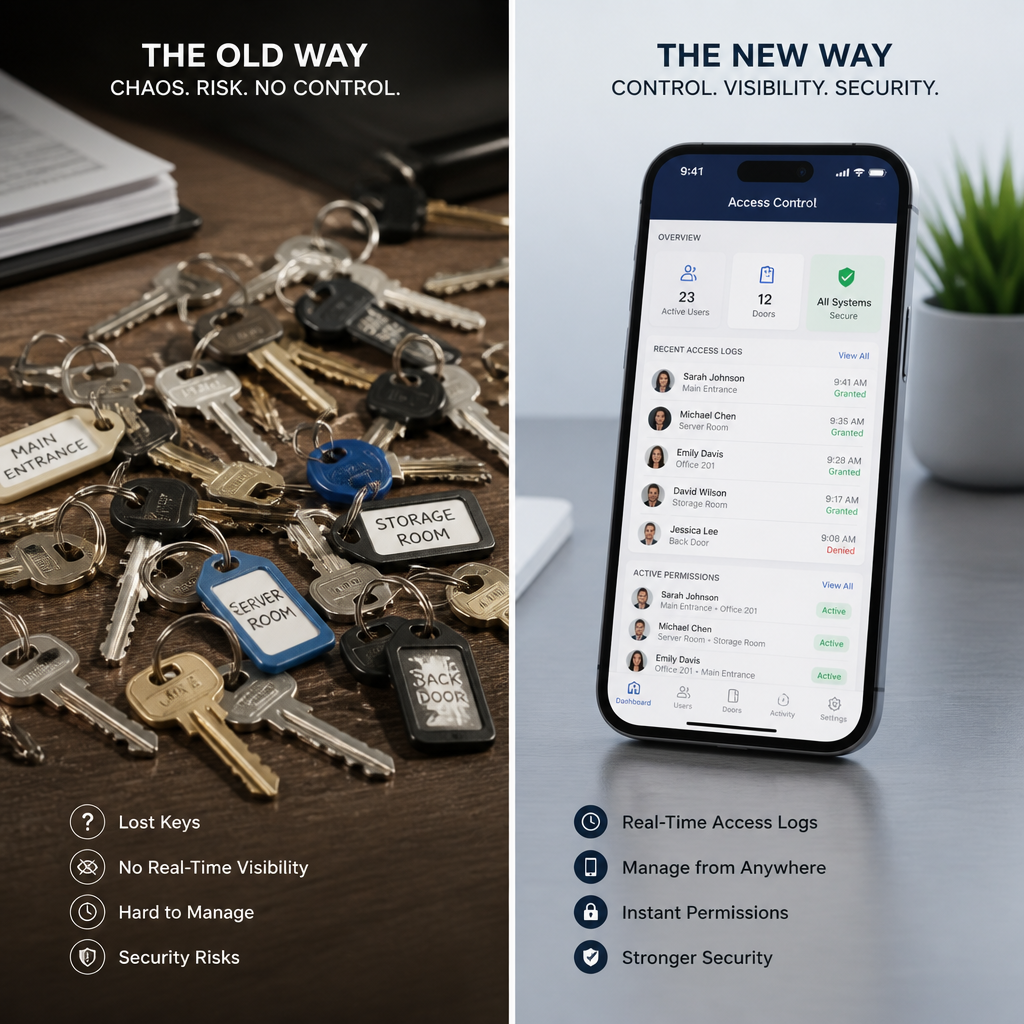
The average office replaces or rekeyes locks 1.5 times per year per access point due to lost or unreturned keys. Multiply that across a multi-door facility and the cost adds up fast, but the security risk is even more significant than the financial one.
With a smart lock system, a lost credential, whether it is a PIN, card, or app-based key, is revoked from a dashboard in under thirty seconds. No locksmith visit. No new hardware. No window of vulnerability while you wait for a technician to arrive.
Pro tip: When evaluating smart lock options for your office, prioritize systems that allow individual credential management per user rather than group-level access. That granularity is what makes rapid revocation practical at scale.
Reason 2: Real-Time Access Logs You Can Actually Use
In practice, the access log is the feature that property managers and facility operators cite most often as transformative. Traditional locks generate no data. Smart locks generate a timestamped record of every access event, every failed attempt, and every door left open beyond a set duration.
That data has direct operational value. If an item is reported stolen from a server room on a Thursday afternoon, you can pull the access log, see exactly who entered, at what time, and cross-reference it with CCTV footage. Without that log, an investigation stalls immediately.
How Access Logs Support HR and Compliance Processes
Access logs also serve HR functions that most buyers do not consider at purchase. If a dispute arises about whether an employee was present during a specific incident, timestamped access records provide objective documentation. For facilities subject to data protection regulations or industry audits, that documentation is not optional, it is a compliance requirement.
Reason 3: Remote Access Management for Distributed Teams
If your office has a property manager who is not always on-site, or a business owner managing multiple locations, remote access management is the feature that justifies the upgrade on its own. With Wi-Fi-enabled smart locks, granting a new employee access at your downtown office while you are working from a second location takes less time than finding the physical key box would.
This is especially relevant for businesses with after-hours deliveries, weekend maintenance crews, or part-time staff with irregular schedules. You can grant access, monitor the entry event, and revoke access when the task is complete, all remotely.
“Access control is no longer a physical infrastructure problem. It is a data management problem. The businesses that treat it that way gain a measurable security advantage.” – Security Industry Association, Commercial Access Trends Report
Reason 4: Wi-Fi Smart Locks Integrate With Your Existing Systems
Wi-Fi smart locks do not require a complete infrastructure overhaul to deploy. The better systems available today connect directly to your existing network and integrate with access control software you may already use, including time attendance systems, building management platforms, and intercom dashboards.
At UnikCCTV, the product line is built around this integration logic. A wireless smart lock on the main entrance can connect to a wireless intercom at the gate, feed data into a time attendance clock for staff, and display live entry events on a CCTV monitoring interface. That is a complete access picture from a single coordinated system, not five disconnected tools.
What to Confirm Before You Buy
Before committing to a specific Wi-Fi smart lock model, verify that it uses a standard communication protocol, either Z-Wave, Zigbee, or direct Wi-Fi, and that the manufacturer provides an open API or documented integration with your existing platform. A common mistake is purchasing locks that are feature-rich but operate in a closed ecosystem that cannot connect to anything else you already own.
Reason 5: Biometric and Facial Recognition Access Removes Credential Sharing
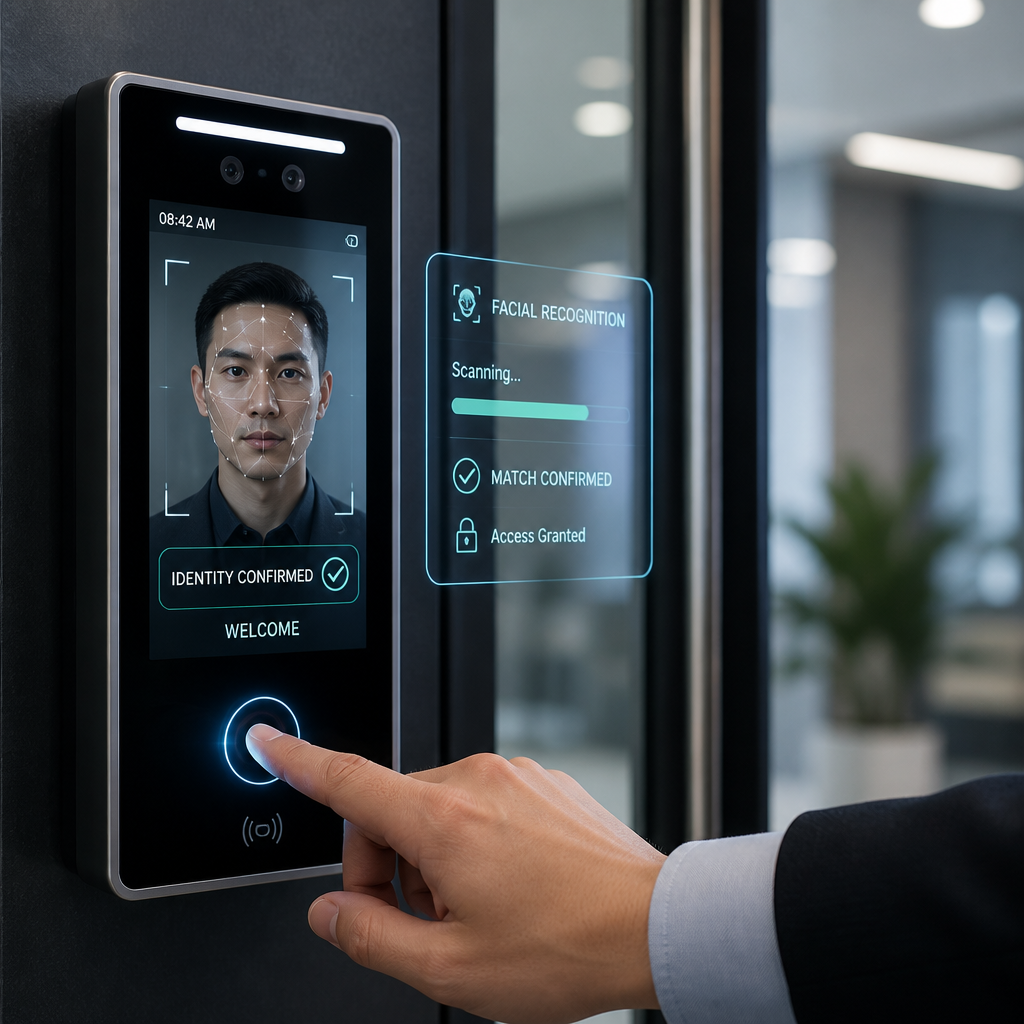
PIN codes and access cards have one critical weakness: they can be shared. An employee can hand a card to a family member, tell a friend the door code, or simply leave a card at their desk where anyone can pick it up. Biometric systems, specifically fingerprint readers and facial recognition locks, remove that vulnerability entirely.
Facial recognition locks, in particular, have matured significantly. The systems available now from providers like UnikCCTV operate in under one second under normal lighting conditions and can distinguish between a live face and a photograph. For server rooms, executive offices, and any space with sensitive data or equipment, biometric access is the appropriate standard.
Biometrics and Employee Acceptance
A common concern when introducing biometric access is employee pushback around privacy. The data consistently shows that acceptance improves dramatically when administrators communicate clearly about what data is stored, how it is encrypted, and who has access to it. Most employees accept biometric entry without issue when those questions are answered upfront.
Pro tip: Deploy biometric locks on high-risk zones like server rooms and equipment storage first. That targeted approach builds operational confidence before you expand biometric access to general office entry points.
Reason 6: Scheduled Access Windows for Contractors and Vendors
Every office has recurring visitors who need temporary, limited access: cleaning crews, HVAC technicians, IT contractors, courier services. Managing that access with physical keys is a genuine security gap. Keys get copied, access does not expire, and follow-up to collect keys rarely happens reliably.
Smart lock systems allow administrators to set scheduled access windows that automatically activate and deactivate without any manual intervention. A cleaning crew can have access every weekday between 6:00 PM and 8:00 PM, and that credential does nothing outside those hours. When the contract ends, deletion takes ten seconds.
Reason 7: The True Cost Comparison Between Smart and Traditional Systems
The objection most facility operators raise is upfront cost. Smart locks cost more than a mechanical deadbolt at purchase. That framing ignores the total cost of ownership over a three-to-five-year horizon.
A single locksmith rekeying visit typically costs between $150 and $400 per lock depending on complexity. A mid-size office with six access points that rekeyes twice per year spends $1,800 to $4,800 annually just on rekeying. That figure does not include the administrative time spent coordinating key management, handling lost key incidents, or managing access for temporary staff.
The data consistently shows that most commercial smart lock systems reach cost parity with traditional lock management within 18 to 24 months of installation, and generate net savings from year three onward.
Reason 8: Intercom and Gate Integration Closes the Full Perimeter
A smart lock on the interior office door does not protect you if the building entrance or parking gate is uncontrolled. A complete office access control upgrade addresses the full perimeter: the gate, the building entrance, the lobby intercom, and the individual office or suite door.
UnikCCTV’s product range is specifically designed for this layered approach. Wireless intercoms at the gate communicate with the front desk or a mobile device. The main door uses a smart lock with keypad or card reader access. Interior zones use biometric locks for high-security areas. Each layer reinforces the others, and all of them feed into a single monitoring interface.
Why a Single Vendor Matters for Perimeter Access
Mixing access control hardware from multiple vendors creates integration headaches that field installers encounter constantly. Protocols conflict, dashboards do not communicate, and firmware updates on one product break compatibility with another. Sourcing your intercom, smart locks, gate control, and CCTV from a single provider with confirmed cross-compatibility removes that operational risk entirely.
Reason 9: Compliance and Liability Protection
Depending on your industry, access control is not just a best practice, it is a regulatory requirement. Healthcare facilities handling patient records, financial offices storing sensitive data, and any business subject to ISO 27001 certification require documented, auditable access control systems. Metal keys do not satisfy those requirements. Smart lock systems with timestamped logs do.
Beyond formal compliance, there is a liability dimension. If a security incident occurs at your facility and you cannot demonstrate that you had reasonable access controls in place, your exposure in civil proceedings increases substantially. A documented, auditable smart lock system is evidence that you took security seriously.
Office Access Control Upgrade: Comparison Table
| System Type | Key Features | Best Fit For |
|---|---|---|
| Traditional Mechanical Locks | Low upfront cost, no power required, no audit trail, keys can be duplicated or lost | Single-person offices with no security requirements or visitor access |
| Wi-Fi Smart Lock System | Remote management, real-time access logs, scheduled credentials, mobile app control, integrates with intercoms and CCTV | Multi-employee offices, businesses with remote managers, facilities with contractor access needs |
| Biometric Access Control System | Fingerprint or facial recognition, zero credential sharing, tamper alerts, high-security audit trail, integrates with time attendance | Server rooms, executive suites, healthcare facilities, financial offices, any compliance-regulated environment |
Frequently Asked Questions
What is a smart lock system for office use and how does it differ from a home smart lock?
A smart lock system for office environments is designed to manage multiple users, multiple access levels, and multiple doors simultaneously from a centralized dashboard. Home smart locks typically manage one door and a handful of users. Commercial systems include multi-user credential management, role-based access permissions, time-scheduled access windows, integration with intercom and gate systems, and audit logging that meets compliance requirements. The hardware is also rated for higher traffic volumes and typically includes more robust anti-tamper features.
How difficult is it to install Wi-Fi smart locks in an existing office?
Most Wi-Fi smart locks are designed to retrofit onto existing door hardware with standard backset measurements, meaning you do not need to replace the door frame or bore new holes. Installation typically takes thirty to ninety minutes per door for a qualified technician. The more complex part is configuring the access control software and integrating it with any existing systems, which is where working with a provider like UnikCCTV that offers installation support makes a meaningful difference.
Can smart locks work during a power outage or internet disruption?
Yes. The majority of commercial-grade smart locks store access credentials locally on the device, meaning they continue to function for authorized users even when the internet connection drops. Battery backup systems ensure the lock operates during a power outage. Remote management features like granting new credentials do require connectivity, but existing credentials function offline. Always confirm local credential storage capability before purchasing any smart lock for a critical access point.
What happens to access records if we switch software platforms?
This depends entirely on the system you choose. Systems that use cloud-based dashboards with open data export options allow you to download and retain access logs in standard formats like CSV or JSON before migrating. A common mistake is purchasing a closed-ecosystem smart lock where logs are only accessible through the vendor’s proprietary app and cannot be exported. Before committing to any platform, request documentation on data portability and export options.
Is a biometric smart lock more secure than a keypad smart lock for office use?
For high-security zones, yes. A keypad smart lock is significantly more secure than a metal key system, but PINs can still be observed, shared, or guessed. Biometric systems, specifically fingerprint and facial recognition locks, require physical presence of the enrolled user and cannot be transferred to another person. For general office entry points where convenience and speed are priorities, a keypad or card-based smart lock is often the right balance. For server rooms, data storage areas, or executive spaces, biometric access is the more defensible choice.
How does a smart lock system support an office access control upgrade across multiple locations?
Cloud-connected smart lock platforms allow a single administrator to manage access across multiple physical locations from one dashboard. You can create a user profile once, assign access permissions for each relevant location, and revoke all access simultaneously when an employee leaves. This multi-site management capability is one of the primary reasons property managers and facility operators invest in smart lock infrastructure rather than managing each site independently with mechanical locks.
Have you already started an office access control upgrade or are you still evaluating your first smart lock system? Share what has been your biggest challenge in the process so far, because the answers from others in similar situations can save significant time and money.
References
- Statista global smart lock and access control market size data and forecasts
- Forbes coverage of commercial building security technology trends and smart access adoption
- NIST guidelines on physical access control systems for commercial and government facilities
- McKinsey research on workplace technology investment and operational efficiency in facilities management
- U.S. Department of Homeland Security resources on physical security standards for business environments



 No products in the cart.