
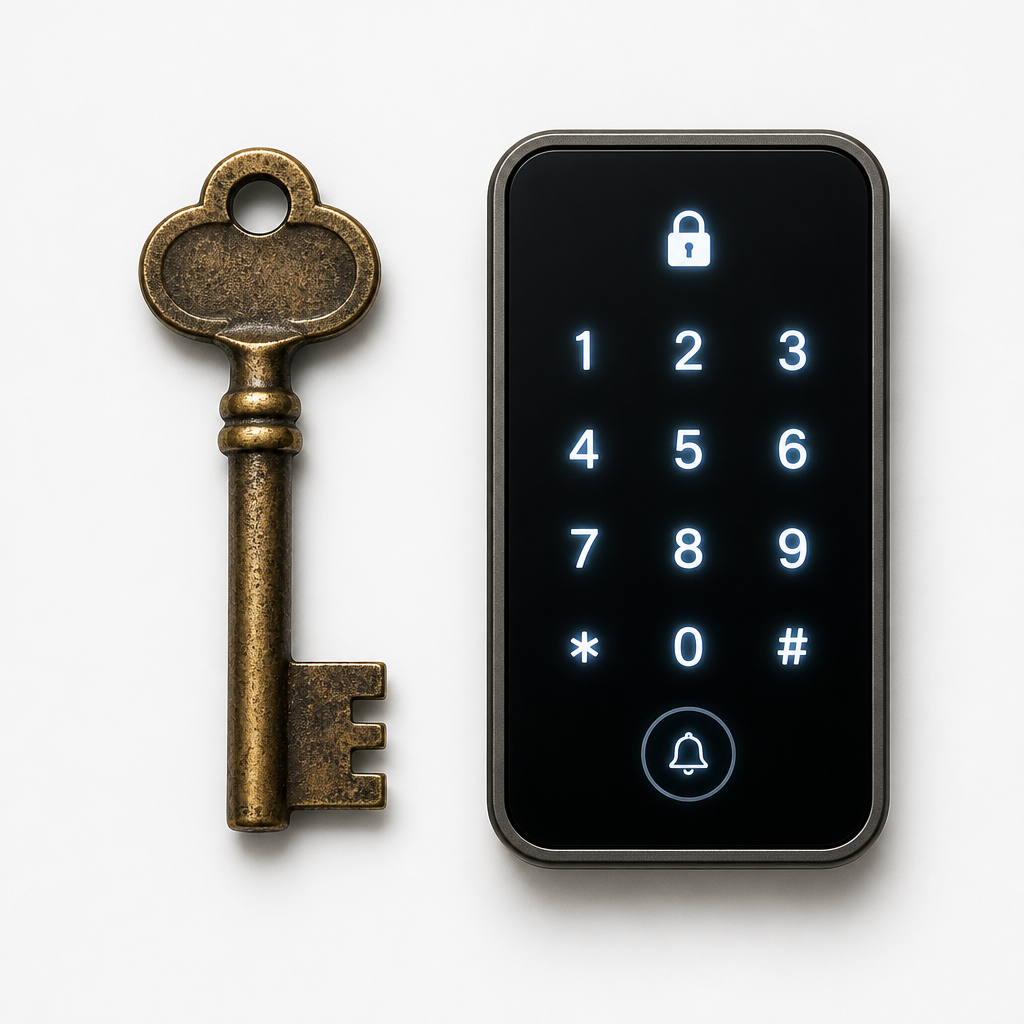
Property managers and homeowners face the same uncomfortable question every time a tenant moves out or an employee is terminated: how many copies of that key are floating around, and who has them? Smart door locks were built specifically to eliminate that anxiety, while traditional locks have earned their place through decades of mechanical reliability. This is not a question with a one-size-fits-all answer, but it is a question with a clear framework for making the right call. Whether you manage a single-family rental, a multi-unit apartment building, or a commercial facility, the difference between these two technologies has real operational and financial consequences.
Table of Contents
- Quick Takeaways
- How Traditional Locks Actually Work and Where They Fall Short
- What Smart Door Locks Bring to the Table
- Security Comparison: Mechanical vs. Electronic
- Keyless Entry for Property Managers: The Operational Case
- Cost Reality: Upfront vs. Long-Term
- Which Lock Type Fits Which Property?
- Frequently Asked Questions
- References
Quick Takeaways
| Key Insight | Explanation |
|---|---|
| Key control is the #1 vulnerability of traditional locks | Once a physical key is copied, you have no record of it and no way to invalidate it without rekeying or replacing the entire lock cylinder. |
| Smart door locks allow instant credential revocation | When a tenant leaves or an employee is let go, their access code or mobile credential can be deleted remotely in seconds, with no locksmith required. |
| Keyless entry reduces lockout calls significantly | Property managers report fewer after-hours emergency calls when residents use pin codes or app-based access instead of physical keys. |
| Traditional locks have zero power dependency | Mechanical deadbolts function normally during power outages. Smart locks with dead batteries can lock residents out unless a backup method is in place. |
| Smart locks require a cybersecurity posture | Any lock connected to WiFi or Bluetooth is a digital endpoint. Firmware updates, encrypted communication, and strong access codes are not optional. |
| Multi-family and commercial properties get the most ROI from smart locks | The time saved on key management, rekeying, and lockouts compounds quickly when you are managing dozens or hundreds of units. |
| Hybrid deployments often make the most sense | Smart locks on primary entry points paired with mechanical locks on secondary or utility doors gives you control where it matters most without overcomplicating low-traffic areas. |
How Traditional Locks Actually Work and Where They Fall Short
A traditional lock is a mechanical system. A key’s unique cut pattern rotates pins inside the cylinder to the correct height, which allows the plug to turn and the bolt to retract. When the mechanism is well-maintained and made from hardened steel, it is genuinely difficult to defeat by brute force. This is not nothing. High-security mechanical cylinders from reputable manufacturers resist picking, bumping, and drilling far better than a low-cost deadbolt from a big-box store.
The problem is not the mechanism. The problem is the key itself. A physical key can be duplicated at a hardware store in under two minutes, often without any identification required. In a rental property, a key may pass through the hands of a tenant, their partner, a dog-walker, a family member, and a contractor before you ever see it again. When that tenant moves out, you have no reliable way to know how many copies exist or where they are.
Rekeying Costs Add Up Fast
The standard industry practice is to rekey the lock between every tenancy. In practice, this means scheduling a locksmith, paying a service call fee per unit, and coordinating access. Across a 50-unit building with standard turnover, those costs accumulate into a meaningful annual expense that smart lock users simply do not have. Rekeying is also reactive. It addresses the problem after the tenant has already left, not before.
Traditional locks also offer no audit trail. If a door is opened at 2am, you have no way of knowing who opened it or whether it was opened at all. For commercial facilities, high-value storage areas, or buildings with shared amenities, this blind spot is a genuine liability.
What Smart Door Locks Bring to the Table
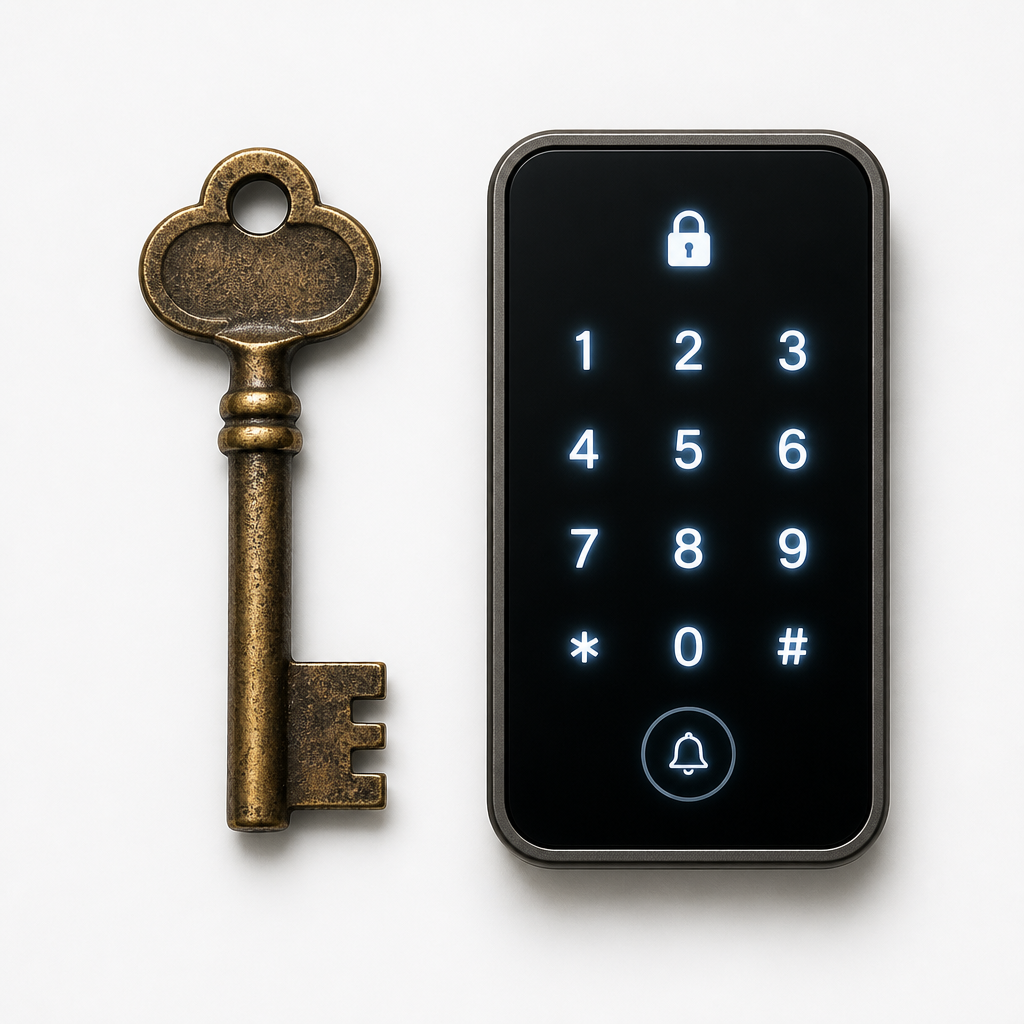
Smart door locks replace the physical key with a credential that is digital, revocable, and auditable. Depending on the model and manufacturer, that credential can be a PIN code entered on a keypad, a mobile app using Bluetooth or WiFi, an RFID or NFC card or fob, or a biometric input such as a fingerprint or facial recognition scan. Some advanced systems, such as the Schlage Encode Plus, support Apple Home Keys that allow unlocking with an Apple Watch or iPhone tap.
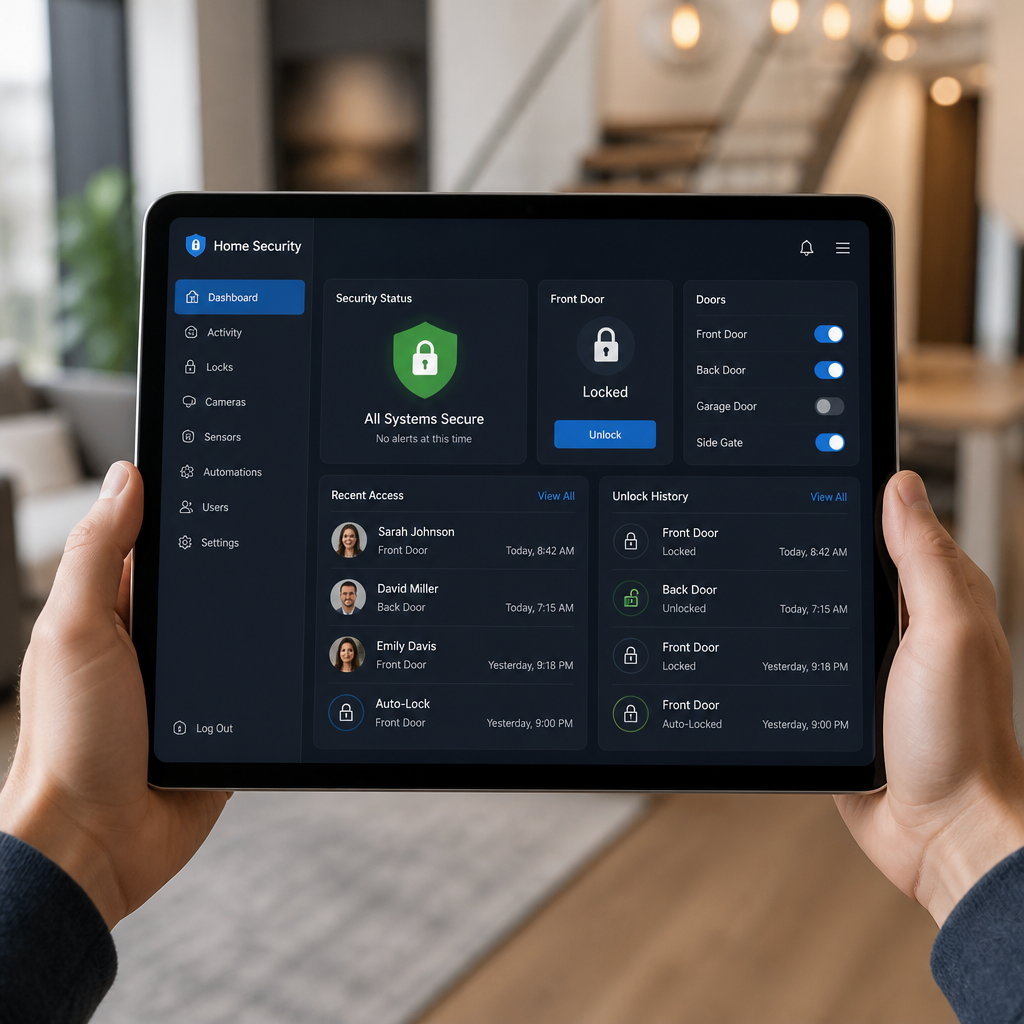
The access audit trail is one of the most underappreciated features. Every entry event is timestamped and logged. If a maintenance worker claims they visited a unit at a specific time, the lock log confirms or contradicts it. For property managers dealing with damage disputes or liability claims, this data has practical legal value.
Remote Management Changes the Game for Multi-Unit Properties
WiFi-enabled smart locks allow property managers to lock and unlock doors remotely, issue temporary access codes for service visits, and receive real-time notifications when specific credentials are used. A contractor can be given a time-limited code that expires automatically when their work window closes. No key cutting. No key collection. No awkward “I need that back” conversation.
For facilities with high foot traffic or shift-based access, biometric access systems and time-attendance integrated smart locks take this further. Access can be scheduled by day of week, time of day, and user group. The same door that is open to all staff from 8am to 6pm can be restricted to authorized personnel only after hours, automatically, without anyone touching a setting.
Pro tip: When deploying smart locks across multiple units, choose a system that supports a central management dashboard rather than managing each lock individually through its own app. The per-unit savings in administration time become significant at scale, and UnikCCTV can advise on enterprise-grade access control setups built for property-wide deployment.
Security Comparison: Mechanical vs. Electronic
This is where the conversation gets more honest than most vendor pages will allow. Traditional locks and smart locks have different threat profiles, not simply different security levels. Assuming that one is categorically more secure than the other is a mistake that leads to poor decisions.
Physical Attacks
A quality mechanical deadbolt, properly installed with a reinforced strike plate and a solid door frame, is highly resistant to physical attacks. It has no electronic components to fail, no firmware to exploit, and no wireless signal to intercept. This physical robustness is real and should not be dismissed.
Smart locks with keypads still have a physical bolt, and many are built to the same physical security standards as traditional deadbolts. Schlage, for example, states that its smart locks receive AAA ratings from BHMA (Builders Hardware Manufacturers Association) industry experts, independently verifying them as best-in-class for security, durability, and finish. The electronic components add capability without necessarily removing physical strength.
Digital Attacks and Cybersecurity
This is the area where smart locks introduce risk that traditional locks do not face. A WiFi-connected lock is a network endpoint. Weak or default PIN codes, unencrypted Bluetooth communication, or delayed firmware updates can create exploitable vulnerabilities. The countermeasures are straightforward but require attention: use strong, non-sequential PIN codes, enable two-factor authentication where the platform supports it, and keep firmware updated. Schlage notes that advanced encryption and regular firmware updates are core to protecting smart locks against digital attacks.
The security of a smart lock is only as strong as the weakest credential issued. A six-digit PIN of “123456” on a $400 smart lock provides less real-world protection than a quality mechanical deadbolt with controlled key distribution.
Comparison Table: Lock Types by Use Case
| Feature | Traditional Mechanical Lock | Smart Door Lock (WiFi or Bluetooth) |
|---|---|---|
| Physical attack resistance | High (with quality hardware and installation) | High (most use the same bolt mechanism) |
| Digital attack surface | None | Present, mitigated by encryption and updates |
| Key/credential revocation | Requires rekeying or lock replacement | Instant, remote, no cost |
| Access audit trail | None | Full timestamped log per credential |
| Power dependency | None | Battery-powered, backup key or code needed |
| Remote management | Not possible | Full remote lock/unlock via app |
| Best suited for | Secondary doors, utility spaces, low-traffic entries | Primary entries, multi-unit buildings, commercial facilities |
Keyless Entry for Property Managers: The Operational Case
Keyless entry systems are not just a convenience feature. For property managers, they represent a structural change in how access is administered. The traditional model requires physical keys to be cut, distributed, tracked, collected, and periodically replaced. Every step in that chain is a point of failure and a labor cost.
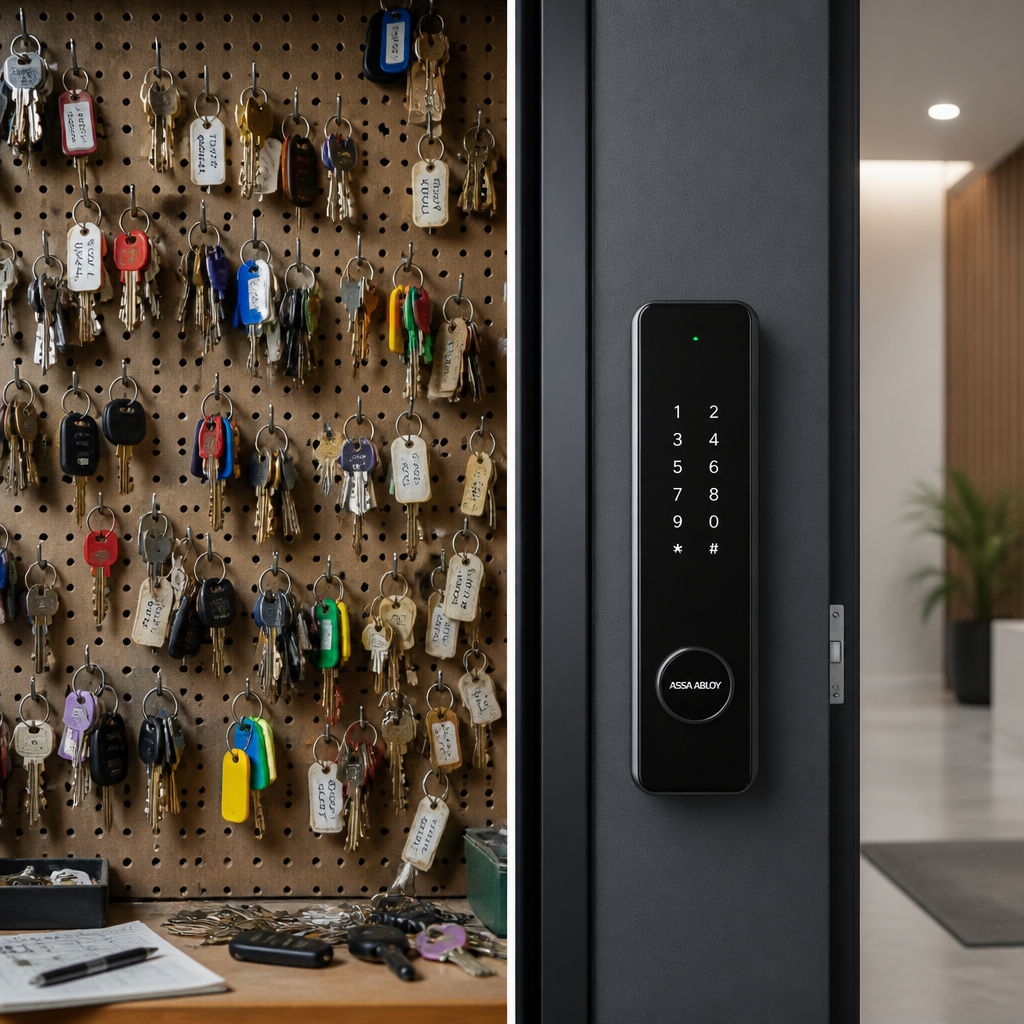
With keyless entry, onboarding a new tenant means creating a credential in a dashboard and sending them a code or app invitation. Offboarding means deleting that credential. Temporary access for a repair technician means issuing a time-limited code that expires automatically at the end of their scheduled window. None of these actions require a locksmith, a key box, or a trip to the property.
Integration with Broader Property Security
The real advantage of smart lock systems becomes visible when they are integrated with the rest of a property’s security infrastructure. A smart lock at the front door of an apartment building connected to an intercom system allows a resident to grant visitor access remotely. The same system connected to CCTV surveillance creates a complete record of who entered, when, and what the entry point looked like at that moment.
UnikCCTV specializes precisely in this kind of integrated approach, supplying not just individual smart locks but the broader ecosystem of intercom systems, gate access controls, and CCTV surveillance equipment that turns a collection of individual security products into a coordinated property security system. Buying a smart lock from a big-box retailer and a camera system from a different vendor and an intercom from a third source is how you end up with three apps, three support numbers, and no integration.
Pro tip: Before selecting a smart lock for a multi-unit or commercial property, map out every access point: main entry, parking, amenity areas, individual units, and utility rooms. A coordinated access control plan ensures all credentials can be managed from a single system, which is especially important if you are also evaluating intercom and gate access integration.
Cost Reality: Upfront vs. Long-Term
Smart locks cost more upfront than traditional locks. A quality residential smart lock starts at roughly $200 on the lower end and rises above $400 for models with advanced features like hands-free unlocking or full WiFi plus Apple Home Key support, based on Schlage’s current published pricing. A high-quality traditional deadbolt from a reputable brand typically costs significantly less for the hardware alone.
The honest long-term calculation includes factors that the upfront comparison ignores. Rekeying costs, locksmith emergency call fees, the administrative labor of key management, and the liability exposure from uncontrolled key copies all represent real costs that accumulate over the life of a tenancy or facility. For a property with regular turnover or a commercial facility with staff changes, the math favors smart locks at scale.
Battery Management Is a Real Operational Consideration
Smart locks run on batteries, typically standard AA or AAA cells. Most provide low-battery warnings well in advance of failure. In practice, a common mistake is treating battery replacement as an afterthought. A dead battery at the wrong moment creates an access emergency that erodes resident or tenant trust. Establish a scheduled battery replacement protocol, and choose locks that provide backup access via a physical key override or external battery terminal so a dead battery never means a locked-out resident.
Which Lock Type Fits Which Property?
The direct answer: smart door locks are the better choice for primary entry points on residential rental units, multi-family buildings, commercial offices, and any access point where multiple people need individualized, auditable, revocable access. Traditional mechanical locks remain the practical choice for secondary doors, storage areas, utility rooms, or any access point where traffic is minimal, credentials do not need to be individually tracked, and the cost of smart lock deployment is not justified by the use case.
Single-Family Homeowners
For homeowners, the decision comes down to how much they value convenience and control versus how attached they are to the simplicity of a physical key. A homeowner who regularly lets in house cleaners, dog-walkers, or family members across different schedules will find a smart lock genuinely useful. A homeowner who only ever uses the door themselves may find that a high-quality traditional deadbolt meets their security needs without the added complexity.
Apartment Buildings and Multi-Family Properties
This is where smart door locks have the clearest operational advantage. The combination of instant credential revocation, remote management, audit trails, and integration with intercom and access control systems addresses the real pain points of multi-unit property management directly. For property managers who are still rekeying between every tenancy, the switch to a managed smart lock system is overdue.
Commercial and Institutional Facilities
Commercial facilities benefit from enterprise-grade access control systems that go beyond what a residential smart lock provides. Schlage’s commercial-grade offerings, for example, include wireless locks that deliver real-time access control across an entire property over existing WiFi with no additional hardware required. For facilities managing dozens of doors and hundreds of credential holders, this level of centralized control is not optional. It is how access is managed professionally. UnikCCTV’s biometric access systems and facial recognition locks extend this further, eliminating the credential entirely in favor of identity-based access that cannot be shared, lost, or forgotten.
Frequently Asked Questions
Can smart door locks be hacked?
Any connected device can theoretically be compromised, but reputable smart locks use advanced encryption and receive regular firmware updates to address vulnerabilities. The practical risk is far lower than the risk posed by uncontrolled physical keys in a traditional lock system. Choosing a smart lock from a manufacturer with a documented cybersecurity posture and prompt firmware update history is the most important mitigation step.
What happens to a smart lock when the power goes out?
Smart locks are battery-powered, not grid-powered, so a home or building power outage does not affect them. The relevant failure scenario is a dead battery. Most quality smart locks provide advance low-battery alerts and include either a physical key override or an external terminal that allows a 9-volt battery to supply emergency power to operate the lock long enough to open the door.
Are smart door locks suitable for apartment buildings?
Yes, and they are particularly well-suited to apartment buildings. The ability to issue and revoke individual credentials for each unit, generate access logs, integrate with building intercoms and gate systems, and manage everything remotely from a single dashboard directly addresses the access control challenges that are unique to multi-unit properties.
Do smart locks work with existing door hardware?
Most residential smart locks are designed to retrofit onto standard door preparations used for traditional deadbolts, meaning installation typically does not require modifying the door itself. Commercial installations may involve more involved retrofits depending on the door frame, fire rating requirements, and existing hardware. A professional assessment of the door opening before selecting a smart lock avoids compatibility issues.
Is keyless entry as secure as a traditional key?
Keyless entry systems eliminate the primary vulnerability of traditional keys, which is unauthorized duplication, but they introduce digital attack surfaces that require active management. When a keyless entry system uses strong credentials, encrypted communication, and current firmware, it provides security that is at minimum equivalent to a traditional lock and often operationally superior because of the audit trail and revocation capability it adds.
What is the difference between a smart lock and a biometric lock?
A smart lock is a broad category that includes any electronically controlled lock, whether accessed by PIN, app, card, or fob. A biometric lock is a specific type of smart lock that uses a physical characteristic, most commonly a fingerprint or facial scan, as the credential. Biometric access eliminates the possibility of credential sharing or theft, making it the highest-assurance option for sensitive access points in commercial and institutional settings.
Have you recently switched from traditional locks to smart door locks, or are you still weighing the options for your property? Share your experience or questions below, as real-world feedback from property managers and homeowners helps others make better decisions.



 No products in the cart.