
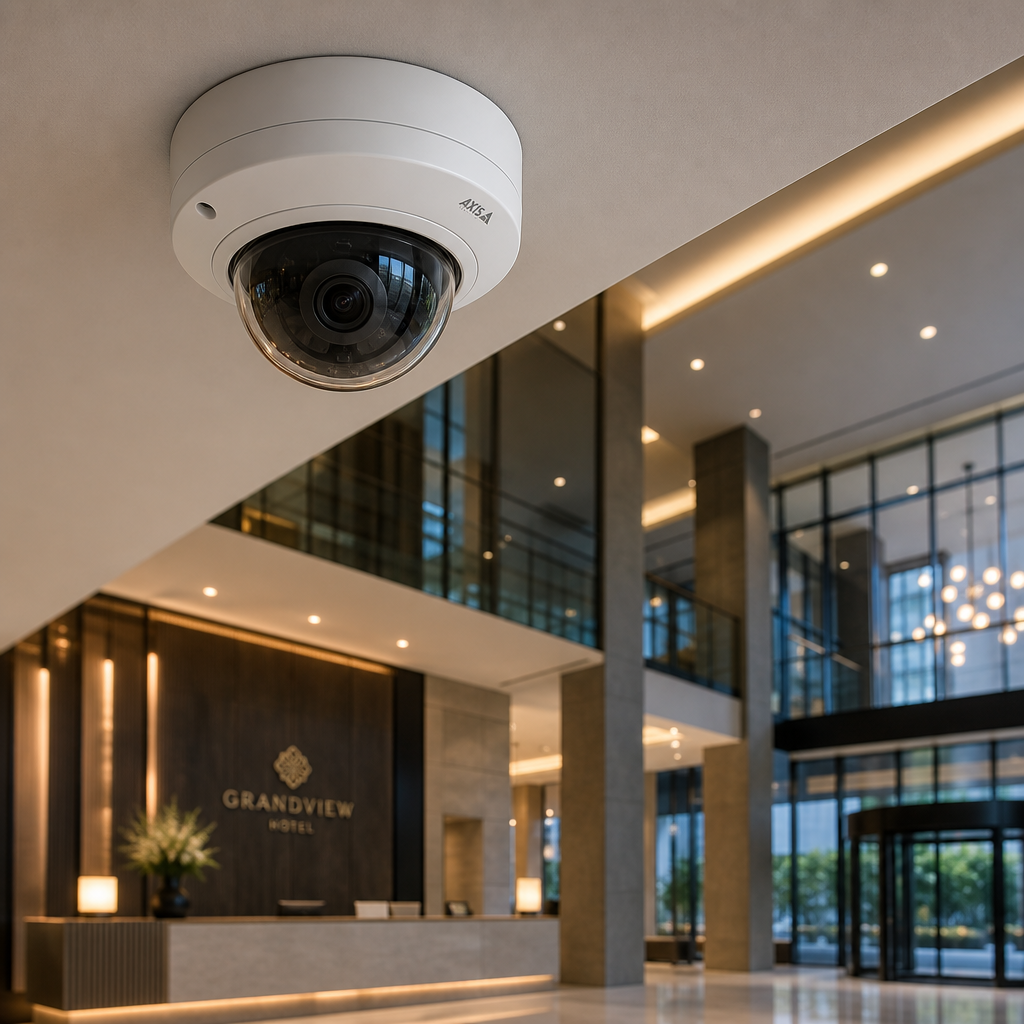
Most property managers and homeowners buy the wrong surveillance camera, not because they lack a budget, but because they do not understand what each camera type actually does in real conditions. A dome camera that works perfectly in a hotel lobby will fail in a parking structure. A bullet camera that covers a warehouse perimeter will be overkill, and legally problematic, aimed at a reception desk. Getting this decision wrong costs money twice: once when you buy the wrong equipment, and again when you replace it. This guide cuts through the noise and tells you exactly which CCTV cameras belong in which locations, and why.
Table of Contents
- Quick Takeaways
- Why Camera Type Matters More Than Megapixels
- The Main Security Camera Types Explained
- 4K IP Cameras: When Resolution Is the Right Answer
- Matching Surveillance Cameras to Specific Locations
- Camera Type Comparison Table
- Wired vs. Wireless CCTV: The Honest Breakdown
- How CCTV Cameras Integrate with Access Control
- Frequently Asked Questions
- References
Quick Takeaways
| Key Insight | Explanation |
|---|---|
| Dome cameras reduce vandalism risk | The housing conceals lens direction, making it harder for intruders to identify blind spots or physically redirect the camera. |
| Bullet cameras are built for long-range detection | Their fixed, narrow field of view makes them ideal for driveways, perimeter fencing, and parking lot entrances where long-distance clarity matters. |
| PTZ cameras are not a substitute for coverage density | One PTZ cannot monitor a full area continuously. Use them to supplement fixed cameras, not replace them. |
| 4K IP cameras are overkill for most indoor hallways | Unless you need facial recognition-grade detail or license plate capture, 2MP or 4MP cameras deliver sufficient indoor resolution at lower storage cost. |
| Fisheye cameras eliminate the need for multiple units in open spaces | A single 360-degree fisheye camera can replace three to four dome cameras in a retail floor or lobby, reducing installation complexity. |
| Turret cameras offer the best balance for most residential deployments | They are vandal-resistant, support wide angles, and avoid the IR reflection problem that dome cameras face when mounted flush to ceilings. |
| Storage requirements scale dramatically with resolution | A single 4K camera recording continuously generates roughly 4 to 5 times more data than a 1080p camera, which changes your NVR and bandwidth requirements entirely. |
Why Camera Type Matters More Than Megapixels
The security industry has done a good job selling resolution as the primary purchase decision. It is not. A common mistake is spending the entire budget on high-megapixel cameras while ignoring form factor, field of view, and environmental suitability. The result is sharp footage of the wrong area, captured by a camera that fogged up after the first cold night.
Camera type determines coverage geometry, vandal resistance, weatherproofing, IR range, and how conspicuous the installation looks. Resolution determines how useful the footage is once the camera is already capturing the right area. Both matter, but type comes first. The data consistently shows that most insurance claims denied due to insufficient surveillance fail not because the footage was blurry, but because there was no camera positioned to capture the incident at all.
For property managers overseeing apartment complexes or commercial buildings, this distinction is the difference between a surveillance system that holds up in court and one that looks professional but provides no actionable evidence.
The Main Security Camera Types Explained
Understanding the physical and functional differences between security camera types is the foundation of every competent surveillance design. Each form factor was engineered to solve specific problems, and using one outside its intended context is one of the most common errors in DIY and even professional installations.
Dome Cameras
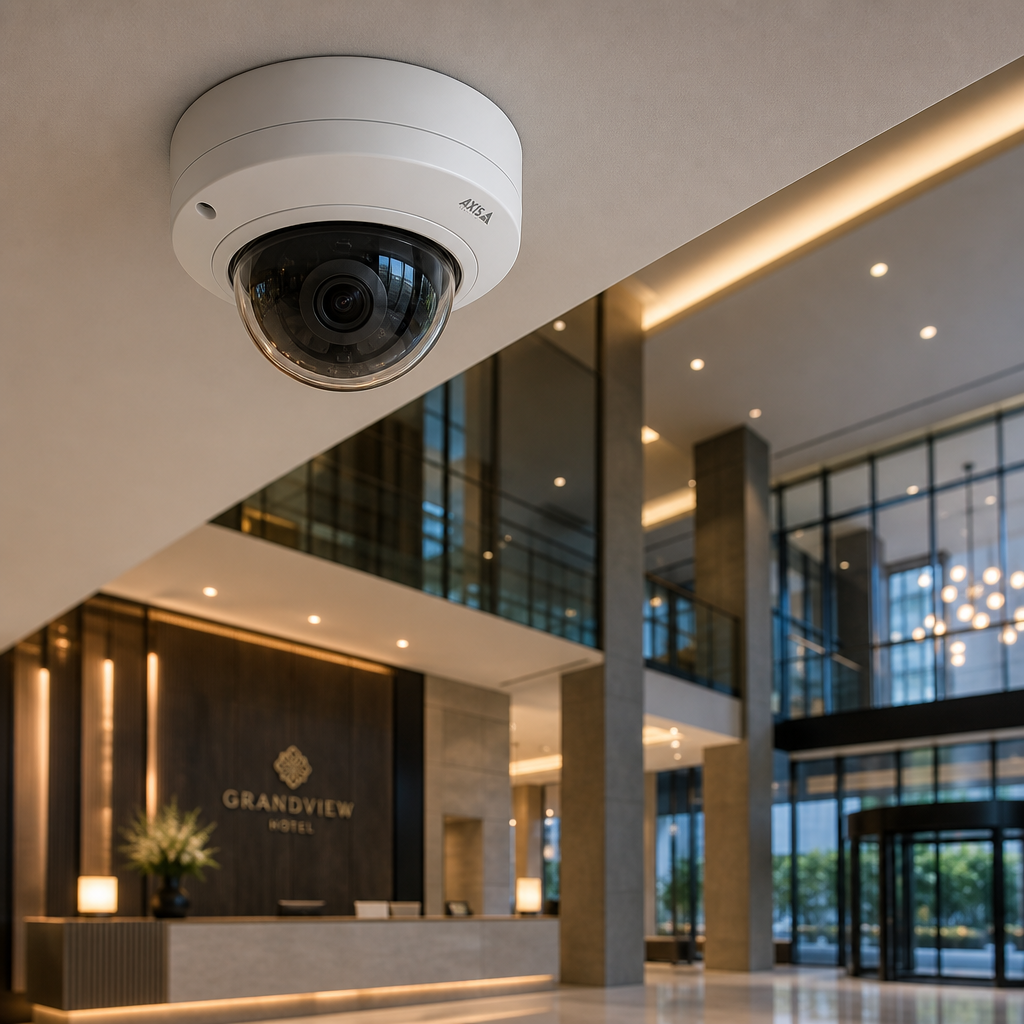
Dome cameras are ceiling-mounted, low-profile units housed in a rounded enclosure. Their primary advantage is that the lens direction is concealed, which discourages tampering. In practice, they work best in indoor environments: hotel lobbies, retail stores, office reception areas, and corridor junctions.
Their limitation is IR bounce. When mounted flush against a white ceiling, the infrared LEDs can reflect off the dome housing at night, creating a washed-out image. Recessed mounting or selecting models with anti-IR-reflection coatings solves this, but it is a spec to check before purchasing.
Bullet Cameras
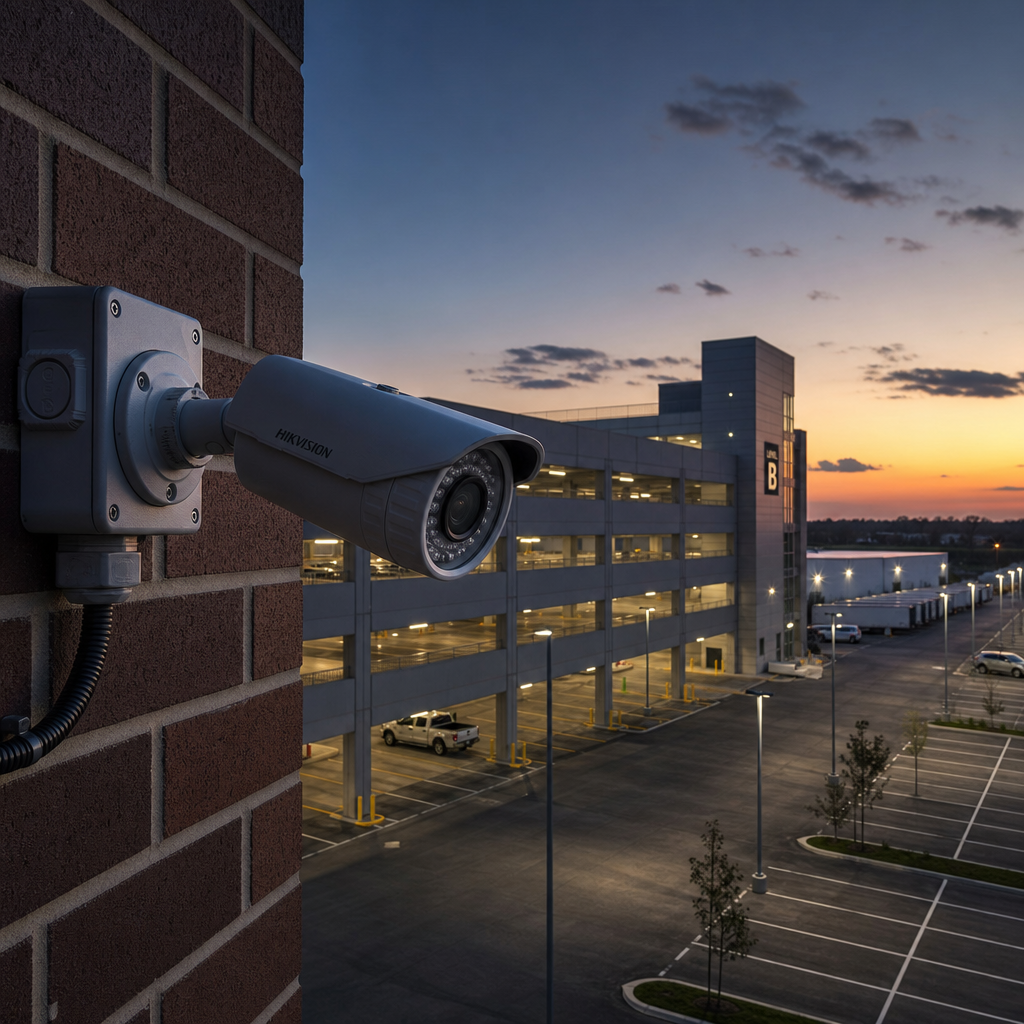
Bullet cameras are cylindrical, externally mounted units with a fixed lens direction. They are highly visible, which serves as a deterrent, and they excel at long-range monitoring. A varifocal bullet camera on a warehouse exterior or a property perimeter can capture license plates and facial detail at 20 to 40 meters with the correct lens.
They are not ideal for wide indoor spaces because their narrow field of view creates blind spots. Positioning them at entry and exit points, driveways, and along fence lines plays to their strengths.
PTZ Cameras (Pan-Tilt-Zoom)
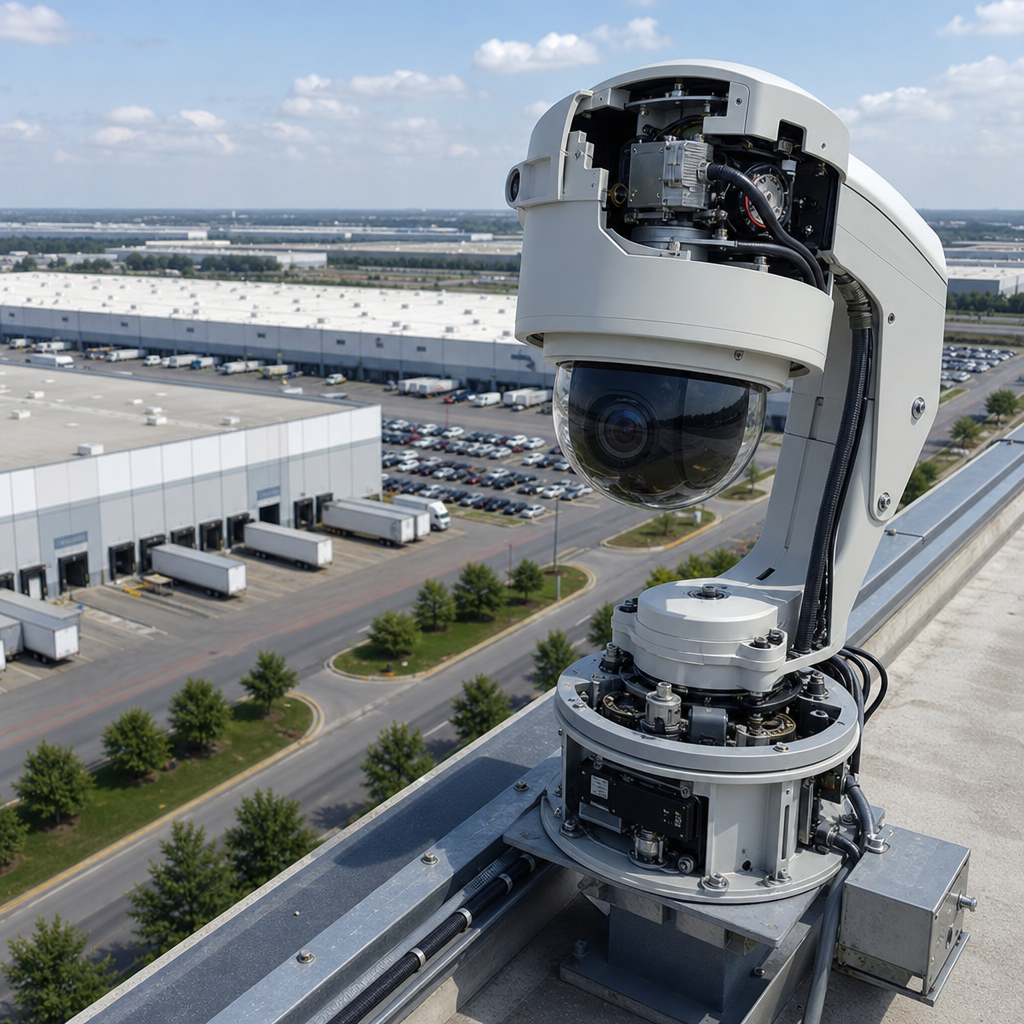
PTZ cameras can rotate horizontally and vertically, and optically zoom into a scene. They are the right choice for large open areas that require dynamic monitoring: shopping center concourses, school yards, and large parking facilities. When integrated with motion detection or video analytics, a PTZ can automatically track movement across a wide zone.
The misconception is that one PTZ replaces multiple fixed cameras. It does not. A PTZ is always looking in one direction at any given moment. Use it as an active response tool alongside a fixed camera network, not as a cost-cutting replacement for it.
Turret Cameras (Eyeball Cameras)
Turret cameras sit in a fixed ball-and-socket mount that allows manual repositioning without tools. They are resistant to the IR bounce problem of dome cameras and offer robust vandal-resistant housings. For residential properties and small business exteriors, turret cameras are the most consistently reliable option, combining flexibility with durability.
Fisheye Cameras
Fisheye cameras produce a 180 or 360-degree field of view from a single lens. A single unit mounted in the center of a retail floor or a large open office can replace three or four standard cameras. The trade-off is image dewarping: the circular raw footage requires software processing to present a usable flat image, which adds demand on your NVR or VMS.
Covert and Pinhole Cameras
Covert cameras are designed to be invisible or disguised. They are used in loss-prevention applications in retail environments and in sensitive HR or executive spaces where overt cameras would be inappropriate. Deploying covert cameras requires strict compliance with local privacy laws, and this is a deployment that always warrants legal review before installation.
4K IP Cameras: When Resolution Is the Right Answer
A 4K IP camera records at 3840 x 2160 pixels, roughly four times the pixel count of a 1080p camera. That extra resolution is genuinely useful in specific scenarios, and genuinely wasteful in others. The decision to deploy 4K should be driven by the evidence requirements of the location, not by a preference for newer hardware.
Where 4K Genuinely Pays Off
License plate capture at a distance is the clearest use case. A 4K camera covering a parking lot entrance can read plates that a 2MP camera would render as blurred characters. Facial identification at distances beyond 5 meters is another. In retail environments with high-value merchandise, the ability to digitally zoom into a 4K frame and still identify a specific person or product is a direct loss-prevention asset.
Building entrances, cashier zones, server rooms, and loading docks are the locations where 4K resolution earns its storage cost. According to Statista’s security market data, IP camera adoption in commercial settings has grown significantly as storage costs have dropped, making the 4K tier more economically accessible for mid-sized businesses than it was five years ago.
Where 4K Is Unnecessary and Expensive
In a narrow interior hallway where the camera is 2 meters from anyone passing through, 1080p is sufficient for identification. In a stairwell or a small server room, 2MP delivers everything you need. Running 4K cameras in these locations inflates your storage costs, taxes your network bandwidth, and provides no evidence quality benefit over a well-positioned 2MP camera.
The honest calculation is this: one 4K camera recording at 15 frames per second, continuously, generates approximately 100 to 140 GB of data per day without compression. Plan your NVR capacity and network infrastructure before committing to a 4K deployment.
Pro tip: If your primary goal is license plate recognition rather than general surveillance, look specifically for cameras with LPR (License Plate Recognition) optimization rather than simply buying the highest resolution available. An LPR-optimized 2MP camera will often outperform a general-purpose 4K camera for that specific task.
Matching Surveillance Cameras to Specific Locations
The most useful thing a security consultant can do is match camera type to location before any other specification decision. The following recommendations are based on consistent field results, not manufacturer marketing materials.
Residential Front Door and Driveway
A turret or bullet camera with a varifocal lens (2.8mm to 12mm) is the right choice. It covers the approach, captures facial and vehicle detail, and is weatherproof for outdoor exposure. For homes where aesthetics matter, a small dome camera flush-mounted under a soffit achieves a similar result with a cleaner look. Pair it with a video doorbell or intercom system at the door itself for a complete entry coverage layer.
Apartment Complex Common Areas and Corridors
Indoor dome cameras work well in hallways and lobbies because they are tamper-resistant and unobtrusive. For the main lobby, a fisheye camera provides full 360-degree awareness without requiring multiple units. Stairwells benefit from dome or turret cameras angled at landing entry points. For external parking areas, bullet cameras positioned at entry and exit lanes, supplemented by a PTZ for the open lot, provide both deterrence and evidence-grade coverage.
Retail Stores and Commercial Interiors
Loss prevention in retail requires overlapping dome camera coverage with no blind spots. Fisheye cameras in the center of the floor reduce camera count without sacrificing coverage. Bullet cameras positioned at the main entrance capture customer entry and exit in sufficient detail for identification. High-value display areas benefit from overhead 4K cameras where digital zoom capability matters for post-incident investigation.
Warehouses and Industrial Facilities
Large spans require long-range bullet cameras on the perimeter and PTZ cameras for the open interior floor. IP67-rated weatherproofing is the minimum for any semi-outdoor or loading dock area. In facilities with forklift traffic, dome cameras mounted at high ceiling positions are less vulnerable to accidental damage than externally mounted units at lower heights.
Gate and Perimeter Access Points
Gate entry cameras need to do two jobs simultaneously: capture the face of the driver and read the license plate of the vehicle. These are competing requirements because face capture benefits from a wider aperture and lower camera placement, while license plate capture benefits from a narrower angle and a higher camera position. The practical solution is two cameras at every gate: one dedicated to each task, or a single 4K LPR-optimized camera with sufficient resolution to handle both in post-processing.
Pro tip: At gate and entry points, always integrate your CCTV camera with your access control and intercom system rather than running them as separate systems. The footage timestamp tied to an access event is far more useful in an investigation than standalone video with no context about who authorized entry.
Camera Type Comparison Table
The table below compares the three most commonly installed camera types for property and facility managers, based on real-world deployment characteristics rather than spec-sheet performance figures.
| Camera Type | Best Use Location | Primary Limitation |
|---|---|---|
| Dome Camera (Indoor) | Corridors, lobbies, retail interiors, offices | IR bounce on ceilings; limited range; not ideal outdoors without IP66+ rating |
| Bullet Camera (Outdoor) | Driveways, perimeters, parking lot entrances, gate lanes | Visible and targetable by vandals; narrow FOV means blind spots in wide areas |
| PTZ Camera | Large open areas, active monitoring stations, school yards | Only covers one direction at a time; requires active operator or smart motion tracking to be effective |
Wired vs. Wireless CCTV: The Honest Breakdown
Wireless surveillance cameras are frequently sold as the easier, more flexible option. In some residential scenarios, that is accurate. In most commercial and multi-unit residential deployments, wired PoE (Power over Ethernet) cameras are the superior choice, and the gap in reliability is significant.
Wireless cameras depend on Wi-Fi signal strength, which degrades through walls, across long distances, and under interference from other devices. In a 20-unit apartment building with 40 or more wireless networks competing in the same spectrum, a wireless camera system will experience dropout, latency, and recording gaps. These gaps are exactly what defense attorneys use to challenge surveillance evidence.
PoE cameras receive both power and data through a single Ethernet cable. They do not drop off a Wi-Fi network, they are not affected by router restarts, and they maintain consistent recording quality regardless of wireless congestion. The installation requires cable runs, which adds upfront labor cost, but the long-term reliability premium is worth it for any property with more than four cameras.
“The single greatest cause of gaps in commercial surveillance footage is wireless interference and network instability, not camera hardware failure.” – Physical Security Industry Association (PSIA), Infrastructure Reliability Report
Wireless cameras are a reasonable choice for a homeowner covering two or three external points where running cable is genuinely impractical. They are not a reasonable choice for an apartment complex, a retail store, or any facility where surveillance footage may be used as legal evidence.
How CCTV Cameras Integrate with Access Control
A standalone CCTV system records events. An integrated system records events with context. This is the operational difference that separates a reactive security setup from a proactive one, and it is the direction every commercial and multi-unit residential property should be moving toward.
When a CCTV camera is linked to an intercom system or smart lock, every access event, whether an authorized entry, a denied credential, or a door held open, generates a timestamped footage clip automatically. Property managers reviewing access logs no longer need to manually scrub through hours of footage to find a specific event. The access event is the footage index.
Facial recognition locks take this further. When a door is accessed using a registered face, the system can simultaneously trigger the nearest camera to save a still image or short clip tagged to that user profile. This creates an audit trail that is genuinely useful for both security and compliance purposes in facilities like healthcare settings, data centers, or residential buildings with controlled access zones.
For properties already using gate access controls or biometric entry systems, CCTV integration is not an add-on feature. It is the element that makes the access control investment defensible. An access log without supporting footage is a record. An access log with timestamped footage is evidence.
UnikCCTV’s product range addresses this directly, offering CCTV surveillance equipment alongside intercom systems, smart locks, and biometric access systems designed to work as a unified system rather than isolated components. Property managers evaluating a security upgrade should prioritize vendors who can supply and support the full stack rather than patching together incompatible products from separate suppliers.
Frequently Asked Questions
What is the difference between a dome camera and a turret camera?
A dome camera has a fixed lens inside a sealed dome housing, which conceals the direction the camera is pointing. A turret camera, also called an eyeball camera, uses a ball-and-socket mount that allows the lens to be repositioned manually without removing the housing. Turret cameras avoid the IR reflection issue that dome cameras experience when mounted close to ceilings, making them a more reliable choice for low-ceiling residential and commercial interiors.
How many megapixels do I actually need for outdoor surveillance?
For general outdoor monitoring of a property perimeter or parking area, 4MP delivers a strong balance between image quality and storage efficiency. If you need license plate recognition or facial identification at distances beyond 8 to 10 meters, move to a 4K IP camera or a dedicated LPR camera for those specific angles. Using 4K across an entire outdoor system is rarely justified and significantly increases your storage and bandwidth requirements.
Can I mix different camera types on the same NVR system?
Yes, provided all cameras use the same protocol. Most modern NVRs support ONVIF-compliant IP cameras regardless of form factor, so you can run dome, bullet, PTZ, and turret cameras on the same system. Analog cameras require a DVR or a hybrid DVR/NVR, and mixing IP with analog on a single recording unit requires a hybrid recorder. Confirm protocol compatibility before purchasing cameras from different manufacturers if you are adding to an existing system.
What IP rating do outdoor CCTV cameras need?
The minimum for any outdoor camera is IP65, which means the camera is fully dust-tight and protected against water jets from any direction. For cameras exposed to direct rainfall, heavy weather, or high-pressure cleaning environments like car washes or industrial facilities, IP66 or IP67 is the appropriate specification. IK10 impact resistance rating is worth specifying in any location where physical tampering or accidental impact is a realistic risk.
How long should CCTV footage be retained?
The practical standard for most commercial properties is 30 days of continuous recording, which is sufficient to capture and investigate most incidents after the fact. High-risk areas like cash handling zones, server rooms, or controlled access points benefit from 60 to 90 day retention. Some industries have regulatory requirements: financial services and healthcare facilities in many jurisdictions have specific mandatory retention periods that must be met as a compliance requirement, so confirm what applies to your property type before setting your recording schedule.
Is a PTZ camera worth the extra cost for a small business?
For most small businesses, a PTZ camera is not the right investment. The value of a PTZ is realized in large open spaces where an operator or automated tracking system can actively use its movement capability. In a small retail store or office, a well-positioned fisheye camera or two fixed dome cameras will provide better continuous coverage at a lower cost than a single PTZ unit that is never actively managed.
Have you recently upgraded your property’s surveillance system? Share what worked, what did not, and what you wish you had known before choosing your camera types.
References
- Statista: Global security camera market size, adoption trends, and IP camera deployment data by sector
- Forbes: Analysis of commercial surveillance technology investments and physical security best practices for businesses
- NIST National Institute of Standards and Technology: Physical security standards and guidelines for access control and surveillance systems
- U.S. Department of Homeland Security: Recommendations for video surveillance systems in critical infrastructure and commercial facilities
- Ahrefs Blog: Research on consumer search behavior and information needs related to security technology purchasing decisions



 No products in the cart.