
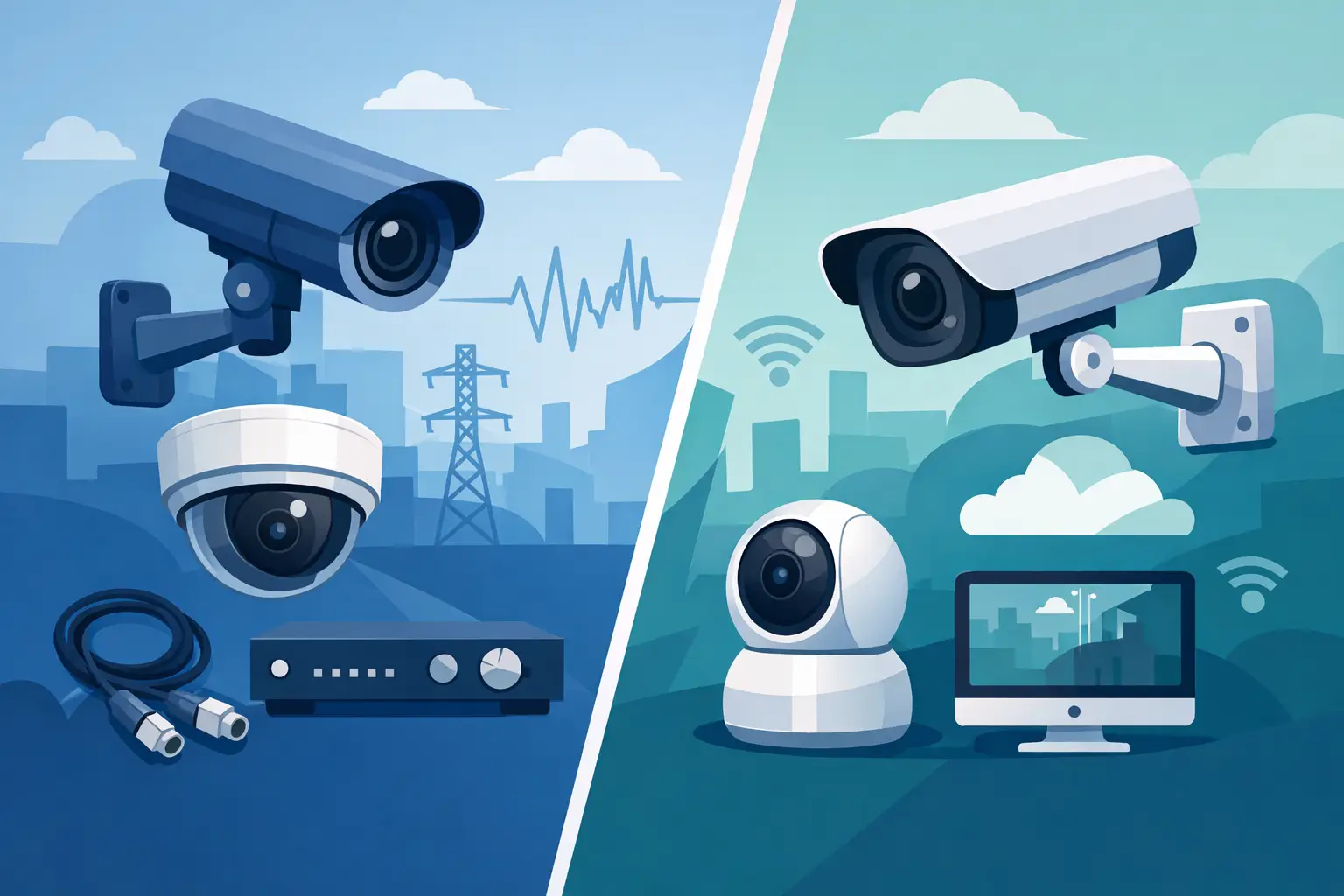
A camera replacement often starts with one practical question: can the existing cable stay in place? That is where the analog cameras vs IP cameras decision becomes more than a resolution comparison. The right answer affects labor, recorder selection, remote viewing, storage requirements, network capacity, and how easily the system can expand later.
For a small retail store with working coax cable, an analog HD-over-coax system may be the most efficient path to better coverage. For a school, apartment complex, warehouse, or multi-building facility that needs intelligent search, flexible expansion, and network-based access, IP cameras may justify the additional planning. The goal is not to choose the newest technology by default. It is to select equipment that fits the property, the infrastructure, and the operator’s day-to-day needs.
What “Analog” Means in Modern CCTV
Traditional analog cameras send a video signal over coaxial cable to a DVR. Older systems were limited by standard-definition video, but modern HD-over-coax formats have changed the conversation. Technologies such as TVI, CVI, and AHD can deliver high-definition video over existing RG59 or similar coax runs, often with power supplied separately through a Siamese cable.
For many replacement projects, this is the main advantage. An installer can retain usable coax infrastructure, change the cameras and DVR, and give the customer a major improvement in image quality without opening walls or pulling new Category cable. That can reduce labor substantially in finished offices, occupied apartment buildings, retail spaces, and older homes.
Analog systems remain recorder-centered. Each camera terminates at the DVR, which handles recording, local display, and usually remote access through the network. This architecture is familiar, straightforward, and dependable when properly installed. It also makes troubleshooting easier in some environments because each camera has a direct physical run back to the recorder.
How IP Camera Systems Work
IP cameras convert video into network data at the camera and send it across Ethernet cabling to an NVR, server, or other video management platform. Most professional IP cameras use Power over Ethernet, or PoE, so a single Cat5e or Cat6 cable can carry both power and data. The camera may connect directly to a PoE NVR port, a PoE switch, or a managed network switch designed for the deployment.
This network-based design gives IP systems more flexibility. Cameras can be placed wherever a suitable network connection and power arrangement are available, rather than requiring every cable to return directly to one recorder. That matters in larger properties, campuses, warehouses, multi-tenant buildings, and facilities where cameras are spread across several IDF closets or structures.
IP cameras also tend to offer a wider range of resolutions, lenses, analytics, audio options, and integration capabilities. Features such as people or vehicle classification, line-crossing alerts, intrusion zones, license plate capture, and intelligent playback are commonly available, although capability varies by camera and recorder platform. These features are useful only when they address a real operating need. A busy loading dock may benefit from vehicle filtering; a simple rear-door camera may not require it.
Analog Cameras vs IP Cameras: The Differences That Matter
The first difference is cabling. Analog HD cameras are a strong fit when existing coaxial cable is in good condition and the camera locations are already established. IP cameras generally require Ethernet cable, fiber uplinks, wireless bridges, or media converters, depending on distance and building layout. Reusing coax may save money, but only after confirming cable condition, run length, connectors, grounding, and power delivery.
The second difference is image quality and scalability. IP systems commonly support higher resolutions and more advanced camera functions. Higher resolution is valuable for identification at gates, cash-wrap areas, entrances, parking lots, and long corridors. However, more pixels also mean more bandwidth and storage. A 4K camera aimed at a small interior doorway can create unnecessary storage demand without producing a better operational result than a properly positioned 4MP or 5MP camera.
Third, consider the recording platform. DVRs are built for coax-based cameras and are often cost-effective for fixed-size installations. NVRs support IP cameras and can provide more flexibility for expansion, camera management, and network-based deployment. Hybrid recorders can be useful in transition projects where an owner wants to keep some existing coax cameras while adding IP coverage in new areas. Compatibility should always be checked at the model level, particularly when mixing brands, resolutions, audio, or analytics features.
Finally, IP systems need more deliberate network planning. Every camera consumes bandwidth, PoE budget, switch ports, and storage capacity. A properly designed IP deployment separates or manages surveillance traffic appropriately, uses quality switches, protects equipment with surge suppression and backup power where needed, and avoids treating the camera system as an afterthought on an already overloaded office network.
Cost Is More Than the Camera Price
It is easy to compare the price of one analog camera against one IP camera and reach the wrong conclusion. The installed cost includes cable, connectors, power supplies or PoE switches, recorder channels, hard drives, labor, lift access, network configuration, and future maintenance.
Analog HD-over-coax is often less expensive when replacing an existing system with intact coax runs. It can also be the faster option when the objective is to restore coverage quickly at a small business or residence. The savings can disappear if old cable is damaged, poorly terminated, exposed to moisture, or routed in a way that makes reliable power delivery difficult.
IP camera systems may require a higher initial investment in cabling and switching, but they can be more economical for new construction or major renovation. Pulling Cat6 once can support cameras, access points, intercom endpoints, and other networked devices as the facility grows. For a property manager planning phased improvements across several buildings, that flexibility can have lasting value.
Storage must also be calculated, not guessed. Resolution, frame rate, compression method, scene activity, retention period, and motion or event recording all affect hard-drive requirements. A system that records 24/7 at high frame rates may need far more storage than a system using scheduled recording and event-based recording. For incident review, retention requirements and image usability matter more than a large camera count on a proposal.
Choosing by Application
A small store, single-family home, or existing office with reliable coax cable is often a good candidate for analog HD cameras and a DVR. The system can provide clear footage, local recording, mobile viewing, and practical coverage without an extensive infrastructure project.
An apartment property may use either approach. Existing buildings with coax to common areas can be upgraded economically with analog HD. Newer properties, or properties adding video intercoms, access control, elevator cameras, gate cameras, and networked management tools, may benefit more from an IP design. The camera system should be planned alongside door hardware and entry communication, especially where video verification is part of the access process.
Schools and commercial facilities usually need a more structured evaluation. Multiple entrances, long hallways, exterior perimeters, parking areas, and administrative review needs may favor IP cameras with centralized management and intelligent search features. Yet a school with a large, serviceable coax installation may reasonably choose an upgraded DVR system in certain wings rather than replace every cable at once.
Industrial sites create a different set of issues: long distances, electrical interference, extreme temperatures, changing light, and coverage around docks or gates. Here, camera housing, lens choice, infrared performance, surge protection, network uplinks, and mounting position can matter as much as whether the video signal is analog or IP.
Questions to Answer Before Selecting Equipment
Start with the current infrastructure. Identify the cable type, approximate run lengths, condition of terminations, available power, recorder location, and whether there is usable network capacity at the proposed camera locations. A site walk is more valuable than assumptions based on an old equipment list.
Then define what each camera must accomplish. Is the goal general awareness, face identification, vehicle identification, cash-handling oversight, visitor verification, or perimeter alerting? A camera pointed in the wrong direction will not become effective simply because it has a higher resolution.
Also consider who will operate the system. A facilities manager may need simple live viewing and reliable playback. A security team may need user permissions, event alerts, multi-site access, and searchable recordings. The system should be sized for the people who will use it after installation, not just for the day it is commissioned.
Build Around the Property, Not the Product Category
Analog and IP cameras both have a place in professional security work. Analog HD remains a practical, cost-conscious option for many coax retrofit projects. IP provides greater flexibility and advanced capabilities when the network, budget, and operating requirements support it. Hybrid approaches can also make sense when a property is being improved in phases.
The most useful next step is to map camera objectives, existing cabling, recorder capacity, and future expansion before buying equipment. A well-matched system makes footage easier to retrieve, service calls easier to manage, and future security improvements easier to plan.



 No products in the cart.