
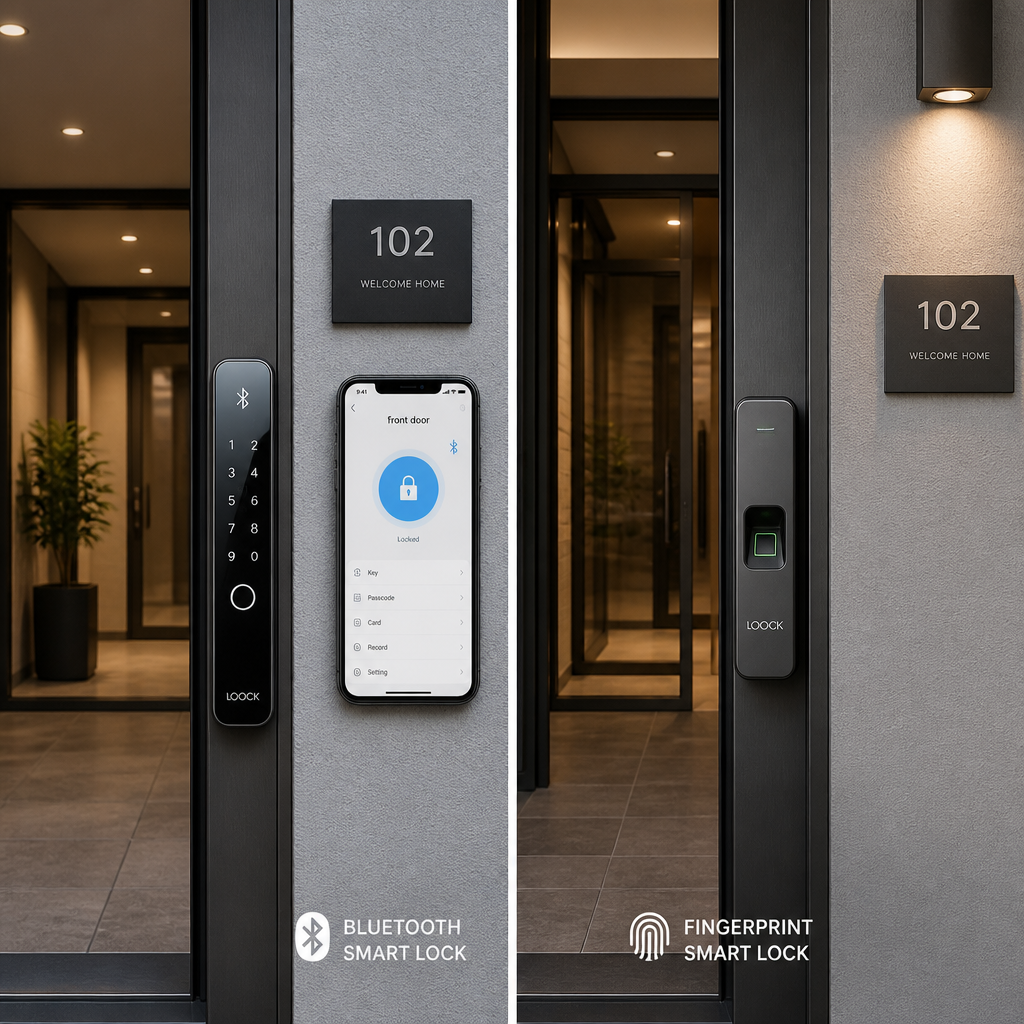
Choosing the wrong lock technology for your property is an expensive mistake, and it happens more often than it should. A property manager who installs Bluetooth door lock systems across a 50-unit apartment building discovers that residents with older phones struggle to connect. A homeowner who installs a fingerprint lock finds that outdoor humidity causes consistent read failures. Neither scenario is hypothetical. Before you commit to a keyless entry lock, you need to understand exactly what each technology does well, where it fails, and which one matches your specific property type. This guide cuts through the marketing language and gives you a straight answer.
Table of Contents
- Quick Takeaways
- How Bluetooth Door Locks Work
- How Fingerprint Door Locks Work
- Bluetooth vs. Fingerprint: Side-by-Side Comparison
- Which Properties Benefit Most from Bluetooth
- Which Properties Benefit Most from Fingerprint Locks
- Combining Both Technologies
- Common Installation Mistakes
- Frequently Asked Questions
- References
Quick Takeaways
| Key Insight | Explanation |
|---|---|
| Bluetooth range is limited by design | Most Bluetooth door locks operate reliably within 30 feet. For gates, parking garages, or large entry lobbies, this range is often insufficient without a hub or bridge device. |
| Fingerprint locks fail in wet conditions | Optical and capacitive fingerprint sensors lose accuracy when hands are wet, dirty, or have deep cuts. Outdoor installations require locks rated for those conditions specifically. |
| Bluetooth is better for multi-user management | Adding, removing, or scheduling access for dozens of users is far simpler with Bluetooth and a companion app than manually re-enrolling fingerprints on a biometric sensor. |
| Fingerprint locks eliminate credential sharing | A PIN or access code can be passed around. A fingerprint cannot. For high-security rooms in offices or server rooms, biometric locks are the stronger choice. |
| Phone dependency is a real liability | A commercial door lock with Bluetooth requires a charged, functioning smartphone. Fingerprint locks work without any external device, which matters during power outages or phone failures. |
| Most modern smart locks combine both | Higher-end biometric door lock models support Bluetooth, PIN, fingerprint, and physical key backup simultaneously. If your budget allows it, avoid single-method locks. |
| Enrollment time affects adoption | Fingerprint enrollment takes 5-10 seconds per finger per person. Bluetooth access can be granted remotely in seconds. For large teams or high turnover, Bluetooth wins on operational speed. |
How Bluetooth Door Locks Work
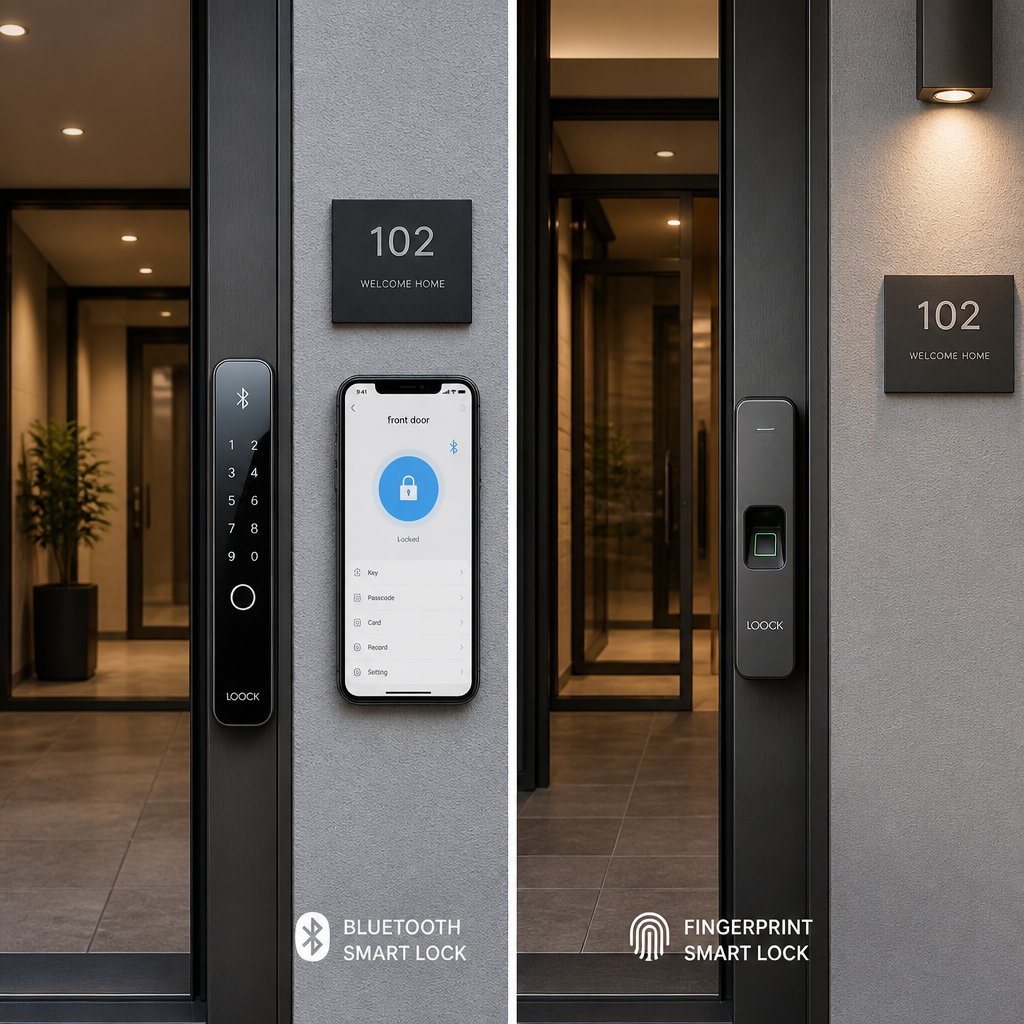
A Bluetooth door lock communicates with a smartphone or tablet using Bluetooth Low Energy (BLE), a protocol designed for short-range, low-power data transfer. When an authorized phone comes within range of the lock, the lock either unlocks automatically via geofencing or waits for the user to tap a button in a companion app. Some models support auto-unlock as the user approaches, which is what makes hands-free entry possible.
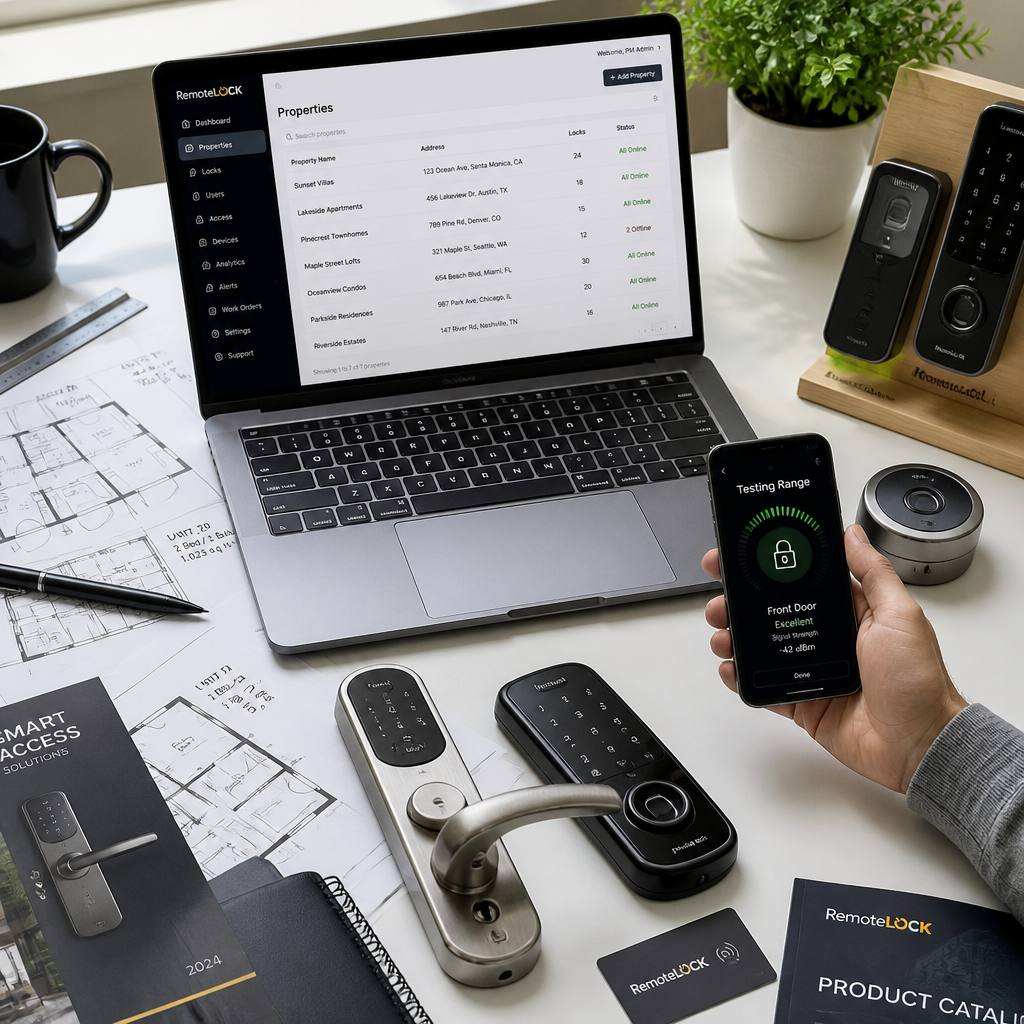
The core advantage here is remote credential management. A facility manager sitting in a main office can grant or revoke access to a specific door without physically visiting the lock. Temporary access codes, time-restricted schedules, and audit logs are all handled through software. This is why commercial door locks with Bluetooth have become a standard in coworking spaces, short-term rental properties, and multi-tenant office buildings.
The Role of Hubs and Bridges
Bluetooth alone does not support true remote access. The lock must be within Bluetooth range of the phone for the connection to work. To unlock a door from across town, you need a Wi-Fi or Z-Wave bridge device installed near the lock. This bridge connects the lock to your home network and allows control from anywhere with internet access. Without a bridge, Bluetooth locks function only as proximity-based keyless entry locks, not remotely managed smart locks.
At UnikCCTV, many clients assume that purchasing a Bluetooth lock is enough to get full remote control. It is not. Always verify whether the hub or bridge is included in the purchase or sold separately before comparing prices across systems.
Pro tip: When evaluating a Bluetooth lock for a rental property, confirm that the companion app supports time-restricted guest access without requiring the guest to create an account. Some apps force full account creation before granting entry, which creates friction for short-stay visitors.
How Fingerprint Door Locks Work
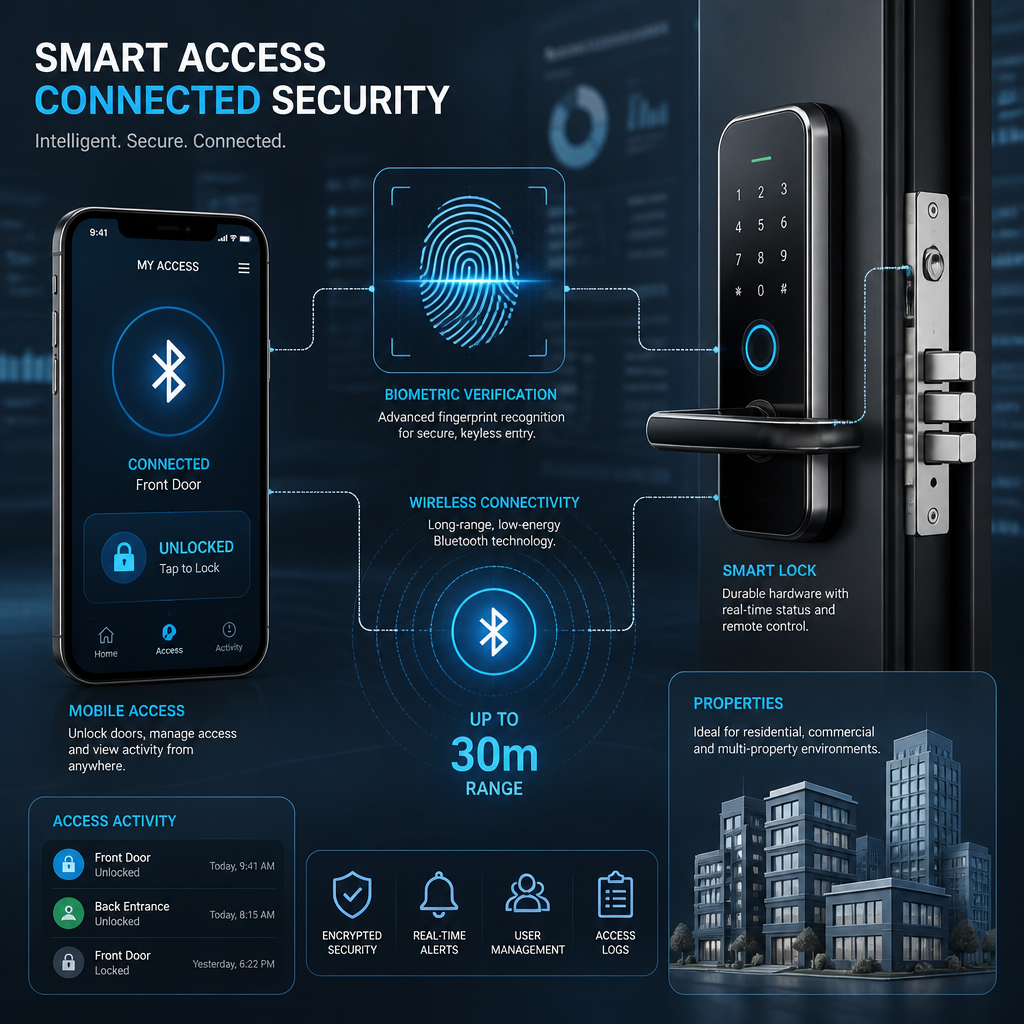
A fingerprint door lock uses either an optical sensor (reads a 2D image of the fingerprint) or a capacitive sensor (measures the electrical patterns of the ridges) to authenticate identity. The lock stores encrypted fingerprint templates in its local memory and compares each scan against stored templates in real time. No smartphone, no internet connection, and no PIN is required for basic operation.
The authentication process typically takes under one second on modern sensors, which is fast enough that most users find it seamless. The lock either grants access or denies it, and a well-configured biometric door lock will log each event with a timestamp, giving property operators a reliable audit trail.
Sensor Types and Their Trade-Offs
Optical sensors are more affordable but easier to fool with a high-quality photograph in older models. Capacitive sensors are more accurate and harder to spoof, making them the preferred choice for commercial installations. The most advanced sensors on the current market use 3D fingerprint mapping, which virtually eliminates false positives.
The real vulnerability of fingerprint locks is environmental. Humidity, grease, cuts, and even age-related skin changes can affect read accuracy. Outdoor locks must be rated with an appropriate IP (Ingress Protection) rating, ideally IP65 or above. An optical sensor installed on an exterior gate in a humid climate will produce false rejections regularly unless the hardware is specifically rated for that environment.
A keyless entry lock that regularly fails to read your credential is not a security upgrade. It is a frustration device. Sensor quality and environmental suitability matter more than any feature list.
Pro tip: For employee-facing doors in food service, manufacturing, or healthcare environments where staff regularly wear gloves or have wet hands, do not rely on fingerprint locks as the sole entry method. Pair them with PIN backup or a Bluetooth option to prevent lockouts during busy shifts.
Bluetooth vs. Fingerprint: Side-by-Side Comparison
The table below covers the most decision-relevant factors for property managers and homeowners evaluating a smart lock comparison between these two technologies. These are not theoretical considerations. They are the exact points that determine whether a lock installation succeeds or becomes a support headache within three months.
| Factor | Bluetooth Door Lock | Fingerprint Door Lock |
|---|---|---|
| Authentication method | Smartphone app, BLE signal | Enrolled fingerprint scan |
| Remote access | Yes, with a Wi-Fi bridge or hub | No, unless combined with Wi-Fi or app module |
| User management scale | Excellent for large user bases, app-based | Limited by sensor memory (typically 50-300 prints) |
| Credential sharing risk | Moderate (phone or app credentials can be shared) | Very low (fingerprint is unique to each person) |
| Outdoor/wet environment performance | Good (signal unaffected by moisture) | Variable (sensor accuracy drops with wet fingers) |
| Battery dependency | Lock battery plus phone battery required | Lock battery only |
| Best use case | Rental units, coworking, multi-user buildings | Private offices, server rooms, home entry, HR areas |
Which Properties Benefit Most from Bluetooth
Short-term rental properties are the clearest win for Bluetooth-based keyless entry locks. The ability to generate a temporary access code or digital key, send it to a guest remotely, and revoke it automatically at checkout time eliminates the logistics of physical key handoffs entirely. Property managers running multiple units benefit from centralized control through a single app dashboard rather than visiting each unit to re-key after every guest.
Multi-tenant commercial buildings are another strong match. When an employee joins a company, access can be provisioned from an admin panel within seconds. When they leave, access is revoked from the same panel. This contrasts sharply with fingerprint systems, where an administrator must either have the former employee’s finger re-enrolled (which requires physical presence) or manually delete the stored template at the lock.
Bluetooth for Gate and Perimeter Access
A commercial door lock with Bluetooth paired with a gate controller is increasingly common for residential communities and commercial campuses. Residents or employees use their phones to trigger gate opening without pressing an intercom or fumbling with a card. For properties that already use an intercom system, Bluetooth gate access works well as a supplementary credential method rather than a replacement.
The limitation is range. A vehicle sitting at a gate entrance may be 15 to 20 feet from the Bluetooth reader. Under ideal conditions, that is within range. In practice, phone cases, body position, and interference from other wireless devices can reduce effective range. Systems designed specifically for vehicle or gate access often use dedicated Bluetooth readers mounted at the correct height rather than relying solely on the lock unit itself.
Which Properties Benefit Most from Fingerprint Locks
Any space where a small, fixed group of authorized users needs fast, reliable access without depending on a device is a strong candidate for a fingerprint door lock. A private home where three to five family members are the only regular entrants is exactly this scenario. Enrollment takes minutes, authentication is under a second, and there are no apps to update or batteries to manage in a secondary device.
High-security commercial areas benefit significantly from biometric locks because the credential is physically non-transferable. A PIN or access card can be lent, stolen, or duplicated. A fingerprint cannot. IT server rooms, pharmaceutical storage areas, financial record rooms, and executive suites are all spaces where the non-shareable nature of biometric credentials justifies the higher hardware cost and the effort of individual enrollment.
Time and Attendance Applications
One area where fingerprint locks extend beyond simple access control is workforce management. When integrated with a time attendance system, a fingerprint lock records not just who entered but exactly when, creating a tamper-resistant attendance record. This is significantly more accurate than PIN-based systems, where employees can clock in for each other (a practice commonly called “buddy punching”). For businesses managing hourly staff, integrating a biometric door lock with a time attendance clock is one of the most practical deployments of fingerprint technology available.
UnikCCTV’s product range includes time attendance clocks that combine fingerprint authentication with access control in a single unit, which eliminates the need for separate systems and reduces both hardware costs and administrative complexity.
Combining Both Technologies
The most practical approach for most commercial installations is not choosing between Bluetooth and fingerprint but deploying locks that support multiple credential types simultaneously. Testing conducted by reviewers at publications like PCMag and The Verge consistently shows that multi-method smart locks score higher on real-world usability than single-method alternatives. A lock that accepts a fingerprint, a PIN, a Bluetooth connection from a phone, and a physical key backup leaves almost no scenario where a legitimate user is locked out.
For property managers, this matters operationally. A staff member with a bandaged finger can use a PIN. A visitor without the app installed can receive a temporary PIN. A regular employee who has enrolled their fingerprint gets fast, credential-free entry. All of this is logged in one system. Paying slightly more for a multi-method lock is almost always cheaper than the cost of locksmith calls, system replacements, or resident complaints from a single-method system that failed under an edge case.
Integration with Intercom and Access Control Systems
Combining a smart lock with an intercom system creates a layered entry experience that is both convenient and secure. A visitor rings the intercom, the property manager or resident verifies identity via the intercom camera, then grants remote entry either through a Bluetooth door lock command or by a door release signal. Residents use their fingerprint or Bluetooth credential for day-to-day entry without triggering the intercom at all. This layered setup is the standard for modern apartment buildings and small commercial offices, and it is exactly the kind of integrated solution that UnikCCTV’s intercom systems and smart locks are designed to support together.
Common Installation Mistakes
The most common mistake with Bluetooth locks is purchasing one without a bridge and then being surprised that remote access does not work. The Bluetooth protocol itself only covers short distances. If the goal is to unlock a door from a different room, let alone a different city, a hub or bridge is mandatory. Always read the full product specification, not just the marketing headline, before purchasing.
The most common mistake with fingerprint locks is installing an indoor-rated sensor in an outdoor position. An IP44-rated sensor will fail within months in a climate with heavy humidity or rain. Check the IP rating against the installation environment before purchasing, not after. A failed fingerprint sensor is not a warranty claim in most cases if it was installed outside its rated conditions.
A third mistake applies to both technologies: failing to configure a backup entry method during initial setup. Every smart lock should have a physical key override or an emergency PIN code established at installation. A lock where the only entry method is a Bluetooth connection or a fingerprint, with no backup, is a risk that will eventually cause a full lockout at the worst possible moment.
Pro tip: After installing any smart lock, test the backup entry method immediately and record the emergency credentials somewhere secure and off-site. Discovering that the backup PIN was never activated is a far worse experience when you are locked out at midnight than when you are standing in front of the door during a calm setup session.
Frequently Asked Questions
Can a fingerprint door lock be hacked or spoofed?
Modern fingerprint locks with capacitive or 3D sensors are significantly harder to spoof than older optical models. Early optical sensors could sometimes be fooled by a high-resolution photograph, but current-generation sensors detect the electrical characteristics of a live finger, which a photo cannot replicate. That said, no lock is completely immune to a determined, technically skilled attacker. For most residential and commercial applications, a quality biometric door lock presents a higher security baseline than a standard keyed deadbolt.
Do Bluetooth door locks work without a Wi-Fi connection?
Yes, Bluetooth door locks work without Wi-Fi for local access. If you are within Bluetooth range of the lock and your phone has the app installed, the lock will function. Wi-Fi is only required if you want to control the lock remotely from outside Bluetooth range. Without a Wi-Fi bridge, remote management, real-time alerts, and cloud-based audit logs are not available.
How many fingerprints can a biometric door lock store?
Storage capacity varies by model. Entry-level biometric locks typically store between 50 and 100 fingerprint templates. Mid-range commercial models often support 200 to 300 templates. High-capacity units designed for large facilities can store significantly more. For a small home or private office, standard capacity is more than sufficient. For a building with hundreds of staff members, verify the exact template limit before purchasing.
What happens to a Bluetooth lock when the phone battery dies?
If the phone battery dies and the lock only accepts Bluetooth credentials, entry is blocked unless a backup method is configured. This is one of the strongest arguments for choosing a keyless entry lock that supports multiple credential types. A PIN backup, fingerprint backup, or physical key slot ensures that a dead phone does not mean a locked-out user. Always configure and test the backup method during initial setup.
Are fingerprint locks suitable for outdoor gates?
Fingerprint locks can be used outdoors, but only when the unit carries an appropriate weather resistance rating. Look for a minimum of IP65 for outdoor gate applications, which provides protection against dust ingress and water jets. Optical sensors are more susceptible to moisture and temperature variation than capacitive sensors, so for outdoor gates in humid or rainy climates, a capacitive or 3D sensor with a high IP rating is the more reliable choice. Many gate access control systems pair a weatherproof fingerprint reader with a separate electronic lock mechanism for this reason.
Is a Bluetooth or fingerprint lock better for an apartment building?
For the common entry points of an apartment building, Bluetooth-based access is generally more practical because user management at scale is far simpler through an app. Individual apartment doors can use fingerprint locks effectively since each unit typically has a small, fixed set of authorized residents. The combination approach, Bluetooth for the building perimeter and fingerprint for individual units, is the setup that most property managers find gives the best balance of convenience and security.
If you have installed either a Bluetooth or fingerprint lock at your property, share what worked, what did not, and whether you would make the same choice again. Your experience helps other property managers and homeowners make a more informed decision.
We would love your feedback and any insights you would share with others. What perspective would you add?



 No products in the cart.