
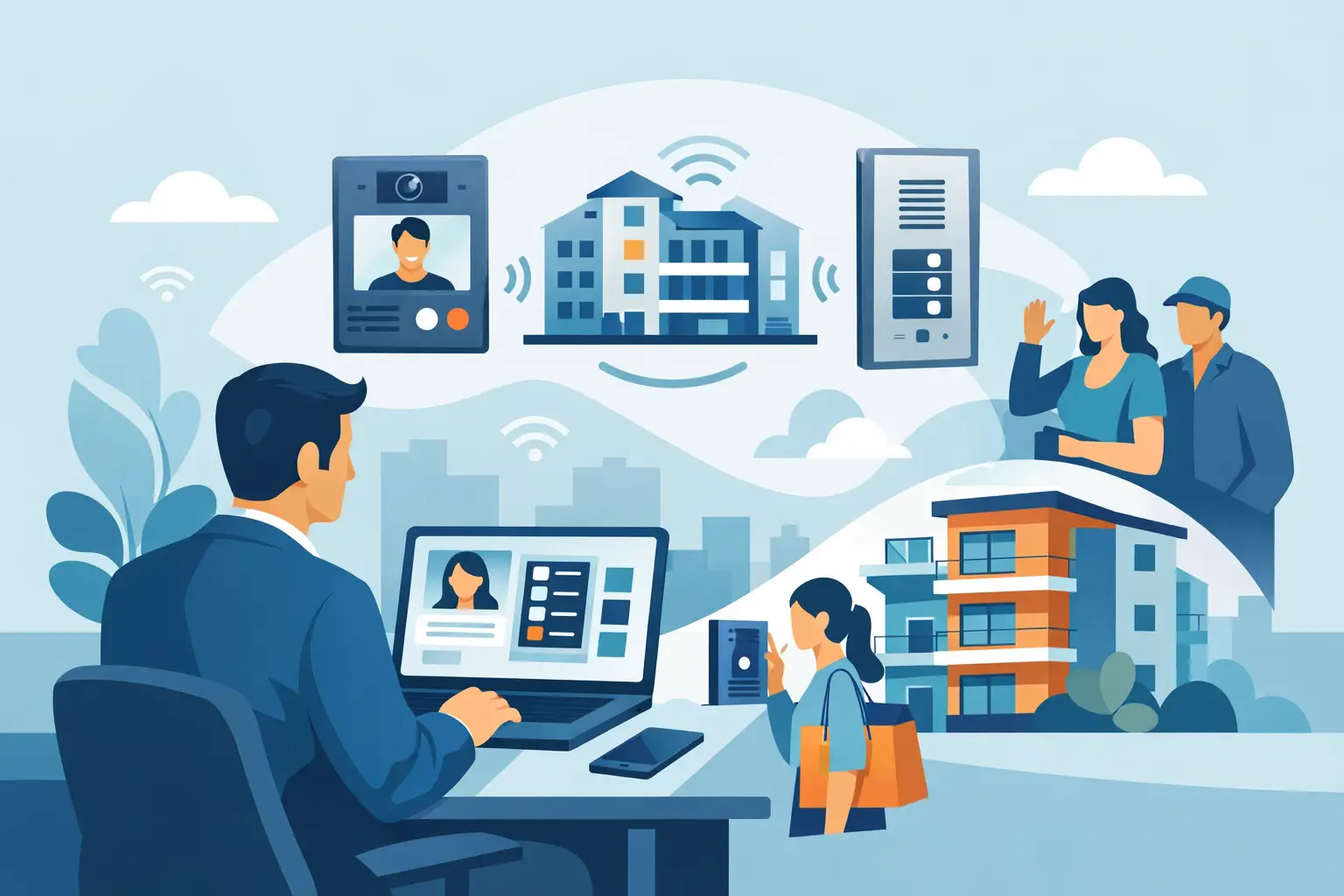
A front entrance system is rarely judged on a quiet day. It is judged when a delivery driver cannot reach the right tenant, a resident loses a credential after hours, or a property manager needs to release a service vendor without leaving the office. This multi tenant intercom review focuses on the decisions that determine whether a system works reliably in an occupied building or becomes another recurring service call.
For apartments, mixed-use properties, offices, schools, and managed gates, an intercom is not just a doorbell with multiple buttons. It is part of the entry workflow. The right system must match the number of users, the building wiring, the lock hardware, the desired method of visitor verification, and the people responsible for maintaining it.
What a Multi-Tenant Intercom Must Do Well
At minimum, a multi-tenant system needs to route a visitor call to the correct unit or user and allow an authorized person to release the entrance. In a small building, that may mean a weather-resistant call panel, tenant stations, a power supply, and an electric strike. In a larger property, the system may also need directory dialing, multiple entry points, elevator control, credential access, cameras, and remote management.
The major mistake is selecting equipment based on tenant count alone. A 20-unit building with one exterior door and existing low-voltage wiring is a very different project from a 20-suite medical office with two public entrances, restricted staff doors, and a need to manage access by schedule.
A dependable design starts with the actual entry path. Determine where visitors arrive, how they identify the person they need, who answers calls, what lock will release, and what happens if power or network service is interrupted. Those details narrow the equipment options faster than a feature list.
Multi Tenant Intercom Review: The Main System Types
The best system type depends on the building, not on which technology has the newest features. Each approach has a legitimate place in professional installations.
Hardwired audio intercoms
Traditional audio systems remain a practical choice for many apartment buildings. They are straightforward: a visitor selects a tenant station, the tenant speaks with the visitor, and the tenant presses a door-release button. With the right cable and power design, hardwired systems can provide years of reliable operation with limited dependence on the building network.
Their advantage is predictability. They are particularly suitable where existing intercom wiring can be reused or where a new construction project allows proper cable runs. The trade-off is less flexibility after installation. Adding remote answering, mobile credentials, or detailed access logs may require additional equipment or a different system architecture.
Video intercom systems
Video adds an important layer of verification. Tenants, staff, or a receptionist can see who is at the entrance before granting access. This is often valuable at office buildings, schools, higher-end multifamily properties, and locations where package delivery volume is high.
Video requires more planning than audio. Camera placement, lighting, monitor locations, cable distance, network capacity, and storage requirements all affect the result. A video call panel facing direct afternoon sun or a dark vestibule can produce poor identification even when the equipment itself is high quality. Test the camera view at the actual mounting location before finalizing the installation.
IP and mobile-based intercoms
IP intercoms route calls over a network, often to indoor stations, desk phones, mobile devices, or management software. They can reduce the need for dedicated tenant wiring in some applications and may allow administrators to update directories, user permissions, and access events from a central platform.
This flexibility comes with operational requirements. The network must be sized and secured properly, the entry location needs dependable connectivity, and someone must have responsibility for user administration. Cellular or cloud-managed options can be useful at gates and retrofits, but buyers should understand recurring service costs, device compatibility, and the procedure for updating resident contact information.
Telephone-entry and directory systems
Telephone-entry systems call a tenant’s telephone or mobile number when a visitor selects the directory entry. They are common in multifamily properties because tenants can answer from wherever they are. Some systems also support keypad codes, resident PINs, and administrator-controlled schedules.
The convenience is clear, but the user experience depends on directory management. A stale resident list creates frustration at the front door. Before choosing this type of system, confirm how easily management can add, remove, and edit users, and whether the property can maintain those records during turnover.
Start With the Door and Lock
An intercom can only release a door as reliably as the locking hardware allows. This is where many projects need closer attention.
Electric strikes are common on exterior aluminum, hollow metal, and wood doors because they work with mechanical latch hardware. Magnetic locks are often used where a strike is impractical, but they require attention to life-safety requirements, egress hardware, fire alarm interfaces, and local code. Electrified panic hardware may be the better fit for a commercial entrance with high traffic and panic-bar requirements.
Specify whether the lock is fail secure or fail safe. A fail-secure electric strike stays locked when power is removed, while a fail-safe magnetic lock releases when power is lost. Neither is universally better. The correct choice depends on code requirements, occupancy, emergency egress, and the security plan for the opening.
Also review the door condition before purchasing. A sagging gate, damaged closer, misaligned latch, or weak hinge will cause access problems that no intercom can solve. Intercom troubleshooting often begins with the door, not the call panel.
Questions That Prevent the Wrong Purchase
A practical review should identify the unknowns before equipment is ordered. Property managers and installers should document the number of units, entrances, tenant stations, and doors to be controlled. They should also establish whether calls need to reach in-unit stations, phones, mobile apps, a front desk, or more than one destination.
For retrofits, inspect existing cable type, conductor count, route condition, and distance. Do not assume older intercom wiring is usable simply because it is present. Some systems require specific wire pairs, shielded cable, Cat cable, or network switching that the existing installation cannot support.
Ask how the building handles credentials. A basic intercom release may be enough for a small residential property. A commercial building may need cards, fobs, PINs, mobile credentials, audit trails, time schedules, and the ability to remove a former employee immediately. If access control is already installed, determine whether the intercom should integrate with it or operate as a separate system.
Finally, define who will support the system after installation. Someone needs to update tenant names, replace lost credentials, handle a failed station, and know where the power supply, controller, and network equipment are located. A system that is easy for an installer to commission but difficult for a property team to administer can create unnecessary operating costs.
Installation Details That Matter in the Field
Outdoor entry stations need appropriate weather protection, correct mounting height, and a clear camera angle where video is used. Power supplies should be accessible for service but protected from casual tampering. Lock power should be calculated for the actual load, wire run, and voltage drop rather than selected by guesswork.
For networked systems, use dedicated or properly managed network connections where possible. Confirm PoE requirements, switch capacity, IP addressing, firewall rules, and backup power needs before the installer arrives. An intercom may be a small endpoint, but it is still part of the property security network.
Consider failure conditions as part of the design. Battery backup may be appropriate for the intercom controller, network switch, or lock power supply, depending on the application. For a gated property, determine whether authorized users can enter during an outage. For a building entrance, verify that emergency egress remains compliant under every operating condition.
Selecting for the Property You Have
There is no single best multi-tenant intercom. A simple hardwired audio system may be the soundest investment for a stable six-unit building with existing cable. A video and mobile-access platform may be justified for a managed apartment property where remote visitor handling and credential control reduce staff workload. A commercial facility may need an intercom tied to an access-control panel, not a tenant directory at all.
The best purchase is the one that fits the opening, the users, and the service capacity of the property. Work from the door hardware and wiring outward, verify compatibility before ordering, and choose equipment that can be supported for the life of the installation. When a project has unusual wiring, multiple buildings, gates, or integrated access requirements, a distributor with application-level product support, such as UnikCCTV, can help turn the site conditions into an install-ready equipment plan.



 No products in the cart.