
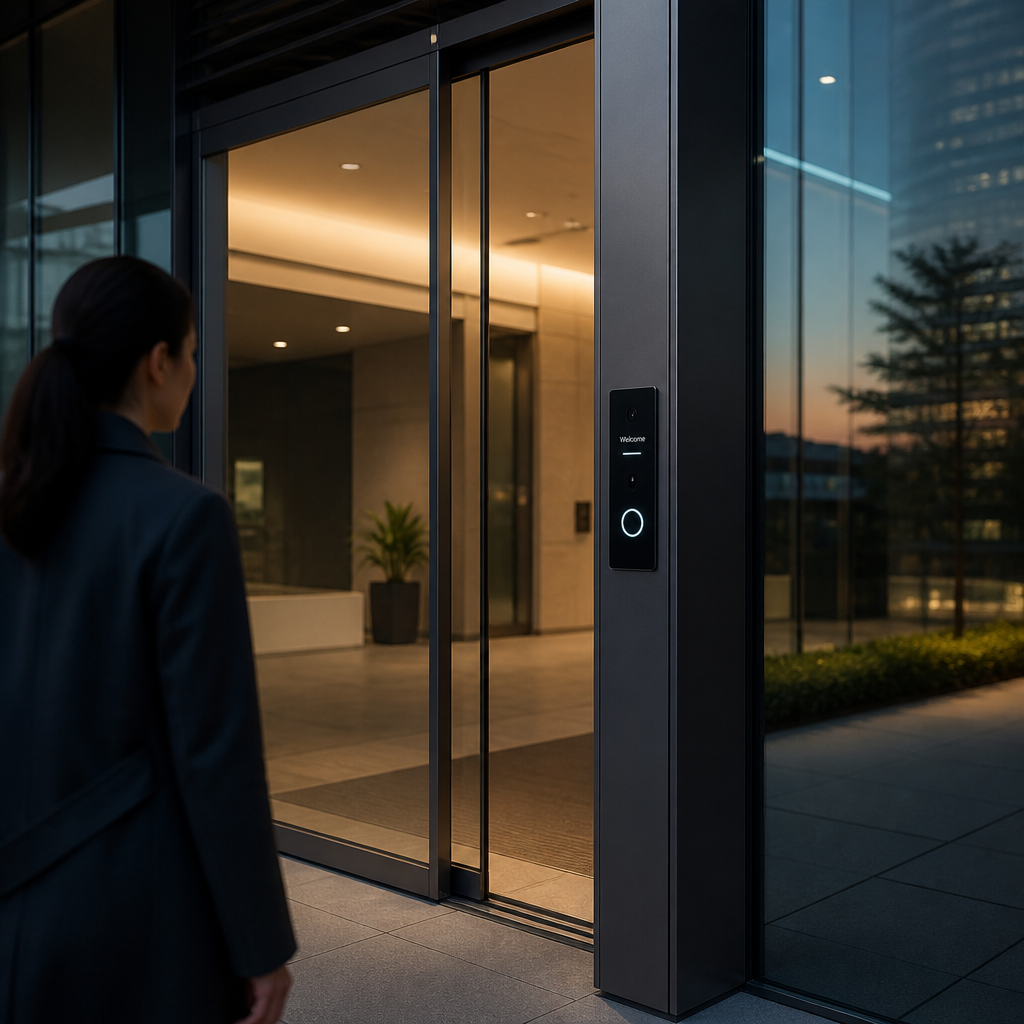
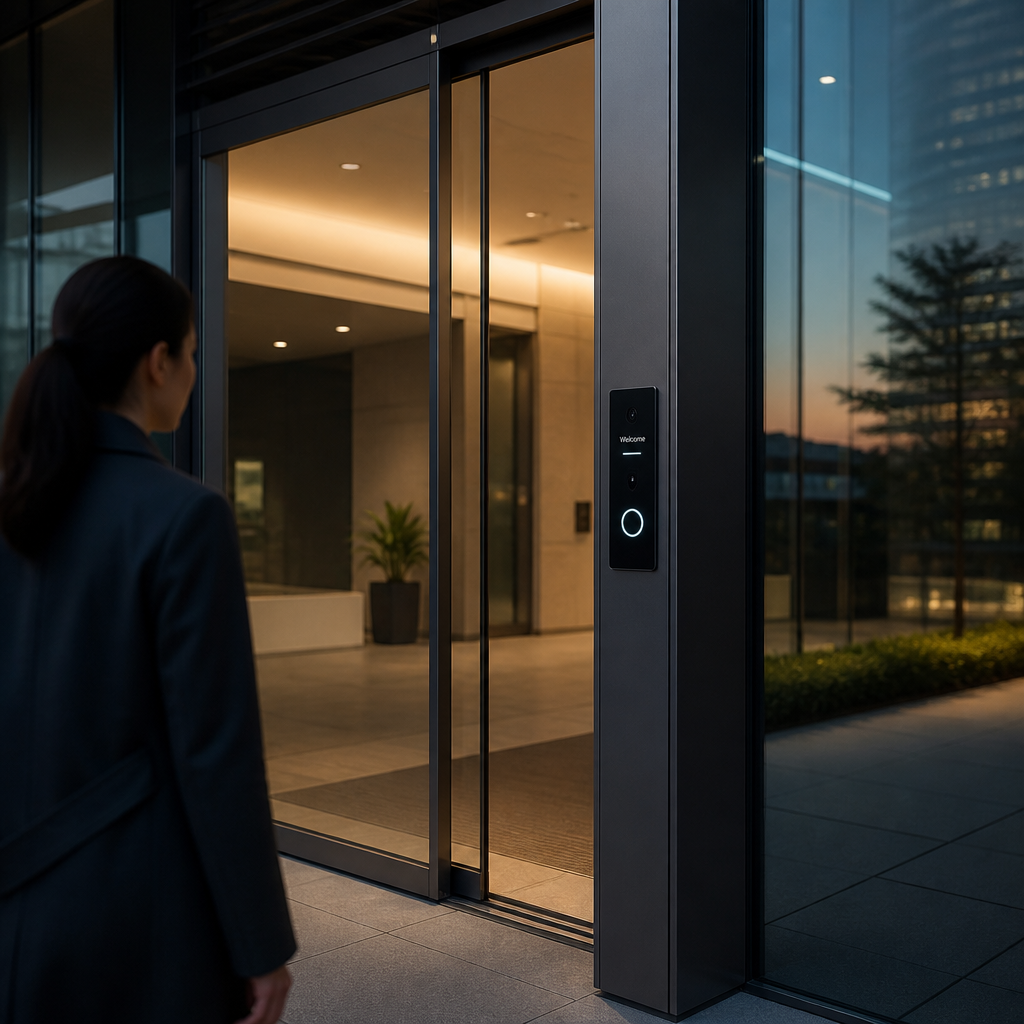
Keycards get cloned. PINs get shared. Traditional building access control fails in ways that are predictable and expensive. A facial recognition door lock eliminates those failure points entirely by binding access to something that cannot be handed off, copied, or forgotten. Property managers running multi-tenant buildings are seeing credential-sharing incidents drop to near zero after switching to biometric entry. This article breaks down exactly how face ID access control works in practice, where it outperforms legacy systems, and what facility operators need to know before deploying biometric building security at scale.
Table of Contents
- Quick Takeaways
- How Facial Recognition Door Locks Work
- Face ID Access Control vs. Legacy Systems
- Biometric Building Security for Apartments and Offices
- Real-World Performance Numbers
- Integration with Intercoms and Gate Access
- Deployment Mistakes to Avoid
- Comparison: Facial Recognition vs. Card vs. PIN Access
- Frequently Asked Questions
- References
Quick Takeaways
| Key Insight | Explanation |
|---|---|
| Face ID eliminates credential sharing | Unlike PINs or keycards, a face cannot be loaned, duplicated, or transferred, making tailgating and credential abuse essentially impossible. |
| Modern units handle poor lighting and masks | Leading facial recognition door locks use 3D infrared sensing, not just 2D cameras, so they authenticate reliably at night, in glare, or when users wear glasses. |
| Enrollment takes under 30 seconds per user | Administrators can enroll a new tenant or employee in under half a minute, compared to the card-printing and PIN-assignment workflow that averages several minutes per person. |
| Audit logs are instant and tamper-evident | Every entry attempt is time-stamped with a face-matched identity, giving facility managers court-admissible access records without manual sign-in sheets. |
| False acceptance rates are now below 0.001% | Enterprise-grade biometric building security devices publish FAR (False Acceptance Rate) specs under 0.001%, meaning the probability of unauthorized access through a face match is extremely low. |
| Remote management reduces on-site admin time | Cloud-connected locks let property managers add or revoke access from any browser, eliminating the need to physically reprogram a door panel when a tenant moves out. |
| ROI is measurable within the first year | Facilities that switch from card-based to facial recognition systems typically recover installation costs through reduced locksmith calls, card replacements, and security incident responses within 10 to 14 months. |
How Facial Recognition Door Locks Work
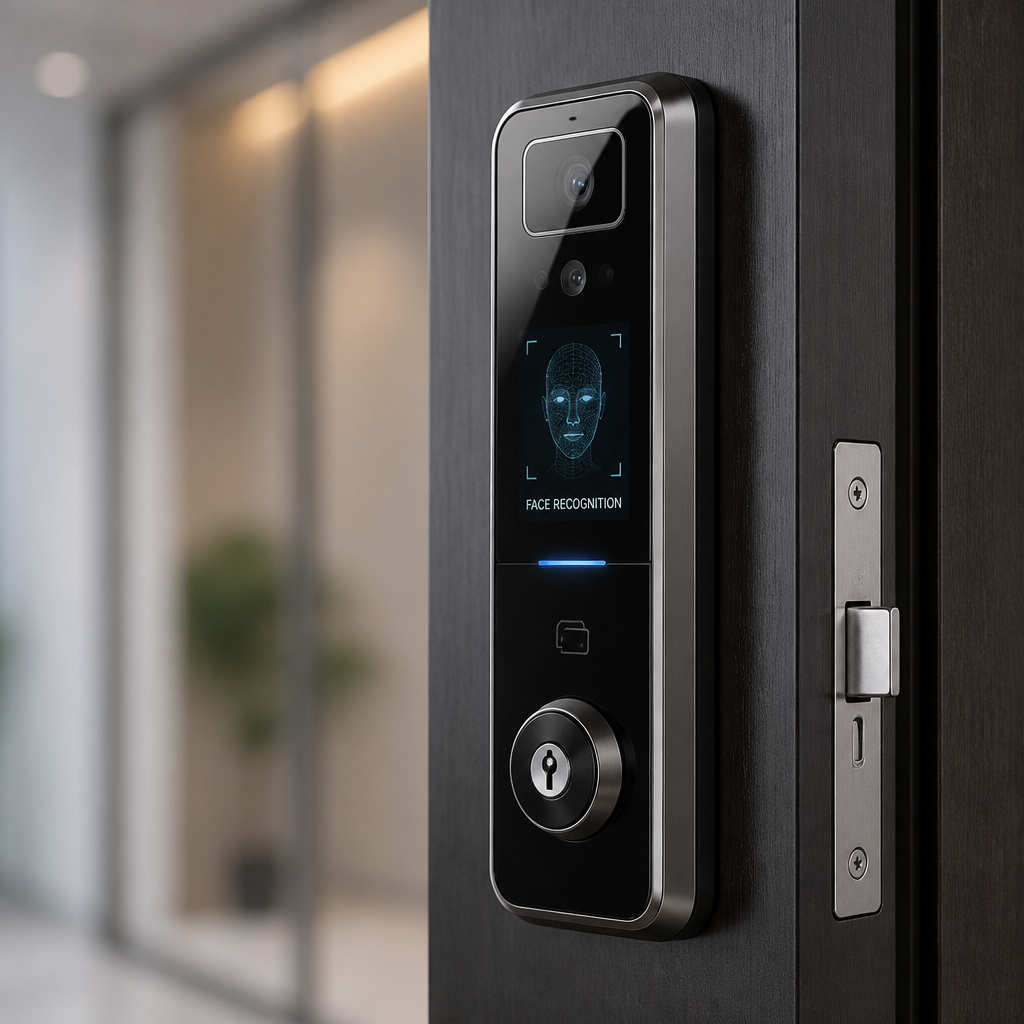
A facial recognition door lock captures a live image or depth map of a person’s face, converts it into a mathematical template using an onboard processor, and compares that template against an enrolled database. If the match score exceeds the configured threshold, the lock releases. The entire sequence takes 0.3 to 1 second in most commercial devices.
The critical distinction is between 2D and 3D recognition. Budget units use a standard camera and match flat images, which makes them vulnerable to photograph spoofing. Quality units designed for building security use structured light or time-of-flight sensors to capture a 3D depth map of the face. You cannot fool a 3D system with a printed photo or a phone screen.
Onboard vs. Cloud Processing
Some locks process face data entirely onboard, storing templates locally on the device. Others send encrypted data to a cloud server for matching. Onboard processing is faster and works without internet connectivity, which matters for gate access points where network reliability is inconsistent. Cloud processing enables larger user databases and remote updates but introduces latency and a dependency on your network uptime.
In practice, the best deployments for multi-unit residential or commercial buildings use onboard processing with cloud-based administration. The door works independently even if the internet drops, but administrators can still manage users remotely through a web portal when the connection is live.
Pro tip: When evaluating a facial recognition door lock for a building with more than 50 tenants, confirm the device’s onboard user capacity. Many entry-level units cap out at 100 to 200 faces. Enterprise units from suppliers like UnikCCTV support 1,000 or more enrolled users on a single device.
Face ID Access Control vs. Legacy Systems
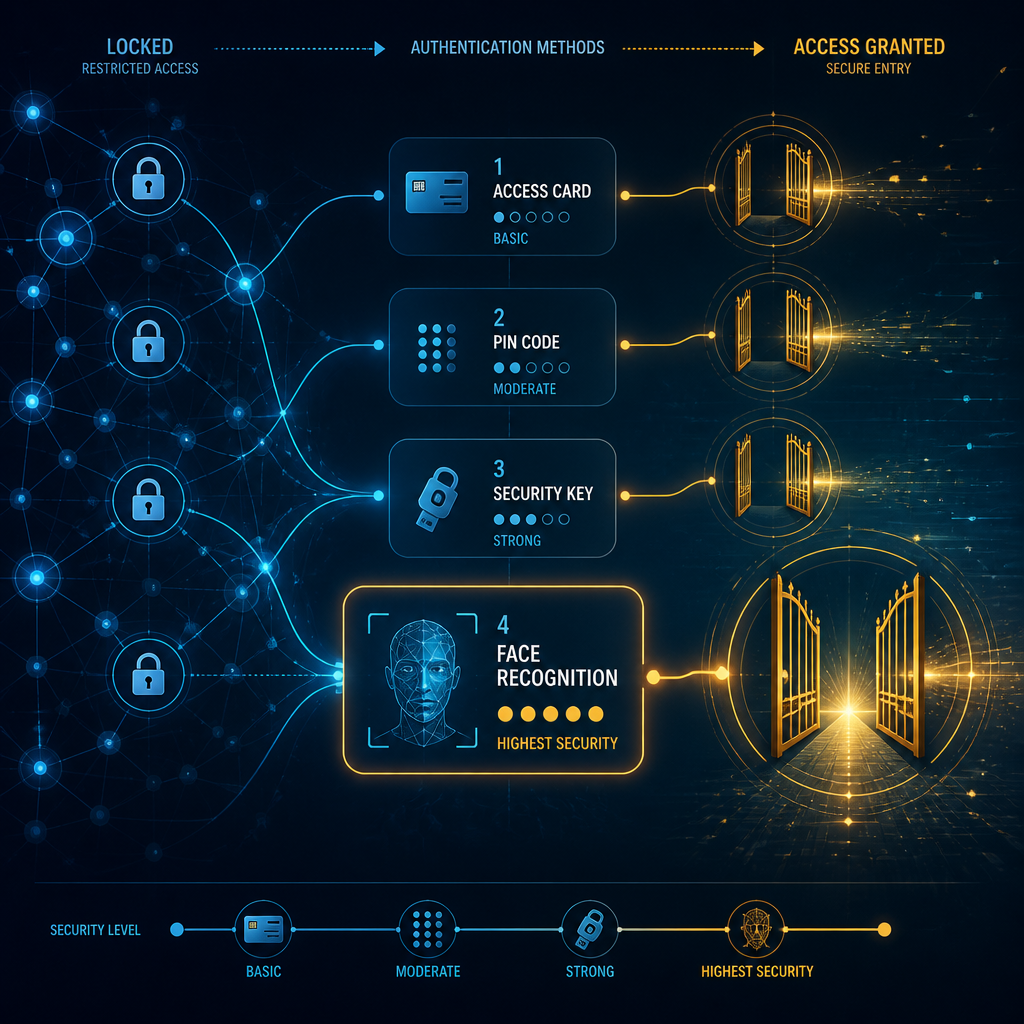
Face ID access control does not just improve on keycards and PINs. It removes entire categories of security failure. A keycard can be cloned with hardware available on consumer electronics sites for under $50. A PIN gets shoulder-surfed in an elevator. Neither of those attack vectors applies to a properly implemented facial recognition system.
The data consistently shows that access control breaches in commercial buildings are most often inside jobs or credential-sharing events, not sophisticated hacks. According to ASIS International, insider threats account for a significant share of physical security incidents in mid-size commercial buildings. Face ID access control closes the loop on credential sharing because there is only one person whose face authorizes entry: the enrolled user.
The Practical Difference for Property Managers
A property manager running a 40-unit apartment building spends meaningful time each month on key and card management: issuing replacements for lost cards, reprogramming locks when a tenant moves out, and investigating whether a borrowed keycard caused an unauthorized entry. With a facial recognition door lock, move-out management is a single deletion action in the admin portal. No physical hardware needs to change hands.
The operational time savings are real. A common mistake is underestimating how much labor goes into traditional credential management until you run the numbers. Replacing lost keycards, resetting PINs, and investigating access disputes can consume several hours of staff time each month in a mid-size building. That cost disappears almost entirely with a biometric system.
“Biometric authentication is not just more secure than knowledge-based or possession-based factors. It is fundamentally a different category of identity verification, because the credential cannot exist separately from the person.” — NIST Digital Identity Guidelines, Special Publication 800-63B
Biometric Building Security for Apartments and Offices
Biometric building security has different requirements depending on whether you are securing a residential building or a commercial office. Residential deployments prioritize resident privacy, ease of use for non-technical occupants, and visitor management. Commercial deployments prioritize integration with HR systems, time attendance logging, and zone-based access control for different departments or floors.
For apartment buildings, the friction point is typically resident onboarding. Older tenants or those unfamiliar with biometric systems need a simple enrollment process. The best devices allow an administrator to enroll a new user directly at the device using a guided on-screen process, or remotely through a mobile app where the user photographs themselves from their own phone. UnikCCTV’s facial recognition lock lineup supports both methods, which matters for buildings with diverse tenant demographics.
Multi-Door and Multi-Zone Deployments
Commercial office buildings typically need access control at multiple points: the lobby, server rooms, executive floors, and parking structures. A single facial recognition system that manages all zones from one administrative dashboard is far more manageable than separate systems per door. Look for devices that communicate over a standard protocol such as Wiegand or OSDP, which allows them to integrate with existing access control panels rather than requiring a complete system replacement.
Gate access control is another high-value application. Parking garage entrances and perimeter gates benefit enormously from facial recognition because vehicle-mounted or pedestrian-level cameras can authenticate a person without requiring them to swipe a card or enter a code. Combined with a vehicle recognition layer, a properly configured system can open a gate for an authorized tenant without the driver rolling down a window.
Pro tip: For outdoor gate deployments, confirm that the facial recognition device carries an IP65 or higher weatherproofing rating. A device rated only for indoor use will degrade rapidly in rain, humidity, and temperature swings, leading to failed authentications and costly replacements within 12 to 18 months.
Real-World Performance Numbers
The numbers that actually matter for facility operators are False Acceptance Rate (FAR), False Rejection Rate (FRR), and authentication speed. FAR measures how often the system lets in someone it should not. FRR measures how often it blocks someone it should admit. Speed measures how long the process takes under normal operating conditions.
Enterprise-grade facial recognition door locks currently achieve FAR below 0.001% and FRR below 0.1%, according to published specifications from leading biometric hardware manufacturers. Authentication speed of 0.3 to 0.5 seconds is standard for onboard-processing units. These numbers make biometric access significantly more accurate than a human security guard checking photo IDs, which studies in security operations research put at roughly 80 to 85% accuracy under normal workload conditions.
What Affects Accuracy in Practice
Lighting is the most common real-world performance variable. Units that rely only on visible-light cameras degrade in direct sunlight or very low light. Units using near-infrared (NIR) illumination perform consistently across lighting conditions because NIR light is invisible to the human eye but fully captured by the sensor. This is non-negotiable for any door that faces direct sun exposure or operates 24 hours a day.
Enrollment quality also drives day-to-day accuracy. A poorly lit or low-angle enrollment photo creates a weak template that produces higher false rejections. Good enrollment practices, such as capturing the face at the device itself under controlled conditions, significantly reduce ongoing FRR complaints from users.
Integration with Intercoms and Gate Access
A standalone facial recognition door lock is useful. A facial recognition lock integrated with a video intercom and gate access system is a complete building security solution. These integrations are where the real operational value compounds for property managers and facility operators.
When a visitor arrives at a building entry point without an enrolled face, the system can automatically trigger the intercom to alert a resident or receptionist. The resident sees a live camera feed, speaks with the visitor, and remotely grants one-time access from their phone or desktop. The facial recognition layer handles all enrolled users silently and instantly while the intercom handles visitors. This dual-mode operation keeps the entry experience fast for residents and controlled for visitors.
Time Attendance Integration for Commercial Facilities
Commercial clients running shift-based operations get a secondary benefit from facial recognition door locks: automatic time attendance logging. Every authenticated entry and exit is time-stamped against a verified identity, which feeds directly into payroll or HR platforms. This eliminates buddy-punching, the practice where one employee clocks in for another, which the American Payroll Association estimates costs employers up to 2.2% of gross payroll annually.
UnikCCTV offers facial recognition units that function simultaneously as door access controllers and time attendance clocks, which reduces hardware costs and simplifies cabling for commercial facilities that need both functions at the same entry point.
Deployment Mistakes to Avoid
The most expensive mistake in biometric building security deployments is buying hardware without confirming software support. Some lower-cost facial recognition door locks ship with a management app that is abandoned after 12 to 18 months by the manufacturer. When firmware stops receiving updates, security vulnerabilities go unpatched and integrations with other systems break. Always ask for the manufacturer’s firmware update history and software roadmap before purchasing.
The second most common mistake is under-speccing the device for the user volume. A lock rated for 300 users that is asked to manage 500 will either refuse to enroll new users or begin dropping the oldest entries from its database. For any building or facility expected to grow, buy hardware with at least 50% more capacity than your current user count.
Privacy Compliance Is Not Optional
Biometric data is regulated under laws including Illinois BIPA, the EU GDPR, and similar statutes in several US states. A common mistake is deploying facial recognition without a written biometric data policy and explicit consent from enrolled users. Fines under BIPA for non-compliant biometric data collection start at $1,000 per negligent violation and $5,000 per intentional violation, per person, per incident. For a 100-unit apartment building, that exposure is substantial.
Best practice is to use a system where biometric templates are stored as encrypted mathematical representations on the device, not as photographs, and where enrolled users have a documented way to request deletion of their data. UnikCCTV’s consultation services include guidance on compliant deployment configurations for property managers navigating these requirements.
Comparison: Facial Recognition vs. Card vs. PIN Access
| Feature | Facial Recognition Door Lock | Keycard / Fob System | PIN Keypad System |
|---|---|---|---|
| Credential sharing risk | Near zero (face is non-transferable) | High (card can be lent or cloned) | High (PIN can be shared verbally) |
| Lost credential recovery | None needed (no physical credential exists) | Requires new card issuance | Requires PIN reset by admin |
| Authentication speed | 0.3 to 1 second | Under 1 second (tap) | 3 to 10 seconds (manual entry) |
| Audit trail quality | Identity-verified timestamp per event | Card ID only, not necessarily the person | No individual identity, just PIN used |
| Spoofing resistance | High (3D infrared defeats photo attacks) | Low (clone hardware is widely available) | Low (shoulder surfing is a common attack) |
| Ongoing admin cost | Low (remote user management) | Medium (card replacement and reprinting) | Low to medium (PIN resets) |
| Upfront hardware cost | Higher | Medium | Low |
Frequently Asked Questions
Can a facial recognition door lock be fooled by a photo of the enrolled user?
A 2D camera-based lock can be fooled by a high-quality printed photograph, which is why they are not appropriate for any serious security application. A 3D facial recognition door lock using infrared depth sensing cannot be spoofed by a photo or a screen image because it requires a three-dimensional depth map, not a flat image match. For building security, always specify a 3D or dual-camera unit with liveness detection.
What happens when there is a power outage?
Most commercial-grade facial recognition door locks include a battery backup that provides several hours of operation during a power outage. They also typically include a physical key override for emergency access. When evaluating a unit, confirm the backup battery capacity and check whether the lock defaults to fail-secure (stays locked during power loss) or fail-safe (unlocks during power loss), because the right choice depends on fire safety requirements for your specific building type.
How long does it take to enroll all tenants or employees in a new system?
Enrollment takes 20 to 30 seconds per person at the device. For a 100-unit building, bulk enrollment at move-in or during a planned cutover typically takes two to four hours with one administrator. Systems that support mobile self-enrollment, where users photograph themselves through an app, can significantly reduce the in-person time required by allowing residents to complete enrollment remotely before their move-in date.
Is facial recognition data more vulnerable to theft than a password or PIN?
This concern is legitimate but largely mitigated by how modern systems store biometric data. A good facial recognition door lock does not store photographs. It stores an encrypted mathematical template derived from the face scan. If that encrypted template were somehow extracted, it cannot be reverse-engineered back into a usable face image or used to authenticate on a different device. Unlike a stolen password, a compromised biometric template cannot simply be changed, which is why storage architecture and encryption standards matter significantly when selecting a system.
Do facial recognition door locks work for residents who change their appearance significantly?
Most systems handle natural appearance changes, including aging, weight fluctuation, and different hairstyles, without requiring re-enrollment because the recognition algorithm focuses on stable facial geometry such as bone structure. Significant changes like major reconstructive surgery or the growth of a full beard from a clean-shaven enrollment image may reduce match confidence enough to trigger a re-enrollment request. Administrators should plan for periodic re-enrollment every two to three years as a best practice for high-use installations.
What network infrastructure does a facial recognition lock require?
Onboard-processing units require no constant internet connection to authenticate users. They operate fully offline and only need network access when an administrator is syncing user changes or pulling audit logs from the management portal. A basic wired Ethernet or Wi-Fi connection to your building’s local network is sufficient. For outdoor gate units without easy cable access, cellular-connected models are available that use a SIM card for connectivity, though these carry ongoing data plan costs.
What has your experience been with traditional keycard or PIN systems causing security headaches in your building? We would like to hear what challenges drove you to consider biometric alternatives.
References
- NIST digital identity and biometric authentication standards for security practitioners
- Statista data on global biometric security market growth and adoption rates
- Forbes reporting on enterprise access control and workplace biometric security trends
- U.S. Department of Homeland Security guidance on physical access control systems and biometric technology
- FTC consumer and business guidance on biometric data privacy and compliance requirements



 No products in the cart.