
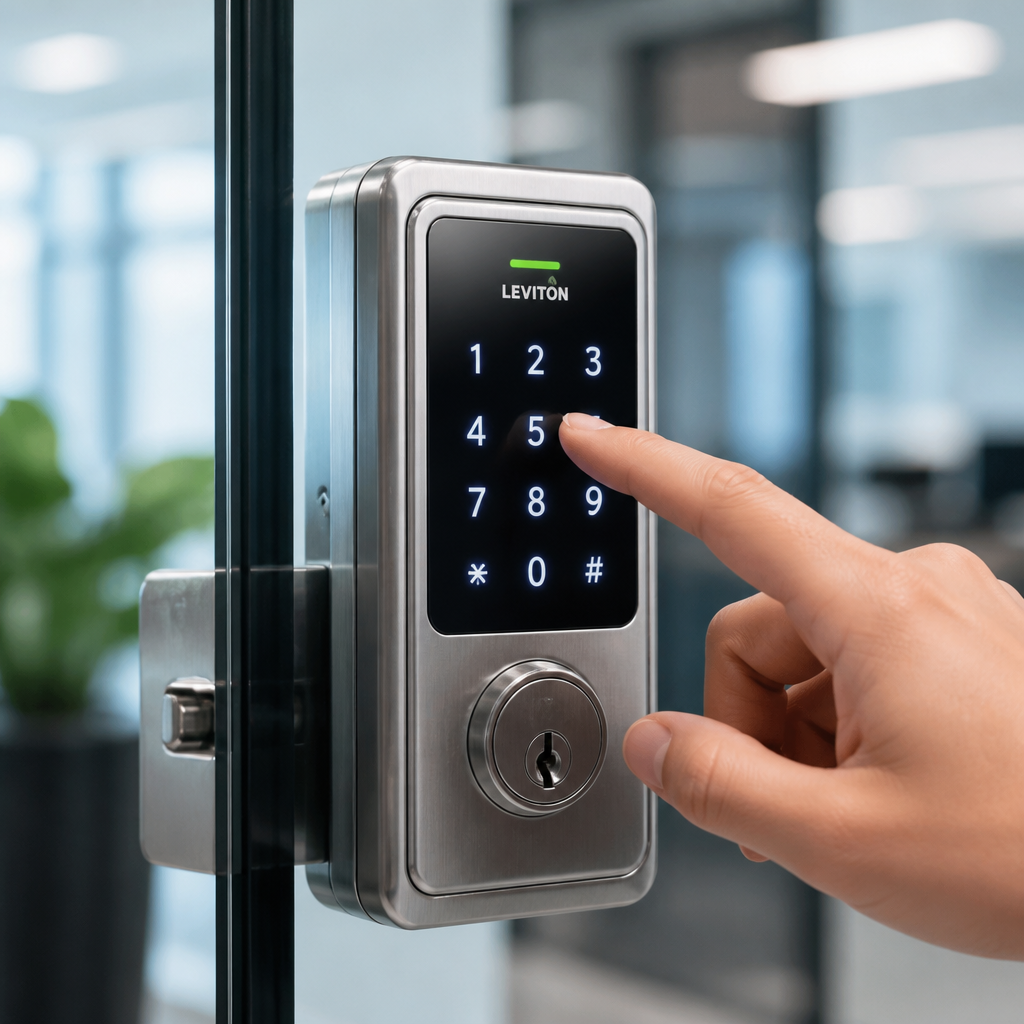
Choosing between keypad door locks and fingerprint door locks is one of the most consequential access control decisions a property manager or business owner will make. Get it wrong and you face credential sharing, lockouts during high-traffic hours, or a biometric system that fails in cold weather. The stakes are real: according to Statista, the global smart lock market is projected to exceed $6 billion by 2027, meaning more businesses are upgrading, and more are making avoidable mistakes. This guide cuts through the marketing noise and gives you a direct, experience-based comparison so you can match the right access method to your specific environment.
Table of Contents
- How Each System Works
- Quick Takeaways
- Cost Breakdown: Upfront vs. Long-Term
- Security Comparison: Where Each Method Wins and Loses
- Best Use Cases by Property Type
- Head-to-Head Comparison Table
- Installation and Integration with Existing Systems
- Common Mistakes Businesses Make When Choosing
- Frequently Asked Questions
- References
How Each System Works
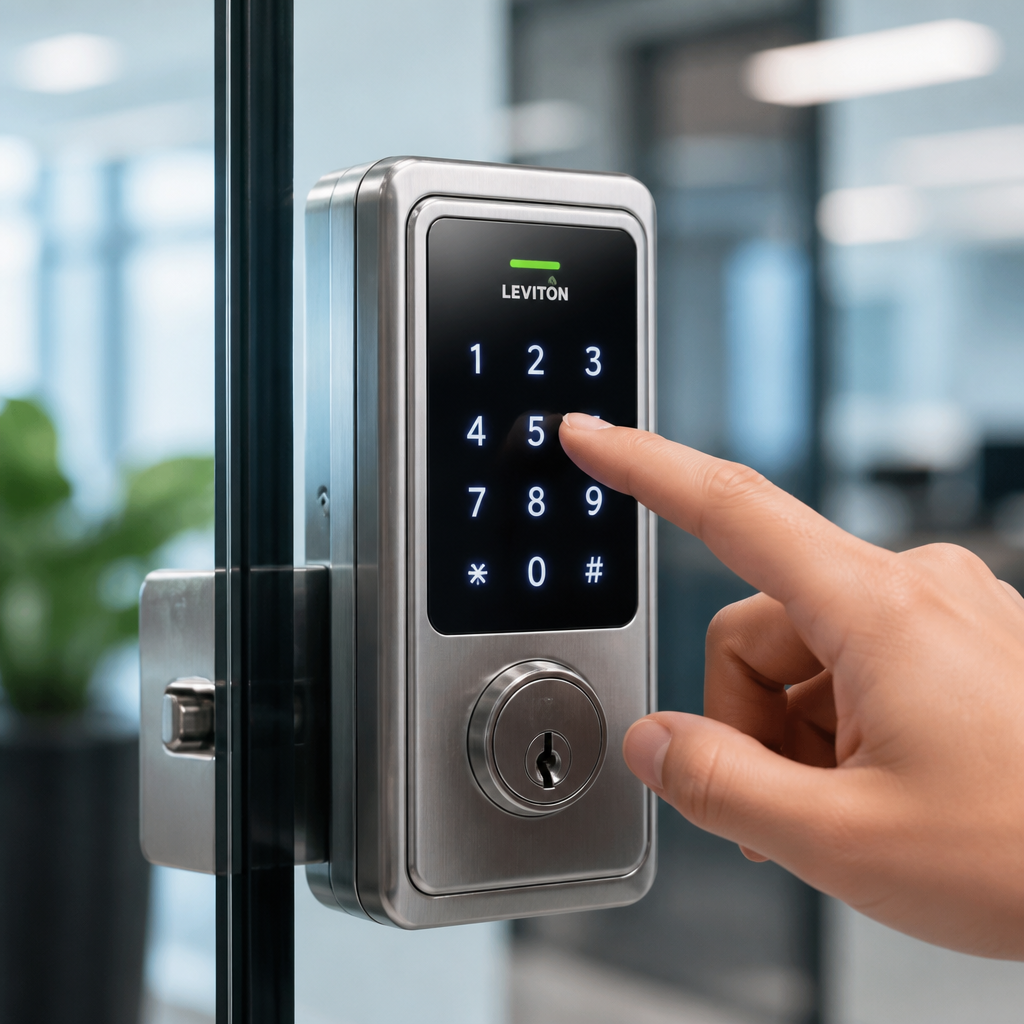
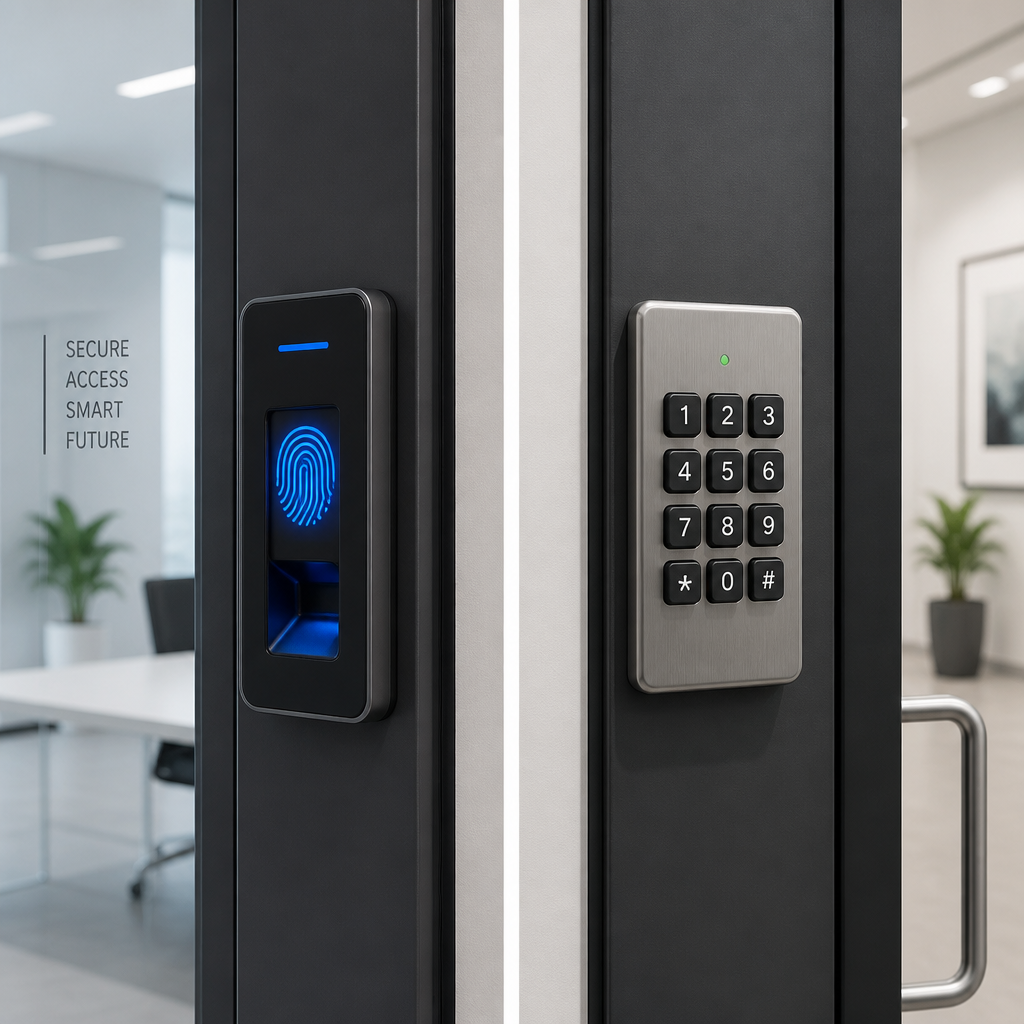
Keypad door locks authenticate users through a numeric or alphanumeric PIN entered on a physical keypad. The lock verifies the code against a stored list and grants or denies entry. Most modern units support multiple user codes, audit logs, and integration with broader access control platforms.
Fingerprint door locks use biometric scanning to read the unique ridge patterns of a fingertip. The system converts that scan into a mathematical template, compares it to stored templates, and unlocks the door when there is a match. Higher-end units, including the facial recognition locks available through UnikCCTV, extend this concept to full facial biometrics.
Both categories have evolved well beyond their original limitations. A keypad from 2024 is not the same animal as the four-button garage code from 2005. Similarly, modern fingerprint sensors handle dry, calloused, or slightly damp fingers far better than first-generation units did.
Quick Takeaways
| Key Insight | Explanation |
|---|---|
| Keypad locks excel in high-turnover environments | PINs can be issued and revoked instantly without physical hardware changes, making them ideal for rental properties and shift-based workplaces. |
| Fingerprint locks eliminate credential sharing | A PIN can be written on a sticky note. A fingerprint cannot be borrowed. This is the single biggest security advantage of biometrics. |
| Environmental conditions affect fingerprint reliability | Outdoor or industrial settings with grease, moisture, or extreme cold can raise false rejection rates on optical fingerprint sensors. |
| Keypad systems carry a social engineering risk | Shoulder surfing and code sharing are documented failure modes. A common mistake is issuing a single master code to an entire department. |
| Biometric locks cost more upfront but save on key management | Eliminating physical key duplication and re-keying costs can recover the price premium within 18 to 24 months for most mid-size businesses. |
| Hybrid locks offer a practical middle ground | Units that combine a keypad with a fingerprint reader give staff a fallback option without sacrificing the audit trail. |
| Integration capability matters more than the lock itself | A keypad or fingerprint lock that cannot connect to your intercom, CCTV, or time attendance system creates security blind spots. |
Before diving into costs and security specifics, it helps to understand that neither access method is universally superior. The right answer depends on your traffic volume, environmental conditions, staff turnover rate, and how tightly integrated your overall security stack needs to be. That said, the data consistently shows that businesses with more than 15 employees and multiple entry points get measurably better outcomes from biometric systems, while small offices and residential properties often find keypad locks deliver the best return on investment.
Cost Breakdown: Upfront vs. Long-Term
Keypad door locks typically range from $80 to $400 per unit for commercial-grade hardware. Fingerprint door locks start around $150 and can run past $600 for units with capacitive sensors, large template storage, and built-in Wi-Fi or Wiegand output for panel integration.
However, the purchase price is rarely the dominant cost. Consider these line items that most buyers overlook:
- Key management overhead: Rekeying a single commercial lock costs $150 to $300 per incident. A business with 10 locks and two employee departures per month accumulates thousands in annual rekeying costs that a PIN change or biometric re-enrollment eliminates entirely.
- Lockout response time: When an employee forgets a PIN, a manager can reset it remotely in under two minutes. A lost physical key triggers an on-site visit or locksmith call.
- Enrollment and training: Fingerprint systems require each user to register one or two fingers, which takes about 90 seconds per person. For a 50-person facility, that is roughly 75 minutes of setup time, a one-time cost.
In practice, businesses that run a full three-year total cost of ownership analysis almost always find that fingerprint systems become cost-competitive with keypad systems by the 18-month mark, assuming the staff count is above 20 and turnover is moderate or high.
Pro tip: When budgeting for a fingerprint lock system, add 15% to cover enrollment sessions, any sensor cleaning supplies needed for industrial environments, and one spare unit per 10 doors as an on-site replacement buffer.
Security Comparison: Where Each Method Wins and Loses
Where Keypad Door Locks Win
Keypad systems shine in scenarios where temporary access is routine. A property manager overseeing short-term rentals can issue a unique PIN for each guest stay and expire it automatically on checkout day. No physical handoff, no lockbox, no key return anxiety. The same logic applies to service contractors, cleaning crews, or delivery personnel who need a one-time or time-limited entry window.
Modern keypad door locks also offer anti-tamper alarms, wrong-entry lockout after a set number of attempts, and encrypted code storage. A well-configured keypad system from a reputable supplier is not a weak security option. It is simply a different security model than biometrics.
Where Fingerprint Door Locks Win
Fingerprint door locks eliminate the credential sharing problem completely. In a workplace where a single PIN is handed around or posted on a break room bulletin board (a more common occurrence than most managers admit), biometrics enforce individual accountability. Every entry event is tied to a specific person, not a code that six people know.
This accountability also benefits time and attendance tracking. UnikCCTV’s biometric access systems can feed directly into time attendance clock data, creating a unified record of who entered which door at what time. That level of documentation is increasingly expected in healthcare, finance, and regulated manufacturing environments.
Where Both Methods Have Documented Weaknesses
Keypads are vulnerable to shoulder surfing, code sharing, and brute-force attempts if lockout thresholds are not set. Fingerprint scanners can fail on damaged or weathered fingertips, and some lower-cost optical sensors have demonstrated vulnerability to high-resolution fingerprint spoofing, though this requires deliberate effort and is not a casual threat for most businesses.
“Biometric authentication reduces unauthorized access incidents by up to 40% compared to PIN-only systems in controlled enterprise deployments.” — NIST, National Institute of Standards and Technology, Special Publication on Identity and Access Management
Best Use Cases by Property Type
Apartment Buildings and Multi-Tenant Residential
For apartment buildings, keypad door locks on common entry points offer the best combination of flexibility and tenant convenience. Tenants do not need to carry a fob or key, and a property manager can update codes when tenants change without visiting the site. UnikCCTV’s wireless intercom systems pair naturally with keypad entry to add a visual verification layer at the front door.

Fingerprint locks make more sense for individual unit doors in higher-security or luxury residential buildings, where each unit has a known, fixed set of residents. The biometric data stays tied to that unit’s occupants rather than a shared building code pool.
Small Businesses and Retail
Small businesses with 5 to 15 staff and low turnover often find keypad door locks adequate. The simplicity of issuing and revoking PINs handles most access scenarios without the upfront investment of a full biometric rollout. The priority here should be ensuring the keypad integrates with any existing CCTV surveillance system so there is corroborating video for every access event.
Large Commercial Facilities and Warehouses
This is where fingerprint door locks consistently outperform keypads. A warehouse with 80 employees across three shifts cannot realistically manage individual PINs without those codes getting shared, written down, or forgotten. Biometric systems enforce discipline automatically. When paired with facial recognition locks at high-security zones, the system provides layered access control that a keypad simply cannot match.
Healthcare and Regulated Industries
HIPAA and similar regulatory frameworks require demonstrable access controls with audit trails tied to individuals. A keypad code shared by a nursing station fails that standard. A fingerprint or facial recognition system that logs every individual entry by biometric identity satisfies it. For these environments, fingerprint or facial recognition locks are not optional, they are a compliance requirement.
Head-to-Head Comparison Table
| Feature | Keypad Door Lock | Fingerprint Door Lock |
|---|---|---|
| Average hardware cost per door | $80 to $400 | $150 to $600+ |
| Credential sharing risk | High (PINs can be shared or overheard) | Very low (biometric is non-transferable) |
| Temporary access management | Excellent (time-limited PINs) | Limited (requires enrollment) |
| Performance in outdoor/industrial environments | Good (not affected by skin condition) | Variable (optical sensors degrade with moisture or damage) |
| Audit trail quality | Code-level (not always tied to a specific individual) | Individual-level (tied to a verified identity) |
| Integration with time attendance systems | Possible but often requires middleware | Native in most modern biometric units |
| User enrollment time | Under 30 seconds per user | 60 to 90 seconds per user |
| Ideal staff size | Under 20 employees or high guest turnover | 20+ employees with stable identity profiles |
Pro tip: If you manage multiple properties or sites, prioritize access control systems that use a centralized management platform. Whether you choose keypad door locks or fingerprint door locks, the ability to add, remove, or audit credentials from a single dashboard is worth more in operational efficiency than any hardware feature on the spec sheet.
Installation and Integration with Existing Systems
A keypad door lock installed in isolation is a security island. The same is true for a fingerprint lock. The real value of either system emerges when it connects to your broader security infrastructure, including intercoms, CCTV cameras, gate access controls, and time attendance systems.
For keypad systems, most commercial-grade units communicate via Wiegand protocol or RS-485, allowing them to connect to access control panels that manage multiple doors. UnikCCTV’s range of door entry systems and wireless transmitters are designed to slot into these existing architectures without requiring a full infrastructure replacement.
Fingerprint door locks typically offer the same Wiegand output plus onboard storage for 500 to 3,000 fingerprint templates depending on the unit. Higher-end models support TCP/IP connectivity for real-time synchronization with a central access management server. When a staff member is terminated, their biometric template is removed from every networked door simultaneously, a process that takes seconds and requires no physical site visits.
A common mistake is purchasing a fingerprint lock that cannot export data in a format compatible with your existing time attendance software. Before buying any biometric access device, confirm the data export format, whether it supports your current attendance platform, and whether the manufacturer provides an API or SDK for custom integration.
Common Mistakes Businesses Make When Choosing
The data consistently shows that most access control regrets come not from choosing the wrong technology category but from skipping the needs assessment phase entirely. Here are the specific mistakes that show up repeatedly in real deployments.
Buying the cheapest keypad available for a commercial application. Residential-grade keypads are rated for lower cycle counts and lack the tamper protection, weather sealing, and code encryption that commercial environments require. A $40 keypad on a warehouse entrance is a liability, not a cost saving.
Assuming biometric means no backup needed. In practice, every fingerprint lock deployment should include a PIN backup or physical key override for scenarios where a sensor malfunctions or a staff member injures their enrolled finger. Locking out your own facility because a sensor failed is an avoidable operational crisis.
Treating all doors the same. A server room door has a different threat model than a break room door. Applying the same access control product to every opening in a building wastes budget on low-risk doors and under-protects high-risk ones. A layered approach, with basic keypad locks on low-security doors and biometric or facial recognition systems on sensitive areas, is the right architecture for most commercial buildings.
Ignoring the enrollment workflow. For a fingerprint system to work reliably, every authorized user must be enrolled properly. Rushed enrollments with a single finger per user, poor lighting during facial recognition setup, or skipped re-enrollments after hardware replacement are the leading cause of high false rejection rates reported in the field.
Frequently Asked Questions
Can keypad door locks be hacked or bypassed easily?
Commercial-grade keypad door locks with encrypted code storage and anti-tamper alarms are not easily bypassed through electronic means. The more common failure mode is social, meaning codes get shared, overheard, or written down. Using unique individual PINs rather than a shared department code, and enabling automatic lockout after repeated wrong entries, addresses most of the practical risk.
Do fingerprint door locks work for people with worn or damaged fingerprints?
Capacitive fingerprint sensors handle worn or calloused fingerprints significantly better than older optical sensors. For workers in trades, manufacturing, or food service where hand abrasion is common, enrolling multiple fingers and selecting a unit with a high-sensitivity capacitive sensor reduces false rejection rates considerably. In the most extreme cases, a hybrid unit with a PIN fallback ensures no one gets locked out.
How many fingerprint templates can a typical commercial fingerprint door lock store?
Entry-level commercial fingerprint door locks typically store 100 to 500 templates. Mid-range units handle 1,000 to 3,000, and high-capacity enterprise units can store 10,000 or more. For a small office, 500 templates is ample. For a large facility with contractors and visitors in addition to staff, confirm template capacity before purchasing and verify whether the count refers to individual fingers or users, since some manufacturers count each enrolled finger separately.
Is a fingerprint door lock worth the extra cost for a small business with under 10 employees?
For most small businesses with a stable team and low security sensitivity, a quality keypad door lock delivers a better return. The biometric premium is justified primarily by the individual audit trail and the elimination of credential sharing, two concerns that carry less weight when you personally know every person who uses the door. Where a small business should consider biometrics is if they have a high-value area like a safe room, medication storage, or server closet that needs access limited to one or two specific individuals.
Can I integrate a keypad or fingerprint lock with my existing CCTV system?
Yes, and this integration should be a non-negotiable requirement for any commercial installation. Access events from both keypad and fingerprint systems can be time-stamped and cross-referenced with CCTV footage from the same door. UnikCCTV’s access control and surveillance products are designed with this integration in mind, allowing you to pull corroborating video within seconds of any flagged access event, which dramatically reduces investigation time when an incident occurs.
What happens if a fingerprint lock loses power?
Most commercial fingerprint door locks include a 9-volt battery backup terminal that allows temporary operation during a power outage. Higher-end units have internal rechargeable batteries rated for several hundred operations after main power loss. For critical entry points, a UPS backup or integration with your building’s emergency power circuit is the safest approach. Always confirm the failsafe behavior of any lock you purchase: whether it defaults to locked or unlocked during power failure has major safety and security implications depending on your use case.
How do I decide which doors in my building need fingerprint access versus keypad access?
The decision framework is straightforward. Doors with high visitor or contractor traffic, where temporary access is routine, are better served by keypad locks with time-limited PINs. Doors protecting sensitive areas with a defined, stable set of authorized personnel are the right candidates for fingerprint or facial recognition access. Server rooms, pharmacies, executive offices, and equipment rooms fall into the biometric category. Lobbies, parking structures, and common areas in multi-tenant buildings typically work better with keypad systems integrated with an intercom and CCTV layer.
What access control setup is currently working or failing for your property? Share your experience below, because real-world feedback from property managers and business owners is the most valuable data in this space.
References
- Statista: Smart lock and access control market size data and forecasts
- NIST: National Institute of Standards and Technology guidelines on identity and access management
- Forbes: Business security technology investment trends and analysis
- McKinsey: Workplace operations and facility management efficiency research
- U.S. Department of Homeland Security: Physical security and access control best practices for commercial facilities



 No products in the cart.