
A delivery driver is standing at a side entrance, a tenant is calling from the lobby, and your staff is trying to keep traffic moving without leaving the desk. That is where a remote door unlock system stops being a convenience and starts becoming an operational requirement. In real buildings, the question is not whether remote entry control is useful. The question is which type of system fits the door, the traffic pattern, the lock hardware, and the people managing it.
For property managers, installers, and facility teams, the biggest mistake is treating remote entry as a single product. It is a system made up of devices that need to work together under daily use. If one piece is mismatched, the entire opening becomes unreliable, hard to manage, or difficult to secure.
What a remote door unlock system actually includes
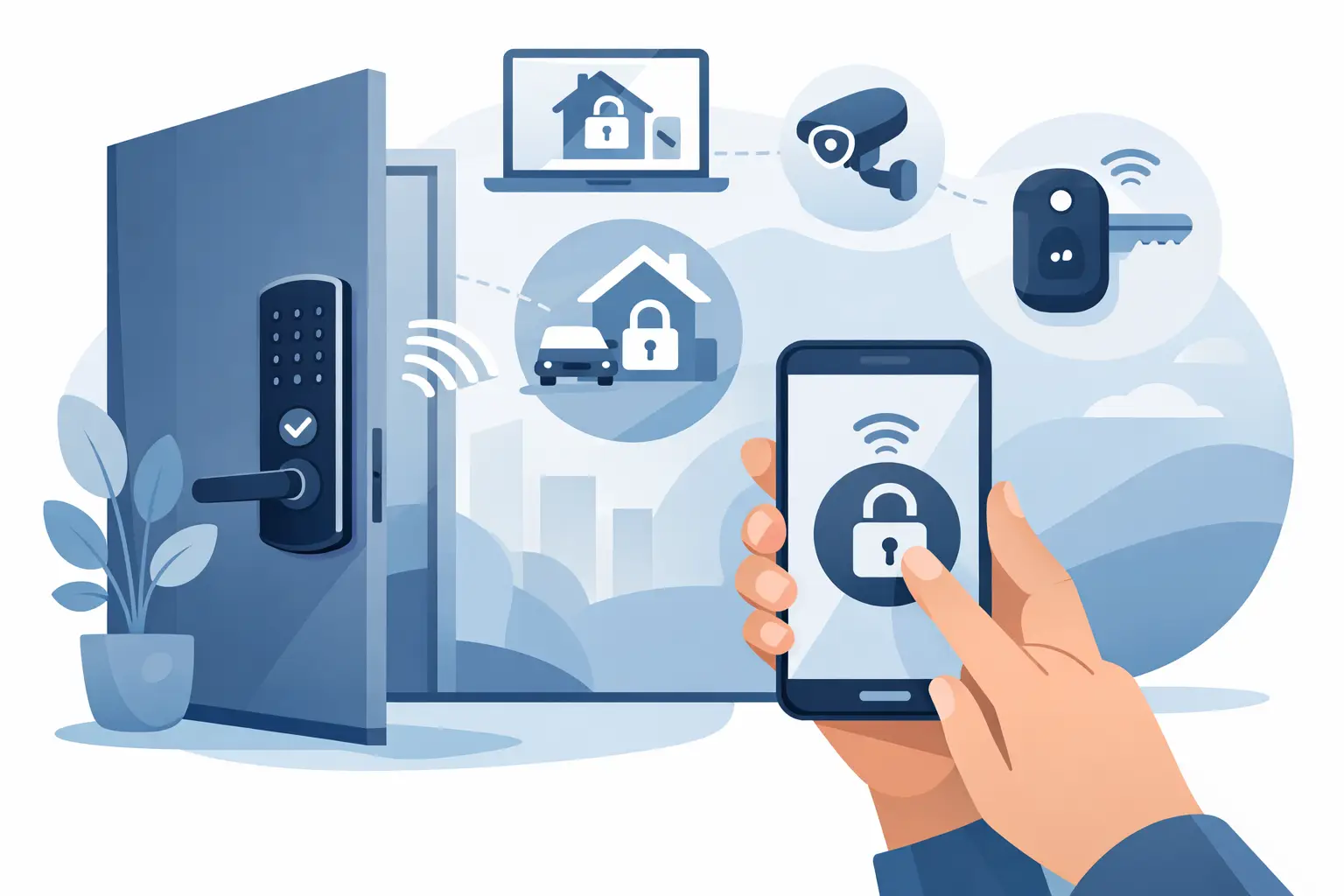
At the simplest level, a remote door unlock system allows an authorized person to release a door from another location. That release might happen from an indoor station, front desk master station, phone-connected intercom, access control panel, receptionist console, or guard station. The actual release at the door is typically handled by an electric strike, magnetic lock, electrified lockset, or other compatible locking device.
That sounds straightforward, but each opening has its own requirements. A single-family gate entry is different from a multi-tenant apartment lobby. A school vestibule is different from a warehouse side door. Some sites need voice and video verification before release. Others need credential-based access during business hours and manual release only for visitors. In many buildings, both functions need to exist at the same door.
This is why experienced buyers look at the opening as a whole. They review the door material, frame condition, fire rating, life safety requirements, traffic volume, user type, and whether the release point is local, networked, or tied to an intercom.
Where a remote door unlock system makes the most sense
The strongest use cases are buildings where someone needs to grant entry without physically walking to the door. Apartment buildings use it for visitor management. Offices use it for reception-controlled access. Schools and healthcare facilities use it to create a controlled front entrance. Industrial sites use it at staff entrances, gates, and delivery points where line-of-sight is limited.
There is also a labor component. If a receptionist or manager repeatedly leaves a workstation to admit visitors, that cost adds up over time. Remote release improves control, but it also reduces interruptions and keeps staff focused on primary duties.
For managed properties, the value increases when the system records events or works alongside cameras. Being able to confirm who requested entry, when the release occurred, and which door changed state matters for both accountability and troubleshooting.
The lock hardware matters more than most buyers expect
A remote release command is only as dependable as the locking hardware receiving it. This is where many projects get delayed. Buyers often start with the intercom or controller, then realize the existing lock or door frame will not support the intended function.
Electric strikes are common when the door already uses a mechanical lockset and the frame can be modified or is already prepped correctly. They are often a practical choice for commercial doors and some multi-unit entries. Magnetic locks are sometimes selected for high-traffic openings or glass aluminum storefront doors, but they require careful attention to code compliance, door status monitoring, and egress hardware.
Electrified cylindrical locks, mortise locks, and exit devices can also be part of a remote entry setup, especially when access control is already planned across multiple doors. These options can produce a cleaner installation in the right environment, but they may increase hardware cost or require more coordinated door prep.
The trade-off is simple. The cheapest hardware is not always the lowest-cost installation, and the easiest installation is not always the best long-term fit. If the opening sees heavy daily use, selecting hardware built for that duty cycle usually saves money later.
Intercom-first vs access-control-first design
One of the most common planning decisions is whether the system starts with communication or with credentials.
An intercom-first setup is built around visitor contact. Someone calls a unit, desk, or office, the person on the receiving end verifies identity, and then releases the door. This is common in apartments, small offices, mixed-use buildings, and gate entry points. Video adds another layer of verification, which is often worth it in higher-traffic or higher-risk environments.
An access-control-first setup is built around authorized users entering with cards, keypads, fobs, mobile credentials, or scheduled permissions. Remote release still exists, but it is secondary to ongoing credential management. This is common in offices, schools, warehouses, and facilities with staff-only doors.
In many projects, the right answer is a hybrid design. Staff may use credentials during the day, while visitors use an intercom. That combination creates better control at the door without forcing every type of user into the same workflow.
Remote door unlock system planning for different properties
Apartments and multi-tenant buildings
These properties usually need a directory or call function, tenant communication, and door release at a shared entrance. The system needs to be easy for residents to use and manageable for ownership or building staff. If turnover is frequent, credential administration and replacement parts matter more than buyers initially think.
For older apartment buildings, retrofit conditions are often the real challenge. Existing lobby doors, legacy wiring paths, and older frames can limit hardware choices. A good system choice is one that fits the building without creating recurring service calls.
Offices and commercial spaces
Reception-controlled entry is a common requirement, especially for suites with restricted public access. Here, the focus is usually on clean visitor handling during business hours and predictable staff access after that. Integration with electric strikes, request-to-exit devices, and door position monitoring is often more important than advanced tenant-style features.
Schools and institutional facilities
These sites need controlled access, but they also need reliability under pressure. Visitor management, vestibule control, and fast staff response are key. A remote door unlock system in this environment should be selected with life safety, lockdown procedures, and administrative workflow in mind. Convenience should never outrank code compliance or emergency function.
Gates and industrial sites
Outdoor use adds another layer. Weather resistance, long wire runs, gate operator compatibility, and vehicle-based communication all need attention. A gate station that works well on paper but fails under heat, moisture, or traffic exposure will become a service issue quickly.
Common compatibility issues to check early
Before specifying equipment, confirm the power requirements, relay compatibility, lock type, door swing, and whether the release needs to be momentary or maintained. Also verify whether the opening needs fail-safe or fail-secure behavior. That decision affects both security and life safety and should not be guessed.
It also helps to confirm how users will actually manage the system. Will a receptionist release the door from a desk station? Will multiple apartments answer calls on mobile devices or indoor monitors? Will a facility team need schedules, audit events, and centralized administration? A technically compatible system can still be the wrong fit if the daily workflow is awkward.
Network dependence is another practical issue. Some sites want cloud-connected control and phone-based answering. Others prefer local hardware with minimal network exposure. Neither approach is automatically better. It depends on the site, IT policies, support expectations, and tolerance for downtime.
Installation and serviceability should influence the purchase
Professional buyers know that service access matters. Can parts be replaced without removing the entire unit? Are replacement indoor stations, power supplies, and lock components readily available? Can the system be expanded later if the site adds another door or building?
This is one reason many installers and facility managers avoid consumer-grade entry products for commercial use. The upfront price may look attractive, but limited parts support, weak hardware options, and poor compatibility with commercial doors usually create headaches later.
A dependable distributor relationship also matters here. Buyers often need more than a product box. They need help matching lock hardware, selecting a power supply, reviewing a wiring approach, or confirming whether a door station and release device will work together. That support is often what keeps an installation on schedule.
How to choose without overbuying
The best system is not the one with the longest feature list. It is the one that handles the site’s actual entry pattern with the least friction. Start with the opening, then define who needs access, how visitors will request entry, where release will happen, and what level of recordkeeping is necessary. After that, choose the hardware and control method that fit those conditions.
If the building only needs one controlled door with receptionist release, a simple commercial-grade solution may be enough. If the property needs tenant communication, video verification, and multiple entrances, the design should reflect that from the start. If the site may expand, leave room for additional doors, stations, or credentials rather than forcing a replacement later.
For buyers who manage varied properties or support installations across different door types, that practical approach tends to produce the best outcome. A remote door unlock system should make the opening easier to control, not harder to maintain. When the door hardware, release method, and day-to-day workflow are aligned, the system becomes part of normal operations instead of a constant exception to them.
If you are planning a new installation or replacing an unreliable setup, start by looking at the door the way your users do. That is usually where the right answer becomes clear.



 No products in the cart.