
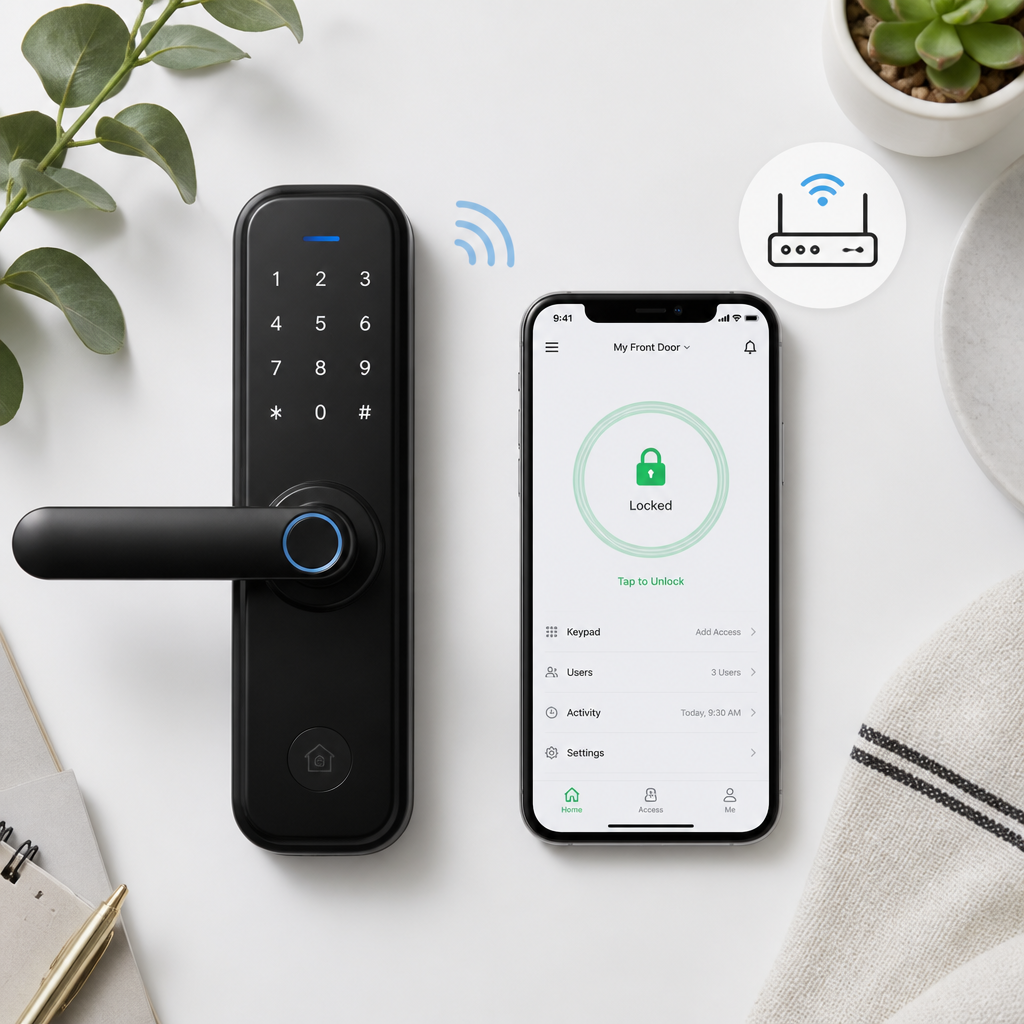
Most people picking a smart lock for their home or building focus on one question: “Can I open it from my phone?” But that question barely scratches the surface. The real decision sits between two fundamentally different technologies, and choosing the wrong one creates daily friction, security gaps, and unexpected costs. A Bluetooth door lock and a Wi-Fi smart lock are not simply two versions of the same thing. They operate on different principles, serve different use cases, and make very different demands on your building’s infrastructure. Here is what actually separates them, and how to pick the right one for your property.
Table of Contents
- How Each Technology Actually Works
- Connectivity Range and Remote Access
- Battery Life and Power Requirements
- Security Features Compared
- Installation and Infrastructure Demands
- Smart Home and Access Control Integration
- Side-by-Side Comparison Table
- Which Lock Fits Which Property Type
- Frequently Asked Questions
- References
How Each Technology Actually Works
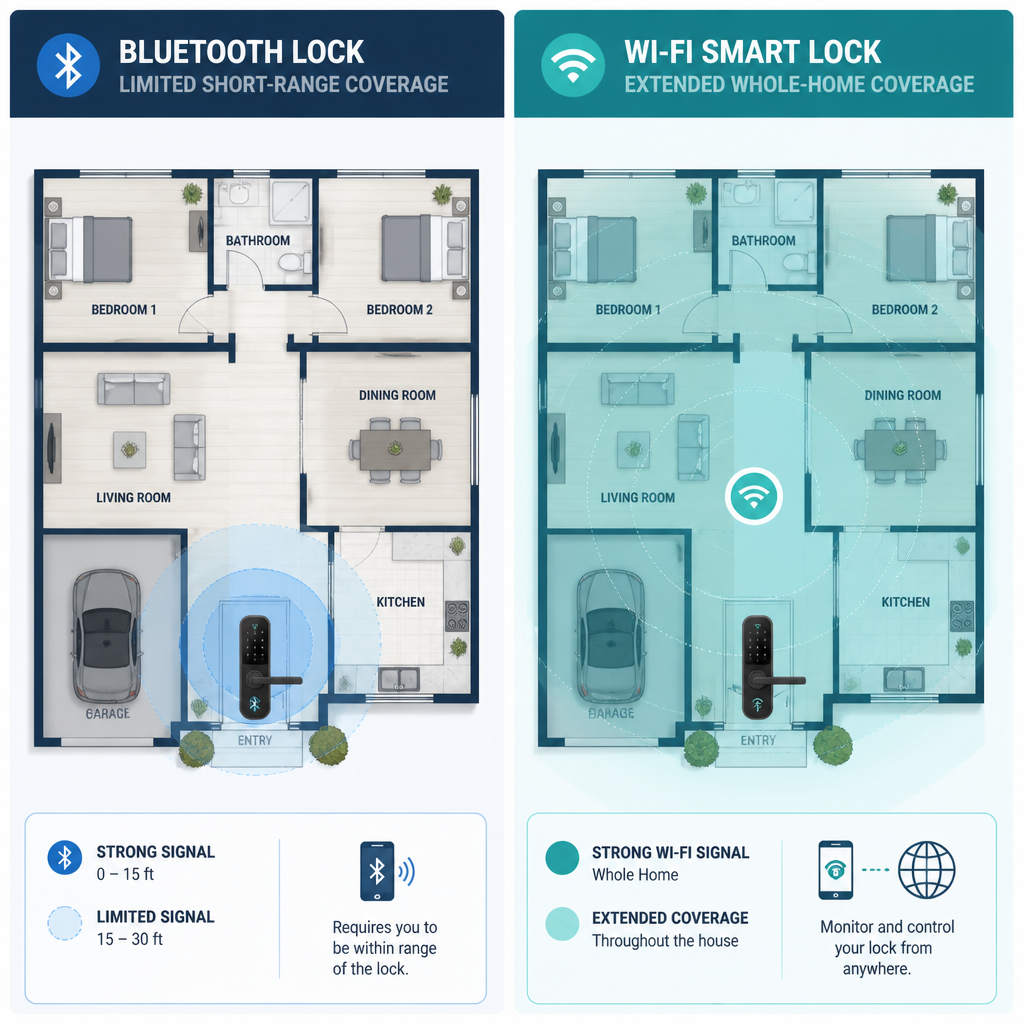
A Bluetooth door lock creates a direct, short-range wireless connection between the lock and a paired device, typically a smartphone. No router, no hub, no internet connection required. The lock communicates directly with whatever device is in range, which is generally somewhere between 30 and 300 feet depending on the environment and the specific hardware.
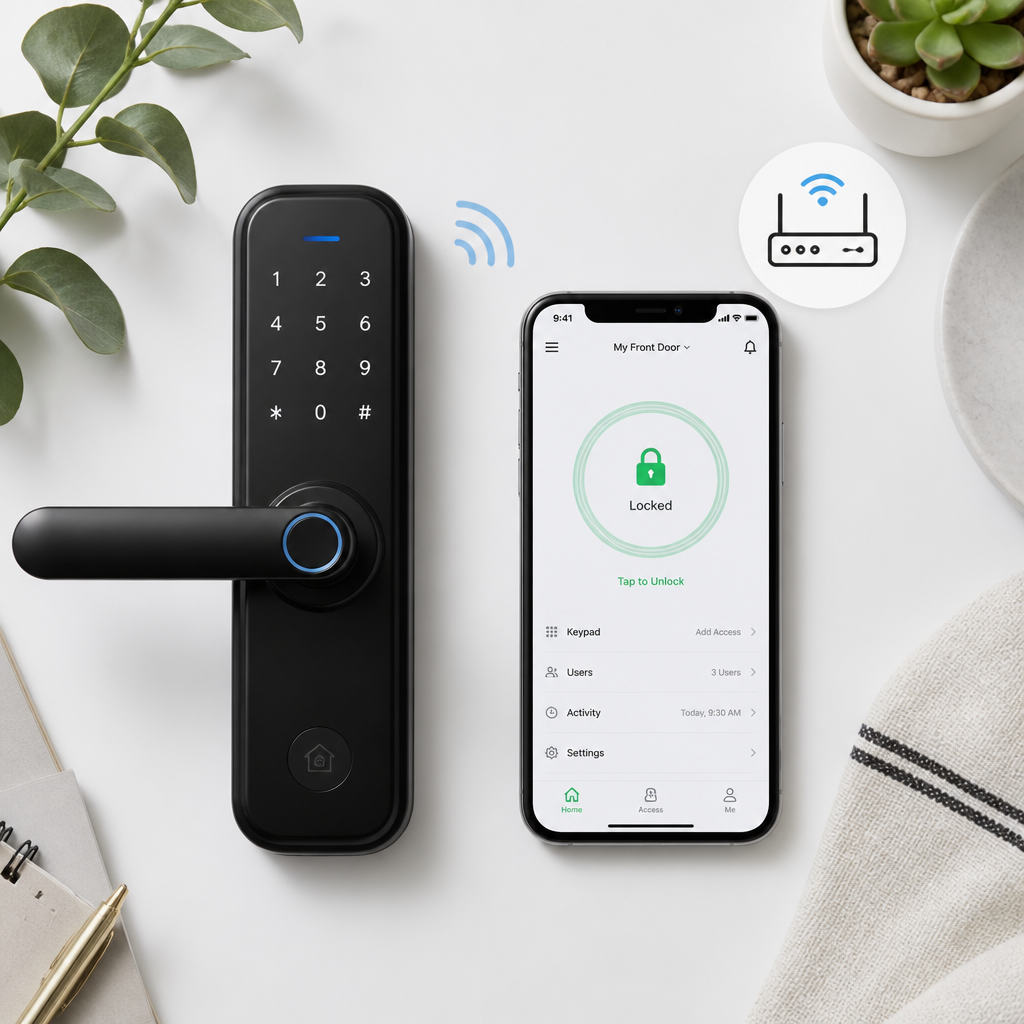
A Wi-Fi smart lock connects to your property’s wireless network the same way a laptop or a smart thermostat does. Because it sits on the network, it can communicate with cloud servers, which means the lock can receive commands from anywhere in the world as long as both the lock and the controlling device have internet access.
That difference in architecture is what drives every other distinction between the two: range, battery drain, remote capabilities, integration depth, and cost. Understanding the underlying mechanism makes every other choice obvious.
Connectivity Range and Remote Access
This is the biggest practical divide between the two technologies, and it shapes the entire user experience from day one.
What Bluetooth Door Locks Can and Cannot Do
A Bluetooth lock works only when your phone, key fob, or other paired device is physically nearby. Walk up to your front door and it may auto-unlock before you even reach for your phone. That is genuinely convenient. But if you are across town and a delivery driver needs access, or a property manager needs to let in a maintenance contractor remotely, a pure Bluetooth lock cannot help you. There is no cloud pathway to send a command through.
Some manufacturers work around this by pairing Bluetooth locks with a separate Wi-Fi bridge or hub that adds remote capability. This approach works, but it adds hardware, cost, and another potential point of failure. If the hub loses power or the internet drops, remote access disappears.
What Wi-Fi Smart Locks Unlock for Property Managers
A Wi-Fi smart lock gives you genuine remote access. Lock or unlock the door from any location, issue time-limited digital keys to guests or contractors, receive real-time alerts when the door opens or closes, and revoke access instantly if a situation changes. For property managers overseeing multiple units or facilities operators managing shift-based entry, this capability is not optional, it is the core reason to invest in smart lock technology at all.
Pro tip: If you manage more than one entry point or property, always choose Wi-Fi smart locks over standalone Bluetooth models. The operational control you gain from remote access pays for the price premium within the first month of avoiding unnecessary site visits.
The choice between WiFi and Bluetooth smart locks fundamentally changes how you manage home access, interact with delivery services, and integrate with your smart home ecosystem. It is not just a connectivity preference, it is an operational decision.
Battery Life and Power Requirements
Wi-Fi connectivity is power-hungry. A Wi-Fi smart lock maintains a constant connection to your network and, by extension, to cloud servers. That persistent radio activity drains batteries significantly faster than the intermittent, proximity-triggered communication of a Bluetooth lock. In practice, many Wi-Fi locks require battery replacement or recharging every few months, while quality Bluetooth door locks can run for a year or longer on a single set of batteries.
For a single-family home where the homeowner checks the lock daily, this is manageable. For a facility operator with dozens of access points, frequent battery changes become a genuine maintenance burden. Some Wi-Fi locks address this by accepting hardwired power, but that introduces an installation requirement that not every door location can accommodate.
A common mistake is underestimating how quickly Wi-Fi lock batteries deplete when the lock sends frequent activity alerts or integrates with an active smart home system. Every push notification and cloud sync costs power. If you choose Wi-Fi, build battery monitoring into your maintenance schedule from the start.
Pro tip: For outdoor gate access points or locations without easy electrical access, a Bluetooth lock or a hybrid Bluetooth-plus-bridge setup preserves battery life far better than a native Wi-Fi lock running on batteries alone.
Security Features Compared
Both technologies use encryption, but their threat surfaces are different. A Bluetooth door lock communicates only with paired devices within short range. The attack window is physically constrained, meaning a bad actor has to be physically near the lock to attempt any exploit. That proximity requirement adds a real-world layer of security that is easy to overlook.
A Wi-Fi smart lock’s data travels through your network and through cloud servers, which expands the attack surface to anyone who can reach those servers or intercept traffic on a poorly secured network. A lock connected to a weak Wi-Fi password or an unpatched router inherits those vulnerabilities. This does not make Wi-Fi locks insecure, it means the security of the lock is only as strong as the network it sits on.
Access Logging and Audit Trails
Wi-Fi locks clearly win on audit trail depth. Real-time entry logs, timestamped alerts, and remote activity monitoring are features that Bluetooth door locks without a cloud bridge simply cannot match. For commercial properties, multi-unit residential buildings, or any facility where you need to document who entered and when, Wi-Fi locks are the only sensible choice. Bluetooth locks typically store local logs that you can only retrieve when in proximity, which is impractical for ongoing oversight.
Installation and Infrastructure Demands
Bluetooth door locks are straightforward to install. Most replace a standard deadbolt and require only a screwdriver. There is no network configuration, no hub pairing on a router, and no dependence on a stable internet connection. For retrofitting older buildings, rental units, or any location where modifying the network infrastructure is impractical, Bluetooth is the easier path.
Wi-Fi smart locks demand more from their environment. You need a stable Wi-Fi signal at the lock’s location, which is sometimes a problem for doors at the far edge of a property, in basement parking garages, or in buildings with thick concrete walls that attenuate signal. If the signal is weak, lock performance becomes unreliable, and an unreliable lock is worse than a traditional keyed lock.
For properties where UnikCCTV provides full access control system design, including intercom systems and gate controls, Wi-Fi locks can be integrated into a managed network infrastructure that solves the signal problem from the start. That integration is far harder to achieve when products are purchased individually from a general retailer with no system design support.
Smart Home and Access Control Integration
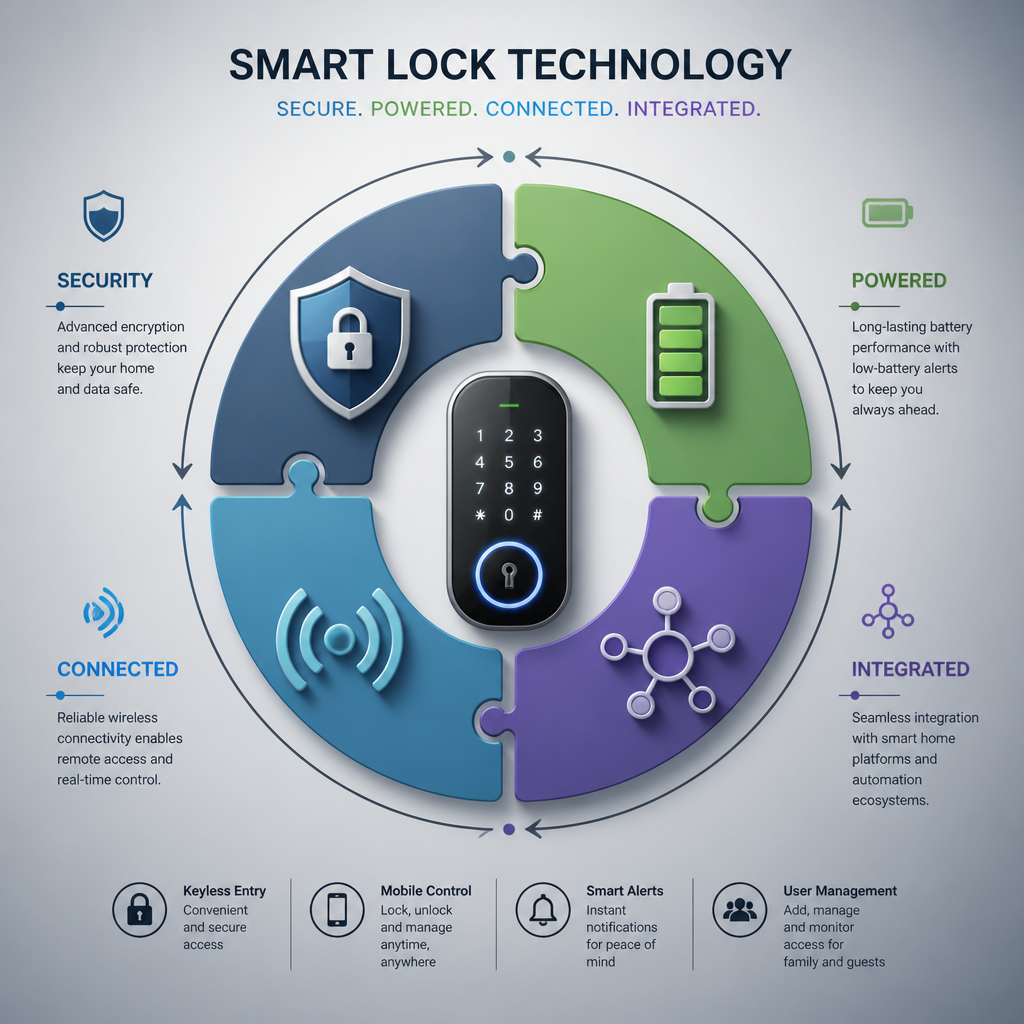
If you want a lock that talks to a video doorbell, an intercom system, an alarm panel, or a building-wide access control platform, Wi-Fi is almost always the right technology. Wi-Fi smart locks are built to operate within an ecosystem. They connect to platforms that allow conditional logic: unlock the door when the intercom grants access, alert the security panel when the door is held open too long, or revoke a digital key when an employee’s account is deactivated.
Bluetooth locks are more standalone by nature. Some integrate with smart home hubs via Bluetooth, but the range and proximity limitations constrain how deeply they can participate in an automated system. For a homeowner who wants auto-unlock as they arrive home, Bluetooth is elegant and simple. For a property manager who needs the lock to respond to inputs from an intercom panel, a camera system, or a tenant management platform, Bluetooth’s ecosystem depth runs out quickly.
UnikCCTV’s range of biometric access systems, wireless intercoms, and door entry systems are designed to work as a coordinated system rather than isolated devices. Choosing the right lock connectivity at the start is what makes that coordination actually function.
Side-by-Side Comparison Table
The table below summarizes the core differences across the most important decision criteria for property managers, homeowners, and facility operators choosing between these two technologies.
| Feature | Bluetooth Door Lock | Wi-Fi Smart Lock |
|---|---|---|
| Remote Access (away from property) | No (requires hub/bridge for remote access) | Yes, from anywhere with internet |
| Effective Range | Roughly 30 to 300 feet | Unlimited (cloud-connected) |
| Battery Life | Longer, typically 12 months or more | Shorter, often requires replacement every few months |
| Installation Complexity | Low, no network configuration needed | Moderate, requires stable Wi-Fi at door location |
| Real-Time Alerts and Logs | Limited, local log only without a bridge | Full cloud-based audit trail and push alerts |
| Smart Home and Intercom Integration | Basic, proximity-dependent | Deep, supports complex automation rules |
| Network Security Dependence | Low, limited physical attack surface | Higher, depends on network security quality |
| Best Fit | Single entry points, low-infrastructure locations | Multi-unit properties, facilities, managed buildings |
Which Lock Fits Which Property Type
For a single-family homeowner who wants proximity-based auto-unlock, good battery life, and a clean installation with no networking headaches, a quality Bluetooth door lock is a smart, low-maintenance choice. The experience is smooth and reliable within its intended scope.
For a property manager overseeing apartment units, an office building, or a facility with multiple controlled entry points, a Wi-Fi smart lock is not just preferable, it is the only technology that supports the operational demands of the job. Remote access, digital key issuance, revocation on demand, and integration with intercom and camera systems all require the cloud connectivity that only Wi-Fi locks provide natively.
Multi-Family and Commercial Buildings
In buildings with multiple units, Wi-Fi locks connected to a centralized access control platform let a single property manager oversee every door from one interface. Combine this with a video intercom system and biometric entry points at the main building entrance, and you have a layered security architecture that scales. A portfolio of standalone Bluetooth locks offers none of that coordination.
Gate and Perimeter Access Points
Gate access is one area where connectivity choice matters more than most people expect. A gate at the edge of a property may have poor Wi-Fi coverage, making a Wi-Fi lock unreliable without infrastructure investment. In these cases, a Bluetooth lock paired with a dedicated wireless transmitter or a purpose-built gate access controller often delivers better reliability than forcing a Wi-Fi connection in a marginal signal zone. The right answer depends on what infrastructure is already in place and what can be practically added.
Frequently Asked Questions
Can a Bluetooth door lock work without a smartphone?
Yes. Most Bluetooth door locks support multiple unlock methods including keypads, key fobs, and biometric readers such as fingerprint scanners. You do not need a smartphone to operate one. The Bluetooth connection to a phone is one access method among several, not the only way in.
Do Wi-Fi smart locks stop working if the internet goes down?
Most Wi-Fi smart locks retain local functionality when internet connectivity is lost. You can typically still use a keypad code, a physical key backup, or a stored credential on a paired phone. What you lose is remote access and cloud-based features like real-time alerts and log syncing until the connection is restored.
Is a Bluetooth door lock less secure than a Wi-Fi smart lock?
Not necessarily. Bluetooth locks have a smaller attack surface because communication is short-range and requires physical proximity to exploit. Wi-Fi locks have stronger audit and monitoring capabilities but depend on the security of your network. A Wi-Fi lock on a properly secured network is very secure. A Wi-Fi lock on a poorly managed network carries more risk than a basic Bluetooth lock.
Can I use both Bluetooth and Wi-Fi in the same access control system?
Yes, and this is often the smartest approach for layered properties. A main building entry might use a Wi-Fi lock with intercom integration for full remote control, while secondary internal doors use Bluetooth locks for proximity-based access with lower maintenance overhead. UnikCCTV’s access control solutions are designed with this kind of layered architecture in mind.
What happens to a Wi-Fi smart lock if the Wi-Fi password changes?
If the network credentials change, the lock loses its connection until it is reconfigured with the new password. This requires accessing the lock’s setup mode, which typically means being physically present at the lock. For property managers, this is an important reason to use a dedicated IoT network for access control devices rather than mixing them on the same network as general office or tenant use.
Are Bluetooth door locks suitable for apartment buildings?
Standalone Bluetooth locks are generally not suitable for managing a full apartment building unless they are paired with a hub that adds cloud connectivity. Without remote access and centralized key management, the administrative burden of managing tenant access across multiple units using proximity-only Bluetooth becomes impractical at any meaningful scale.
How do smart locks integrate with intercom and camera systems?
Wi-Fi smart locks integrate with intercom systems and CCTV cameras through shared platforms or direct API connections, allowing a visitor’s intercom call to trigger a door release, or a camera alert to log alongside door access events. This kind of integration requires all components, locks, intercoms, and cameras, to be chosen with compatibility in mind from the start, which is exactly why system design matters more than individual product selection.
Have you installed a Bluetooth door lock or a Wi-Fi smart lock on your property? Share what worked, what surprised you, or what you would do differently.



 No products in the cart.