
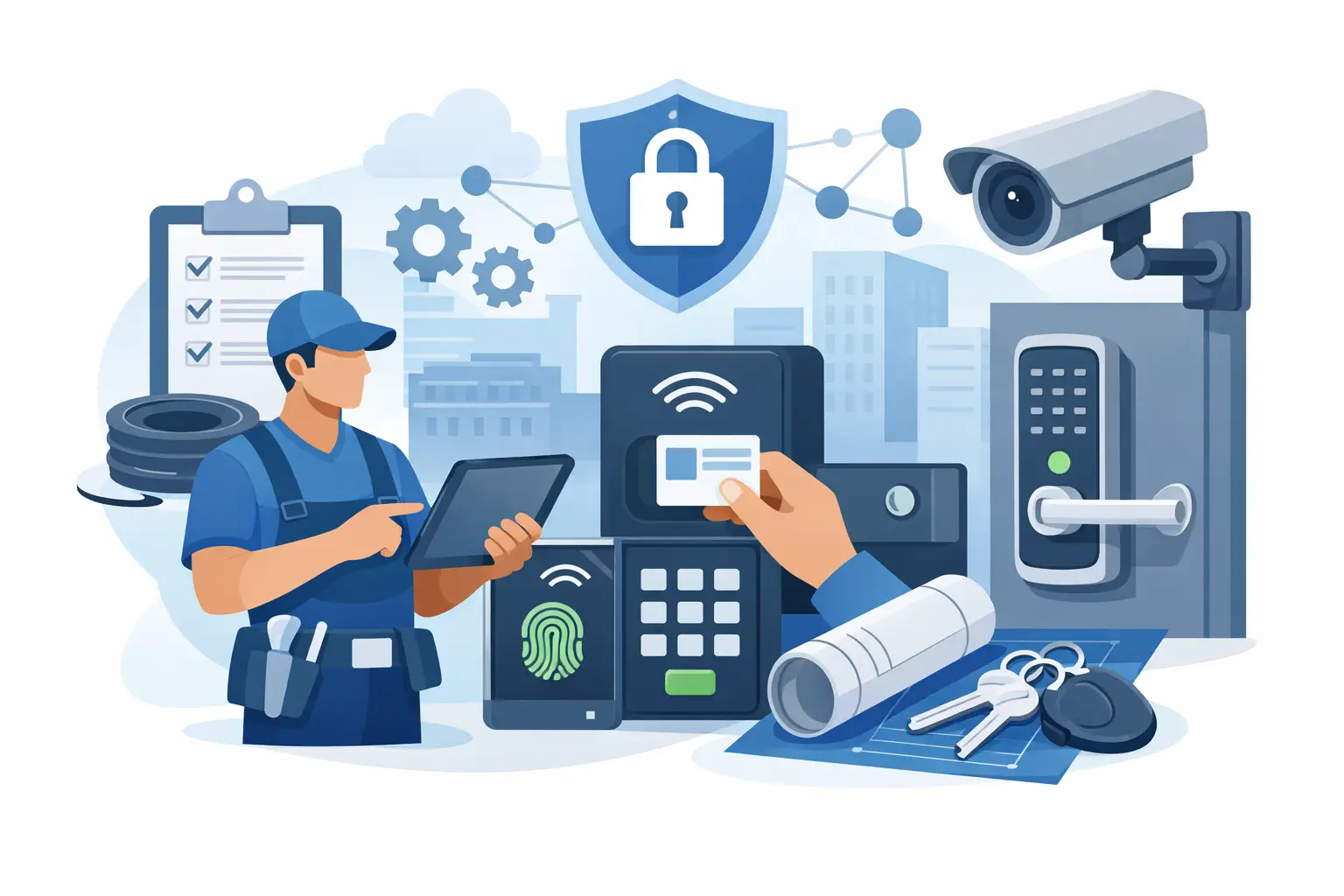
A door that will not latch, a strike that will not release, or a reader that works only intermittently can turn a straightforward installation into a costly return visit. The right installer resources for access control help prevent those problems before the first cable is pulled. For professional installations, product selection is only one part of the job. Door conditions, lock function, power requirements, wiring distance, code considerations, and how the customer will manage users all need to be confirmed together.
Access control projects vary widely. A single exterior office door may need a keypad, electric strike, request-to-exit device, and power supply. A multi-tenant apartment building may require visitor communication, common-entry control, individual unit credentials, and equipment that can withstand heavy daily use. The installer needs documentation and application guidance that match the actual opening, not a generic parts list.
Start With the Opening, Not the Controller
The door opening determines much of the system design. Before selecting a lock or reader, confirm whether the door is aluminum storefront, hollow metal, wood, glass, or a gate. Note the frame condition, hinge location, handing, weather exposure, and whether the opening has existing panic hardware, a closer, or an automatic operator.
The lock must work with the door hardware already in place. An electric strike is often a practical choice when the door has a compatible mechanical latch and the frame can accept the strike body. A magnetic lock may be appropriate where an electric strike is not feasible, but it requires proper mounting, reliable power, and a code-conscious release strategy. Electrified trim, mortise locks, and rim devices can be the better fit for high-traffic commercial openings or doors with panic hardware.
Fail-safe and fail-secure operation must be decided early. A fail-secure electric strike stays locked during a power loss, while a fail-safe maglock releases when power is removed. Neither option is automatically right for every door. The expected use of the opening, life-safety requirements, emergency egress, and the property’s security priorities all affect the decision.
A useful site survey records more than measurements. It should identify the existing lockset, latch type, frame depth, available mounting surfaces, cable pathways, and any condition that could interfere with door movement. Photos of the door edge, frame, hinges, overhead area, and interior egress hardware give the installer and supplier a much clearer basis for recommending compatible equipment.
Build the Access Control System Around Power
Power planning is one of the most common causes of field issues. Locks, controllers, readers, motion sensors, door contacts, intercoms, and network devices do not all have the same voltage or current requirements. A system can appear to operate properly during a quick test but become unreliable when a lock cycles repeatedly, an intercom camera activates, or a backup battery takes over.
Start by listing every powered device at each opening. Confirm the operating voltage, current draw, inrush demand where applicable, and whether the device is powered continuously or only during an unlock event. Then account for wire length and conductor size. Voltage drop matters, particularly on long runs to gate operators, detached buildings, exterior doors, or remote pedestal readers.
A dedicated access-control power supply with fused or PTC-protected outputs can make service work easier than a loosely assembled power arrangement. It also helps isolate faults. Battery backup should be sized for the required runtime and the real load, not just added as an afterthought. For larger sites, installers should determine whether locks and controllers need separate power circuits, especially when long cable runs or multiple openings are involved.
Power should also be considered alongside fire alarm and emergency release requirements. Some applications require access-control equipment to release or behave in a defined way during an alarm event. The exact approach depends on the opening type, local authority requirements, and the hardware being used. When the application involves egress, fire-rated doors, or public occupancy, verify the applicable requirements before finalizing the installation method.
Wiring Plans Are Installer Resources for Access Control
A clean wiring plan saves time at installation and during future service. It should show every controller, reader, lock, door contact, request-to-exit device, power supply, network connection, and intercom component. Label cable types and termination points, then identify which devices share power and which require independent runs.
Reader wiring is not interchangeable across every platform. Credential readers may use Wiegand, OSDP, Bluetooth, proprietary communication methods, or IP connectivity. OSDP can provide supervised communication and support more advanced reader functions, but the controller and reader must both support it and be configured correctly. Wiegand remains common in existing installations, though it does not provide the same communication features.
Door monitoring should be included wherever the system needs meaningful reporting. A controller cannot accurately tell a property manager whether a door is propped open if there is no properly installed door contact. Request-to-exit devices are equally important on controlled egress doors. Depending on the application, this may be a motion sensor, a push button, an integrated switch in exit hardware, or another approved release method.
Cable labeling is a small step with a large payoff. Label both ends of every run, identify power supply outputs, and leave service loops where practical. A technician called to a school, office, or apartment property two years later should be able to identify the opening and circuit without tracing unlabeled conductors through a crowded enclosure.
Confirm Credentials, Management, and Daily Use
A system is not finished when the door unlocks. It must also be usable by the person responsible for the property. Before installation, determine who will add users, delete lost credentials, review events, create schedules, and respond to alerts. A small business may prefer a straightforward standalone keypad or card system. A multi-door commercial property may need centralized management, audit trails, time schedules, remote administration, and integration with cameras or intercoms.
Credentials should fit the site’s operating habits. Key fobs and cards are familiar and practical for many facilities. PIN codes eliminate the need to issue physical credentials, but codes can be shared and may require more frequent updates. Mobile credentials can reduce handling of physical cards, though they depend on compatible readers, user devices, and a management process the customer is ready to support.
For managed residential properties, visitor entry needs the same attention as employee or tenant entry. An audio or video intercom may be the right solution when residents need to verify visitors remotely or from an in-unit station. At gates and industrial sites, consider how delivery drivers, contractors, and after-hours personnel will request entry without creating unnecessary delays or bypassing security procedures.
Documentation That Reduces Return Trips
The best technical resources are the ones an installer can use while quoting, installing, programming, and servicing the system. Product cut sheets, installation manuals, wiring diagrams, templates, compatibility notes, and programming instructions should be available before the equipment arrives on site.
A job folder should contain the approved opening schedule, equipment list, wiring diagram, product documentation, credential records, controller programming details, and customer handoff notes. This does not need to become excessive paperwork. It needs to be clear enough that another qualified technician can understand what was installed and why.
For access systems with multiple doors, use consistent door names from the drawing through programming and final customer training. “Rear Door” may sound clear until a building has a rear employee entrance, rear loading entrance, and rear classroom exit. Names such as “Loading Dock Man Door” and “North Hall Exit” make event reports, service calls, and credential permissions much easier to manage.
Use Supplier Support Before the Equipment Is Installed
Experienced distributors can help installers avoid mismatched components when they receive complete application details. A request for an “access control kit” may need follow-up questions about the door, lock type, credential method, number of openings, power distance, intercom requirements, and required egress operation. Those questions are not delays. They are how a workable system is specified.
UnikCCTV supports professional installers with access-control hardware, intercom equipment, locks, supporting accessories, quotes, and technical guidance for applications ranging from single doors to managed properties. When an opening is unusual, providing photos, measurements, and the customer’s operational requirements makes product recommendations more accurate.
The right time to resolve compatibility questions is before a technician is standing at a door with a cutout that does not match the lock, a power supply that cannot support the load, or a reader that cannot communicate with the selected controller. Good preparation protects the installer’s labor, the customer’s schedule, and the long-term serviceability of the system.
A well-documented access-control installation gives the property more than a locked door. It gives the next technician a clear path to service it, and the customer a system they can operate with confidence.



 No products in the cart.