
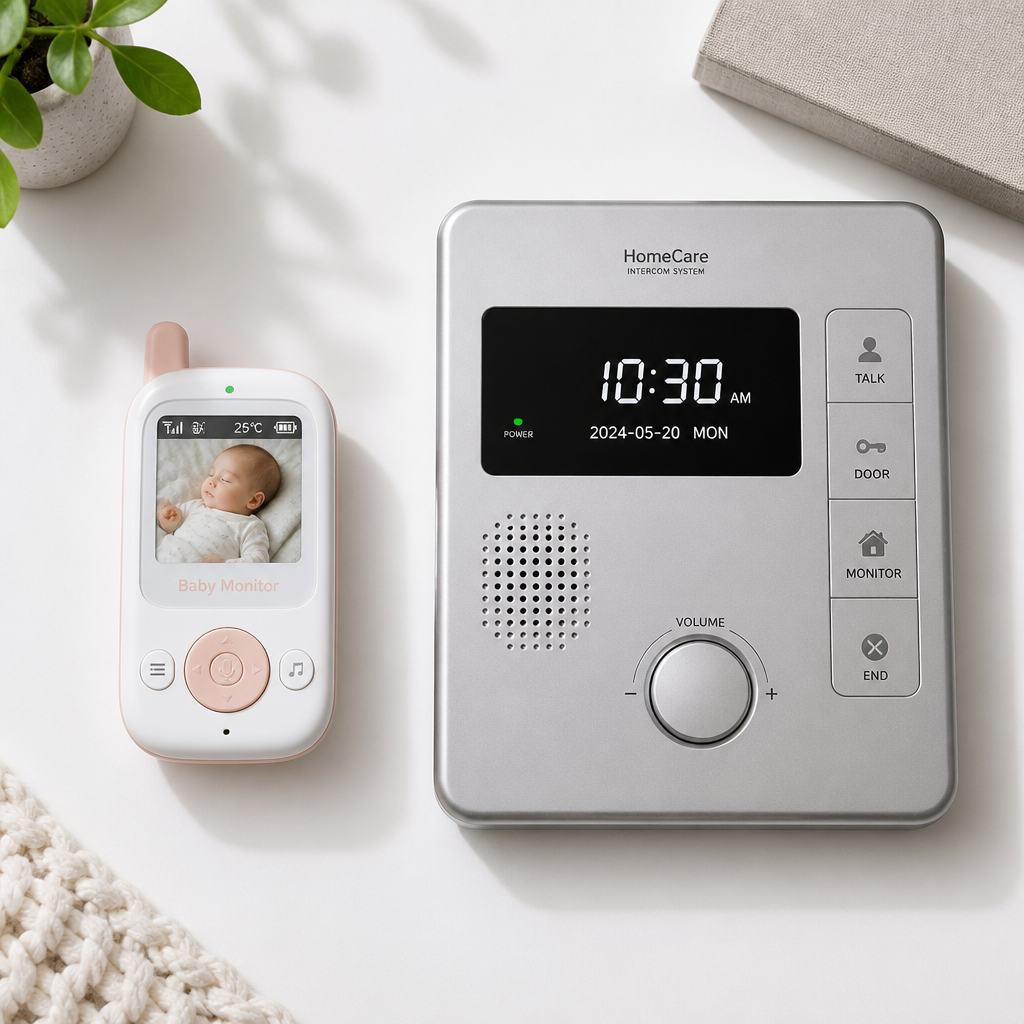
Choosing the wrong indoor monitor for a vulnerable family member costs more than money. It creates false confidence. Parents sometimes discover their baby monitor intercom cuts out through thick walls, while adult children caring for aging parents realize too late that a standard baby unit lacks the two-way call button their mother actually needs. The two device categories overlap in marketing language but diverge sharply in practical function. This guide cuts through the confusion, showing exactly which system fits which home care scenario and what features genuinely matter when someone’s comfort or safety depends on clear, instant communication.
Table of Contents
- Quick Takeaways
- What Makes a Baby Monitor Intercom Different
- What Elderly Monitor Systems Actually Do
- Comparing Features Side by Side
- When a Baby Monitor Intercom Is the Right Call
- When You Need a Dedicated Home Care Intercom
- WiFi vs. Non-WiFi Intercoms for Home Care
- Upgrading to a Whole-Home Intercom Solution
- Frequently Asked Questions
- References
Quick Takeaways
| Key Insight | Explanation |
|---|---|
| Baby monitors are passive; elderly intercoms are active | A baby monitor intercom is designed for a caregiver to listen or watch. An elderly monitor lets the person being cared for initiate contact through a call button or two-way audio. |
| SOS and call buttons change the safety equation | Dedicated elderly monitor systems include an SOS button that the senior can press independently. Standard baby monitors do not offer this. For anyone with mobility issues, this is not optional. |
| Range requirements differ between use cases | Baby monitors typically serve one or two adjacent rooms. Elderly care often demands coverage across multiple floors or into outdoor areas like gardens, requiring units rated for 300 to 500 feet or more indoors. |
| Non-WiFi units offer better privacy and reliability | Systems running on a dedicated 2.4GHz radio frequency without WiFi dependency are less vulnerable to network outages, hacking, or router reboots. This matters for 24-hour care scenarios. |
| Medication reminders and temperature alerts are elderly-specific | These features, found on dedicated elderly monitors, have no equivalent in baby monitor design. They address the clinical side of senior home care that parents of infants do not need. |
| A proper indoor intercom system scales; a monitor does not | When a household contains both an infant and an elderly person, a modular indoor intercom system with multiple units covers both needs from a single infrastructure rather than running two separate systems. |
| Dignity shapes product choice for elderly care | An elderly person who is cognitively aware but physically limited needs a device they can operate independently. A camera pointed at them that only the caregiver controls can feel invasive rather than helpful. |
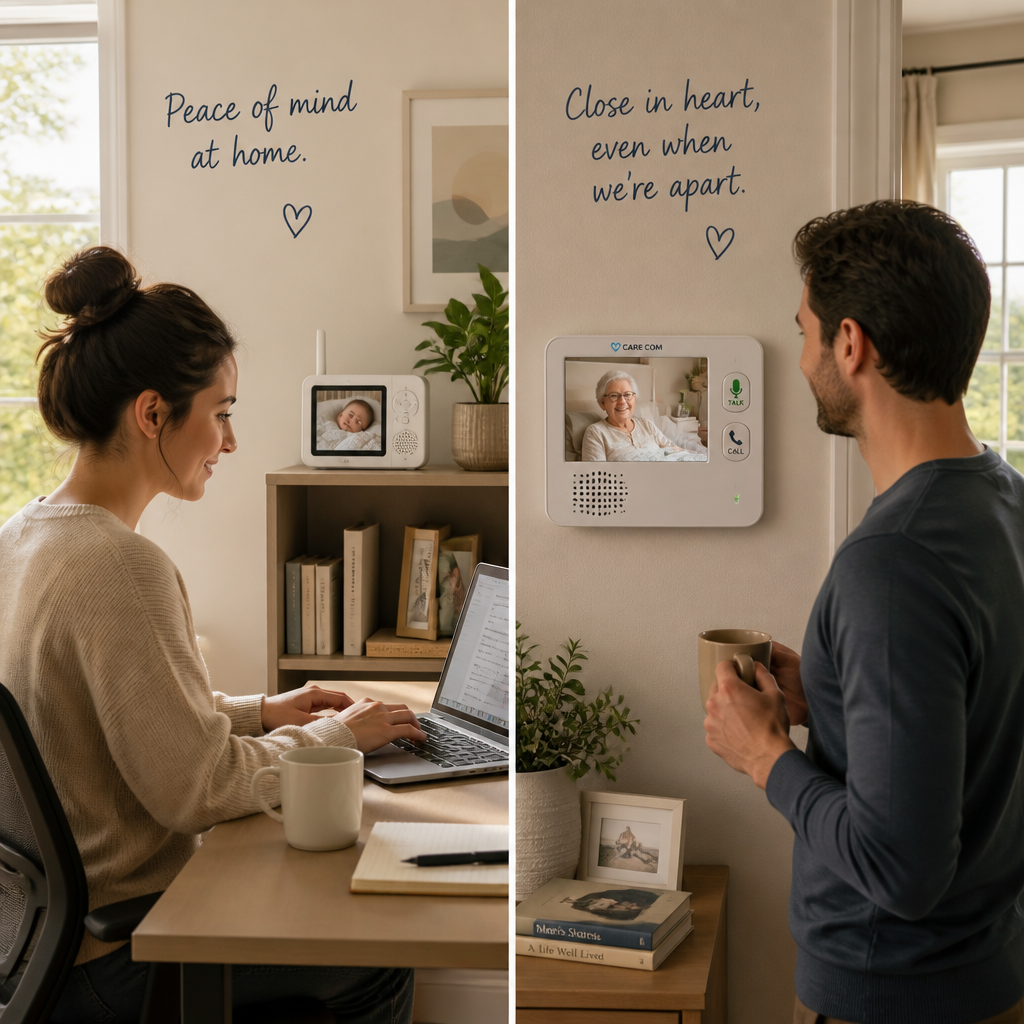
Before diving into features, it helps to understand that neither product category is inherently superior. The right system is the one that matches the specific dependency level, living arrangement, and communication style of the person being cared for. A grandparent who moves independently between rooms has very different needs from one who is largely bedridden, and both differ completely from a newborn who cannot communicate at all.
What Makes a Baby Monitor Intercom Different
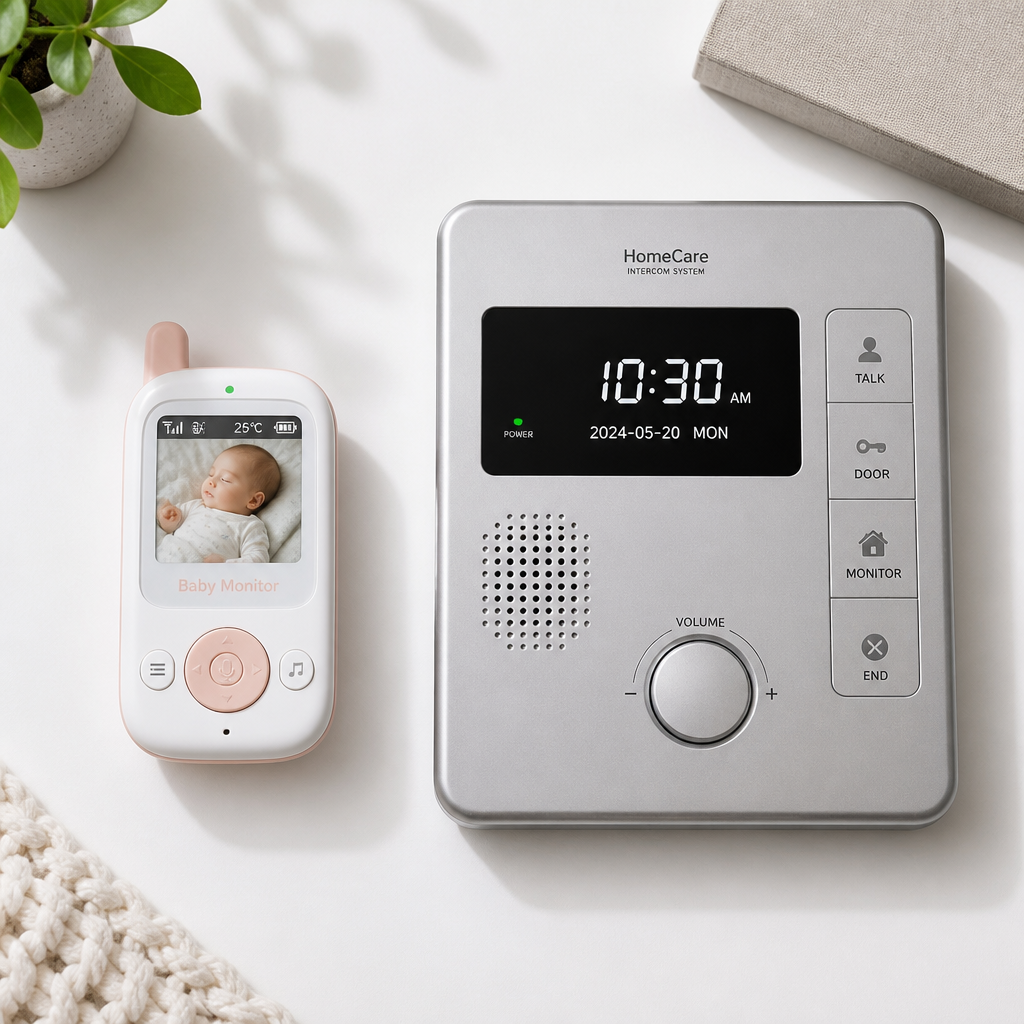
A baby monitor intercom is built around a fundamental assumption: one person in the communication pair is completely passive. The infant cannot press a button, speak clearly, or initiate contact. The entire design of a baby monitor flows from this reality. The camera or audio unit sits in the baby’s room, always on, always transmitting to the parent unit.
Core Features Designed for Infant Monitoring
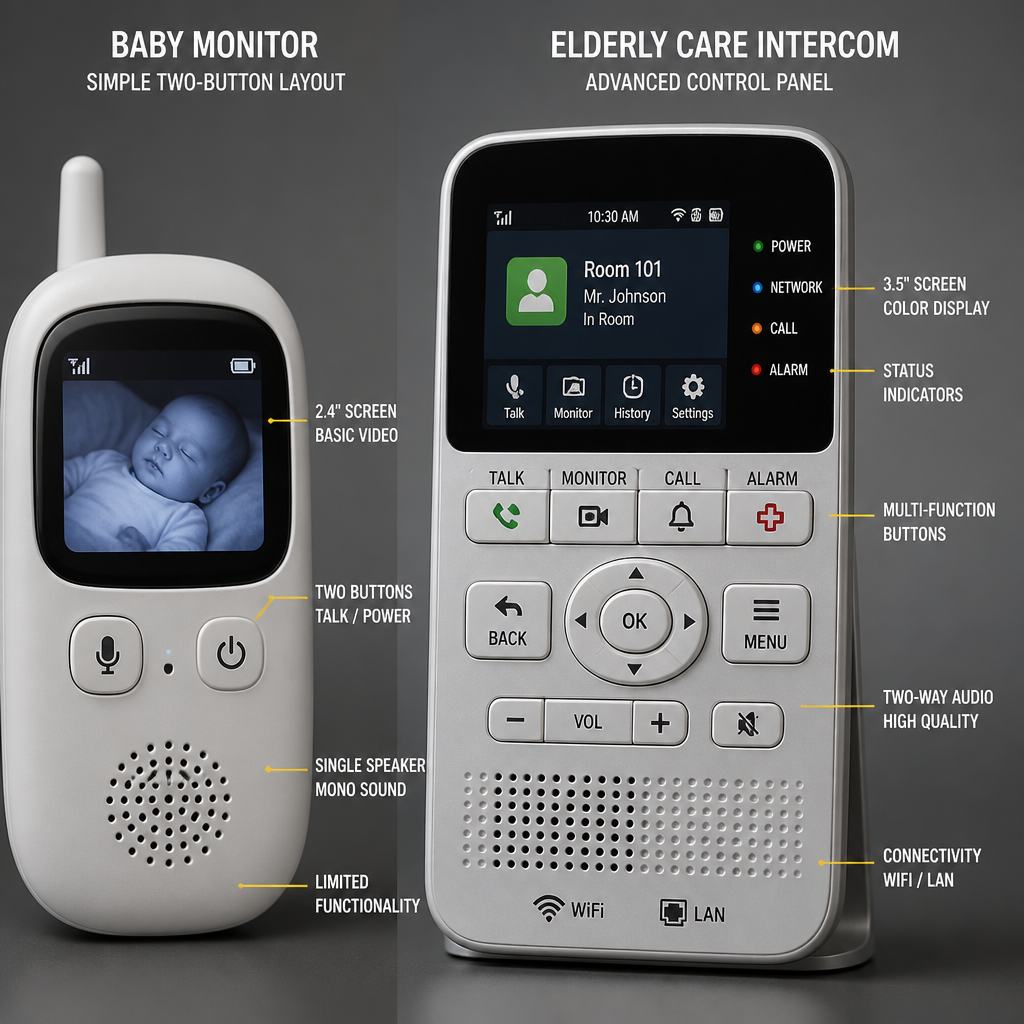
Standard baby monitor intercoms prioritize one-way or limited two-way audio, night vision for dark nurseries, and sound-activated display modes that light up the parent unit only when the baby makes noise. This last feature, often called VOX or sound-activation mode, conserves battery life and reduces distraction for the parent during quiet periods.
Temperature monitoring is also common in baby monitors, alerting parents when the nursery gets too warm or too cold. Two-way audio does appear in many baby monitors, letting a parent speak soothingly without entering the room. However, this is always initiated from the parent side, not from the baby.
Range and Signal Behavior Indoors
Most baby monitor intercoms are marketed with ranges between 600 and 1,200 feet in open-air conditions. In a real home with walls, floors, and appliances creating interference, that number drops significantly. A two-story home with thick walls might see effective range shrink to 150-200 feet. This is usually sufficient when the nursery is one or two rooms away from wherever the parent typically sits or sleeps.
Pro tip: When testing a baby monitor intercom indoors, walk the actual route between the baby’s room and the rooms where you spend the most time. Never trust the open-air range number on the box. Thick concrete or brick walls can cut effective range by more than half.
WiFi-connected baby monitors extend range indefinitely because they route audio and video through your home network rather than a direct radio signal. This sounds like an advantage until the router reboots at 2 a.m. during a firmware update or the network goes down during a storm. For light-sleeping parents who need reliable overnight coverage, a non-WiFi dedicated radio unit is often the more dependable choice.
What Elderly Monitor Systems Actually Do
An elderly monitor system, sometimes called a home care intercom or caregiver monitor, is designed around a very different assumption: the person being monitored is cognitively capable and should be able to initiate communication. This shifts the device architecture entirely. Instead of a passive camera in a room, a well-designed elderly monitor gives the senior a unit they can speak into and a button they can press when they need help.
The Call Button Advantage
Two-way communication initiated from the care recipient’s side is the single most important feature that separates elderly monitor systems from baby monitors. When a senior falls, feels unwell, or simply needs assistance, they can summon a caregiver without shouting or waiting to be checked on. This is not just a convenience feature. For someone with limited mobility or a fall risk, the ability to call for help independently can determine whether a medical event becomes a crisis.
Dedicated elderly monitors also commonly include SOS alert buttons, medication reminder alarms set at intervals the caregiver programs in advance, and pan-tilt-zoom camera controls so the caregiver can check on a senior without physically entering the room. These features have no analogue in baby monitor design because they address needs specific to adult care.
Privacy and Dignity in Elderly Care
A camera-only monitoring setup, where the senior is watched but cannot control the interaction, can feel dehumanizing to a cognitively aware person. A proper home care intercom gives the senior agency. They choose when to speak, when to press the call button, and when to request assistance. This distinction matters enormously for maintaining trust and cooperation from an elderly person who may already feel loss of independence in other areas of their life.
Pro tip: When setting up an elderly monitor in a senior’s bedroom or living area, position the call button unit within arm’s reach of where they sleep and where they typically sit during the day. Two locations are often necessary. A call button they cannot reach during a fall is useless.
Comparing Features Side by Side
The table below compares three common indoor monitoring approaches used in home care settings. Each represents a different level of functionality and a different cost and complexity tier.
| Feature | Baby Monitor Intercom | Dedicated Elderly Monitor System | Whole-Home Indoor Intercom System |
|---|---|---|---|
| Initiated by care recipient | No | Yes (call button, two-way audio) | Yes (any room unit) |
| SOS or emergency button | No | Yes | Depends on system |
| Medication reminders | No | Yes (on dedicated elderly units) | No |
| Night vision | Yes (standard) | Yes (on video models) | Depends on camera model |
| Temperature monitoring | Yes | Yes | No |
| Multi-room coverage | Limited (1-2 rooms) | Limited (1-2 units) | Yes (whole home) |
| WiFi dependency | Optional (some models) | Often none required | Varies |
| Ideal for | Infants, light monitoring | Seniors with mobility or health needs | Households with multiple care needs |
When a Baby Monitor Intercom Is the Right Call
A baby monitor intercom is the right tool for monitoring anyone who cannot or will not initiate communication: newborns, infants, toddlers, and, in some cases, individuals with advanced dementia who are no longer able to use a call button effectively. The one-way monitoring model works because the caregiver takes full responsibility for checking in.
Some caregivers also use baby monitors for a senior who is temporarily recovering from surgery and needs overnight monitoring without the complexity of a full care intercom setup. In that scenario, a baby monitor intercom provides straightforward audio and video coverage at a lower cost. The key qualifier is that the need is temporary and the senior does not need to initiate contact independently.
A common mistake is using a baby monitor long-term for an elderly person who is still cognitively sharp but physically limited. The person can hear the caregiver speak through the monitor but has no way to call back. That asymmetry is frustrating and, in an emergency, dangerous. The moment the care recipient needs any ability to initiate communication, the baby monitor intercom category becomes the wrong choice.
The right monitoring tool is one the person being monitored can actually use, not just one the caregiver finds convenient to operate.
When You Need a Dedicated Home Care Intercom
A dedicated home care intercom or elderly monitor system becomes necessary as soon as any of these conditions apply: the senior has a fall risk, takes regular medications that need reminders, is often alone in rooms the caregiver cannot see, or would benefit emotionally and practically from being able to call for help on their own terms.
Fall Risk and Emergency Response
For seniors with a documented fall risk, the SOS button on a dedicated elderly monitor system is a non-negotiable feature. Falls are one of the leading causes of serious injury among older adults at home, and the window between a fall and getting help matters medically. A person who has fallen and cannot get up needs to be able to alert someone immediately, without relying on a caregiver happening to check the monitor at the right moment.
Some dedicated elderly monitor systems include motion detection that alerts caregivers if the senior gets out of bed or leaves a designated room. This is particularly relevant for seniors with early-stage dementia who may be ambulatory but at risk of wandering.
Multi-Room Households and Larger Homes
When the caregiver and the senior live in different parts of a larger home, a single baby monitor unit is inadequate. Dedicated elderly intercoms with ranges of 300 to 500 feet indoors, or systems that communicate via a private radio channel rather than WiFi, provide reliable coverage across multiple floors and through walls without depending on a home network that can drop or slow down.
For property managers overseeing assisted living spaces or multi-unit residential buildings where caregivers serve several residents, a scalable indoor intercom infrastructure, rather than consumer-grade monitors, is the appropriate solution. This is an area where purpose-built intercom hardware significantly outperforms consumer monitoring products in durability, channel management, and reliability over time.
WiFi vs. Non-WiFi Intercoms for Home Care
WiFi-connected monitors offer remote access from anywhere with an internet connection. This is genuinely useful when a caregiver works outside the home and needs to check on a senior during the day via a smartphone app. Real-time alerts, remote pan-tilt-zoom control, and cloud recording are all features that depend on a WiFi connection.
The tradeoff is reliability. A WiFi-dependent monitor is only as dependable as the home network and the internet connection. If the router reboots, the ISP has an outage, or the app server experiences downtime, the monitoring connection breaks. For overnight care or for households without robust broadband, this is a meaningful vulnerability.
Non-WiFi units, which communicate directly between the care unit and the monitor on a dedicated radio frequency such as 2.4GHz DECT or a proprietary band, do not depend on any external infrastructure. They work as long as both units have power. They also avoid the privacy concerns associated with video feeds routed through cloud servers. For anyone who has concerns about a third party having access to video inside a home, a closed-system non-WiFi intercom is the more private choice.
Pro tip: In home care settings where the person being monitored cannot troubleshoot technology, always default to a non-WiFi intercom system. The caregiver will not always be available to reset a dropped connection, and the senior being monitored should never have to deal with a network problem to get help.
Upgrading to a Whole-Home Intercom Solution
When a household has both an infant and an elderly family member to care for, or when multiple seniors live in the same home or residential facility, a single baby monitor or elderly monitor system will not scale. A whole-home indoor intercom system, with fixed room units connected via a wired backbone or a reliable wireless mesh, provides coverage from every room and allows any unit to call any other unit.
This is particularly relevant for property managers overseeing apartments, assisted living facilities, or larger family homes where care responsibilities span multiple spaces. A purpose-built indoor intercom system from a specialist supplier handles simultaneous communication, multi-zone coverage, and integration with door entry and access control systems in ways that consumer-grade monitors cannot approach.
At UnikCCTV, the range of intercom systems covers everything from entry-level wireless units for single-family homes to structured multi-unit intercom solutions for larger residential and commercial buildings. For anyone managing a care environment where both safety and scalability matter, starting with purpose-built intercom hardware eliminates the patchwork of mismatched consumer devices that typically develops when needs grow over time. Paired with CCTV surveillance and access control systems, an indoor intercom becomes part of a coherent security and care infrastructure rather than a standalone gadget.
Frequently Asked Questions
Can I use a baby monitor intercom for an elderly parent?
You can use a baby monitor intercom for an elderly parent in a limited set of circumstances: when the monitoring need is temporary, when the senior does not need to initiate contact independently, or when advanced dementia means a call button would not be used. For any situation where the senior is cognitively aware and needs to call for help on their own, a dedicated elderly monitor or home care intercom is the more appropriate choice.
What is the most important feature in an elderly monitor system?
The call or SOS button is the most important feature in an elderly monitor system. It is what transforms a monitoring device into a communication device. Every other feature, from night vision to medication reminders, adds value, but the SOS button addresses the core safety need: allowing a senior to summon help immediately without depending on the caregiver checking in at the right moment.
How far does a home care intercom need to reach indoors?
For most single-family homes, an indoor range of 300 to 500 feet through walls and floors is adequate for reliable coverage. In practice, signal strength drops through dense building materials, so a unit rated for 500 feet outdoors may deliver 150 to 250 feet reliably through a multi-story home. For larger properties, facilities, or homes with thick masonry walls, a wired intercom system or a mesh wireless solution will outperform any single-channel consumer unit.
Do I need WiFi for a baby monitor intercom or elderly monitor system?
WiFi is optional, not required. Non-WiFi systems that operate on a dedicated radio frequency are often more reliable for home care use because they are not affected by network outages, router reboots, or app server problems. WiFi-connected monitors add the advantage of remote access via smartphone from outside the home, which is useful for caregivers who work away from home during the day. The right choice depends on whether remote access or maximum reliability matters more in your specific situation.
What is the difference between a baby monitor intercom and a whole-home intercom system?
A baby monitor intercom is a two-unit consumer device designed for one specific monitoring location. A whole-home intercom system uses multiple fixed units installed throughout a property, allowing any room to communicate with any other room. Whole-home systems are better suited to larger homes, multi-unit properties, or care environments where communication needs span several spaces. They also integrate more cleanly with door entry systems, access control, and CCTV infrastructure.
Is a dedicated elderly monitor system worth the extra cost compared to a baby monitor?
For anyone with an elderly parent or relative who has a fall risk, limited mobility, or takes regular medications, yes. The difference in cost between a basic baby monitor and a dedicated elderly monitor system is typically smaller than it appears, and the features you gain, specifically the SOS button, two-way audio initiated by the senior, and medication reminders, directly address safety needs that a baby monitor cannot meet. The higher cost of a wrong device choice is measured in response time during an emergency, not in purchase price.
Have you had experience choosing between a baby monitor, an elderly monitor, or a full indoor intercom system for home care? Share what worked (or did not) in your situation in the comments below.
References
- Complete guide to using baby monitors for elderly care and why WiFi-free monitors often work better
- In-depth comparison of baby monitors vs. dedicated elderly monitors for home care
- Analysis of whether a baby monitor can be used effectively for elderly care monitoring
- Guide to room-to-room intercom systems designed for elderly care settings
- Overview of monitoring device types for senior home care including intercoms and alert systems



 No products in the cart.