
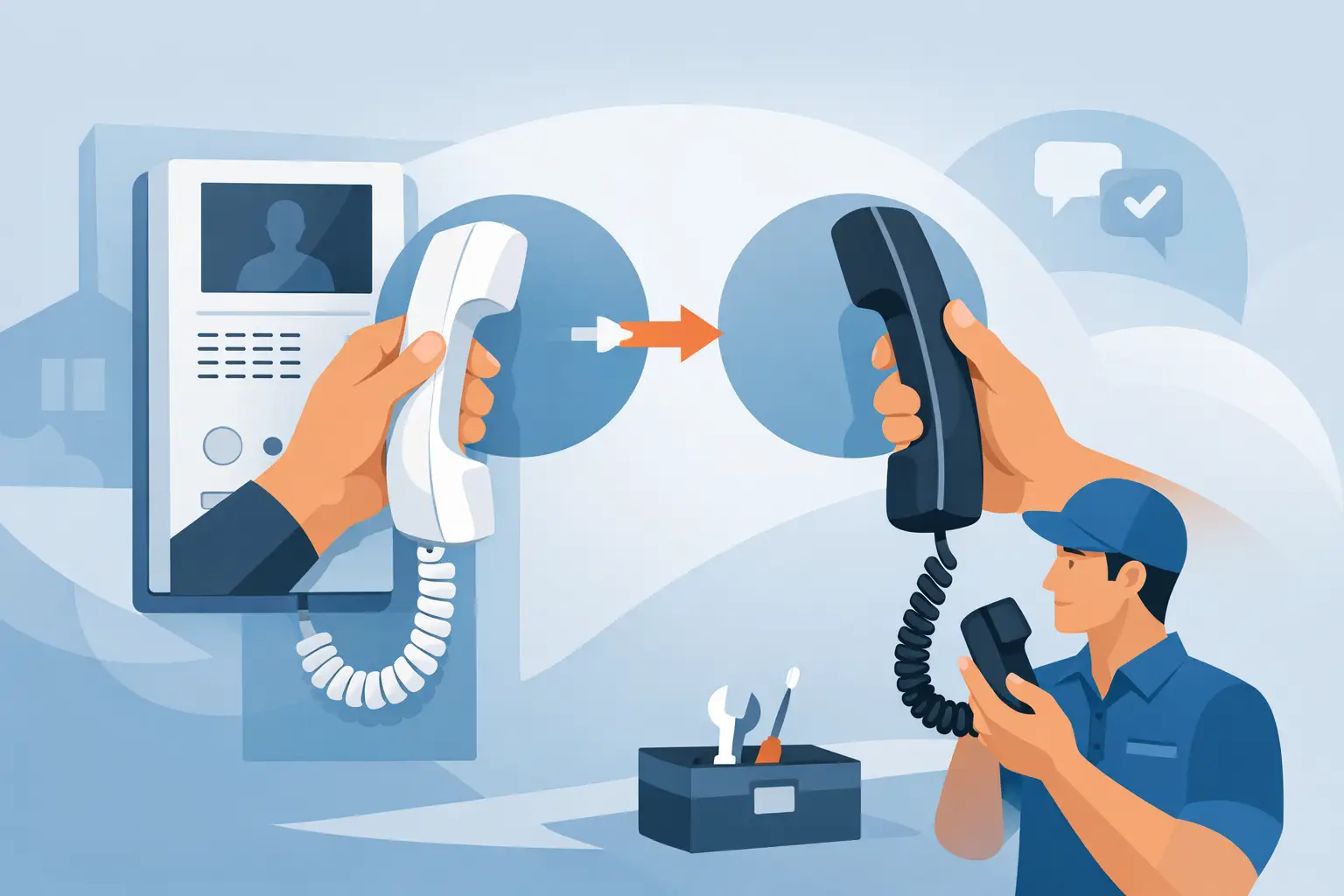
A failed apartment, office, or gate-station handset can look like a small service call until the replacement arrives and will not ring, release the door, or communicate with the existing system. A proper intercom handset replacement starts with identifying the system behind the wall, not simply matching the shape of the old receiver. For managed properties and professional installations, compatibility determines whether the repair is quick or becomes a larger system issue.
Handsets are only one component in an intercom installation. They may carry audio, call signals, video controls, door-release functions, privacy switches, and in some systems, digital communication on a proprietary bus. A replacement must match the system’s wiring method, electrical requirements, functions, and station programming. The good news is that many failures can be corrected without replacing entrance panels, power supplies, locks, or the complete building system – provided the right unit is selected first.
Start With the Existing Intercom System
The most reliable information is usually found on the existing handset, the entrance panel, power supply, or system controller. Record the manufacturer, model number, apartment or station number, and any markings on the terminal strip. A clear photo of the front, back, label, and wiring terminals can prevent an incorrect order and speed up technical review.
Do not assume that handsets with similar housings are interchangeable. Manufacturers often use a common enclosure across several product families while changing internal electronics, terminal assignments, or communication protocol. A handset designed for one generation of a system may fit physically on the wall bracket but fail to communicate with the entrance station.
For older buildings, the original model may no longer be in production. In that case, a current replacement may still be available, but it must be listed as a direct substitute or approved for the original system. If no direct replacement exists, the practical options are usually a compatible retrofit component, an upgrade kit for selected stations, or a full system conversion. The right choice depends on the condition of the existing wiring, the number of units, and the need for features such as video, mobile calling, or access control integration.
Check Compatibility Before Ordering a Replacement Handset
Compatibility is more than brand matching. A professional review should cover the type of system, wiring, functions, and location of the failed station.
Identify the wiring architecture
Traditional audio intercoms may use four, five, six, or more individual conductors. Some use a common wire with separate call wires for each apartment. Others operate on a two-wire bus, while IP intercoms use network cabling and may receive power through PoE or a separate supply.
Wire count is useful, but it is not conclusive. An eight-conductor cable may have spare pairs, and a two-wire system may be analog or digitally controlled. Inspect how many terminals are actually used and document each terminal label before disconnecting anything. Common labels can include call, common, speaker, microphone, door release, positive, negative, data, and ground, but labels are not standardized between manufacturers.
Match required functions
A basic audio handset may answer a call and operate an electric strike. A more advanced unit can include a second door-release button, a concierge call button, stairwell light control, volume adjustment, privacy mode, or video monitor controls. Replacing a multi-function station with a basic audio-only handset can leave the property without a critical feature.
For apartments and multi-tenant buildings, verify whether the handset uses a mechanical or electronic call signal. Some older systems use a buzzer, while newer systems may use an electronic chime, digital address, or programmed station ID. In an IP or bus-based system, the replacement may require configuration before it will respond to a call.
Confirm video and door-control requirements
Video intercom handsets and monitors need additional compatibility checks. Screen size is less important than video format, bus protocol, power requirements, and the ability to communicate with the existing door station. A monitor may display video from one product line but not support its door-release relay or secondary entrance function.
The same caution applies to door release. If the handset controls an electric strike, magnetic lock, gate operator, or access-control relay, confirm which device actually supplies the release voltage and where the relay is located. The handset button may only send a signal to a central controller. Moving wires based on assumptions can damage a station, power supply, or lock interface.
A Field Process That Avoids Repeat Service Calls
Before removing the old handset, test the system from the entrance panel and document the exact symptom. Is there no ring at the unit? Does the caller hear audio but the resident does not? Does the handset work but the door button fail? A targeted diagnosis helps distinguish a handset failure from a problem with the cable, entrance station, power supply, lock, or programming.
Turn off power where the manufacturer requires it, especially on systems with exposed low-voltage terminals or shared building power supplies. Label each conductor before removing it. If terminal markings are unclear, take photos that show both the wire position and the terminal strip. This is especially valuable in older properties where wire colors may not match any standard and previous repairs may have changed the original arrangement.
Mount the replacement handset or monitor according to its specified bracket and terminal layout. Do not force an old mounting plate to accept a new station unless the manufacturer confirms compatibility. A loose handset can cause poor hook-switch operation, intermittent calls, or damaged terminals over time.
After installation, test more than a single call. Confirm call signaling, two-way audio in both directions, door release, secondary door functions, video if applicable, privacy or mute controls, and station identification. At a multi-unit property, also verify that calling the repaired unit does not ring another tenant station. Cross-calls commonly point to incorrect terminal placement, address settings, or a wiring issue that existed before the handset was changed.
When Replacing One Handset Is Not the Best Fix
A one-for-one intercom handset replacement is usually the most economical repair when the system is supported, wiring is sound, and only one or two stations have failed. It is often the right decision for a small office, a single-family residence, or an apartment building where the existing system still meets operational needs.
Replacement becomes less attractive when failures are recurring across multiple units, entrance panels are degraded, replacement parts are no longer available, or the property needs capabilities the current system cannot provide. Examples include video verification, credential-based access, multiple entry points, remote management, tenant directories, gate integration, or event reporting.
For a larger property, compare the cost of repeated spot repairs with a planned modernization. The material cost of a handset may be modest, but repeated truck rolls, tenant scheduling, and intermittent faults can make an aging system expensive to maintain. That does not mean every old system should be removed. A properly functioning conventional intercom can remain a dependable solution when its purpose is straightforward communication and controlled entry.
Information to Have Ready for Technical Support
Good technical guidance depends on accurate details. Before requesting a quote or replacement recommendation, have the manufacturer and model information, photos of the handset and terminals, number of wires in use, system age if known, number of doors and stations, and a description of the failed functions. For video or access-controlled doors, identify the entrance panel, power supply, lock type, and any controller connected to the system.
Installers should also note whether the job is an occupied apartment, commercial tenant space, school entry, gate location, or industrial facility. Service access, weather exposure, wiring distance, and required door behavior can affect the correct equipment choice. A handset inside a conditioned office has different requirements from a station serving an exterior gate or a frequently used warehouse entry.
UnikCCTV helps buyers evaluate professional intercom components in the context of the complete entry system, including door hardware and supporting access-control equipment. For a direct replacement, clear identification and field documentation are usually the fastest path to the right part.
A replacement handset should restore dependable communication without creating a new door-control problem. Take the extra time to verify the system family, terminals, and functions before ordering. That careful check protects the installation, reduces return visits, and keeps residents, staff, and visitors connected to the entry point that matters.



 No products in the cart.