
A missed credential at a busy entry point is more than an inconvenience. In an apartment lobby, school office, or small commercial building, it slows traffic, creates work for staff, and often leads to improvised access habits that weaken security. Face recognition door locks are getting attention because they remove cards, codes, and keys from that equation, but the real question is whether they fit the site, the traffic pattern, and the rest of the hardware already in place.
For some properties, they solve a real operational problem. For others, they add cost without enough benefit. The difference usually comes down to how the door is used, who needs access, and whether the system is being selected as part of a professional access-control setup rather than as a standalone gadget.
What face recognition door locks actually do
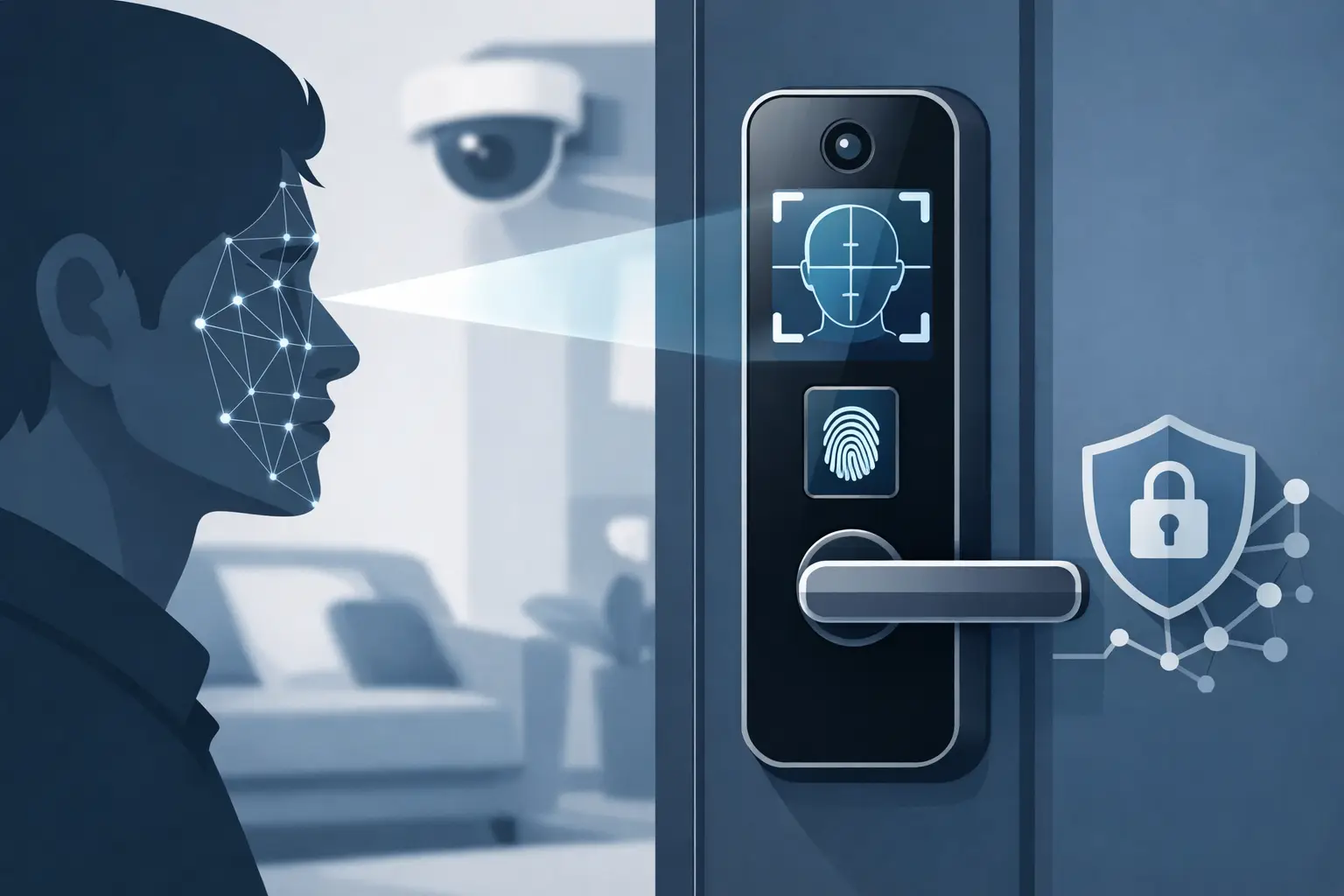
At the hardware level, face recognition door locks use a camera and matching software to compare a live face to stored user templates. If the match passes the configured threshold, the lock or connected controller grants entry. Depending on the model, the lock may work as a self-contained device on a single opening or as a credential reader tied into a broader access-control system.
That distinction matters. A self-contained unit may be suitable for a small office, private room, or limited-user application where convenience is the main priority. In a larger deployment, installers and property managers usually need more than local enrollment and a basic audit trail. They need centralized user management, door schedules, integration with electric strikes or magnetic locks, request-to-exit devices, and sometimes intercom or video verification at the same entrance.
Face recognition is also not one single technology category. Some units rely on basic visible-light imaging, while better commercial-grade options use infrared sensing, anti-spoofing measures, or depth analysis to reduce false acceptance from photos or screens. That is one reason specification sheets deserve close attention. Two products may look similar from the outside and behave very differently in the field.
Where face recognition door locks make the most sense
The strongest use case is usually a controlled entrance with repeat users. Staff doors, private offices, managed residential entries, and selected interior doors can benefit when the site wants fast hands-free access and wants to reduce dependence on badges or PINs. In these settings, the user base is known, enrollment can be managed properly, and the convenience gain is easy to measure.
They can also work well where hygiene or hands-busy movement matters. A clinic back office, light industrial area, or delivery entrance may benefit if users regularly approach with gloves, boxes, or tools. In those conditions, removing the need to present a credential can improve traffic flow.
The fit becomes less obvious at public-facing entrances with highly variable lighting, heavy throughput, or frequent first-time visitors. A front entrance that handles deliveries, guests, temporary staff, and service vendors often still needs an intercom, directory, remote release, or mobile credential path. Face recognition may help for authorized personnel, but it rarely replaces the full entry workflow on its own.
The trade-offs buyers should evaluate first
The biggest mistake is treating face recognition like a universal upgrade. It is a specialized credential method, and like any credential method, it has strengths and limitations.
Accuracy is the first issue. Performance depends on camera quality, enrollment quality, ambient light, mounting height, face angle, and user behavior. A unit installed at the wrong height on a sun-exposed glass vestibule may underperform even if the product is technically capable. Commercial buyers should ask how the device handles low light, backlighting, hats, glasses, and attempted spoofing.
Environmental conditions matter just as much. Exterior doors in the Midwest do not behave like interior office openings. Cold weather, rain, direct sunlight, dust, and temperature swings can all affect reader and lock performance. If the opening is truly exterior, the housing rating, operating temperature, and weather protection need to be reviewed along with the door hardware itself.
Then there is the user management side. Face data enrollment has to be controlled. If staff turnover is frequent, or if multiple managers need access privileges updated across several openings, a local-only lock can become hard to manage. In those cases, a system with centralized administration is usually the better path.
Privacy and policy are also part of the decision, especially in schools, workplaces, and multi-tenant environments. Even when the hardware performs well, ownership should decide how biometric templates are stored, who can enroll users, how deletions are handled, and what fallback credential is available if the reader does not grant access.
Face recognition door locks and the rest of the door
A reader is only one part of the opening. The door, frame, closer, latch, power supply, release hardware, and life-safety requirements still control whether the system works reliably.
This is where experienced buyers and installers tend to separate from casual shoppers. If the door has alignment issues, weak power planning, or incompatible lock hardware, adding facial recognition does not fix the opening. It just adds another component to troubleshoot.
For a narrow stile aluminum storefront, hardware selection may be driven by profile limits and power transfer constraints. For a hollow metal commercial opening, the decision may center on whether to use an electrified lockset, electric strike, or maglock with proper egress devices. For multifamily or mixed-use entries, the facial reader may need to coexist with an intercom, keypad, card reader, or remote management platform.
That is why many deployments work best when face recognition is viewed as one credential option inside a complete access-control plan, not as a replacement for every other method.
Integration matters more than the feature list
A long feature list can look impressive, but the practical value usually comes from integration. Can the lock communicate with the existing controller or management software? Does it support the door schedule the building needs? Can it trigger events, produce usable logs, and work with remote administration? Is there a reliable way to handle visitors, temporary users, and after-hours exceptions?
In commercial and managed-property environments, fallback options are especially important. Even a well-installed biometric reader should not be the only path into a critical area. Card, PIN, mobile credential, mechanical override, or remote release may still be needed depending on the opening and occupancy.
Installers should also review power and network requirements early. Some units are battery-operated and intended for light-duty standalone use. Others require low-voltage power, network connectivity, and coordination with electric locking hardware. The labor, cable path, and support requirements can vary a lot between those two categories.
How to choose the right model for the site
Start with the opening, not the technology. Is this an interior office door, a gated pedestrian entrance, a school administration entry, or a small multifamily vestibule? The answer defines duty cycle, code requirements, weather exposure, and the likely need for other credentials.
Next, look at the user population. A stable staff roster is easier to manage than rotating contractors or seasonal personnel. If enrollment changes weekly, software and admin workflow matter as much as the reader itself.
Then evaluate the door hardware and infrastructure already in place. A buyer who already has compatible access-control equipment may be better served by adding a facial recognition reader to that system rather than replacing the entire lock. On a single opening with no existing infrastructure, a standalone model may be enough if the traffic is light and expectations are realistic.
It also helps to decide what problem the device is solving. If the issue is lost credentials, there may be a strong case for biometrics. If the issue is remote visitor management, an intercom-based solution may do more. If the issue is securing multiple doors across a property, centralized access control may deliver more value than putting a biometric lock on one entrance.
For buyers who need installation-ready guidance rather than consumer-grade shortcuts, a specialized distributor such as UnikCCTV can help narrow the options based on door type, application, and hardware compatibility.
When face recognition is worth it
Face recognition is worth serious consideration when a property has a defined user group, wants faster credential-free access, and is willing to install and manage the hardware as part of a proper entry system. In those conditions, it can reduce friction at the door and improve day-to-day operation.
It is less compelling when it is being used to compensate for poor door planning, unclear access policy, or a public entrance with too many unknown users. In those cases, the better investment may be in stronger access control, better intercom coverage, or upgraded locking hardware.
The best results come from matching the reader to the opening, the software to the operation, and the lock hardware to the door. If the product is chosen with those three points in mind, face recognition can be a practical tool instead of a flashy one.


 No products in the cart.